Tom's Guide Verdict
The DJI Neo 2 is the best budget drone on the market right now, upstaging its predecessor in every way and doing so at (still) a low price point. Featuring 4K/60fps video, omnidirectional obstacle avoidance, bigger internal storage, Gesture Control, and more, it makes an already formidable drone a must-have for all pilots. Although its battery life is far from ideal and there's no MicroSD slot (internal storage is 49GB), the Neo 2 is still a fantastic drone. Compact and lightweight, DJI’s latest quadcopter packs power and quality in spades.
Reasons to buy
- +
Improved camera performance with 4K/60fps video
- +
Now with omnidirectional obstacle avoidance
- +
Still easy-as-pie to fly
- +
Bigger internal storage
- +
Impressive tracking and gesture controls
Reasons to avoid
- -
Battery life still not the best
- -
No MicroSD slot
Why you can trust Tom's Guide Our writers and editors spend hours analyzing and reviewing products, services, and apps to help find what's best for you. Find out more about how we test, analyze, and rate.
DJI continues to set new standards with every drone it releases, and the latest to join that lineup is the DJI Neo 2, successor to the one-year-old Neo. When I reviewed the Neo, I absolutely adored the little drone that could, and I have been flying it for more than a year now. I didn’t think DJI could pack even more cutting-edge technology into such a tiny drone, and yet it did.
The Neo 2 improves on its predecessor in nearly every way. It more-than-doubles the internal storage to 49GB, introduces 4K/60fps video, a two-axis mechanical gimbal, omnidirectional obstacle avoidance, gesture control, stronger wind resistance, and more. It retains the Neo’s best features, such as the impressive tracking, and delivers the quintessential flying experience for beginner pilots on a budget.
Is it one of the best drones right now? Without a doubt. For the complete breakdown, read my full DJI Neo 2 review.

I’m a licensed drone pilot based in the U.K., and as part of the reviews team, I put drones through their paces by analyzing features and image/video quality, and pushing battery life to the limit to answer the age old question: 'is it worth your money?' You can follow me on Instagram.
DJI Neo 2 review: Specs
Specs |
DJI Neo 2 |
|---|---|
Price |
|
Flight time |
19 minutes |
FAA/CAA registration |
Not required |
Cameras |
One |
Image sensor |
12MP 1/2-inch CMOS |
ISO |
100-12,800 (Stills) | 100-12,800 (Video) |
Shutter speed |
1/8000-1/10s (Stills) | 1/8,000s-1/30s (Video) |
Aperture |
f/2.2 |
Focus |
0.7m to ∞ |
Max video resolution |
4K/60fps, 4K/100fps, 2.7K/60fps, FHD/100fps |
Stabilization |
Two-axis mechanical gimbal |
Indoor use |
Yes |
Propellers |
Four with propeller guards |
Max takeoff altitude |
2000m |
Max flight distance |
4.34 miles (7km) |
Navigation system |
GPS, Galileo, BeiDou |
Collision avoidance |
Omnidirectional with forward-facing LiDAR |
Smartphone control |
Yes |
Internal storage |
Yes, 49GB |
microSD card slot |
No |
Size |
6.73 x 6.57 x 2.12 inches (with propeller guards and Digital Transceiver) | 6.73 x 5.78 x 1.61 inches (without Digital Transceiver) |
Weight |
5.64oz (160g) with Digital Transceiver | 5.32oz (151g) without Digital Transceiver |
DJI Neo 2 review: Cheat sheet
- What is it? The successor to 2024's DJI Neo
- Who is it for? Beginner photographers looking for an easy-to-fly or selfie drone, and one that doesn’t break the bank
- How much does it cost? The DJI Neo 2 starts at $319 / £209
- What do we like? Improved camera performance and 4K/60fps video, bigger internal storage, impressive tracking and gesture controls, and omnidirectional obstacle avoidance
- What don’t we like? Battery life isn't the best and there's no MicroSD slot for expanding storage
DJI Neo 2 review: Price & availability

Launched on November 13, 2025, the DJI Neo 2 succeeds the DJI Neo which came out in September 2024. Priced a little higher than its predecessor, the Neo 2 starts at $319 / £209 for just the drone, with the Fly More Combo retailing for $419 / £289 — this bundle includes two Intelligent Flight Batteries and a two-way charging hub. There’s also a Motion Fly More Combo which costs $709 / £509 and includes the DJI Goggles N3 and a DJI RC Motion 3 controller.
The Neo 2 is the most budget-friendly selfie drone on the market right now, undercutting the HoverAir X1 ($329) and the HoverAir X1 Pro ($499) — and it outdoes both of them when it comes to performance.

You’ll notice that the U.S. prices are much higher than the U.K. prices. This is due to U.S. trade tariffs. Also, at the time of writing, DJI is facing federal issues in the U.S., meaning the Neo 2 isn’t officially supported in the States.
The Neo 2 is available in the U.S., but you can't buy it directly from DJI's website as the manufacturer doesn't currently support the product in the States. However, like the DJI Mini 5 Pro and the DJI Mavic 4 Pro, which became available to buy through Amazon, Best Buy, Walmart, etc after launch, the Neo 2 is also available in the U.S. through third parties.
So, Americans can still get their hands on a Neo 2. What then? The bigger issue of DJI not officially marketing the product in the U.S. is lack of both short- and long-term support. As with other DJI products in the U.S. right now, you can't buy a DJI care plan for the Neo 2 — so what happens if it breaks? We also can’t guarantee that the DJI Fly app will continue work in the U.S. so American pilots should be cautious when buying the Neo 2.
We've yet to see an outcome in DJI's federal woes, but if this is enough to put you off buying the Neo 2, you can check out the original Neo, which is still supported officially by DJI in the U.S., or the HoverAir X1 if you want to be free of DJI's baggage entirely.
DJI Neo 2 review: Design

The DJI Neo 2 looks like the Neo all grown up. Now wrapped in dark grey colors just like the DJI Mini 5 Pro, the DJI Air 3S and the DJI Mavic 4 Pro, it looks great and more premium — and I love this design choice DJI has made.
One of the biggest differences between the Neo and the Neo 2 lies in the Digital Transceiver on the latter, which comes pre-installed on certain versions of the drone. This, basically, allows the Neo 2 to connect to different DJI accessories, such as the DJI RC-N3 controller and the DJI Goggles N3. You don’t necessarily need the Digital Transceiver, though, as without it, the Neo 2 can be flown via a smartphone or controller-free via the buttons on its body.

Although the colors have changed and a new device has been added, the Neo 2 retains the Neo’s sub-250g weight and small size. The Neo 2 measures 6.73 x 6.57 x 2.12 inches with the Digital Transceiver or 6.73 x 5.78 x 1.61 inches without it. Because of the inclusion of a two-axis mechanical gimbal (versus one-axis on the Neo), a bigger battery and more sensors for obstacle avoidance, the Neo 2 weighs 5.64oz (with Digital Transceiver) or 5.32oz (without Digital Transceiver). While it’s a little heavier than the Neo, its sub-250g weight means you don’t need to register the drone with the F.A.A. in the U.S. or the C.A.A. in the U.K.
Build quality is sublime as always, and I’d expect nothing less from DJI. Even though the drone is tiny and lightweight, tapping on its body with my fingernails didn’t make its inside sound hollow, so rest assured that you’re getting bang for your buck.
DJI Neo 2 review: Controls

Similar to the first-gen model, the DJI Neo 2 can be flown hands-free and controller-free, so you don’t need to worry about spending more money on the DJI RC-N3 or DJI RC-2 controllers. Heck, you don’t even really need your smartphone for it! This is thanks to the three buttons on its body.
On the top, next to the camera, is the power button. On its side, you’ll find a pair of buttons, one of which serves as the takeoff button and the other lets you swap between different QuickShot Intelligent Flight modes, such as Follow, Circle, Rocket, etc., and holding the button lets you change the flying parameters too. This means that you can choose the flying distance and angle (wide, close, high).

All the buttons are easy to reach and press, and they give good tactile feedback when pressed. I thoroughly appreciate the addition of the third button to the Neo 2, as this meant that I didn’t need to pull out my phone to fire up the DJI Fly app and change settings through it. Hands-free flying has never felt better.

But of course, you can change the settings but how do you know which settings you’ve actually changed or selected? After all, you couldn’t do this on the Neo and the only way to know which QuickShot you’d selected was via the voice assistant telling you so or the LED lamps. Well, this is where my favorite upgrade to the Neo 2 comes into play: its tiny screen located next to the gimbal.
The screen displays all the settings you’ve adjusted and the QuickShot mode, displayed in bright black and white colors. I found it easy to read in nearly every lighting condition, whether that was in bright sunlight, in the dark, or on an overcast day.
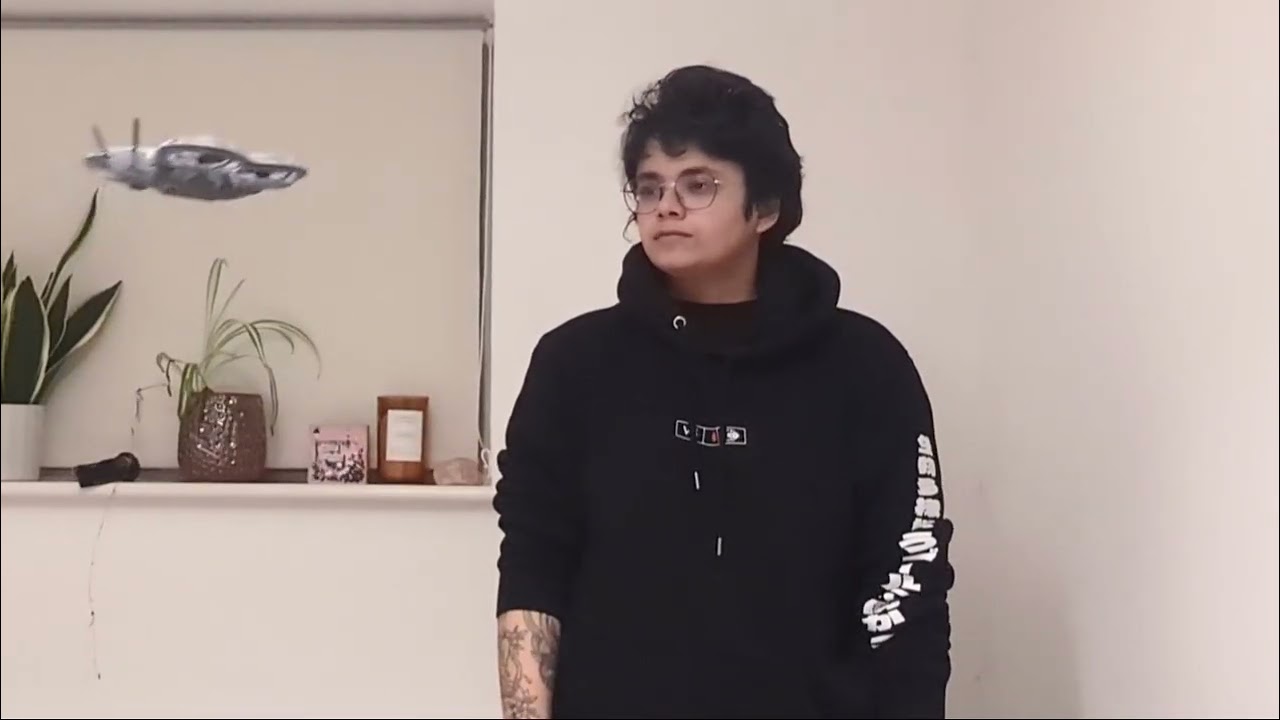
And of course, the Neo 2 retains the Neo’s palm takeoff and landing technology, so if you place your hand under the Neo 2, it will land in your palm, making it very convenient and negating the need for a stable, rock-free surface.
DJI Neo 2 review: Features

Although the DJI Neo was a fantastic drone packed full of features ideal for beginner shooters, the DJI Neo 2 has improved on them, making it the best budget drone you can buy today.
Flight distance has remained the same (7 miles on both drones), but internal storage has more than doubled on the Neo 2. Instead of just 22GB on the Neo, the Neo 2 now features 49GB of internal storage.
This, however, comes at a major cost: there’s no microSD card slot to expand the storage anymore. Footage can fairly quickly be offloaded via the DJI Fly app, and transfer speeds have been amped up to 80mbps (versus 25mbps on the Neo), so you can transfer a decent amount of 4K/60fps video in under 10 minutes. But that's downtime you simply wouldn't need to take if you were able to keep switching out MicroSD cards.
Gimbal

The Neo featured a single-axis mechanical gimbal, which meant that even the slightest control movements would gravely affect the stability of the footage. The Neo 2, on the other hand, features an upgraded two-axis mechanical gimbal for tilting and rolling. This, when combined with the RockSteady electronic image stabilization (present on many DJI drones and action cameras), results in more stable footage and enables the Neo 2 to keep the horizon level while shooting.
Pricier drones usually feature three-axis mechanical gimbals which give you even more stability and creative freedom by allowing you to pan, tilt and roll — but like I said, they cost more. You’ll need to consider the DJI Flip ($439) or the Potensic Atom 2 ($329) if that’s a must-have for you.
Wind resistance

The Neo 2’s ability to resist strong winds has received an upgrade over its predecessor too. While the Neo could resist winds up to 8 m/s or 17.9mph (level 4), the Neo 2 takes it up a notch and can resist winds up to 10.7 m/s or 23.9mph (level 5). In my testing, the drone remained stable in very windy conditions, as my phone app noted that on one occasion, the wind speed was 15mph!
But keep in mind that because the Neo 2 is so lightweight, it is still susceptible to strong and sudden gusts of wind — just like the Neo. I recommend always keeping an eye on the drone when you’re flying it, and ensuring you don’t fly it too high to save it from gusts (at least when it’s extremely windy and unpredictable).
This is the same level of wind resistance you’ll find on pricier drones, such as the DJI Flip, the DJI Mini 4 Pro ($759), and the Potensic Atom 2, so it’s commendable that DJI has packed the same tech into the Neo 2.
Obstacle avoidance

One of my main criticisms of the Neo rested in the fact that it did not feature any form of obstacle avoidance — which, back then, didn’t feel like a major drawback considering the drone cost just $199. Imagine my surprise when I found out that the Neo 2 features omnidirectional obstacle avoidance powered by forward-facing LiDAR and a downward infrared sensing system. This massively reduces the likelihood of potential crashes.
In my testing, the Neo 2 easily bypassed obstacles, such as trees and branches. It’s important to note that obstacle avoidance doesn’t work when using QuickShot modes, but the Neo 2’s propeller guards act as bumpers and protect the drone in case it flies into an object.
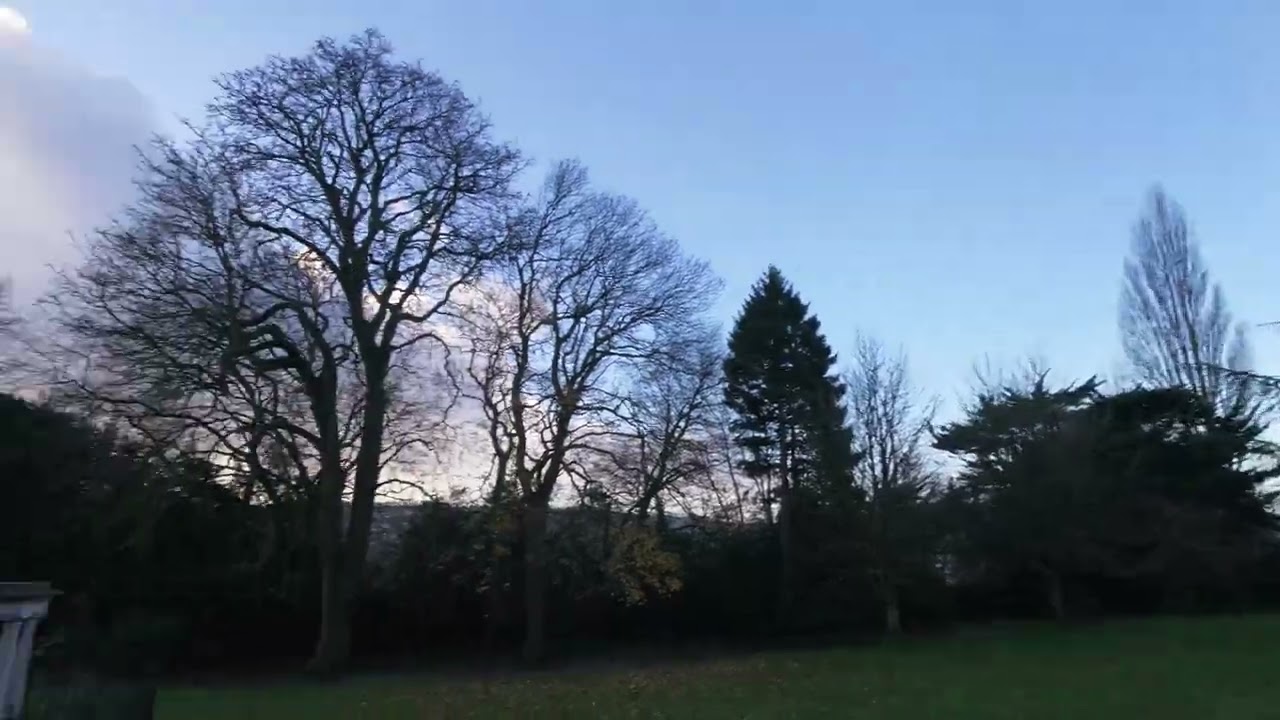
In the video above, you can see the drone bypass the massive tree. And although it looks like it’s stuck in the tree branches, it slowly gathers its bearings and makes its way past them. Omnidirectional obstacle avoidance will be especially useful when flying the drone through the DJI Goggles N3 FPV headset as it’ll enable you to move the Neo 2 more freely, and I can’t wait to try that.
The Neo 2’s return-to-home feature is also more refined now that it can avoid obstacles on its way back to you. You can either hit the RTH button on the RC-N3 controller or tap on it in the DJI Fly app, and the drone will promptly return to its last takeoff position when it’s low on battery too.
DJI Neo 2 review: Image quality

Unlike its more advanced family members, the DJI Neo 2 isn’t a professional drone camera, per se. It packs enough imaging prowess to suffice the needs of beginner or casual drone pilots. Featuring the same 1/2-inch CMOS sensor as its predecessor, the Neo 2 can capture 12MP images, and while that number might not sound like a lot, remember that 4K only needs around 8MP of resolution. It packs enough detail for sharing stills and video to social media.
The 119.8° field of view (16.5mm full frame equivalent) is wide and doesn’t add much corner distortion, making the Neo 2 great for capturing landscapes. Aperture is fixed at f/2.2 (versus f/2.8 on the Neo) and the drone has an ISO range of 100-12,800, resulting in slightly improved low-light performance. You can also adjust the Neo 2’s shutter speed (1/8000-1/10s) when using the DJI Fly app, giving manual shooters more control.


Images taken on the Neo 2 turn out well and detailed, as you can see in the shots of the Royal Crescent, Bath, U.K. above. The details in the historical building look great as you can clearly see each individual window pane. I love the look of the blue sky and clouds (captured right after it had rained) too, as well as the lush green grass.


The Neo 2 features plenty of QuickShot Intelligent Flight Modes (more on that soon), and one of them is SelfieShot. Through the DJI app, you can select the number of photos you want the drone to capture and the angle (medium, high, wide, etc.). The drone will then take the photos before returning to its takeoff position.
I tried this out with a few different angles, as you can see in the gallery above, and I love the results. This is a fantastic feature to have not just for selfies, but for group shots too.
Another reason why the Neo 2 isn’t as serious of a camera drone as, say, the DJI Flip or the DJI Mini 5 Pro, is because you can’t shoot RAW photos for more freedom in post-production, and ND filters can’t be attached to the lens either. Oh, and there are no color profiles to choose from except for the Standard one. I will say, though, these are not major flaws. Given that the Neo 2 doesn’t cost a lot, these are sacrifices I’m willing to make for the price of admission.
DJI Neo 2 review: Video quality

When I tested the DJI Neo, it didn’t give me much to complain about when it came to its video quality. 4K/30fps felt more than enough, given the size and price of the drone. The Neo 2 can now shoot 4K/60fps, 2.7K/60fps, and 4K/100fps or FHD/100fps slow-mo footage, so it really doesn’t give you much to moan about.
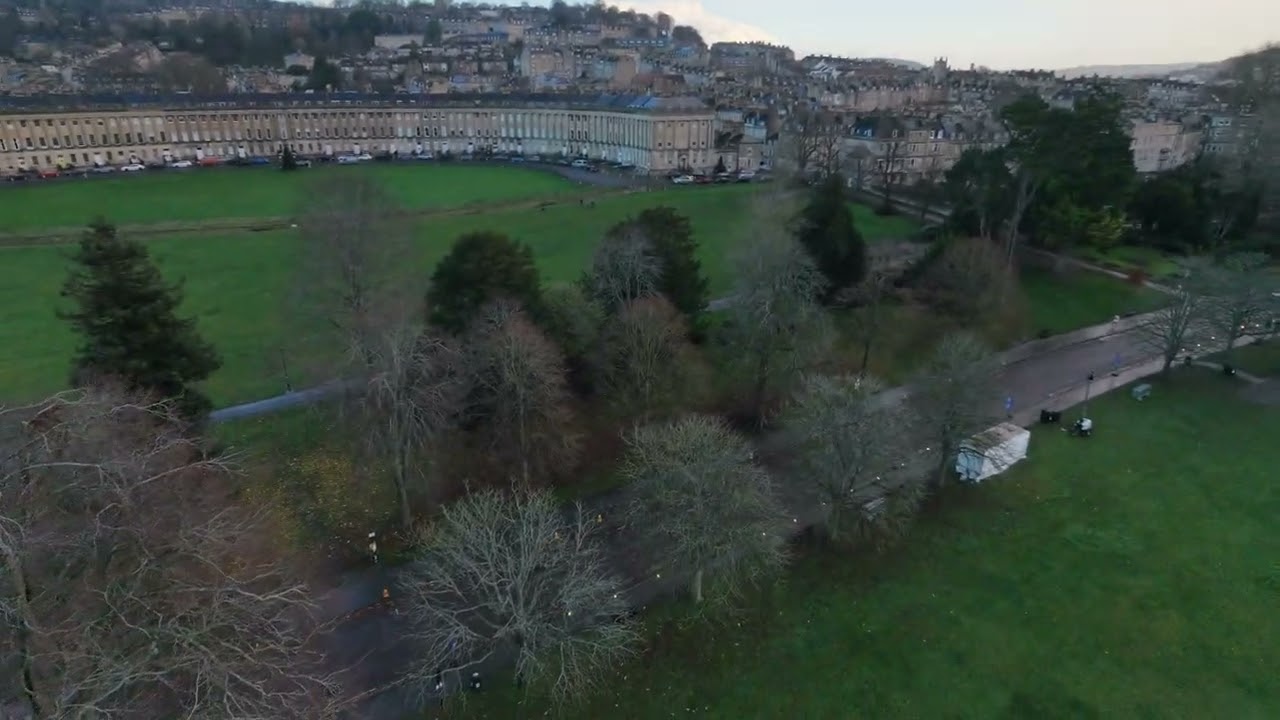
4K/60fps footage looks lovely with vivid colors and plenty of detail, as you can see above. Whether you’re panning or ascending and descending, the movement appears smooth and stable, thanks to the two-axis mechanical gimbal. It trumps the Neo’s 4K/30fps footage in every way.

The Neo 2 is also capable of shooting 2.7K/60fps footage in the 9x16 format, making it ideal for those who want to share their videos on Instagram Reels and Stories, TikTok or YouTube Shorts. This is something that wasn’t present on the Neo so it’s a welcome addition. It’s still not ‘true’ vertical video as the Neo 2 doesn’t feature a rotating gimbal like on the DJI Mini 5 Pro, but it’s still impressive. You can see what this footage looks like above.
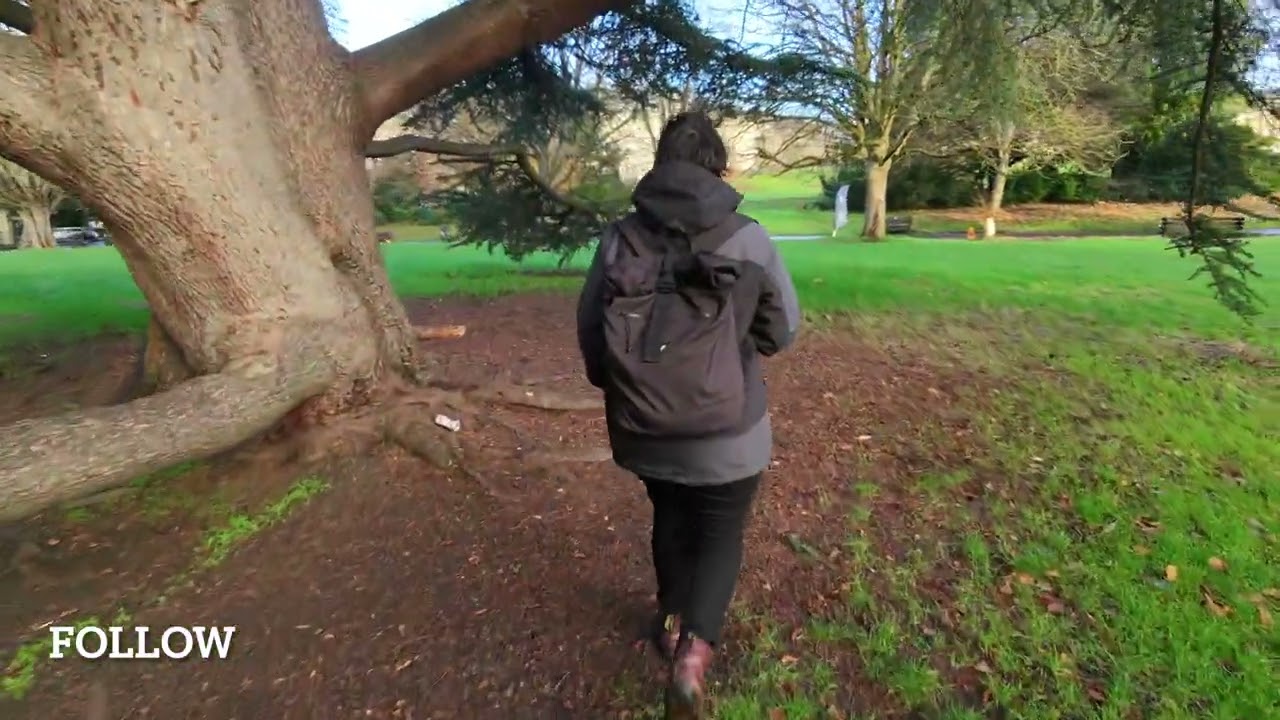
The Neo 2 is, first and foremost, a selfie drone. To that effect, its array of QuickShot Intelligent Flight modes is its biggest selling point. These AI-powered modes lock on to you (or your preferred subject) and record short-form videos before returning to the takeoff point.
The Neo 2 features many QuickShot modes, including but not limited to Follow, Cycling Follow, Skiing Follow, SelfieShot, Dolly Zoom, Dronie, Circle, Rocket, Spotlight, Helix, and Boomerang. They’re all fantastic and can be used depending on your shooting requirements. You can see a few examples in the compilation above. I love playing with QuickShot modes and I can almost guarantee that other pilots will too.
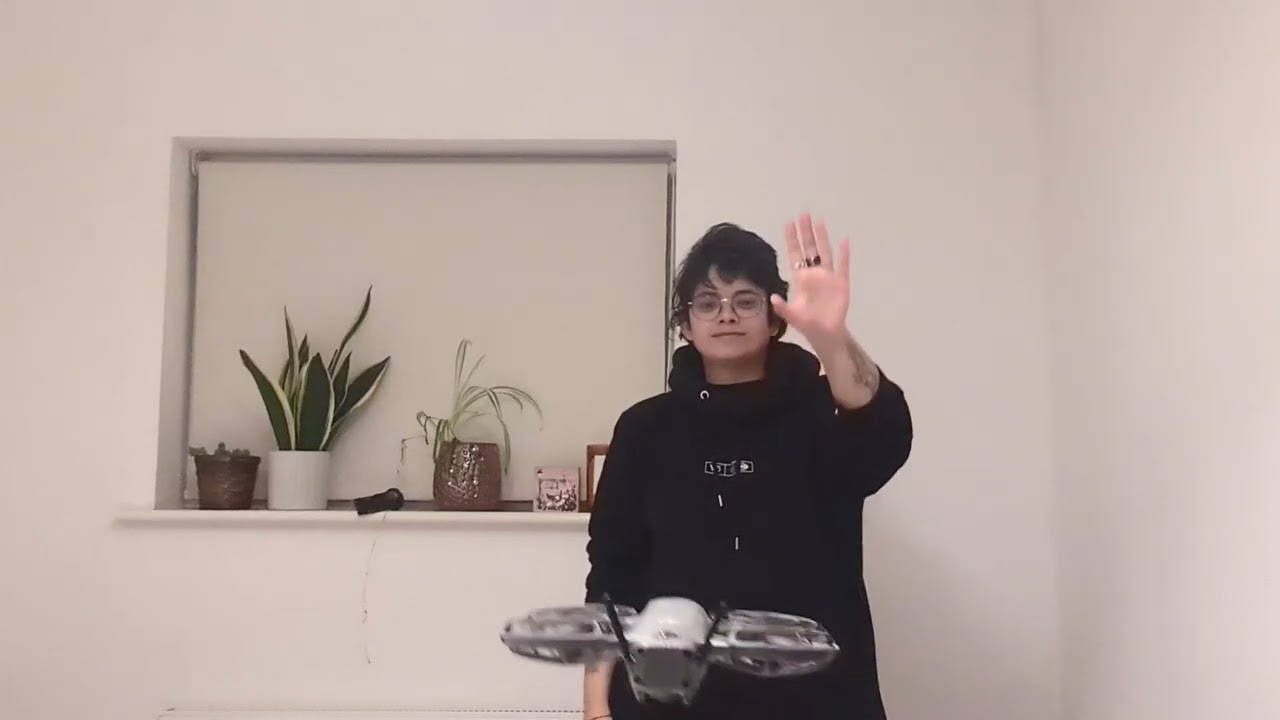
Another thing I want to elaborate on is the Neo 2’s Gesture Control, which made me feel like a Jedi Master, as you can see in the clip above. You must enable this feature via the DJI Fly app, and the app will even give you a quick tutorial on how to control the drone with your hands.
Your palm must face the drone, and a dark blue LED lamp will light up to indicate the Neo 2 is registering your commands. You can then use your palm to move the drone up, down, and side to side, and you can use both palms to either pull the drone closer or push it away. It worked extremely well in my testing, as you can see in the video above, and I thoroughly enjoyed testing this feature. This is what true hands-free flying looks like.
DJI Neo 2 review: Battery life

There isn’t a huge difference between the DJI Neo 2’s and the DJI Neo’s flight times, but the former has received a very minor bump. The Neo 2 can fly for up to 19 minutes between charges (versus 18 minutes on the Neo) — barely any difference, really. The flight time will, of course, vary depending on the flight and environmental conditions.
To test the battery, I flew the Neo 2 indoors, in a windless environment, and the drone promptly returned to home after hovering for approximately 20 minutes. Again, I got one minute over the stated time because of the environment I conducted the test in. I recommend always carrying fully charged extra batteries when you’re heading out.
DJI Neo 2 review: Verdict

The latest addition to DJI’s lineup of drones is a triumph. The DJI Neo 2 takes things up a notch by improving in areas its predecessor lacked in. Now featuring omnidirectional obstacle avoidance, 4K/60fps video, bigger internal storage, and features like Gesture Control, the Neo 2 is everything I’ve ever wanted in a tiny drone and one that doesn’t break the bank.
The lack of a MicroSD slot is disappointing, and while battery life has been boosted, it still isn't great. But remember, this is a budget drone aimed at beginners and casual users — for those people, I think its internal storage and 19-minute flight time should be enough.
Although it features competition from the likes of HoverAir, the Neo 2 does everything HoverAir drones do but at a much more accessible price. The drone looks fantastic, it’s built extremely well, looks pricier than it is, and gives you access to FPV flying as it’s compatible with DJI’s headsets. All these features help the Neo 2 make a compelling case for being the best budget drone today.