They say size doesn't matter, but when it comes to smart rings, too small or too large can lead to discomfort and/or unreliable health data. The best way to ensure perfect sizing for your smart ring is by using a sizing kit.
As such, the Oura Ring 4, the best smart ring available today, only performs at its best when properly sized to your finger, which is why the brand offers a sizing kit with plastic dummy rings for $10.
However, you don't actually need to shell out 10 smackeroos to size up your finger. I'll touch on that, as well as how to properly test the dummy rings, below.
How to use the Oura Ring sizing kit
- Purchase your sizing kit (and collect your rebate)
- Choose your finger
- Try different sizes until you find one that’s snug yet comfy
- Wear the ring for at least 24 hours
- Confirm your ring size and select your new Oura Ring
Read on to see full illustrated instructions for each step.
1. Purchase your sizing kit (and collect your rebate)

The first step to ensuring proper smart ring sizing is to purchase the Oura Ring sizing kit. If you're ready to pay for the Oura Ring 4, you can simply add the kit to your cart during checkout, and Oura will waive the cost.
If you're still not 100% certain you want the Oura Ring 4, but want to try out the sizing kit nonetheless, I recommend buying one for $10 from a retailer like Best Buy. Doing so entitles you to a free $10 Best Buy gift card.
The fine print suggests that your gift card is only meant to be used toward the purchase of the ring itself, but various users online have confirmed success using it to pay for other in-store items.
2. Choose your finger

When the sizing kit shows up, tear the bad boy open and grab a ring. Oura recommends wearing the device on either your index finger, middle finger, or ring finger for optimal tracking performance. Either hand will do, but try to avoid fingers with large knuckles, if possible.
3. Try different sizes until you find one that’s snug yet comfy

The ring should fit snugly yet comfortably. A good test of proper sizing is to make a fist with your ring-worn hand and check for any gaps between the ring and your finger. See a gap? Size down or switch fingers.
Remember, smart ring sizing doesn't perfectly correlate to standard ring sizing, so even if you know your size, it's best to test out several sizes on different fingers to find the best fit possible. For example, I initially narrowed my sizing down to either a 10 or an 11, and either my index or middle finger. Ultimately, I opted for a size 11 on my index.
4. Wear the ring for at least 24 hours

Because your finger changes size throughout the day and night — this is entirely normal — it's best to leave the dummy ring on for at least 24 hours to make sure it really does fit correctly. For most folks, your hands will be at their most swollen in the morning.
5. Confirm your size and purchase your Oura Ring

After 24 hours or more of wearing, you can feel confident in your sizing selection. Now it's time to go ahead with your Oura Ring 4 purchase if you haven't done so already. After that, detailed wellness insights await you!
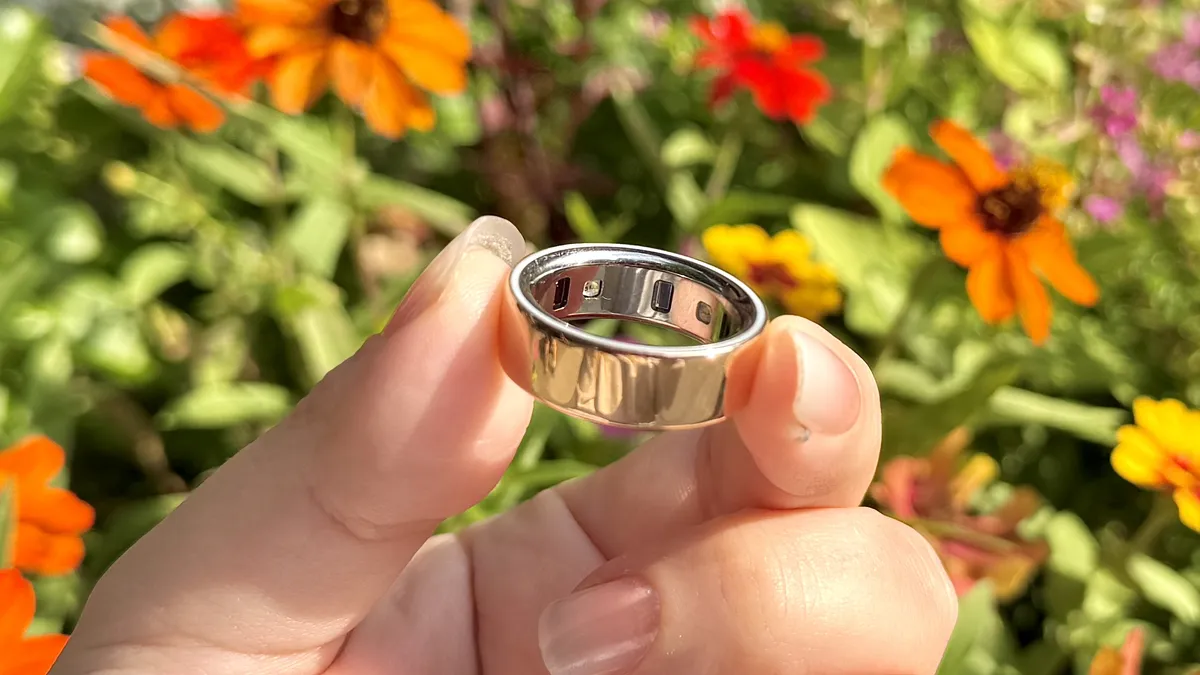
Follow the above steps and proper Oura Ring 4 sizing is all but guaranteed. If that ends up not being the case, Oura offers a 30-day return/exchange policy.
Not sure if the Oura Ring 4 is the right smart ring for you? Here's my handy-dandy guide on how to choose the right smart ring for your needs and budget. Similar to Oura, most other brands, including Samsung (Galaxy Ring) and Ultrahuman, offer their own sizing kits.

Follow Tom's Guide on Google News and add us as a preferred source to get our up-to-date news, analysis, and reviews in your feeds.
More from Tom's Guide
- I wore an Oura Ring for an entire year — what I like and don't like
- The new Pebble smart ring won’t track your health, doesn’t need to be recharged and costs just $75 — here’s why I can’t wait to try one
- Garmin vs Apple — who makes the better smartwatch in 2025?