I review wearables for a living, and I have a confession. I hate wearing a smartwatch to bed. However, I love the sleep-tracking insights the best smartwatches offer. What's a fellow to do?
Fortunately for me and folks like me, smart rings exist. These petite and discreet wellness trackers keep tabs on loads of holistic factors beyond just sleep quality. Most offer comprehensive women's health tracking, workout recovery insights, and basic activity tracking.
Some, like the Ringconn Gen 2, can even alert you to signs of sleep apnea. Better yet, smart rings tend to offer better battery performance than smartwatches. The Oura Ring 4, for example, lasts up to about a week per charge.
Ready to pull the trigger on your first smart ring, or shopping for a smart ring for someone else? Here's everything you need to know to end up with the best smart ring for your needs and budget
How to shop for your first smart ring
- Set your budget
- Decide whether you are okay with paying a monthly subscription
- Narrow your search based on your phone type
- Identify the features that matter most to you
- Protruding sensors or flush ones?
- Ensure proper sizing
- Choose your finish
- Begin your health-tracking journey
Read on to see full illustrated instructions for each step.
1. Set your budget

To shop for your first smart ring, first, start by identifying how much money you're willing to spend.
Smart rings range in price from around $200 to $500 for most of the models I recommend. On the more affordable end is the Amazfit Helio Ring at $199 (though it frequently goes on sale for less).
On the other finger, the best smart ring in 2025, the Oura Ring 4, starts at $349. However, if you want one of the cool, new Oura Ring 4 Ceramic models, you need to fork over at least $499 for one.
2. Decide whether you are okay with paying a monthly subscription
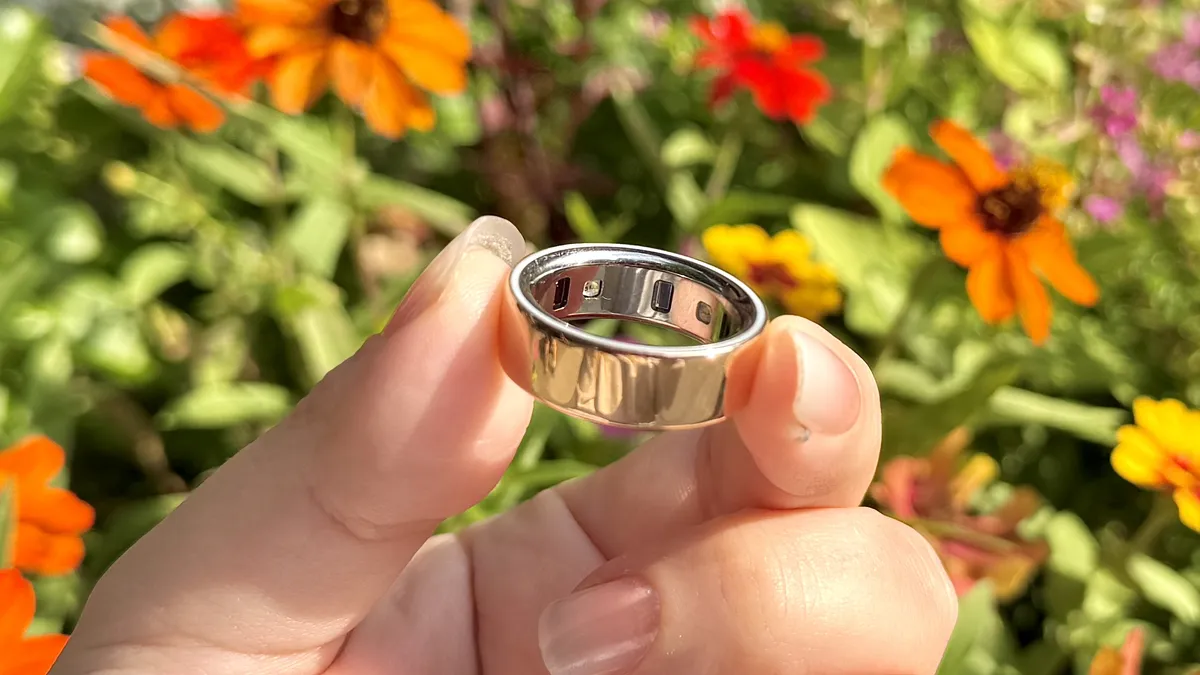
Next, decide whether you're okay with paying a monthly subscription fee for your health insights. While the vast majority of the best smart rings are subscription-free, the best smart ring on the market today, the Oura Ring 4, requires a $5.99 monthly subscription cost. The tradeoff is deeper wellness insights and more metrics than any other brand.
3. Narrow your search based on your phone type
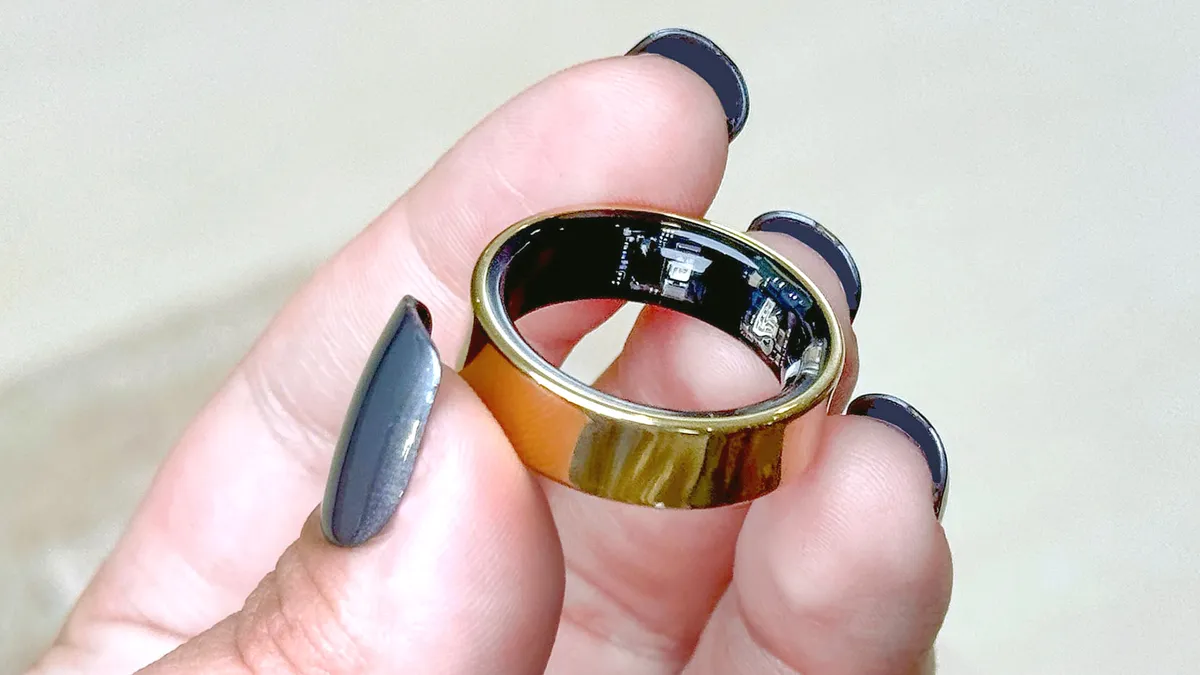
Now it's time to narrow your search based on the type of smartphone you own. Most smart ring models play nicely with both Apple and Android devices, with one notable exception.
The Samsung Galaxy Ring only works with Android and is best paired with a Samsung phone. Nearly as good as the Oura Ring 4 and subscription-free, I actually prefer the Galaxy Ring's sleep reports to Oura's.
4. Identify the features that matter most to you

Decide which smart ring features are must-haves. As noted in the intro, all modern smart rings keep tabs on the basics, like sleep quality, workout recovery, and physical activity. However, some offer additional features that might appeal to you.
Only the Ringconn Gen 2 has sleep apnea detection, for example. Meanwhile, only the Circular Ring 2 and Rincgonn Gen 2 offer ECG readings and Afib detection.
5. Protruding sensors or flush ones?

Once you've decided on the features that you can't live without, it's time to consider comfort — that is, how you want your smart ring sensors positioned. All of the health sensors on modern smart rings are located on the interior.
On most models, these little sensors protrude slightly, which may cause some users discomfort. Want flush sensors for maximum wearability? The Oura Ring 4 sensors are completely flush, making it the most comfortable smart ring we've tested.
6. Ensure proper sizing

At this point, you should be pretty close to narrowing down your perfect smart ring. Now, it's time to ensure proper sizing. A snug fit is essential for accurate wellness tracking. Moreover, smart ring sizing doesn't perfectly correlate with standard ring sizing.
Fortunately, most smart ring brands make it pretty easy to figure out your perfect ring size. Circular, for instance, has a handy sizing tool built into the Circular app. Brands like Oura, Samsung, and Ringconn, meanwhile, will send you a sizing kit consisting of plastic dummy rings. These tend to cost less than $10 and are highly recommended. (Oura's is free.)
7. Choose your finish

The last step in shopping for your first smart ring is to decide on your finish. While budget-minded models like the Amazfit Helio Ring come in just one style, titanium/silver, others feature a wide range of options.
The Oura Ring 4, for instance, is available in silver, black, brushed silver, "stealth" (dark grey), gold and rose gold. The Oura Ring 4 Ceramic, meanwhile, comes in dark blue, off-white, minty green and pink.

And with that, you should be all set to kick off your finger-based health-monitoring journey with the perfect smart ring. Remember, the whole point of a smart ring is to wear it at all times for the best results. Most need to be recharged every few days, though the best smart ring models last up to a week.
Worried about charging? Grab an accessory charge case to go with your new smart ring. Most brands offer them for a reasonable amount (less than $50), including Oura, Samsung, and Circular.

Follow Tom's Guide on Google News and add us as a preferred source to get our up-to-date news, analysis, and reviews in your feeds.
More from Tom's Guide
- I wore an Oura Ring for an entire year — what I like and don't like
- The new Pebble smart ring won’t track your health, doesn’t need to be recharged and costs just $75 — here’s why I can’t wait to try one
- Garmin vs Apple — who makes the better smartwatch in 2025?