




For years now I’ve been stuck in the habit of using the native iOS camera app on my iPhone, simply for its convenience and mixture of shooting modes. When I tried using an attachable telephoto zoom lens to my iPhone 16 Pro Max, however, I discovered that the camera app wasn’t equipped to work nicely with it because of how it doesn’t let me manually select the camera I need to use for the occasion.
That’s because of how Apple keeps everything locked down with the camera app, which also explains why to this day it doesn’t offer manual controls typically found in some of the best camera phones. Frustrated, I finally ditched it for the ProCam app.
Even though this third-party camera app costs $10, it unlocks all the pro controls I crave to take my iPhone photography to the next level. Here’s what I found using it.
Locking onto a specific camera
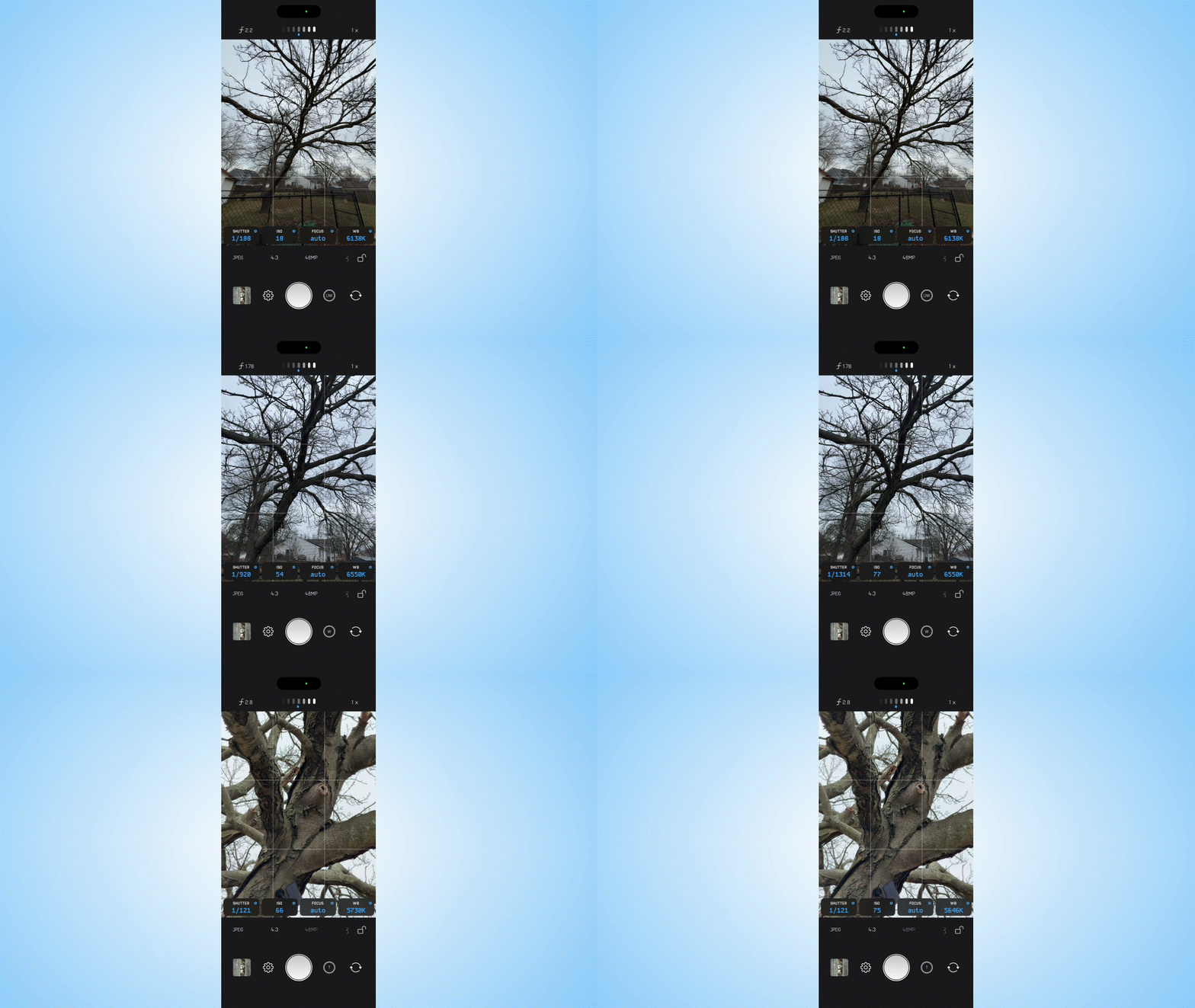
One of my biggest complaints about the stock iOS camera app is that it doesn’t switch to the proper telephoto camera even when I’ve selected the appropriate zoom level. That’s because depending on the lightning conditions, my iPhone 17 Pro might actually stick to the main camera for zoom shots. This is also the reason why despite switching to 10x zoom, it still captures night photos with the main camera.
With ProCam, I know exactly which camera I’m using because it locks onto it. This is especially handy when I’m using any of the best iPhone lenses because now I can choose the telephoto camera paired with the lens to capture the shot. If I were to do this with the iOS camera app, the LiDAR sensor on the back of my iPhone 17 Pro thinks I’m trying to take a macro shot because of how it senses the attachable lens is closeby.
By pressing on the corresponding camera selection button in the ProCam app, I’m able to lock in the lens and take the shot. I find this especially helpful with nighttime photography because it stays locked on to the telephoto camera, even when I apply extra digital zoom.
Pro-access manual controls

Part of the appeal of using an iPhone is that the camera’s performance is astounding, regardless of which model you’re using. My only issue is that whenever I want to capture a specific look, the iPhone’s automatic capture doesn’t do justice in getting me what I want. That’s why I love the manual controls available with the ProCam app.
It has nearly the same set of options to tweak that I find in some of the best Android phones, including the shutter speed and ISO. This is important because they let me produce creative shots, like the streaking headlights of passing cars at night in the photo above. Alternatively, keeping the ISO down to its lowest setting better helps with astrophotography by reducing noise in the shadows.
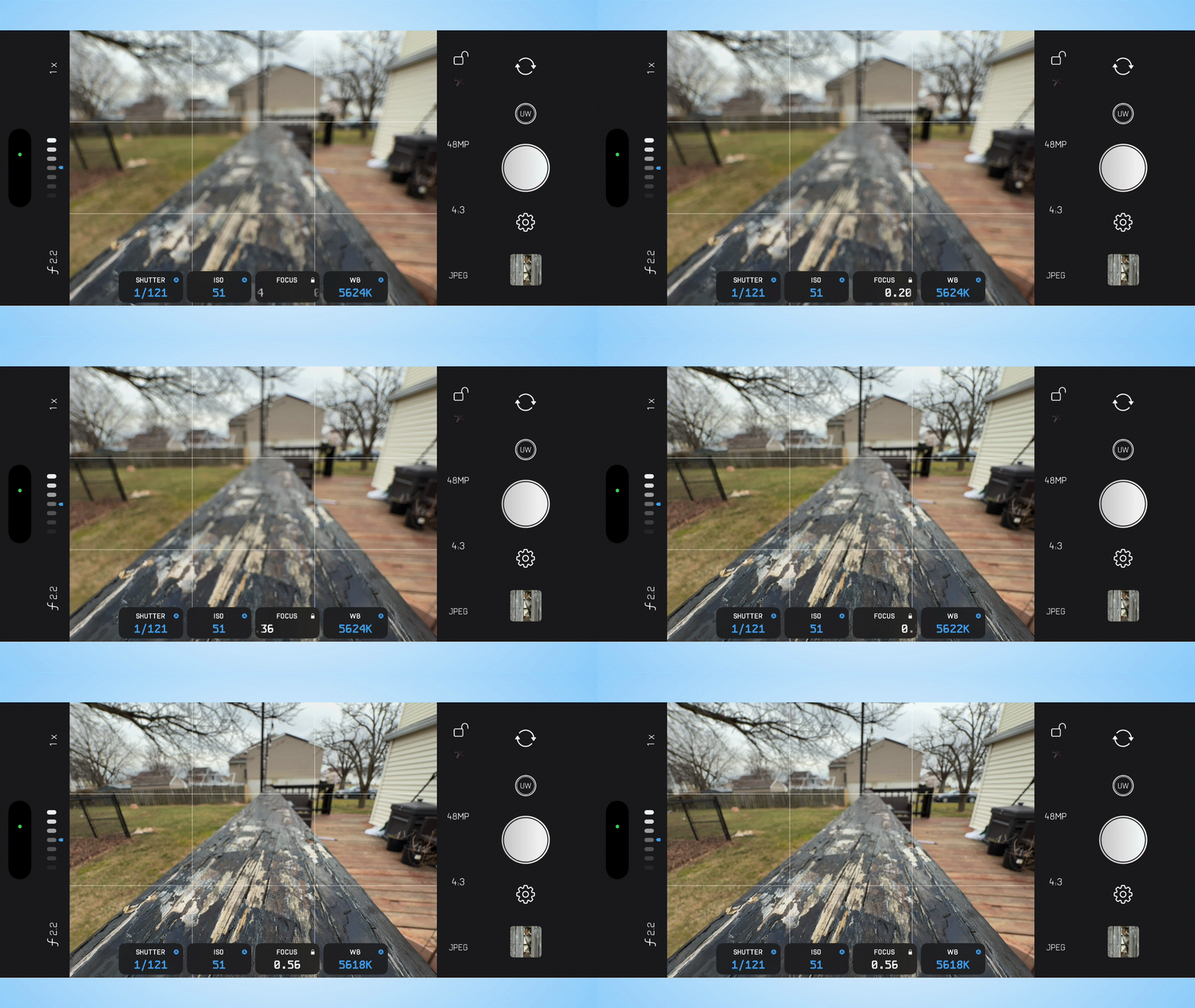
Even though there’s the option to tap and focus, I do appreciate the option to manually focus the lens — which works phenomenally with macro photos. That’s because with the native iOS camera app, I’m always struggling to keep the focus still enough to take the shot.


Another helpful feature is exposure bracketing, which lets me capture the same image at three different exposures. I know the average person won’t use it as much, but it’s useful to produce more dynamic images when the three images are combined in post. You’ll see above how I combined the three original photos shot with exposure bracketing to create one that balances out the highlights and shadows better.
Anyone that shoots photos for a living will absolutely enjoy having access to these manual controls.
Sorry video shooters, you’re out of luck

For the $10 cost of the app, I was hoping to access the same set of tools for video recording. That’s unfortunately not the case as ProCam is strictly a photography tool, which means looking elsewhere for alternative video recording apps. At the same time, I’m not surprised because this is actually quite common because of the technical complexities around them — like how they’re processed differently.
Tinkerworks Apps, the makers of ProCam, has a free app called Filmmaker Pro. While it sounds like a recording tool, it’s actually a robust video editor app for stitching and polishing clips after you've shot them. It’s a great companion to ProCam, but I’m still holding out for a "cinema-first" recording app that could give me greater creativity freedom.

Follow Tom's Guide on Google News and add us as a preferred source to get our up-to-date news, analysis, and reviews in your feeds.
More from Tom's Guide
- iPhone 18 Pro leaker just tipped biggest design change in nearly a decade as models enter 'sample production'
- Your iPhone has a hidden face-blurring feature — here's how to use it in the Photos app
- iPhone 18 Pro rumors: 2nm A20 Pro chip, variable aperture camera and under-display Face ID (plus new colors)

