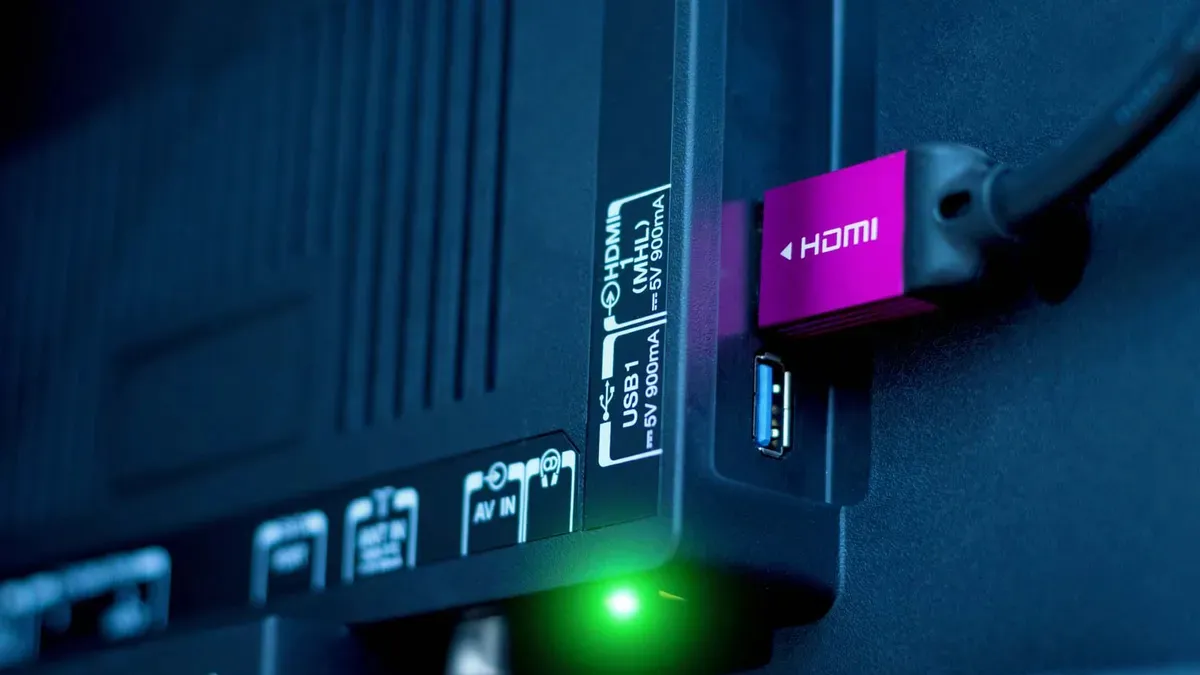
Taking a trip to the back of your TV can be an unsettling experience. Amid the dust bunny burrows and crisscrossing cables, you might be startled by scads of seemingly important small print on the back of your TV’s panel, particularly around the ports.
As it turns out, this small print is important. In many cases, you may be plugging a soundbar, streaming stick or PS5 into a port that isn’t right for the job. Let’s take a few moments to talk about which HDMI input does what so you can start connecting consoles with confidence.
Types of HDMI
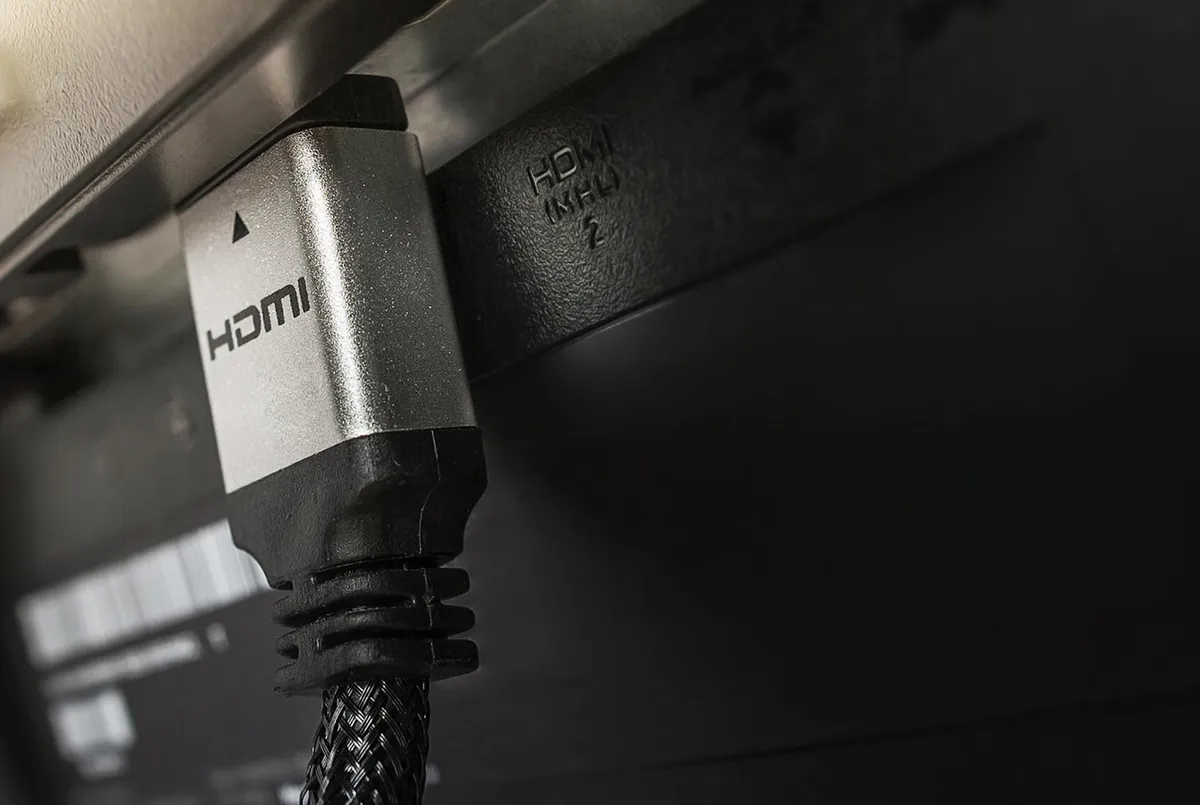
There are currently three types of HDMI ports you’re likely to encounter in the wild: HDMI 1.4, HDMI 2.0 and HDMI 2.1.
The vast majority of TVs offer four total ports, though some are limited to three. In many cases, a TV’s HDMI ports aren’t exclusive to one specific type.
What is HDMI 1.4?
Most people reading this don't have HDMI 1.4 inputs on their TV.
Most people reading this don't have HDMI 1.4 inputs on their TV, as it's one of the oldest standards still in use. As you can imagine, HDMI 1.4 isn’t as robust as 2.0 or 2.1 when it comes to bandwidth and supported features, and the specification is usually found on ultra-affordable sets that are either limited in features, limited to a native resolution of 1080p, or both.
For what it’s worth, if your TV is equipped with HDMI 1.4 inputs, you really don’t need to worry about what cables to use, nor do you need to concern yourself with its supported features. Jump ahead to the soundbar section below.
What is HDMI 2.0?
Perhaps the most common HDMI input populating living rooms today, HDMI 2.0 supports a bunch of features that may be important to how you watch and use your TV. You’ll find HDMI 2.0 on entry-level TVs, mid-range models and some high-end TVs, too.
HDMI 2.0 packs enough bandwidth for your TV to support 4K content at 60Hz.
HDMI 2.0 packs enough bandwidth for your TV to support 4K content at 60Hz. This is relevant for certain 4K TV broadcasts and especially important for folks who want to play 4K console games at 60fps. HDMI 2.0 also allows for High Dynamic Range (HDR), an enhanced format designed to wring the best performance out of modern displays.
Given its widespread adoption, the HDMI 2.0 spec doesn’t cause much of a fuss. People who own TVs with HDMI 2.0 inputs are usually making the most of their devices with the proper cables already. When HDMI 2.1 is in the mix, things can get tricky.
What is HDMI 2.1?
Right now, the highest HDMI standard available to shoppers is HDMI 2.1, but it’s been around long enough that it’s not limited to high-end TVs — you’ll also find it on entry-level and mid-range models.
Without getting too far into the weeds, HDMI 2.1 boasts a bunch of benefits: 4K, HDR content at 120Hz (and sometimes higher), uncompressed 5.1 and 7.1 audio (up to 192kHz/24-bit) as well as uncompressed DTS:X and Dolby TrueHD audio.
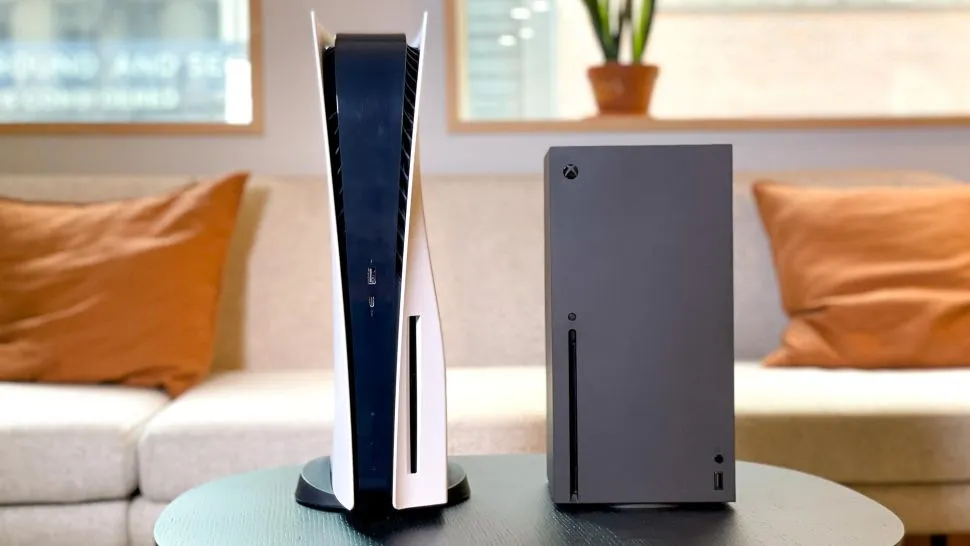
If you own an Xbox Series X or PlayStation 5 and you want to make the most of it, you have to pay attention to which cables go where.
Confusingly, most HDMI 2.1-supporting TVs are only equipped with one or two of these ports, while the rest of the inputs merely meet the 2.0 standard. Typically, only upper-mid-range and high-end TVs offer the 2.1 specification across all of the ports.
This means that if you own an Xbox Series X or PlayStation 5 and you want to make the most of it — or if you own a soundbar with certain enhancements — you have to pay attention to which cables go where.
Which HDMI port should be used for a soundbar?

Whether you have four HDMI 2.0 inputs, four HDMI 2.1 inputs or some combination of both, one of these ports is the TV’s designated ARC/eARC port. We recently did a deep dive into the difference between ARC and eARC, but the basic gist is this: The ARC- or eARC-enabled HDMI input is the one you should plug your soundbar into.
Thankfully, this is the one port on your TV that’s guaranteed to be clearly labeled. Just look for the terms “ARC,” “eARC” or “ARC/eARC” around an HDMI port, jack in your soundbar and Bob’s your uncle.
If you’re juggling a console or two along with your soundbar, you’ll want to pay close attention to where your video game cables are going, too. This is especially critical for folks with HDMI 2.1-supporting TVs.
Which HDMI port should be used for a console?
If you take a peek at your TV’s HDMI inputs and you only see number designations and an ARC/eARC label, you’re likely looking at a suite of HDMI 2.0 inputs. In this case, pair the ARC input with your soundbar and use whichever remaining inputs for your gaming devices — they’re all the same. This is the same advice I’d give people whose HDMI inputs are all labeled “4K/60Hz,” as this indicates HDMI 2.0.
If you notice HDMI ports labeled “HDMI 2.1” or “4K/120Hz,” these should be your preferred ports for consoles, as they’re better equipped to take advantage of the latest hardware and features
If you notice HDMI ports labeled “HDMI 2.1” or “4K/120Hz,” these should be your preferred ports for consoles, as they’re better equipped to take advantage of the latest hardware and features. You might also notice a video game controller symbol on these ports. In addition, they might read “4K/144Hz” or “4K/165Hz.”
Folks who own more than one console and a soundbar are more likely to understand the advantage of having a full suite of four high-bandwidth inputs. On TVs with just two HDMI 2.1 inputs, the ARC/eARC input overlapping with one of them can create a traffic jam where three devices need to split two high-bandwidth ports.
What about HDMI cables?

Here's how to figure out which HDMI cables to buy — and why you don't need to spend as much as you think you do
Some people throw a ton of money at fancy, high-priced HDMI cables, but this isn’t always necessary. Just ask yourself this: Does your TV support HDMI 2.1?
If so, be on the lookout for cables labeled “Ultra High-Speed.” More specifically, make sure you're buying HDMI cables with a bandwidth of 48Gbps. These cables will make possible all of the benefits I outlined above, and they’ll still work if you plug ‘em into HDMI 2.0 inputs, too.
On that note, if you own a TV that exclusively supports the HDMI 2.0 specification, you really don’t need to splash out on Ultra High-Speed cables. Look for those that are labeled “High-Speed” — the bandwidth will be 18Gbps.
If you own a TV with HDMI 1.4 inputs, you don’t need to worry about any of this. Your reliable ol’ TV is probably pretty old, small in size or both. In either case, just make sure you’re using the ARC port for any soundbar.

Follow Tom's Guide on Google News and add us as a preferred source to get our up-to-date news, analysis, and reviews in your feeds.
More from Tom's Guide