







It can be easy to lose track of the permissions we grant apps on our phones, especially when it comes to trying to understand what they’re doing in the background. However, Google’s Android 16 QPR3 Beta 1 aims to make this a little easier by alerting you when your location is being pinged, and by which app.
In the current version of Android 16, you are alerted when an app uses your camera or microphone by a solid green block in the top right corner. However, as revealed by Android Authority, the beta improves on this by adding a new blue block when any app starts to use your location. If all three are currently in use, then the icon will revert to a green indicator.

When visible, you can then tap the indicator to bring up a window that gives a full breakdown of which apps are using either of the three options. The expanded menu will also offer you the choice to quickly close the specific app or access your granted permissions settings to quickly change who can access what.
Android first introduced these privacy indicators back in Android 12, but while they tell you if your location is being accessed, the follow-up privacy dialogue does not identify which specific app was the culprit. If the option to check exactly which app is accessing your location sounds familiar to you, that’s perhaps because Google was actually testing this addition back during the Android 13 beta three years ago, although it didn't make it to the stable release.
Why do apps track location?
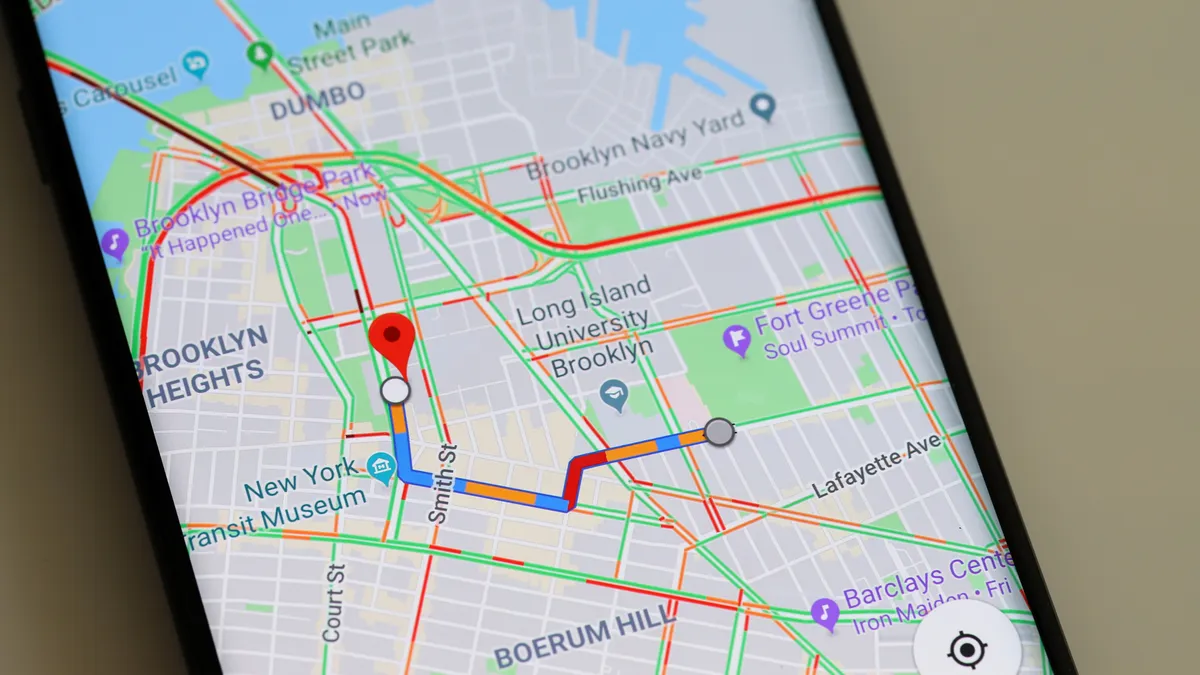
You may be asking yourself why it matters if an app tracks your location, after all, apps like Waze and Google Maps require it, right?
There are legitimate uses for your location data by certain apps. But the issue is that other apps can make use of this specific data, even if it isn't relevant to their activities. And that can be an issue if left unchecked.
In an ideal world, an app will utilize your location to offer tailored content based on your area, as well as showcase nearby deals. For instance, an app knowing that you’re in the U.K. will know to offer you content from local companies, rather than those from overseas you're less likely to shop with. This should, in theory, help to minimize pointless or annoying ads and replace them with more relevant — and available — products.

The problem with this is that location data can be sold off along with other information gathered by apps. There are reasonable concerns around the invasion of privacy that this can create, since these details can be used to aid things like stalking or cybersecurity threats.
The idea of completely removing apps tracking our location isn’t really a possibility, as it’s an intrinsic part of how this technology works. However, having more knowledge about what is tracking us, as well as more transparency about when it is happening, can’t be a bad thing.
You can currently test out the Android 16 QPR3 Beta 1 if you have a Google Pixel 6 or later that is currently running the stable December 2025 update. All you will need to do is enroll in the Android Beta program and wait for Google to push the OTA.
However, we would always recommend creating a backup before installing the device, as betas have been known to harm how some apps perform.

Follow Tom's Guide on Google News and add us as a preferred source to get our up-to-date news, analysis, and reviews in your feeds.

