




I'm not sure anyone could have predicted just how important smartphones would be for our day-to-day lives. Not just in terms of internet and text messages, but also the sensitive tasks you used to have to do on the go. The kind of stuff that should be kept firmly out of sight of other people.
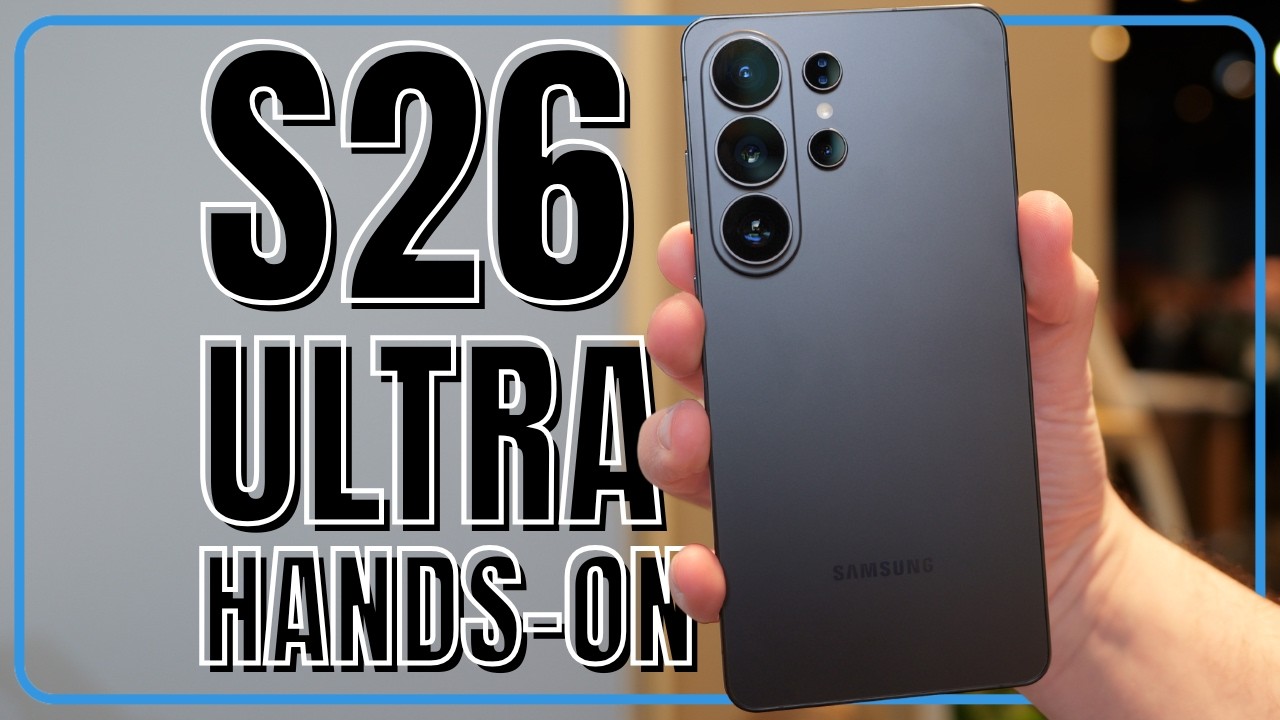
Samsung's hoping to restore some of that privacy and security with the Galaxy S26 Ultra, and a feature called the Privacy Display. It's an ingenious blend of software and hardware control that prevents bystanders from snooping at your phone, but without affecting your ability to see what you're doing. Here's how it works.
Where we're going, we don't need wide viewing angles
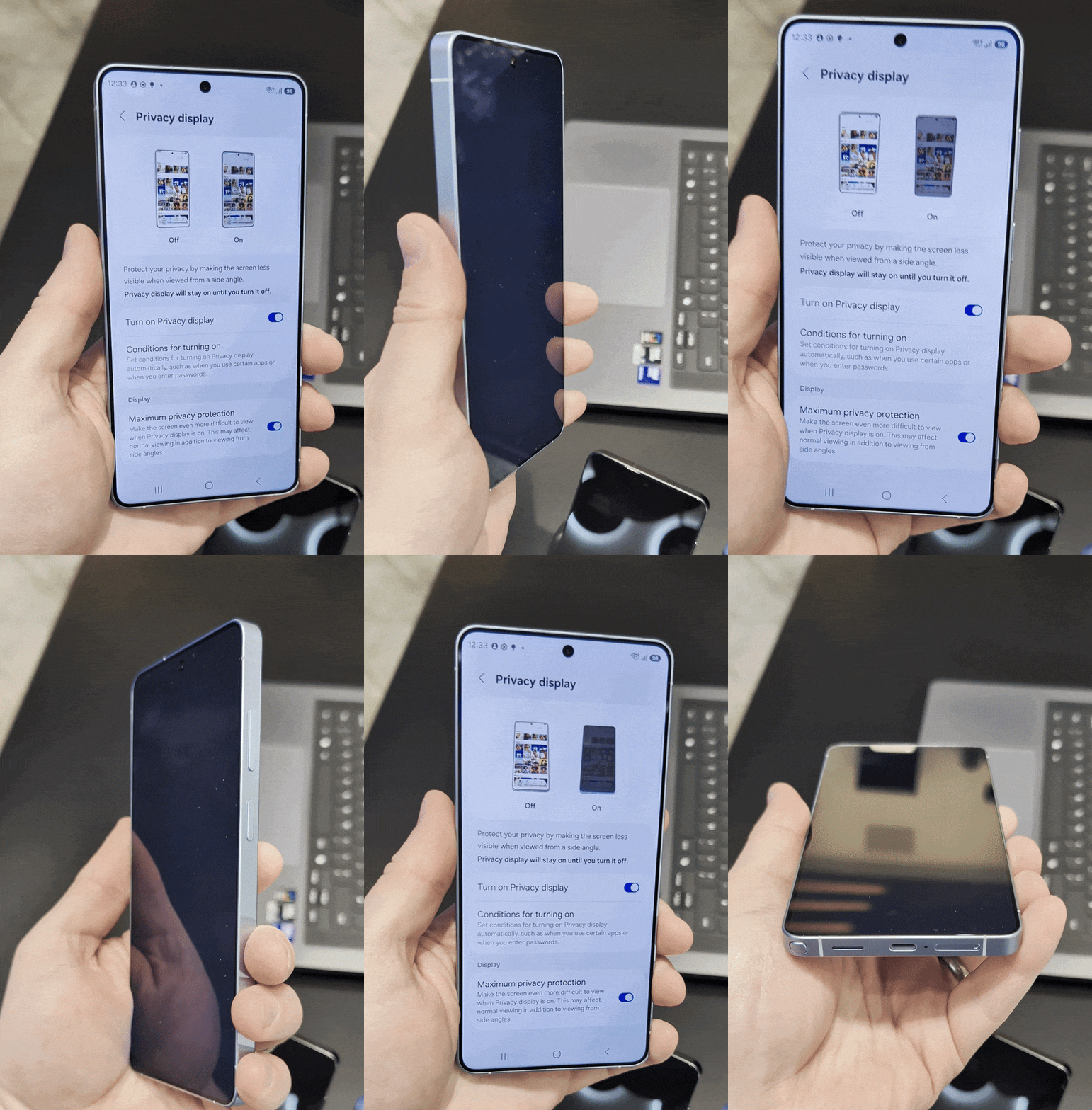
If you look at any list explaining the benefits of OLED screen technology, one of the main things you'll spot is that OLED displays offer significantly better viewing angles than the likes of LCD. That way, it doesn't matter if you aren't staring at the screen head-on; you can still see what's going on without issue.
That's great for, say, watching Netflix or playing games. But it's less useful for those times you're using a mobile banking app or typing passwords into your online accounts. You don't want people to be able to see what's happening on your screen, because there have been several notable cases where this so-called "shoulder surfing" has led to criminals gaining full access to people's phones and bank accounts.
Privacy Display essentially cripples this particular feature of OLED, and cuts off those side viewing angles for everyone except you. This means that, should any bystander try to sneak a look at your phone screen, all they're going to see is a black screen. It's like one of those privacy-based screen protectors you can buy, but built into the phone at a pixel level.
All the while you are looking at your phone straight on, and get to see the contents of your screen without issue. In fact, until you try to tilt your phone to a different angle, you wouldn't even notice that Privacy Display is switched on.
The technical explanation is that turning Privacy Display on narrows the light that's emitted from each pixel in the display using a black matrix. The narrow light reaches you, but not people snooping in from the side.
Plus, it's not an all-or-nothing situation either, since narrow light pixels can operate alongside wide light pixels. This means Privacy Display can be activated for certain parts of the screen, but not others. Giving you the power to control what shoulder surfers might be able to see.
You choose how much is hidden

During my brief time with the Galaxy S26 Ultra I noticed that the default Privacy Display mode doesn't quite black out everything on screen. It's enough to hide what's happening, but a determined snooper may still get an idea of what's going on.
So Samsung added a "Maximum privacy protection" mode that ramps Privacy Display up to 11. Switch it on and anyone looking at your phone from the wrong angle will see a totally blank screen, with absolutely no clues to see what you might be up to. It's not clear whether that will affect the view for the user, such as a dimmer display, but I didn't notice any meaningful difference.
Privacy Display can be turned on manually, should you need it. The easiest way to do this is via the Quick Settings toggle, which will instantly turn on the Privacy Display. Alternatively you can double-press the side key to have the same effect.. However, it is possible to automate this process and have the Privacy Display switch on when you're doing particularly sensitive things.
Examples given by Samsung include banking apps, emails, anytime notifications are visible, text messages and any kind of authentication screen. That helps prevent people from seeing passwords, PINs or any other sensitive details you'd rather keep to yourself.
And while this is the kind of feature you probably wouldn't have thought you'd needed, it's definitely one we could all benefit from.

Follow Tom's Guide on Google News and add us as a preferred source to get our up-to-date news, analysis, and reviews in your feeds.
More from Tom's Guide

