Save yourself $100 or more a year: These security cameras and video doorbells don't require a subscription
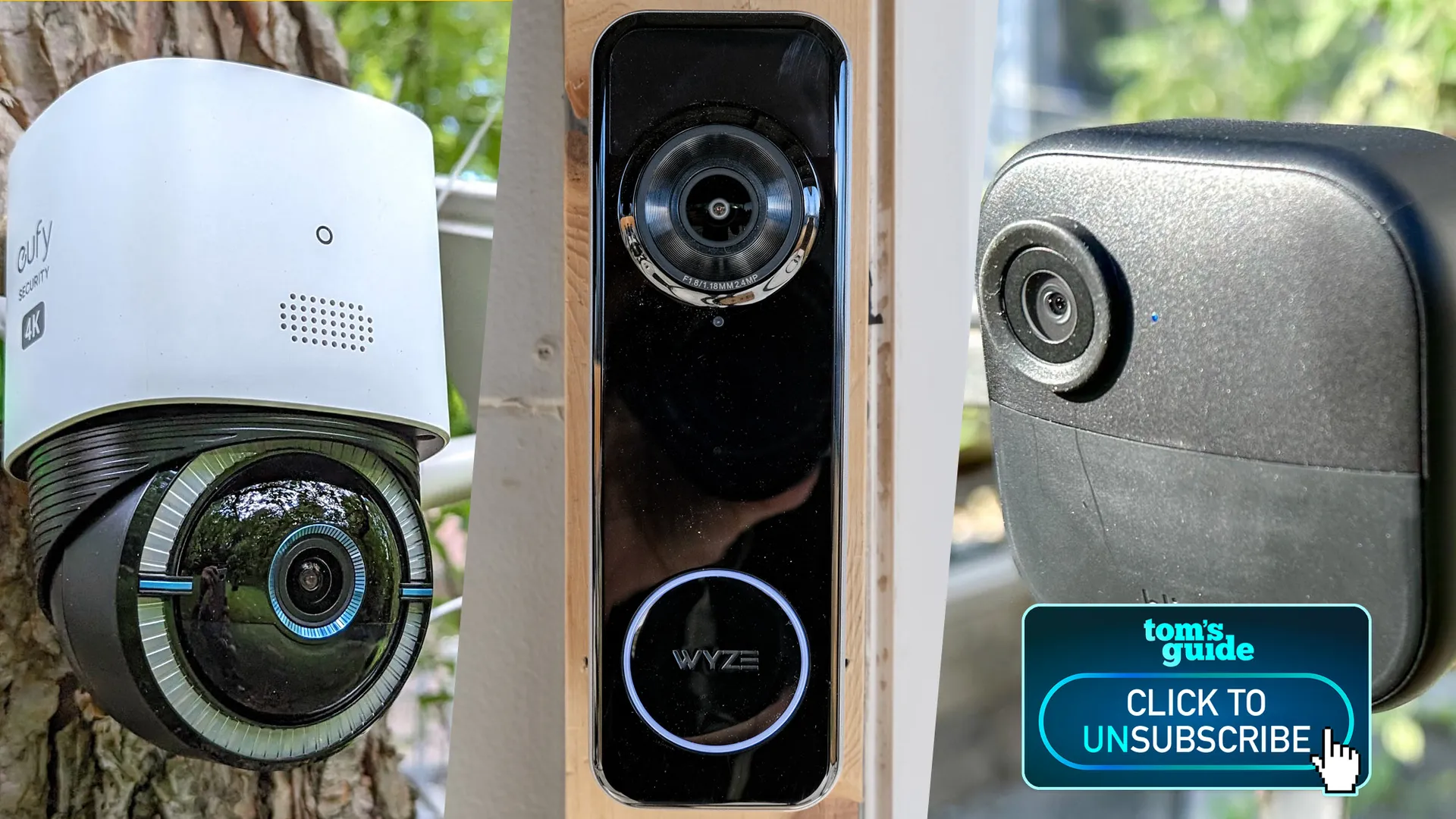
Every Prime Day, Black Friday, or other holiday, you’ll often see some of the biggest discounts on security cameras from the likes of Ring, Google, Blink, Arlo, and other well-known companies. You’ll often be able to pick up one of the best home security cameras or video doorbells for half off their original price, or get a great deal on a bundle.
But that’s how they get you. You see, these companies can afford to practically give away their devices because they know they’ll be able to hook you into a long-term subscription — because without it, their cameras are practically useless.
When Savannah Guthrie’s mother was abducted, the FBI was only able to get footage from her Nest Doorbell by combing through Google’s servers. That’s because she no longer had a subscription that automatically saved her footage.

Welcome to Click to Unsubscribe, a regular column that will show you ways to cut your monthly subscriptions — wherever they might be.
• This $99 device let me cut the cord but still DVR my favorite shows
Once upon a time, companies offered some amount of cloud storage for free. Now, some of the biggest names, such as Arlo and Ring, won’t let you store any video in the cloud unless you pay up every month.
Those costs can add up. Even some of the least expensive plans start at around $5 per month, but I would venture to guess that the most popular plans cost around $10 per month, or around $100 a year.
That might not seem like a lot, but when you’re already paying subscriptions for the best streaming services, why pay for something you don’t have to?
Fortunately, there are a few companies that offer alternatives.
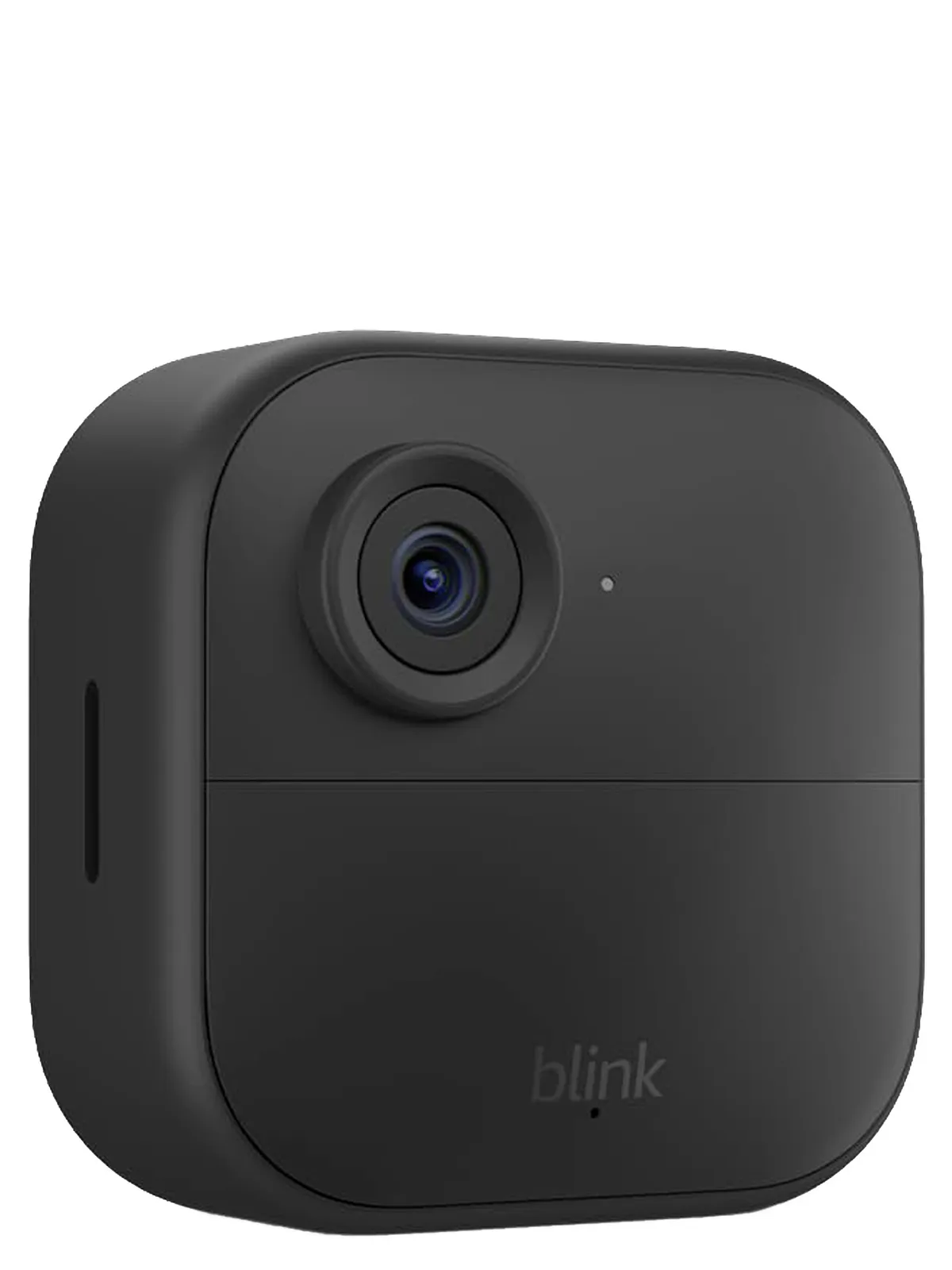
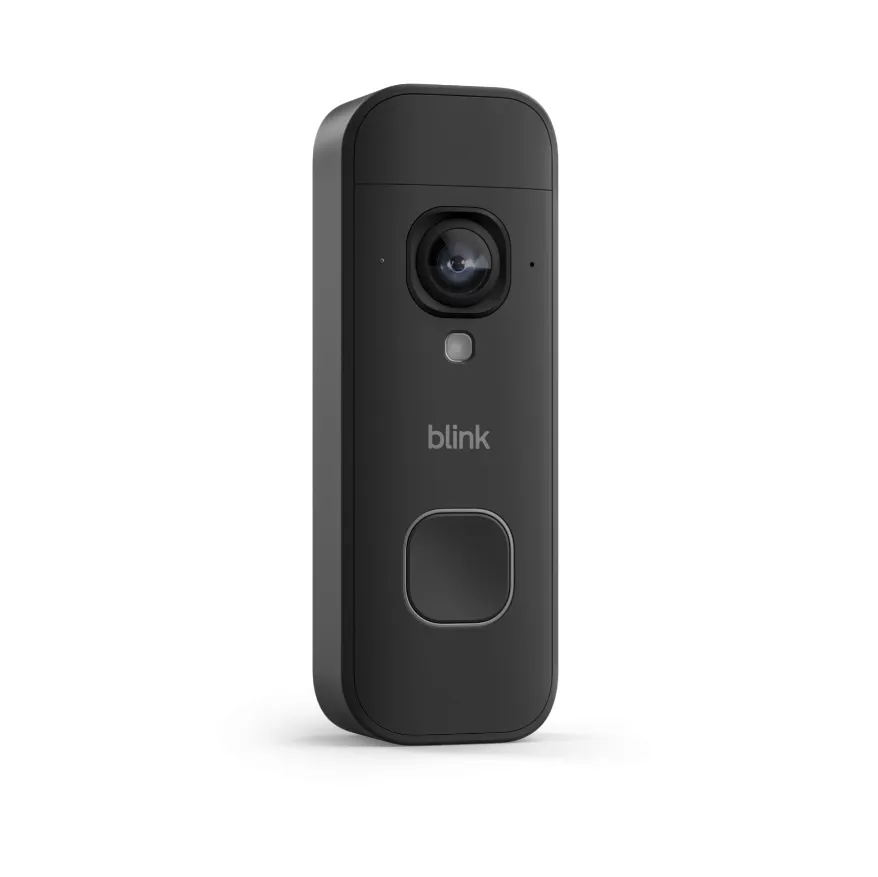
Blink
This Amazon-owned company makes some very good, and very affordable indoor and outdoor cameras. While its feature set isn’t as strong as others, its battery-powered cameras have excellent battery life.
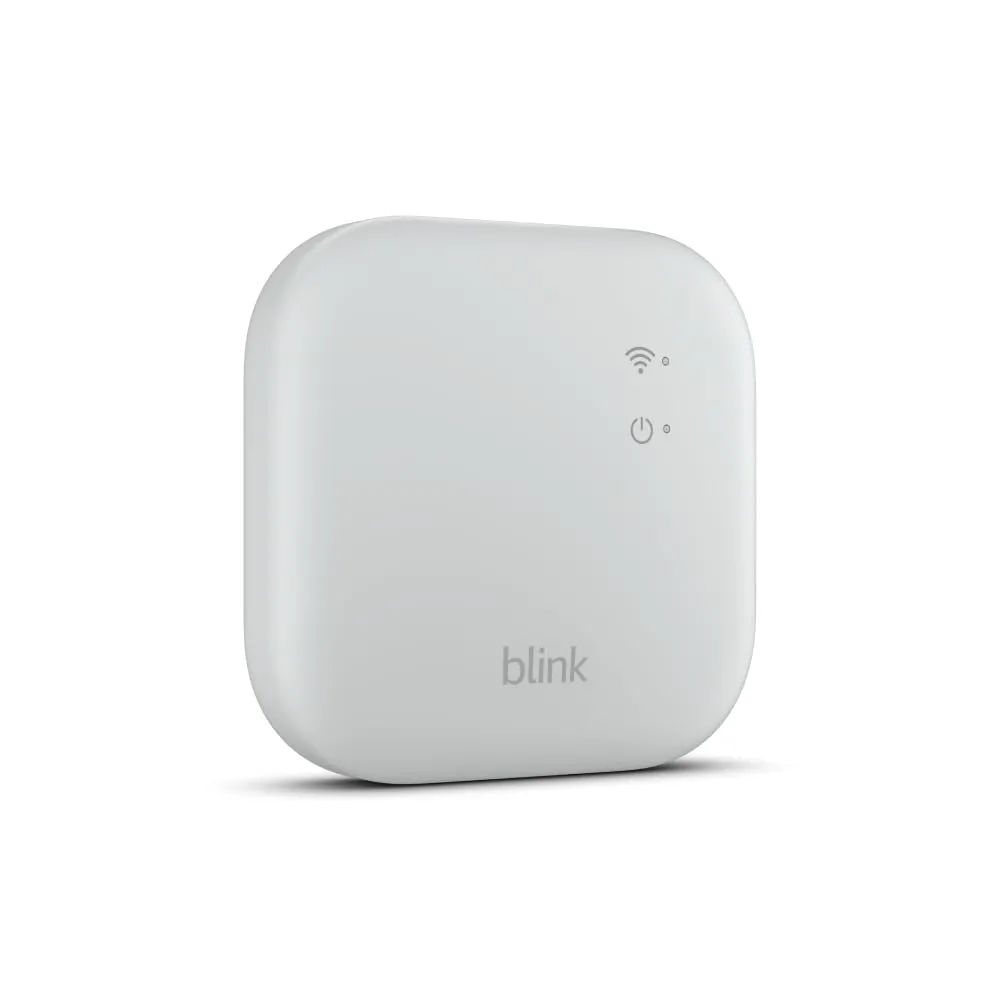
They communicate with a small central hub called the Sync Module, which, depending on the model you get, has either a USB port or microSD card slot; plug in your storage medium of choice, and it will save your video.
Eufy
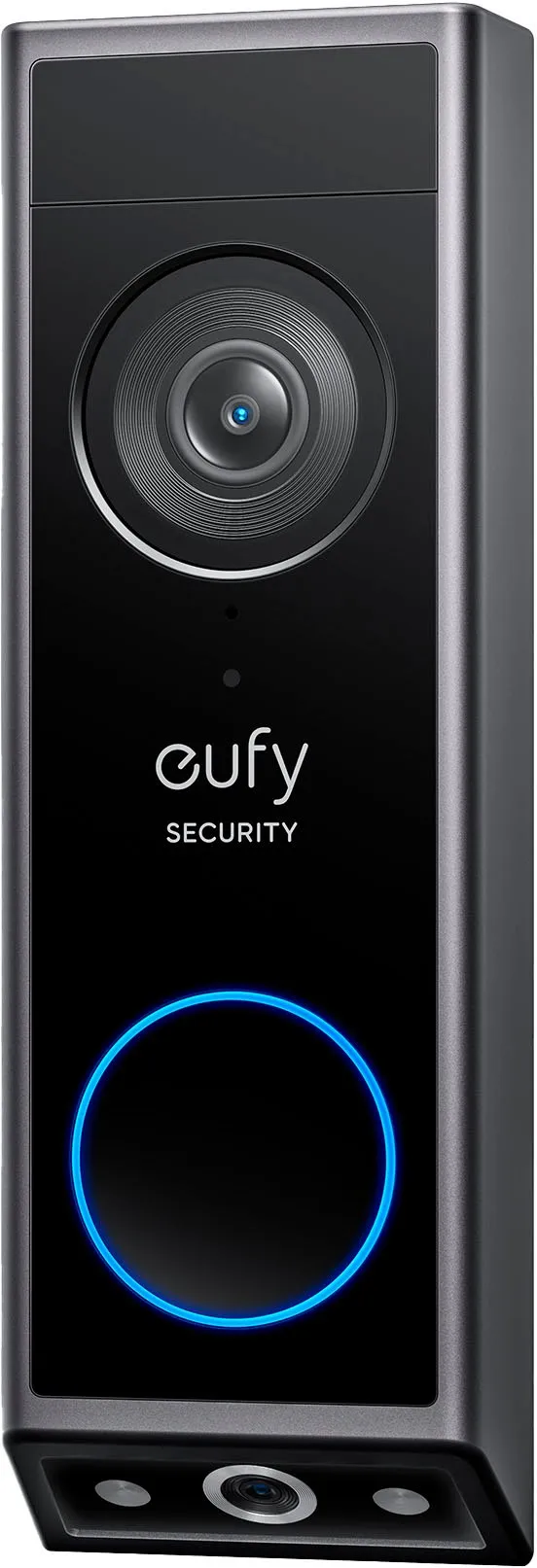
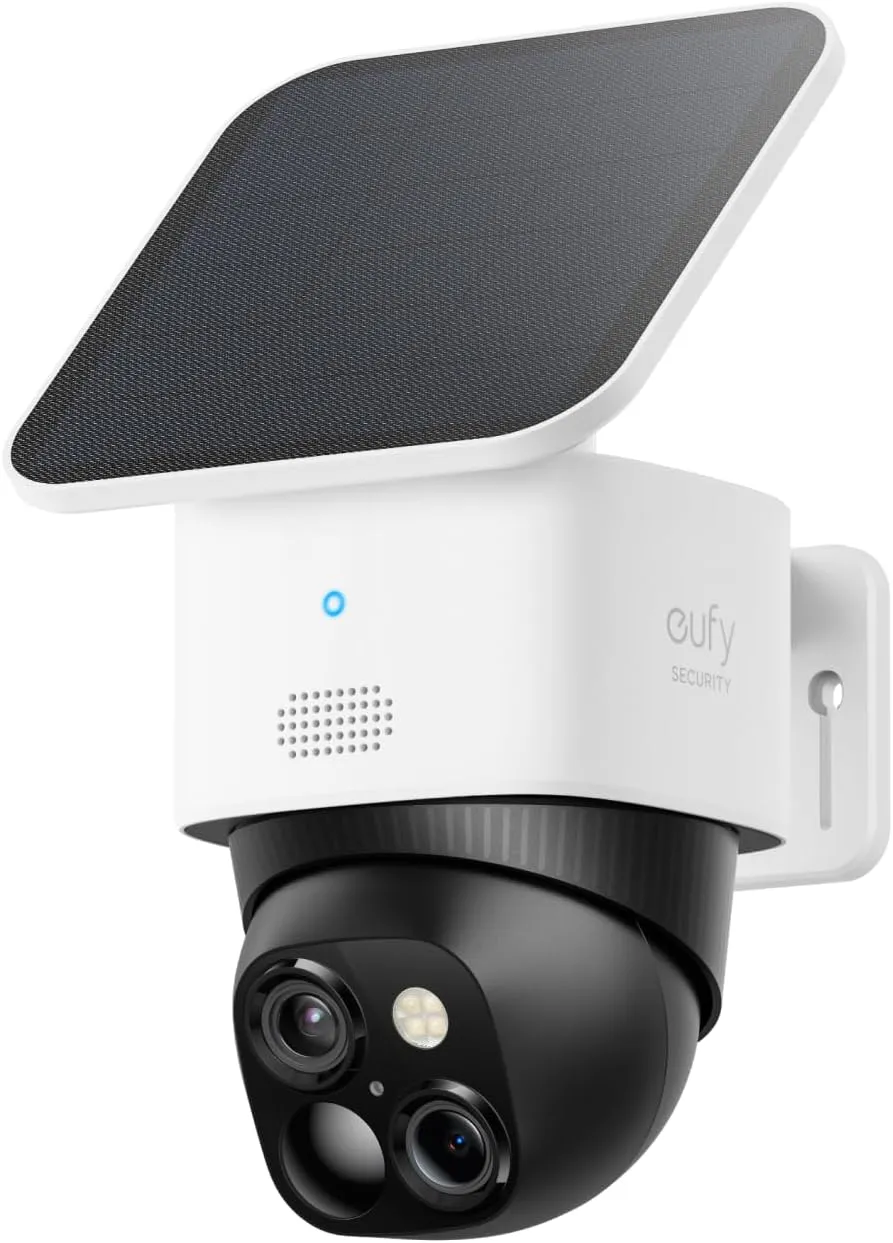
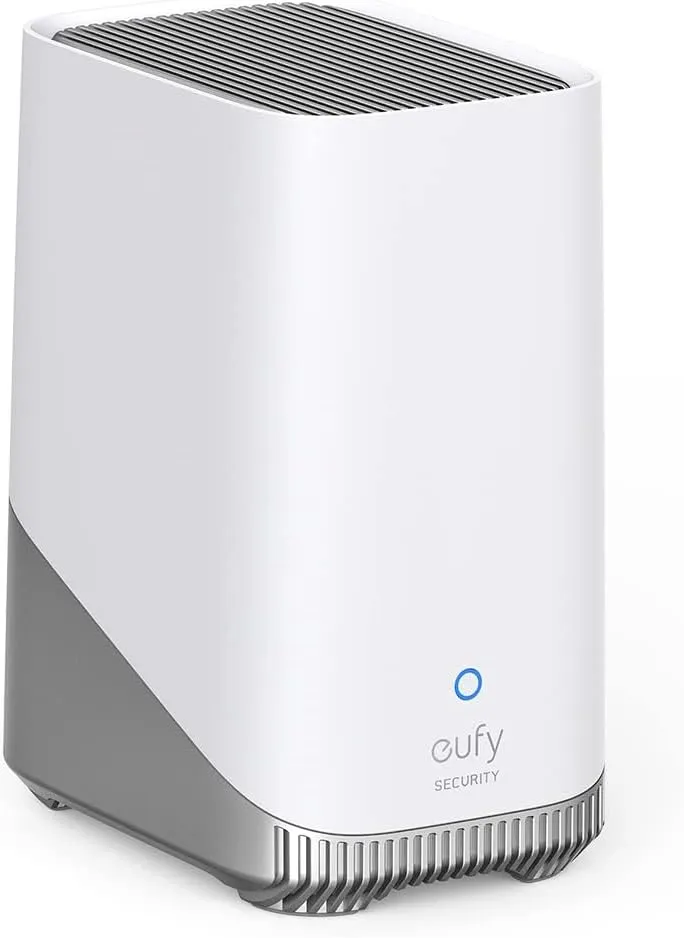
Eufy’s cameras and video doorbells have either storage built in, or come with a microSD card slot so you can save footage locally. However, its devices can also be paired with Eufy’s Homebase 3, which has 16GB of onboard storage, but lets you save up to 16TB of video (you’ll have to buy the extra drive yourself, though).
The Homebase creates its own Wi-Fi network to connect directly to other Eufy devices, so that if your main Wi-Fi network goes down, it will still be able to save video. In addition, the Homebase has AI built in, so it can recognize people, pets, and vehicles, as well as familiar faces.
Google Nest
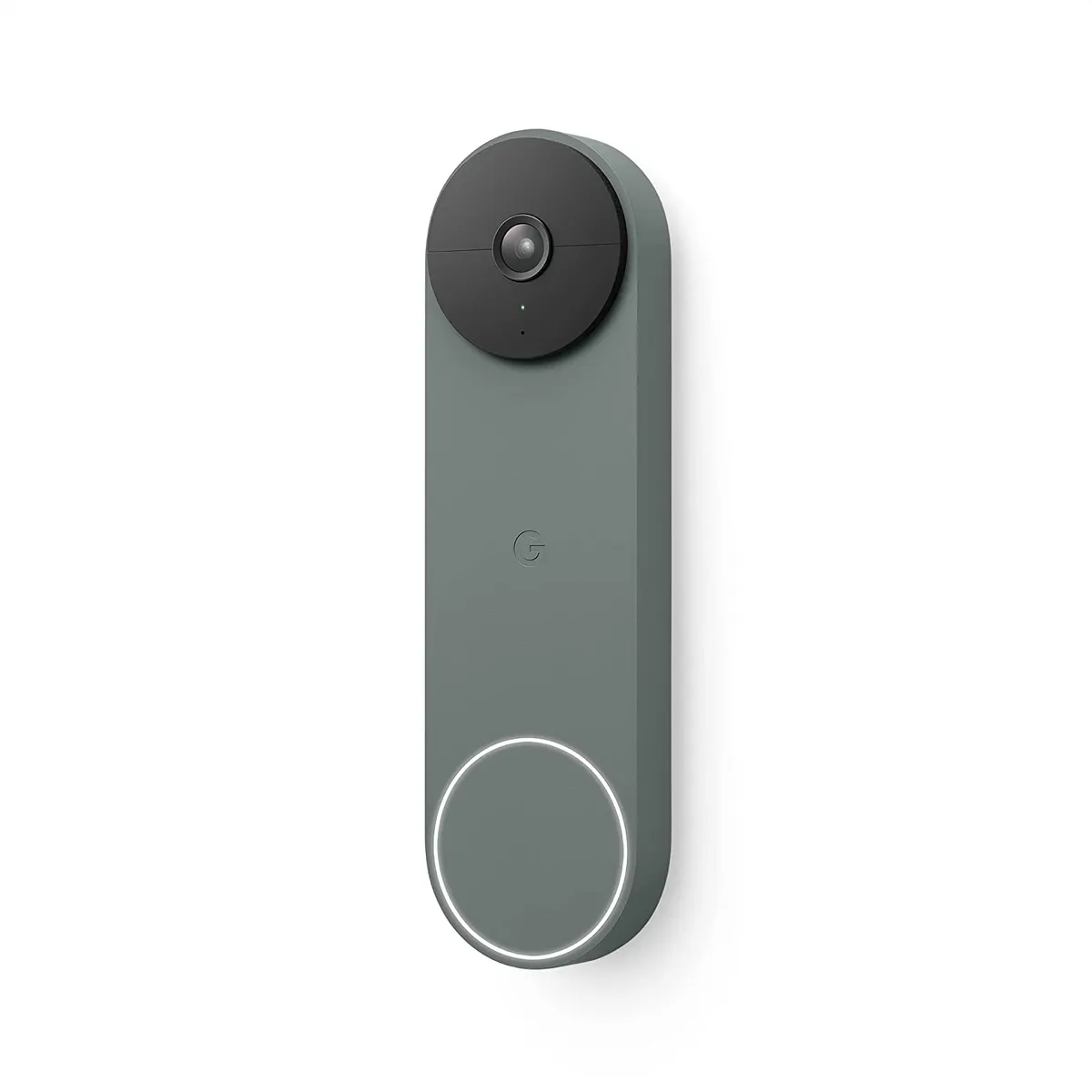
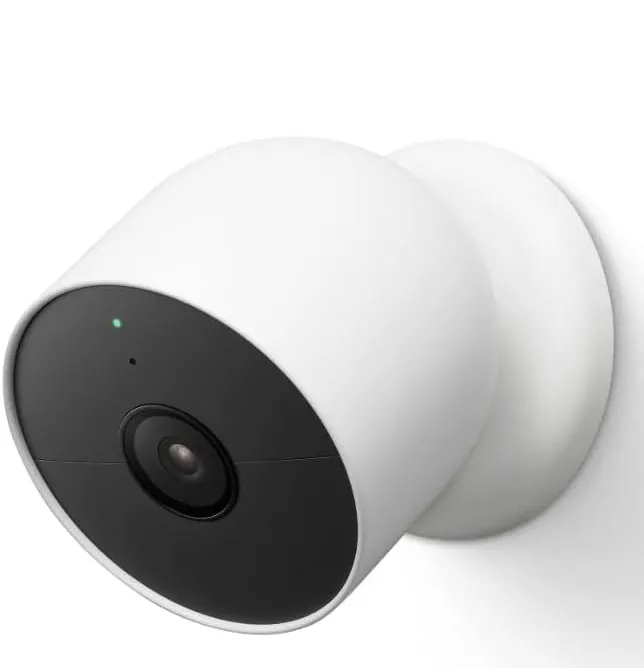
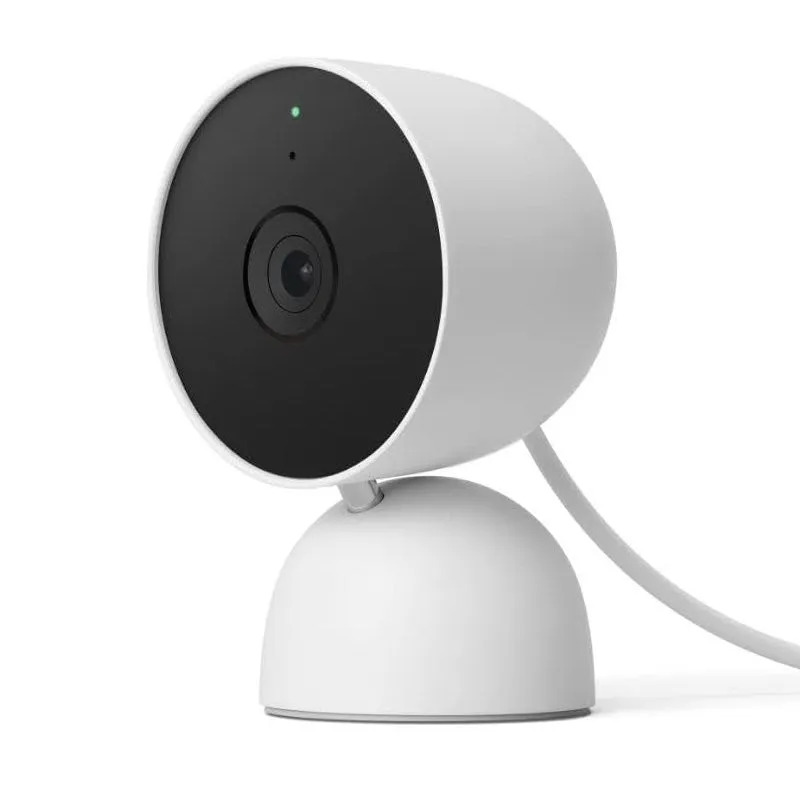
The first is Google, which offers either three or six hours of cloud storage for free depending on the product, which isn’t a lot, but it’s something. The catch is that you have to be aware so that you can download that footage before it disappears. For instance , if something happens in the middle of the night and you don’t wake up, the video will be gone by the morning.
So, while this is a good option, it's not the best if you want to save video longer-term without paying an extra fee.
TP-Link
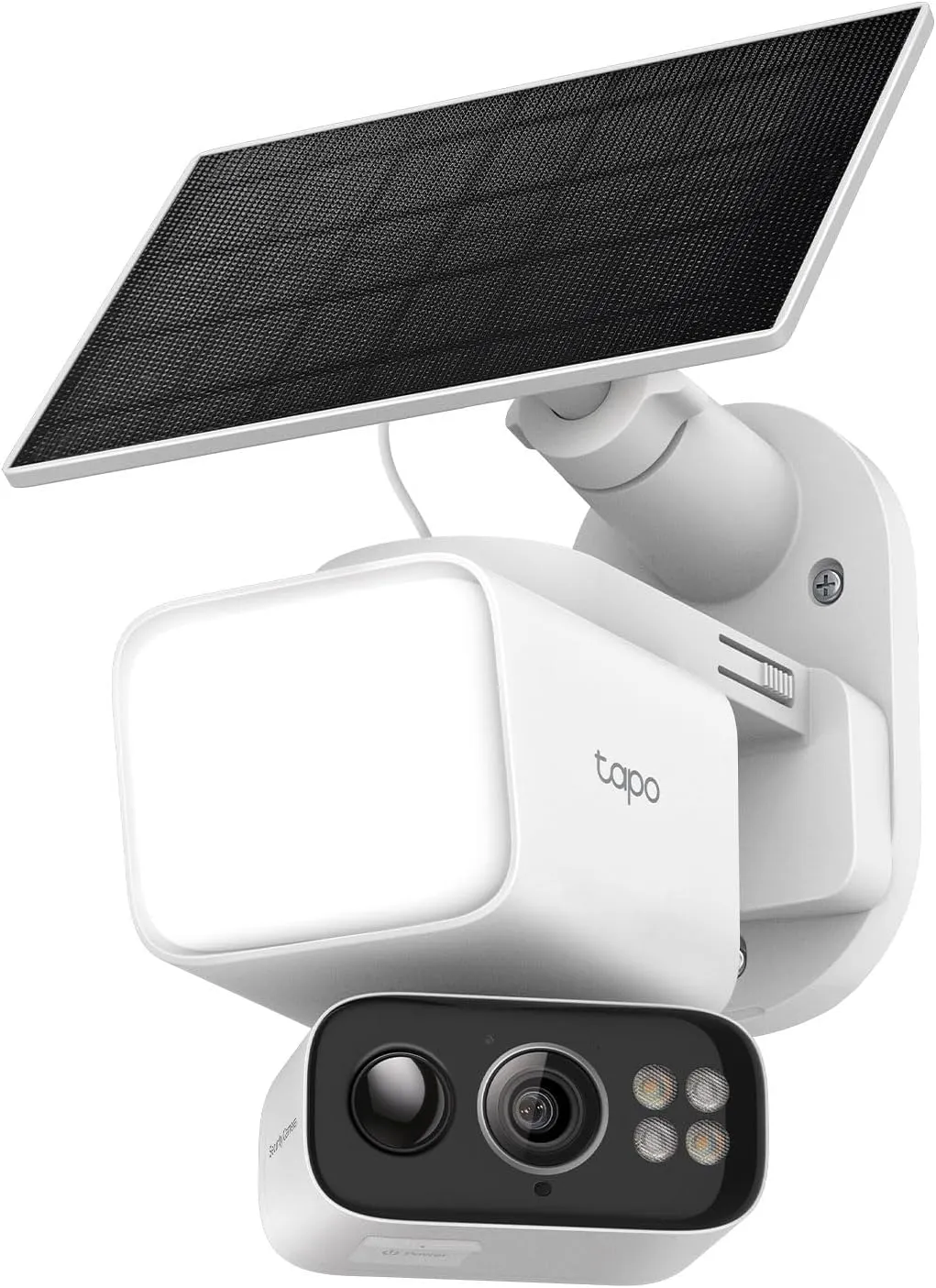
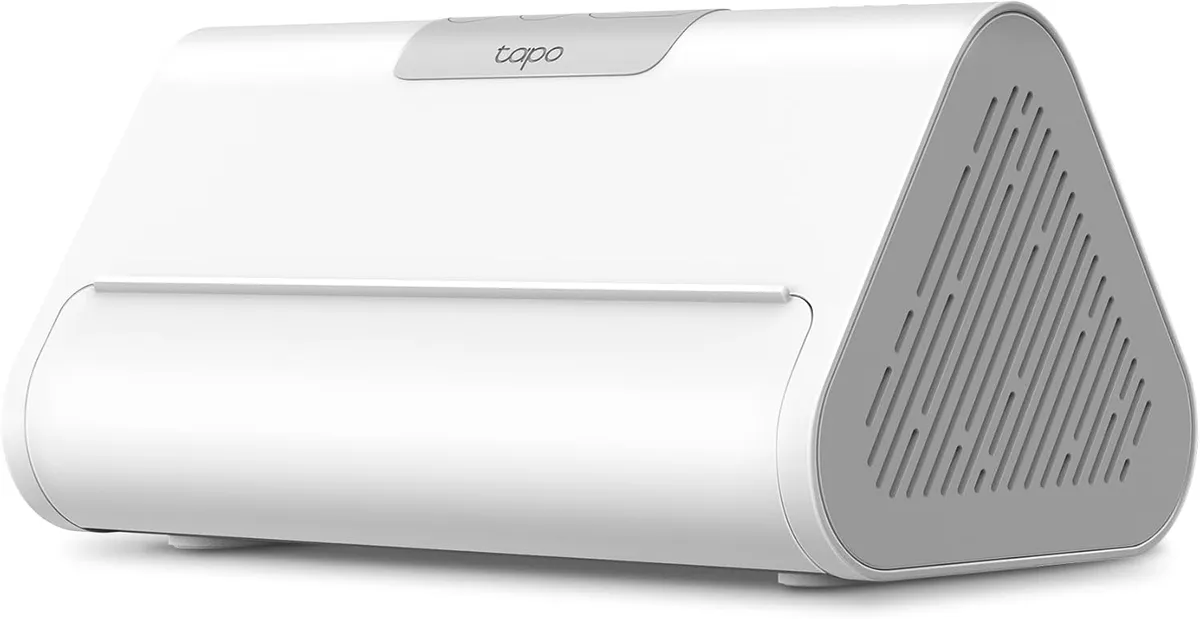
Similar to Eufy, TP-Link also offers both on-device storage with its security cameras as well as a central hub that sits in your house and communicates directly with its devices.
Like Eufy’s hub, adding the Tapo hub to your system gives you the ability for it to recognize familiar faces, so you can more easily filter out people you know. It has 16GB of built-in storage, as well as a 2.5-inch slot should you choose to expand it further. And, it has an HDMI-out port, should you want to view a live feed from your cameras on a TV.
Wyze
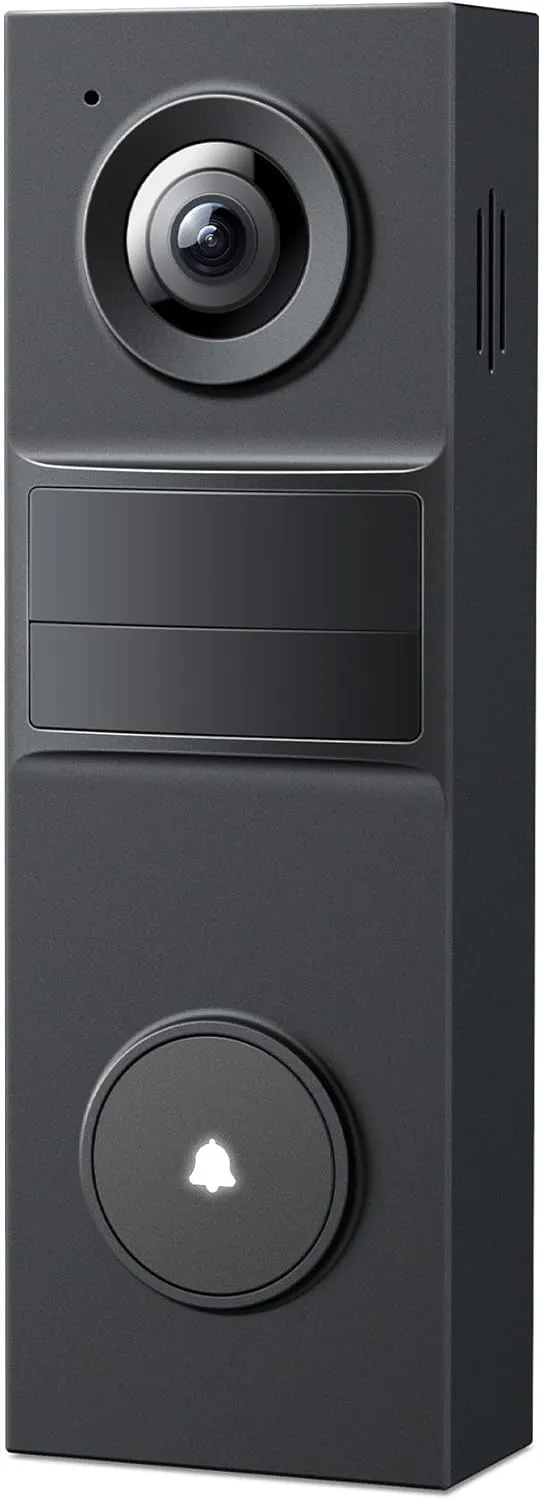
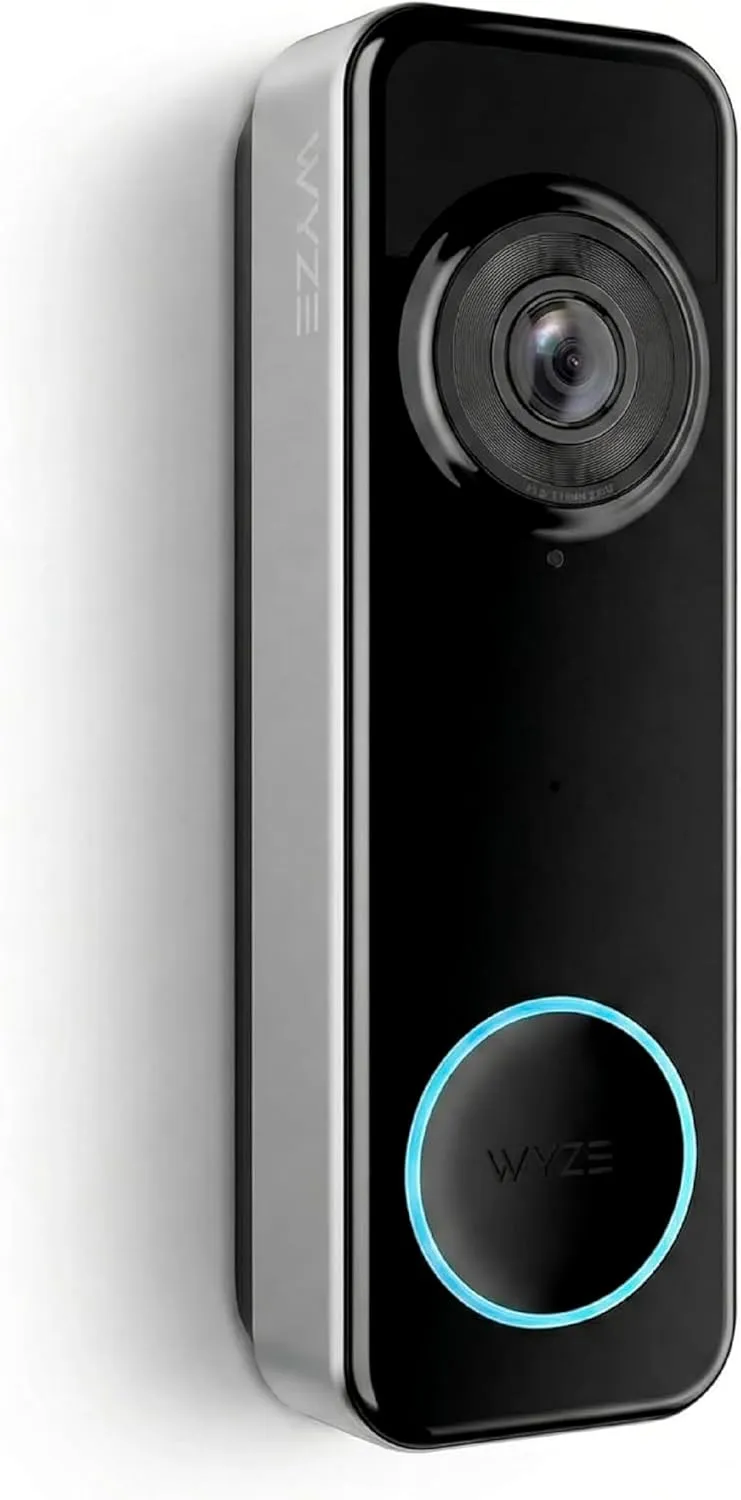
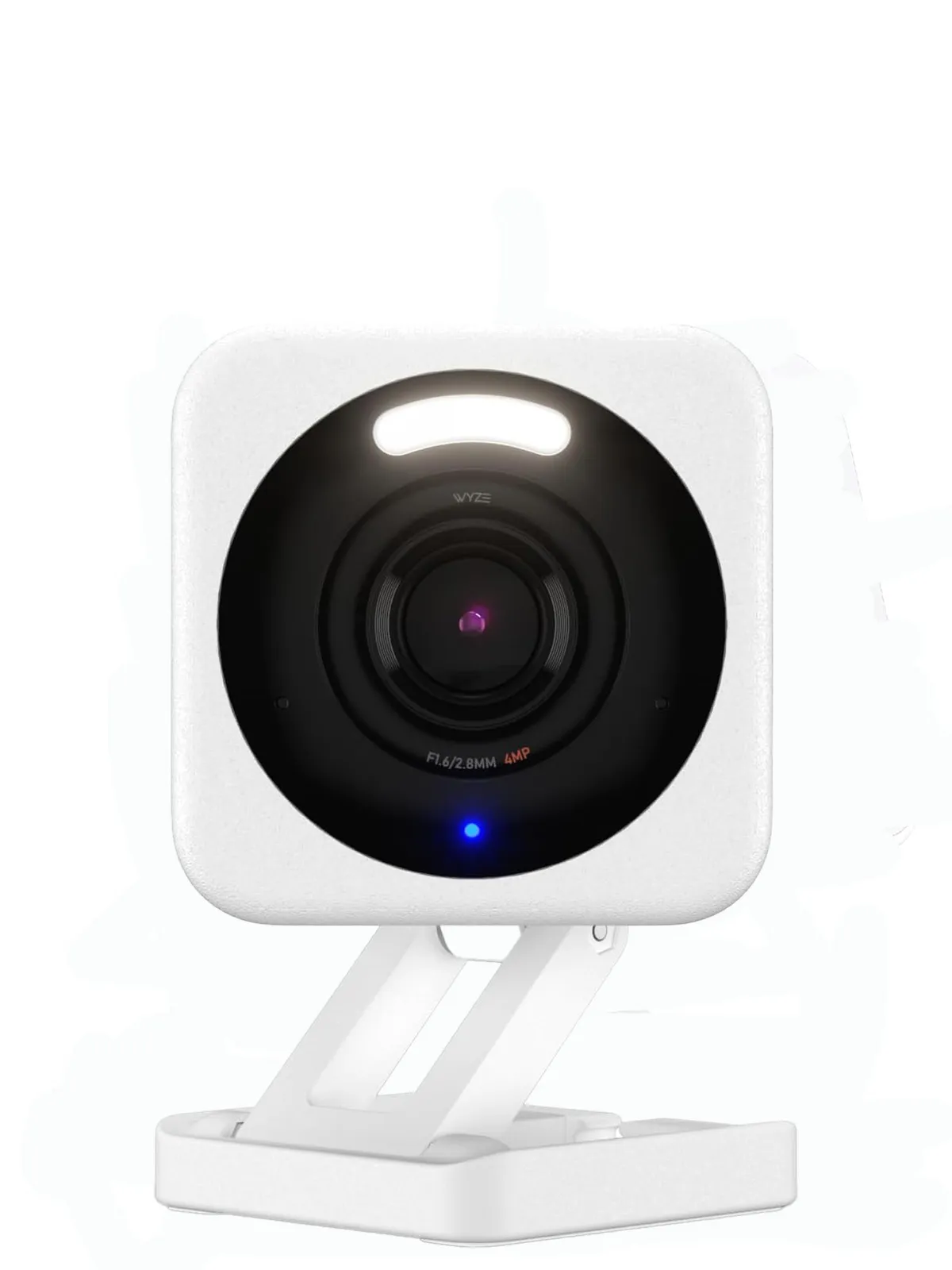
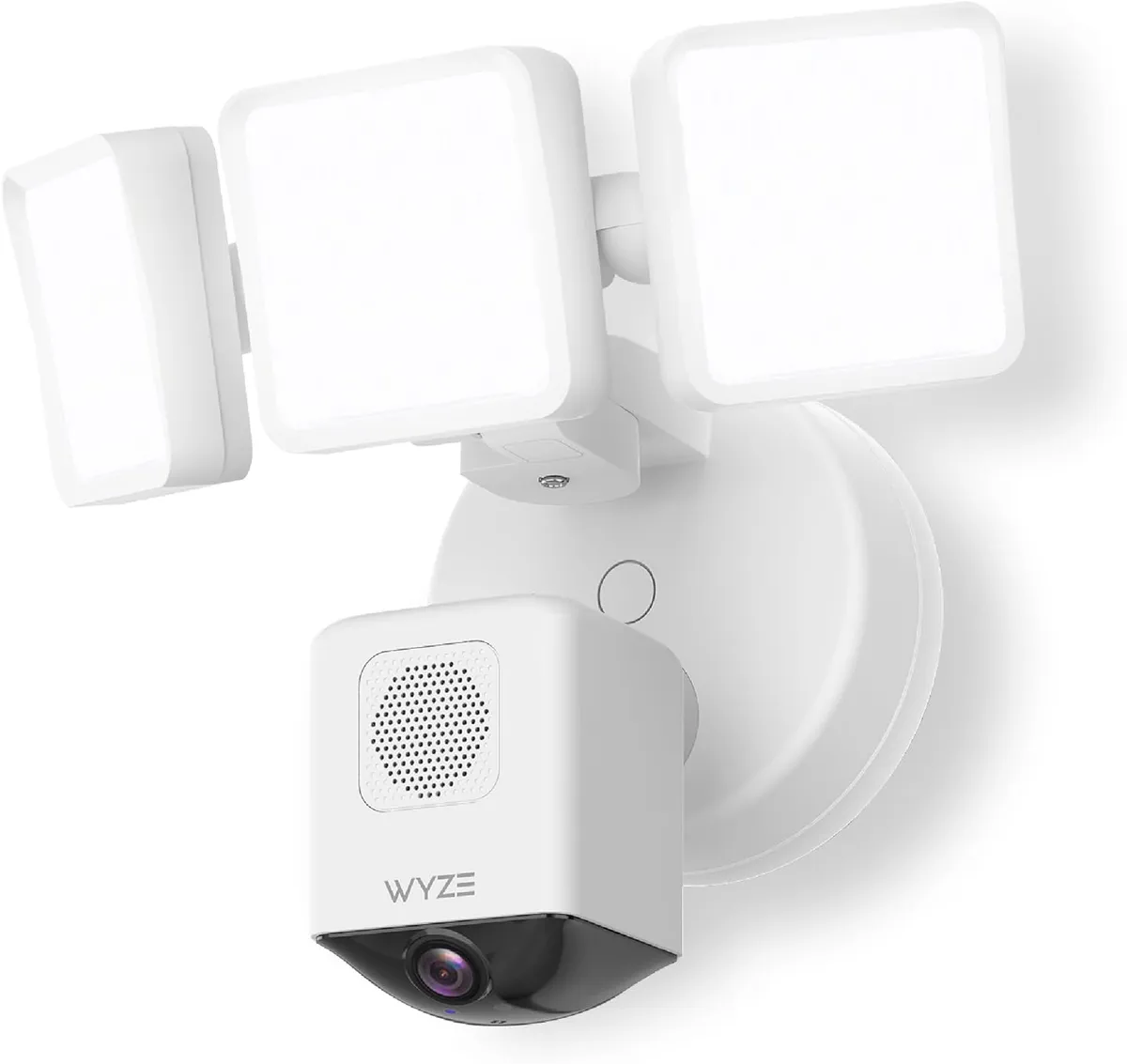
Some of the least expensive cameras and doorbells that we’ve tested come from Wyze; while the quality of the video isn't quite up to par with higher-end cameras, they offer just about everything else you could want.
Most of Wyze's devices have built-in microSD card slots, so you can save video locally. Wyze also offers a cloud subscription service, should you want a belt-and-suspenders approach.
How to save video without a subscription
The companies that I highlighted allow you to record video locally on the cameras themselves, or to a hub somewhere in your home. There are advantages and disadvantages to both approaches.
SD card slots
If you have a camera with an SD card slot, it can continue to record video even if the power or the internet goes out. The downside is that a savvy intruder can simply remove the card (or the camera).
Home hub
I personally like the hub approach. In this setup, the camera or doorbell connects wirelessly to a hub in your home, where the footage is saved. In many cases, it’s a direct link, so it won’t be affected by an internet outage, though you’ll need to have the hub on a backup battery if the power goes out.
This way, you can hide the hub in a safe location in your home, so even if an intruder destroys the camera, you’ll still have the footage.
The biggest downside to this approach, though, is the higher upfront cost. You not only have to pay for the camera, but for the hub as well. But, depending on your needs, it could pay for itself in as little as two years.

Follow Tom's Guide on Google News and add us as a preferred source to get our up-to-date news, analysis, and reviews in your feeds. Subscribe to Tom's Guide on YouTube and follow us on TikTok.
More from Tom's Guide