




I haven’t used one exclusively for a long time, but dumbphones do still exist today. You’ve got retro-looking flip phones like the TCL Go Flip that remind me strikingly of my first phone, and then there are keyboard phones like the $499 Clicks Communicator that try to convince you they're more of a companion to your smartphone.
They’re all good ways to untether yourself from the distractions of today's best phones, but the best dumbphone isn’t one I need to buy — it’s already something I have wrapped around my wrist. I’ve had my Apple Watch Series 9 for a good while now and recently used it exclusively as a dumb phone to better free myself from the digital noise of my primary device.
Even though dumbphones have quietly been making a comeback, I’m not too optimistic about using one long term. While it’s been a refreshing experience, I’ve come across a few surprising things using my Apple Watch as a dumbphone. Here’s what it can (and can’t) do.
What you need to know

First of all, I have an Apple Watch Series 9 with cellular connectivity — which is essential for making it a true, dedicated device. Secondly, it requires its own data plan to function properly when it’s not connected to a Wi-Fi network.
Of course, this is an additional expense — and you’ll generally pay about $100 more upfront for a model with cellular capabilities. You don’t necessarily need an Apple Watch either, given how many of the best smartwatches on the market also offer cellular versions. If you do want to stick with Apple, the most affordable option right now is the Apple Watch SE 3 at $299.
Phone calls, texting, and (yes) emails
Just like any dumbphone, I’m able to make phone calls and send text messages with my Apple Watch. For texting, I’ve leaned on Siri for voice dictation since the on-screen keyboard isn’t ideal for long messages. It also helps that iMessage offers several quick-reply suggestions; often, I just tap one and that’s all there is to it.
This also applies to emails, which I’ve been trying to steer clear of during this experiment. Unlike on my smartphone, I’m less inclined to actually read through them because doing so on such a tiny display is a bit of a chore.
Forget social media
Now this one’s probably the biggest benefit of switching to a dumbphone, since none of the popular social media apps I use daily on my smartphone are available on the Apple Watch. This means I’m spending less screen time as a whole, choosing instead to pass the time during my commute on the train by doing other things like listening to music.
Connect wireless headphones
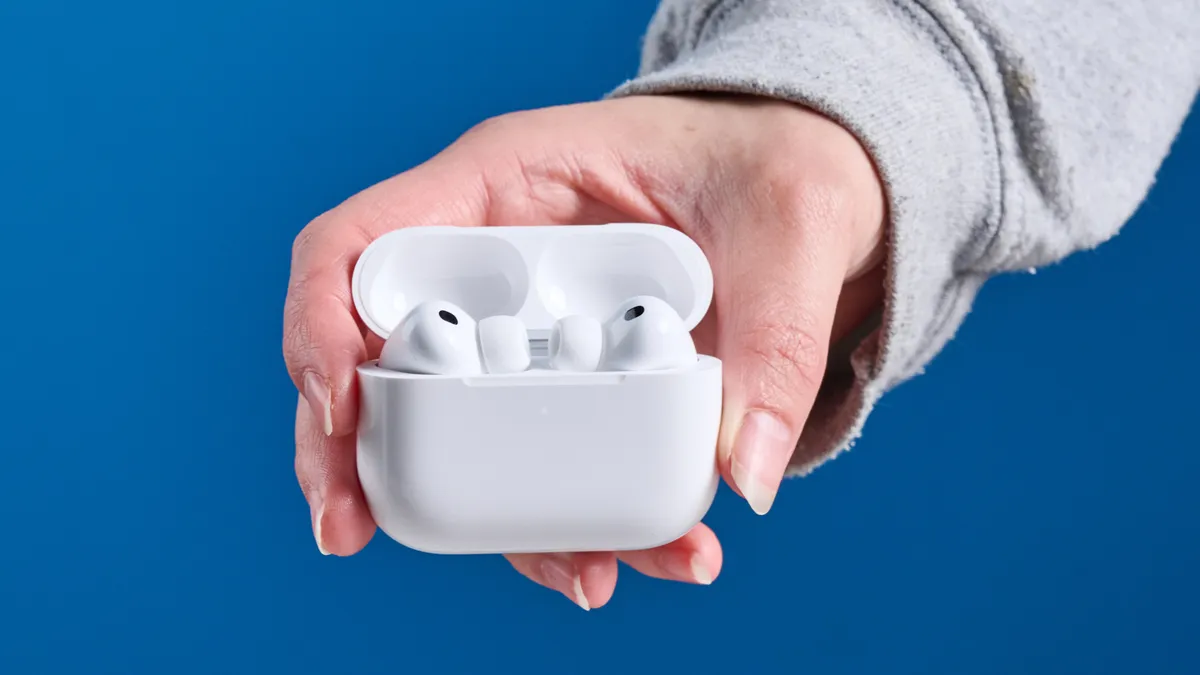
Speaking of music, I’m able to connect my AirPods Pro 3 directly to my Apple Watch. I typically do this because, while the internal speaker is a fallback, I’d much rather take phone calls in public using earbuds to keep my conversations private. What’s even better is that I can pair almost any Bluetooth device to the Watch, including my Pixel Buds Pro 2.
Most music apps don’t work offline

The most infuriating part about using my Apple Watch this way is that it only supports standalone streaming with a few apps. I already have subscriptions for Amazon Prime Music and YouTube Music, but neither lets me stream directly from the Watch — they simply act as remote controls for my iPhone.
Not surprisingly, Apple Music streams over cellular without needing my iPhone nearby, but I can only listen to so much of that old U2 album that's been tied to my account for years. While the radio function provides some variety, my only other real option for fresh music is Spotify, which also supports standalone cellular streaming.
It’s frustrating because I would much rather access the specific playlists and songs I’ve already saved with my YouTube Music subscription.
Other ways to wear it

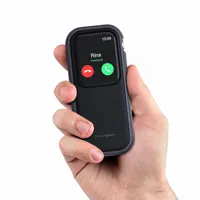
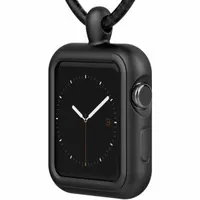
As much as it’s convenient to have my phone on my wrist, there are times and special occasions when I’d rather be wearing something fancier — like my Withings ScanWatch Nova. For this exact reason, I ended up buying an accessory that acts more like a phone case for my Apple Watch. It’s definitely something worth thinking about because it still gives me that feel of a phone, without all of the distractions of a typical smartphone.
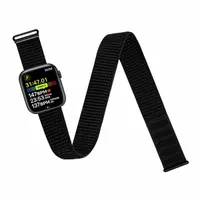
If you’re like me and love wearing your Apple Watch, but not on your wrist, here are some other solutions I’ve explored.
Bottom line

Using my Apple Watch as a dumbphone has been a sobering experience. It exposes how much time I really waste scrolling endlessly on my phone. Without those distractions, I was able to focus on priorities that matter—like working on small projects around my home that I’ve been putting off.
At the same time, I know that I can’t use this setup forever. But if I ever do need to disconnect and refocus, I know I already have the perfect tool right on my wrist. This is why I can’t stress enough how the best dumbphone could already be something you own and you don’t need to waste more money buying yet another gadget.

Follow Tom's Guide on Google News and add us as a preferred source to get our up-to-date news, analysis, and reviews in your feeds.
More from Tom's Guide

