




The most terrifying thought concerning smart home privacy is the idea that my baby monitor is being watched by anyone other than myself. In the era of privacy beaches, your smart home devices might be leaking your data, and you need to shut that down ASAP.
Smart devices, from your thermostat to your washing machine, utilize IoT (Internet of Things) technology, which means that they’re embedded in a network that exchanges data with other devices over the internet. But what sort of data could a washing machine collect that could pose a potential privacy issue? Well, that simple smart appliance is connected to the same network as your laptop or computer, so hackers can bounce from a lightbulb to a PC.
We live in a time where we’ve traded our privacy for convenience, and while these companies have gathered a ton of data on us already, it doesn’t mean we need to keep the toxic river flow going. Let’s go over how to secure your devices.
Change your password
Come on now, don’t walk around with your username as “admin” and password as “password” for your router or any of your smart devices. You might as well be handing the manila envelope of your life directly to a hacker.
If you’re looking for convenience, use a strong password manager to autogenerate a password for you. Using personal information in a password is almost as bad as whatever the default is. Simple words are also ill-advised. If you really want to know how fast a hacker can break your password, Hive Systems produced a convenient graphic for you to get the idea.
Most importantly, don’t use the same password twice. I know it’s a pain, but it’s necessary, and let’s move onto why.
Enable 2FA or MFA

Changing your password is not enough. Even if you’ve somehow developed an impenetrable string of letters, numbers, and symbols, it could easily be put on blast if there’s a security breach. And suddenly, a hacker knows the password for your Samsung washing machine, which could be the same password you use for your laptop (if you happened to not take my previous advice).
Most devices let you set up two-factor authentication (2FA) or multifactor authentication (MFA), and it is a simple way to stop a hacker from breaching your smart home even if they have the password to your device. Setting this up, typically through your phone, is another layer to keep your smart home safe.
Enable automatic firmware updates
This may seem rather obvious, but it’s important to point out that you should keep all your smart home devices, especially your router, up to date and this includes your other devices too, like your smartphone and laptop. The easiest way to do that is to enable automatic firmware updates. Whenever there’s a security issue, manufacturers will ideally patch the vulnerability as soon as possible.
Unfortunately, that might not always be the case. If a company is no longer supporting the product or simply discontinued it, that might be your cue to do the same. No one likes spending money on something new when the old one works just fine, but the older a product is, the more vulnerable it could become.
Use a router-level VPN

Setting up a VPN (Virtual Private Network) can not only secure your smart home devices but all of the devices on your network. A VPN encrypts your data, so hackers won’t be able to see what exactly your smart home devices are communicating. It’s not impenetrable, but it’s a strong layer of security.
Now, the only problem with this is that most VPNs aren’t free and not all routers are compatible with VPN integration. However, if you have access to a VPN and a compatible router, you should be able to set it up via your router settings, in a section likely labeled VPN Client mode.
Set up a smart home network
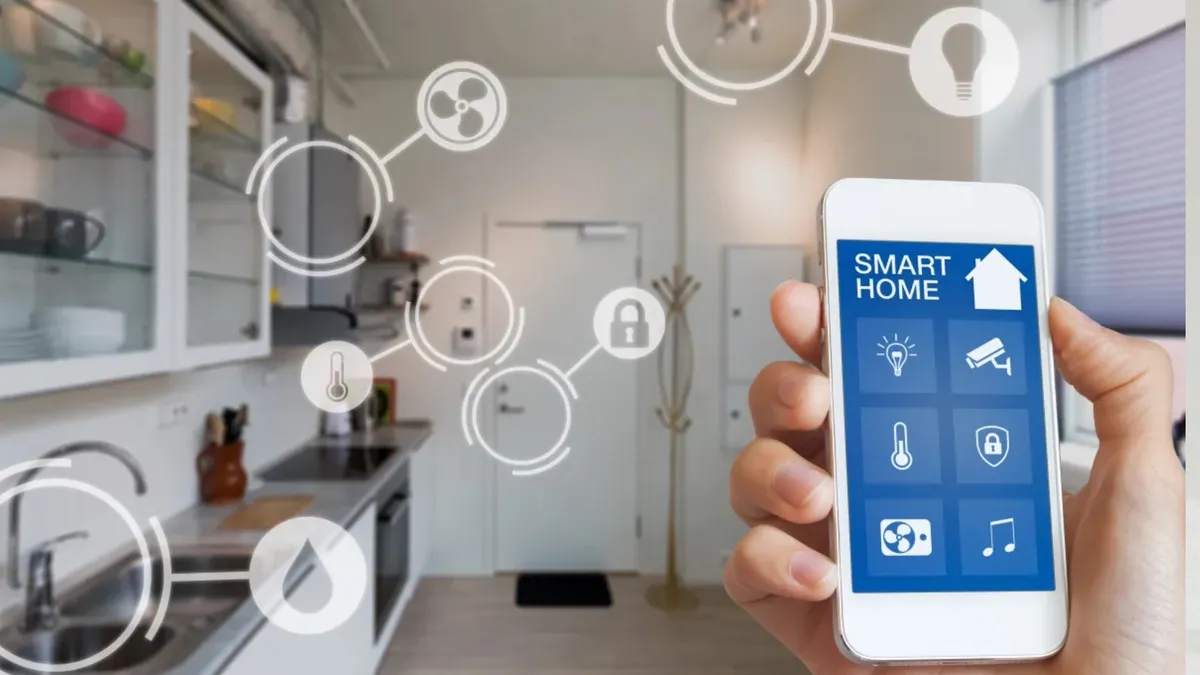
One of the most significant changes you can make to your smart home is using a local or separate Wi-Fi network for your smart home devices. This does come with some drawbacks, however.
You can set up a guest network on your router and throw all your smart home devices on there, effectively isolating them from your primary network. How effective this is comes down to the type of smart home device you’re connecting. Some can get temperamental with your phone not being on the same exact network. You might need to switch to the guest network, connect with the device, and switch back to see if that works. In other cases, it might not be compatible at all.
If you want to go the local network route, things will take a slightly more challenging but effective turn. You’ll need to get your hands on a Raspberry Pi or an old laptop and start looking into Home Assistant, an open source home automation system that keeps all of your smart home devices local.
If you’re willing to trade convenience back for privacy, this should be your next step. It’s more involved than what we can cover here, but to put it simply, your smart home devices connect to your laptop or Raspberry Pi locally and then can be managed through the Home Assistant app.
Bottom line
The more steps you take to secure your network, the less likely you’ll have to worry about your personal data being breached because of something as simple as your washing machine. Even one of these steps will drastically improve your security, but changing your passwords and using 2FA or MFA is great advice in and out of your smart home.
Follow Tom's Guide on Google News and add us as a preferred source to get our up-to-date news, analysis, and reviews in your feeds. Subscribe to Tom's Guide on YouTube and follow us on TikTok.

More from Tom's Guide

