
 Club Benefits





The best smart home hubs are an essential part of any smart home set up. Whether you're adding lights, locks, video doorbells or garage openers, you need a way to check in with all your new devices and control them from a single place.
These hubs use specific protocols to interact and control your smart home, so it's best to get a smart home hub first, then choose the products that'll work with that. So, if you want to embed yourself with Amazon's Alexa, the best smart home hub will be something like the Amazon Echo Dot Max.
The best smart home hubs you can buy right now
Why you can trust Tom's Guide Our writers and editors spend hours analyzing and reviewing products, services, and apps to help find what's best for you. Find out more about how we test, analyze, and rate.
Best smart home hub overall


Samsung has its own smart home protocol called SmartThings, and the company used to make its own smart home hub, until it discontinued the hardware in 2021. Now, though, it's partnered with Aeotec for the SmartThings-compatible Smart Home Hub.
If you're invested in the Samsung ecosystem, this is the best smart home hub for you. But even if you're not, it's a fantastic choice as it supports Zigbee, Z-Wave, Nest, Thread and Matter, making it one of the most compatible options outside of the ecosystem options from Google, Amazon and Apple.
It's a screenless hub, which means the SmartThings app is where you'll set up devices, create routines and add services. All connections are wireless, even though there's a USB port on the back of the hub; this is just for troubleshooting.
The app is also where you can set up connections to Google Home and Alexa if you want to control things with your voice. It's easy to get along with, and when you try to add a new device, the option cards are specific to that device type.
So if you're adding a lightbulb, you get specific actions based on the light, like turning it on or off or dimming it. You can create Routines (automatically triggered actions) and Scenes (manually activated Routines) in the app too.
In many ways, the Aeotec Smart Home Hub is the best smart home hub if you want the most compatible experience and detailed programmable routines. It's a lot more powerful than anything Amazon-related, but more complex, too, so it's not ideal for beginners or if you want a fairly simple smart home set up.
- Read our full Aeotec Smart Home Hub review
Best Alexa smart home hub


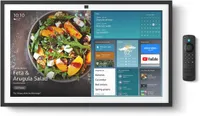
Amazon popularized smart home hubs with its Echo devices, so it shouldn't be a surprise that one of the best smart home hubs is the AI-powered Echo Dot Max, a compact smart speaker with a lot of tech packed inside.
It's the spiritual successor to the now-discontinued Amazon Echo (4th Gen) but with hardware upgrades and support for Alexa+, the subscription-based AI version of Alexa. The Dot Max is smaller and the speakers are better, but it's quite a familiar unit.
The underlying smart home features are mostly the same as you'd find on other Amazon Alexa devices. It can act as a satellite for eero Wi-Fi routers, hitting up to 100 Mbps, so it can help deal with wireless dead zones in your home.
But the main reason to get the Echo Dot Max is its integration with Alexa, and more specifically the $20/month Alexa+ AI upgrade. Alexa remains the same voice-controlled smart home hub as it is on other hardware, allowing you control devices, especially Amazon ones, with specific commands.
Alexa+ adds natural language processing so you can get more succinct answers to questions, but most importantly, create more detailed routines with simple language, and it's more contextually aware, so you can say things like 'turn off lights in this room' and it'll know which area of the house you mean.
The main hardware upgrade on the Dot Max is the speakers. These sound better than most Echo speakers have in the past, though they're not up to the same standard as the HomePod. If audio quality is an important feature, you should go for the larger (and more expensive) Amazon Echo Studio, which has improved speakers.
The Echo Dot Max is the multi-functional smart home hub in Amazon's range. It's affordable, can handle most smart home devices and tasks, and has pretty good speakers, with natural language processing if you opt for Alexa+. It's good, but it's not wildly different from the Echo (4th Gen) before it. Since you can't buy that anymore, the Echo Dot Max is the best smart home hub for all Alexa users right now.
- Read our full Amazon Echo Dot Max review
Best budget smart home hub
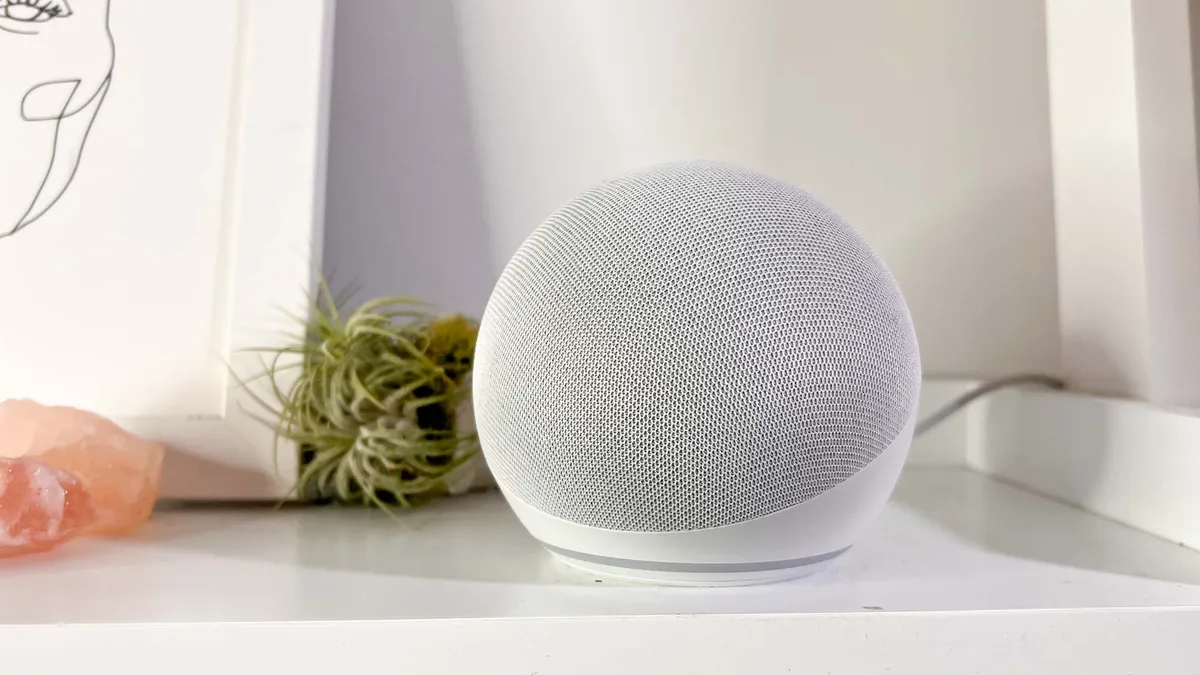
Building your smart home on a budget? The Amazon Echo Dot (5th Gen) is one of the cheapest smart home hubs you can get, but it's still compatible and powerful enough to control your devices with your voice via Alexa.
There are compromises, of course; it doesn't support Zigbee or Z-Wave. But it works with Matter devices, can pull dual-use as a Wi-Fi extender if you have an eero mesh Wi-FI router and includes Bluetooth and Wi-Fi connections.
Although smart home hubs are incredibly useful, there's always the worry that the microphone picks up things you'd rather it didn't. You can disable the mic on the Echo Dot (5th Gen) and a red LED will light up around the base so you can tell at a glance when your conversations are private.
The design feels like it was 'inspired' by the Apple HomePod, which is good as the fifth generation of the Echo Dot now blends into your home more seamlessly than the older models. And the price means you can add a few around your home for less than the cost of Apple's smart speaker.
So while it's not as feature packed as the Amazon Echo Dot Max or as compatible as the Aeotec Smart Home Hub, it's easily the most affordable way to get started with smart home devices, and Alexa is a mature and easy to use platform, too.
- Read our full Amazon Echo Dot review
Best HomeKit smart home hub
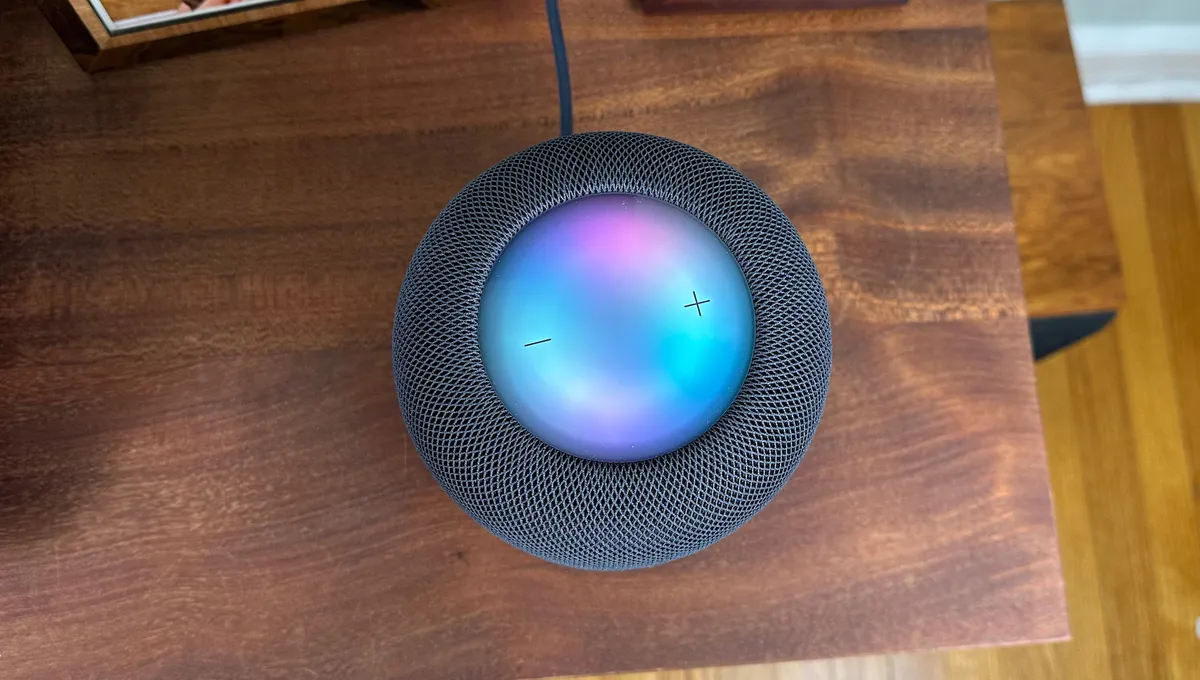
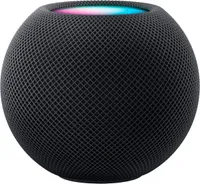
The Apple HomePod (2nd Generation) is the only smart home hub the company offers. This is, in part, because you can use many iPhones/iPads/Apple TVs to control some smart home devices, but the HomePod is a more comprehensive option.
It supports Matter, which is quickly becoming one of the most popular smart home protocols, and means that you can connect devices that are outside of Apple's walled garden and control them just as well from the HomePod.
The HomePod (2nd Generation) has, as you'd expect from Apple, a pleasing aesthetic and certainly blends into your home far easier than the obviously-tech-design of the Amazon Echo Dot Max, but it's also more capable than that Alexa-powered speaker.
It has temperature and humidity sensors that mean you can incorporate environmental data into your smart home routines via Apple's HomeKit. Post-release, Apple gave the HomePod a software upgrade, which added the ability to listen for smoke and carbon monoxide alarms and send you an alert if one is triggered.
We found that the HomePod (2nd Generation) sounded every bit as good as the original — it's one of the best smart speakers — but its high price of $299 may turn off those who aren't invested in Apple's ecosystem.
- Read our full Apple HomePod (2nd Generation) review
Best Google Home smart home hub

The Google Nest Hub Max was released in 2019, which feels like a long time ago in consumer tech. But it's actually still the most current large-format Google smart hub display. There's also the smaller Google Nest Hub, released in 2021.
Both devices have Gemini support (something which has been added in the last couple of years following the AI boom) and are generally still as compatible as they were more than half a decade ago.
When we reviewed the Nest Hub Max, we found that the spacious 10-inch screen was easy to read and interact with, and the quality of the image is actually good enough that you can watch YouTube and Netflix without issue, too.
And although it's not designed solely for audio like the Apple HomePod (2nd Generation) or Amazon Echo Dot Max, everything we listened to on the Nest Hub Max actually sounded pretty good. There's also a built-in 6.5 MP camera that is acceptable for video calls, even years later.
Several years ago, the company released the Google Pixel Tablet, which although officially a tablet, had a dock that turned it into a smart home hub. It's very similar to the Nest Hub Max, but doesn't support Thread, which the Nest Hub Max does.
There's also Wi-Fi and Bluetooth connectivity, though you may get slower speeds than you'd like with those connections, given the tech is more than seven years old now. The biggest advantage of the Nest Hub Max is its integration with Google Assistant and Gemini, which is perfect if you're already using Nest doorbell cams or other Google devices.
- Read our full Google Nest Hub Max review
Also tested
These are a lot of smart home hubs out there, and not every single one can be The Best. But some are still really good, so these are the hubs that didn't quite make the main list, but are still worth considering, including all the various latest Amazon devices.
How we test smart home hubs
We test every smart home hub by installing them in a real-world scenario (our house, to be exact). The first criteria is to determine how easy they are to set up; those aimed at novice smart home users should be simpler to understand than advanced smart home hubs.
We also look at the number of devices that can connect to a smart home hub. After all, if there aren't that many things that can work with a hub, its usefulness is rather limited.
After that, they key to any smart home hub is determining how complex you can make the interactions between various smart home devices. For instance, if a hub only lets you create rules based on the time of day or when you speak a command, then that's pretty limited.
The best smart home hubs will let you do much more, such as changing their status based on your location or what happens when another smart home device turns on or off.
We look to see how sophisticated we can make these rules and routines, and the ease with which we can create them. Lastly, we test the routines we create to see how well they work.
How to choose the best smart home hub
The most important factor when choosing a smart home hub is what you want to do with it. Which sounds obvious, but it's crucial to think about before you start buying smart home devices.
There are different connection protocols, and not every smart home hub supports each one. So, importantly, you need to look at whether your smart home hub supports Wi-Fi (almost all do), Bluetooth (most), Zigbee, Z-Wave, Thread or Matter.
Then there's which ecosystem the smart home hub exists in. Amazon devices integrate with Alexa, Google ones with Gemini and Nest, and Apple with HomeKit. The Aeotec Smart Home Hub is also compatible with Samsung's SmartThings platform.
Once you have compatibility sorted, consider if you need a screen or if you want to only control devices with voice commands. Adding a display increases the cost, but also makes the hub more versatile. But screen-less varieties often have better speakers.
And before you part with your money, think about whether the hub is future-proof. Is it locked into a particular vendor's ecosystem or can you connect open protocols. My personal take is also to be wary of any exclusively AI-powered options, as there's no telling whether these will still be supported once the hype dies down.
FAQs
Do I need a smart home hub?
If you plan on installing a lot of smart home devices in your home — a smart thermostat, smart lights, smart locks, and more — then getting a smart home hub to control them all from a single place can be helpful. More importantly, the hub will let you connect all those devices in a single interface, so you can automate your smart home. However, if all you have are a couple of smart lights, then you probably don't need a smart home hub.
What does a hub do in a smart home?
When you have a lot of smart home devices, you want to be able to control them from one place. A smart home hub can talk to all of those devices, so that you can use a single app to control everything. What's more, a smart home hub will let you create interactions between your various smart home devices. For example, you can program your smart lights to turn on automatically if you unlock your smart lock, or open your garage door.
What smart hub works with Nest?
The Google Nest Hub Max can be used to control all Nest products, such as the Nest Learning Thermostat, the Nest Cam, and the Nest Doorbell. If you want something that can work with Nest and other products, then we recommend the Aeotec Smart Home Hub, which lets you do a lot more than you can with Google Home alone.

