
You’ve made up your mind: You’re buying a new TV, and it will not be expensive. Why? Because even a $350 TV is still $350.
Fortunately, cheap TVs have never been better, and good-enough TVs have never been cheaper. You just have to know what you’re looking for — otherwise you might end up with a TV that frustrates you more than it entertains you.
If you’re shopping for a new set and hoping to keep costs down, I’m here to help. These are the five features to look for when bargain-hunting in the TV aisle.
1. 4K resolution
We live in the era of 4K. Even though the majority of what we watch — basic cable, local news and most YouTube videos — gets piped into our homes at below 4K resolution, it’s time to embrace ultra-high definition.
The reason for this is simple: Even if you don't care about fancy enhancements, any TV worth buying is a 4K TV. By insisting that you don't need 4K resolution, you're starting your TV-shopping journey with a severely limited pool of options. Plus, many of the cheapest TVs you can buy are 4K TVs — the days of it being a pricey upgrade are over.
Besides, streaming platforms like Netflix, Hulu and Disney+ are regularly pumping out shows and movies in 4K resolution. If you do even a marginal amount of streaming, you're eventually going to want it.
There is a caveat to this. If you’re buying a 32-inch TV (say, for a kitchen or guest room), you probably don’t need 4K resolution. At that size, you’re far less likely to spot the difference, anyway.
2. A reliable brand name
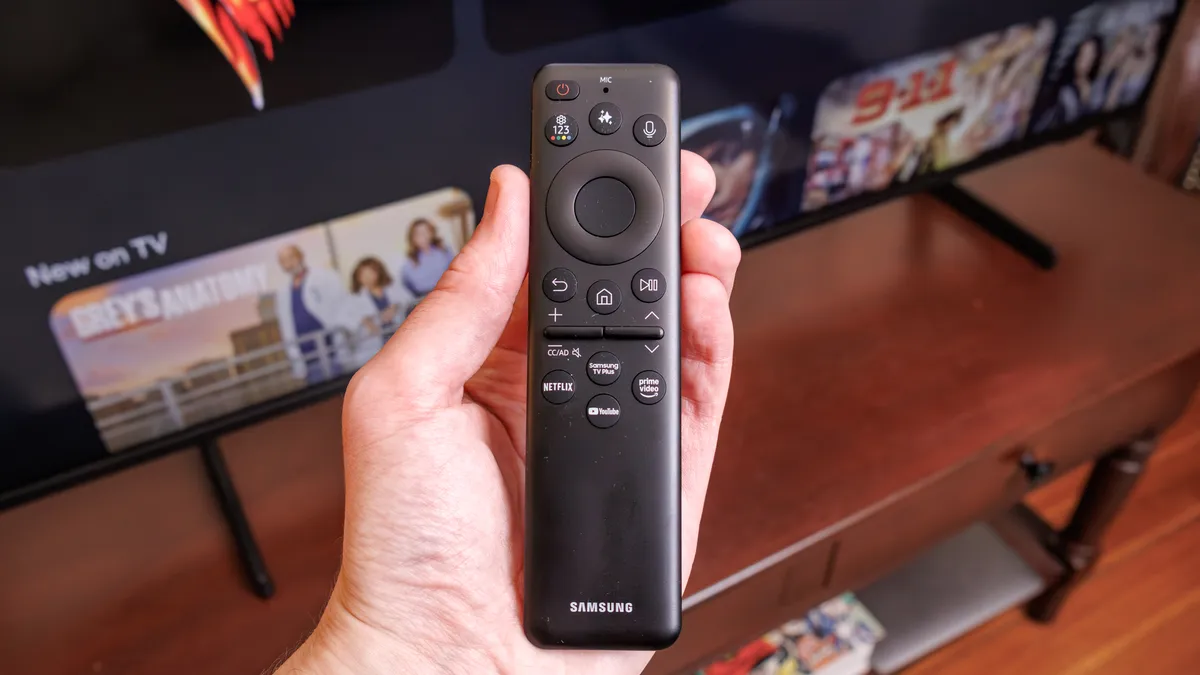
I'll cut to the chase: Steer clear of the absolute cheapest TVs on the market. These are the brands that mostly (or completely) specialize in ultra-affordable fare, like Insignia, Element, Onn and Pioneer.
While some of these companies have been around for a while, they almost always prioritize affordability above all else. While there's nothing inherently wrong with that business model, you can usually spend just a little bit more on a set that, in my experience, will likely look better and last longer.
A common complaint among the negative reviews attached to these models is that the display failed, the audio went out, or that the motherboard fried itself early on in the TV's lifespan. And, while even premium TVs fail occasionally, better components and tighter engineering are key to longevity.
3. LED backlighting (ideally with local dimming)
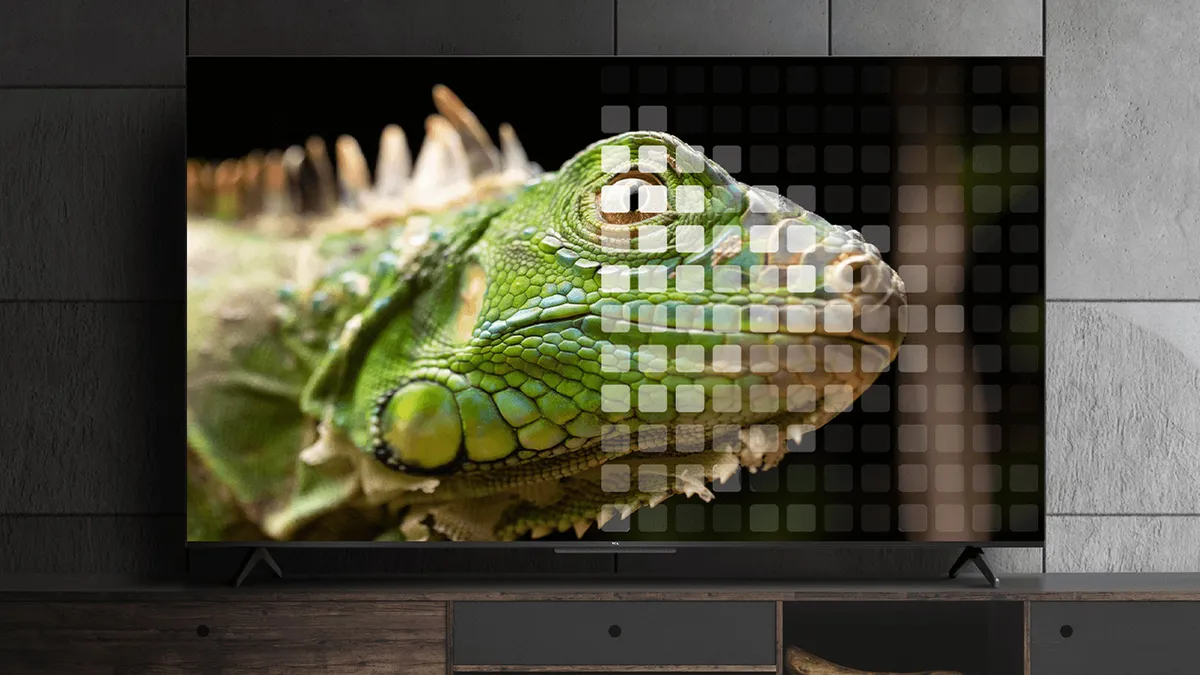
Look for TVs whose product summaries, spec sheets or box blurbs mention terms like “full array LED,” “backlighting” or “local dimming.”
Many ultra-affordable, entry-level LED TVs are built around edge-lit displays. These displays are illuminated from their edges rather than behind the picture, like backlit TVs.
It all comes down to the distance between the LEDs and the screen. If a TV relies on edge-based LEDs, it’ll likely struggle with contrast, especially during darker content. The picture will likely take on a hazy, flat look, with very little depth and shadow detail.
From a performance standpoint, backlit LED TVs aren’t guaranteed to be better than edge-lit LED TVs just on the basis of their hardware. However, in the entry-level price range, edge-lit TVs are almost always the dimmer, less-impressive option.
Look for TVs whose product summaries, spec sheets or box blurbs mention terms like “full array LED,” “backlighting” or “local dimming.” At super-affordable price points, these are valuable marketing terms that will likely be readily available.
If you're shopping in the $300 to $500 price range, you might even have the option of getting a Mini-LED TV, which is a more-advanced version of LED backlighting getting cheaper by the day.
By the same token, don’t expect to see the terms “edge LED” or “edge-lit” on the side of a TV box. It might be buried in a product listing somewhere, but it probably won't be highlighted as a bonus feature. If you don’t see an indication that the TV is backlit, just assume that it’s not.
4. The right amount of HDMI ports
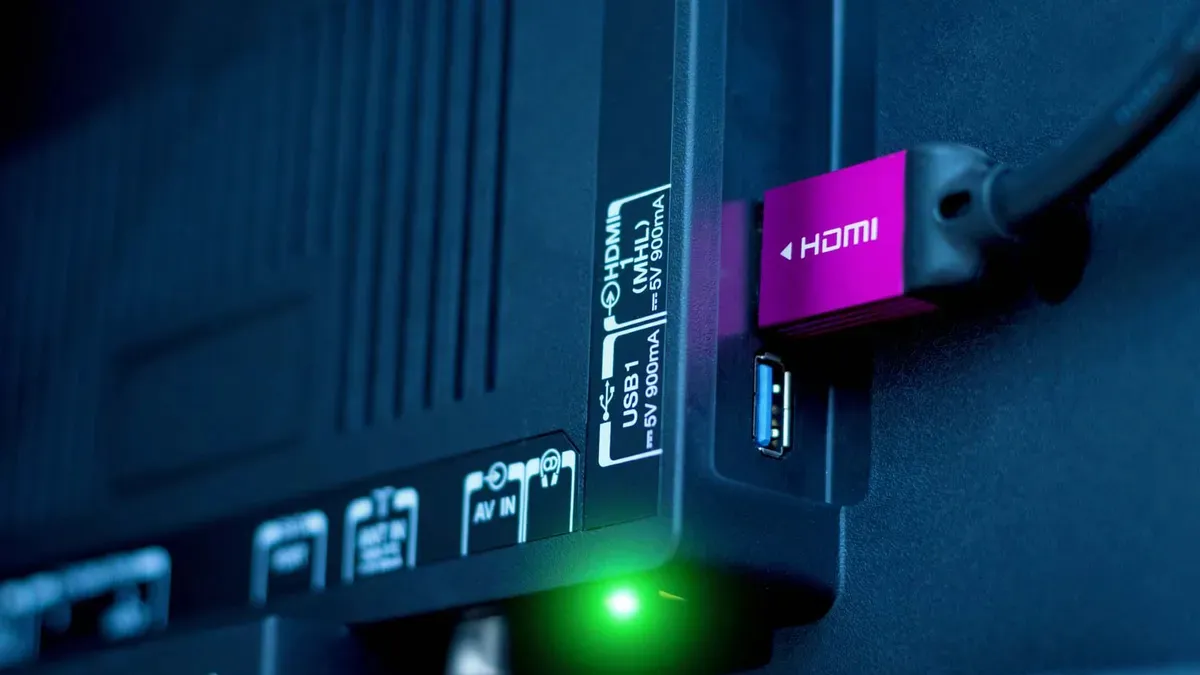
Check out our guide on how to choose the right HDMI port for any device
For most people, a minimum of three HDMI ports is essential. While the vast majority of affordable TVs meet this criterion, I still occasionally come across TVs with just a pair of HDMI inputs.
Don't assume that, because two ports is OK for now, you'll still be satisfied with that amount in the future. For one thing, cheap TVs aren’t exactly known for their sound quality. Heck, many mid-range and high-end TVs suffer from less-than-great audio.
For this reason, we typically recommend that folks pair their affordable TVs with one of the best soundbars that works within their budget. But here's the rub: Once you've paired your TV with a soundbar, you're down to just one available port for a cable box, streaming device or console. The last thing you want to happen is to find yourself in need of a new TV in a year or two simply because you're limited to just a pair of ports.
This leads me to my final point: If you want to forgo the streaming stick and lean on your next TV's built-in streaming software, you'll need to brush up on which smart platform best suits your needs.
5. A reliable smart platform (if you need it)
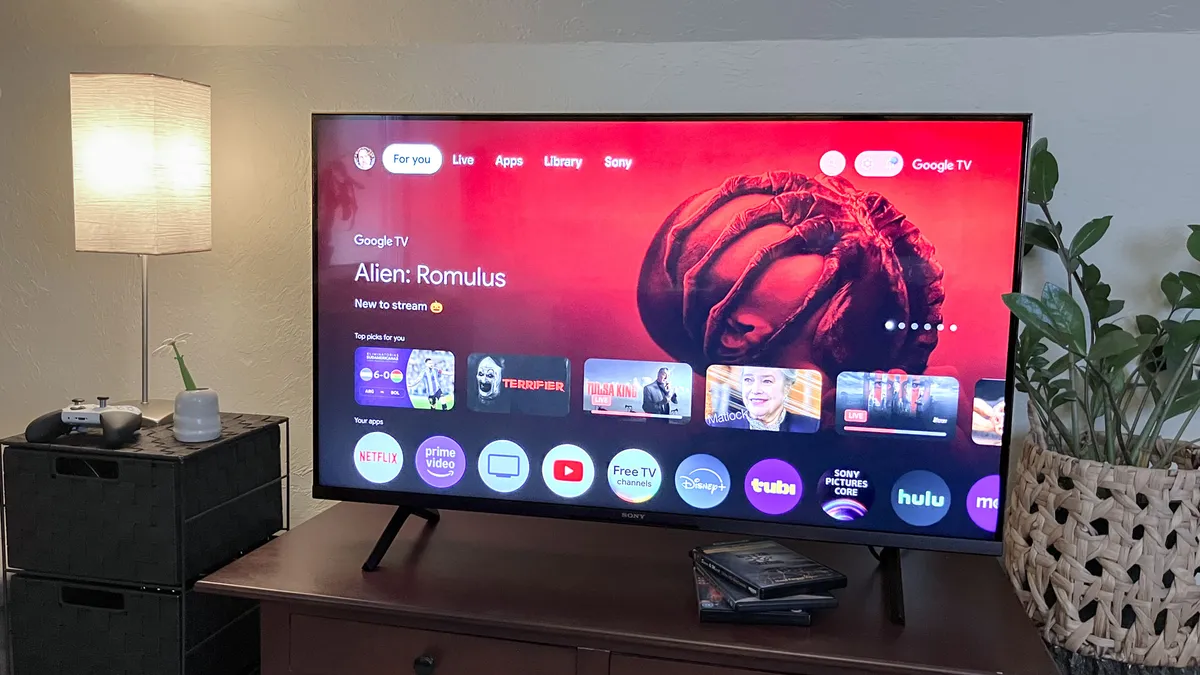
If you're shopping for a budget-friendly smart TV, you'll likely have your choice between one that leverages Google TV, Roku, LG's webOS, Samsung's Smart Hub or Amazon Fire TV. Of these software suites, Google TV, Roku and Fire TV can be found across various brands.
Google TV and Roku offer the best combination of usability and additional, downloadable apps. In my experience, Samsung's software and LG's software are the most dependent upon the processing power of the associated TV. As a result, I've found that the most affordable Samsung and LG TVs are the most likely to exhibit software-related slowdown depending on which apps are in play.
In any event, something is better than nothing. If you're determined to skip the use of a dedicated streaming device, your TV's built-in smart platform will have to suffice.
Buying a cheap TV: outlook
Now that we've tackled the ins and outs of cheap TV-shopping, let's put together everything we know so far:
I'm shopping for a new, cheap TV. I want it to belong to a reliable brand, I need it to feature 4K resolution and LED backlighting, and I want it to have at least three HDMI inputs and a reliable smart platform.
The TCL QM5K is just one example of a TV that fits the bill. Not only does it feature LED backlighting, it's the most affordable TCL-branded TV to include Mini-LEDs.
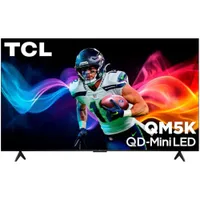
The QM5K doesn't come with four HDMI inputs, but it does have three. And, if you're determined to lean on your next TV's built-in smart features, the QM5K has you covered there, too. It's built around Google TV, so most people won't feel compelled to take up one of its three HDMI inputs with a streaming device.
Buying a budget-friendly TV can be intimidating. No one wants to shell out a few hundred bucks on something that will only lead to frustration in the near future. If you keep this checklist in mind, however, you're equipped with everything you need to find a suitable model without breaking the bank.

Follow Tom's Guide on Google News and add us as a preferred source to get our up-to-date news, analysis, and reviews in your feeds. Subscribe to Tom's Guide on YouTube and follow us on TikTok.
More from Tom's Guide