




As AI data centers continue inhaling RAM like it's oxygen, everyone from laptop manufacturers to PC enthusiasts is feeling the squeeze. The shortage has caused the delay of the highly anticipated Steam Machine, and while that is a tragedy for gamers, the RAM crisis is also affecting creators.
Graphic designers, photographers, and video editors need RAM, too. Not for smooth framerates, but for efficiently running software. Programs like Photoshop and Premiere Pro need RAM to load assets and effects. Without sufficient memory, creative software lags and can even crash.
While a game crashing mid-match is a huge bummer, it doesn't affect your finances. When creative software crashes for a professional, that could potentially mean a loss in earnings.
For freelancers like me, we can't rely on an employer to shoulder the costs of memory upgrades. The lack of RAM is making it harder and more expensive for creatives to upgrade their PCs. We have to reach into our savings and shell out big bucks for memory that keeps getting more expensive. Sure, this can be offset at the end of the year by expensing the components on your taxes, but it still hurts.
The alternative is to hold off on upgrades until memory upgrades are more reasonable. However, with the market expected to stabilize in 2028 or beyond, that's a long time to wait.
So, how much RAM do you really need to edit video? That answer is not as clear-cut as you may expect. Video editing software makers have minimum and recommended specs, but they vary by user, project, and other hardware. Having more RAM may not make a difference if you have a slow storage solution or an older graphics card that can't help with GPU-accelerated rendering.
Minimum RAM is a good place to start

The big two—Premiere Pro and DaVinci Resolve—have minimum and recommended hardware specs that offer a decent starting point. Since modern macOS computers can't be upgraded with additional RAM, we'll instead focus on Windows PCs.
Premiere Pro has more lax requirements. You can get away with running Premiere Pro on your PC with just 8GB of RAM, making it usable on budget laptops and PC builds. However, if you want to do anything like edit 1080p video or add effects, you'll need more. Premiere Pro recommends 16GB for editing HD (720p) video.
That said, if you're shooting in FHD (1080p) or UHD (4K), 16GB may not be enough if you want a timeline that responds quickly. For 4K video editing, the recommended memory is 32GB according to Premiere Pro. This should also be enough for applying effects.
DaVinci Resolve is not much different. The minimum requirement is higher, though. On Windows, you'll need at least 16GB of RAM to run the latest version of the software, Resolve 20. If you want to use Fusion, Resolve's VFX engine, then you'll need at least 32GB of memory. With this much memory, editing 4K video is very doable, though the computer may struggle with longer timelines if you have lots of text and effects layered on top of each other.
What the software companies recommend is fine when you're starting. Eventually, though, you'll notice whether you need more or not.
64GB of RAM is the sweet spot for me

For the past two years, I've been working primarily as a videographer and editor, relying on my PC to put food on the table. Originally, when I built my first PC in 2019, I started out with 16GB of DDR4 Corsair Vengeance memory. It wasn't much, but I was able to do simple editing jobs on Premiere Pro.
Eventually, I switched over to DaVinci Resolve and doubled my memory with four sticks of 8GB Corsair Vengeance RAM. With 32GB of RAM, my computer felt more responsive, and I took on more complicated editing jobs. I was able to leverage the additional memory to implement basic VFX through Resolve's Fusion tab.
Still, as I began shooting more in 4K, I felt I needed a bit more memory. Last year, I doubled my memory again to 64GB of Corsair Vengeance RAM. This maxed out the amount of RAM my motherboard supports.
Having 64GB of RAM has made editing so much more enjoyable. Editing 4K timelines feels more responsive, and the software hardly lags, even as my timelines exceed 10 minutes. I'm able to apply more VFX and animations in my videos, which has resulted in producing higher-quality videos and upping my hourly rate.
While my sweet spot is at 64GB of memory, that doesn't mean it's the gold standard. Editors who edit 8K video or do lots of VFX may need even more memory, while others may need less for quick, simple edits. In most cases, 32GB is enough.
32GB of RAM is enough for most editors
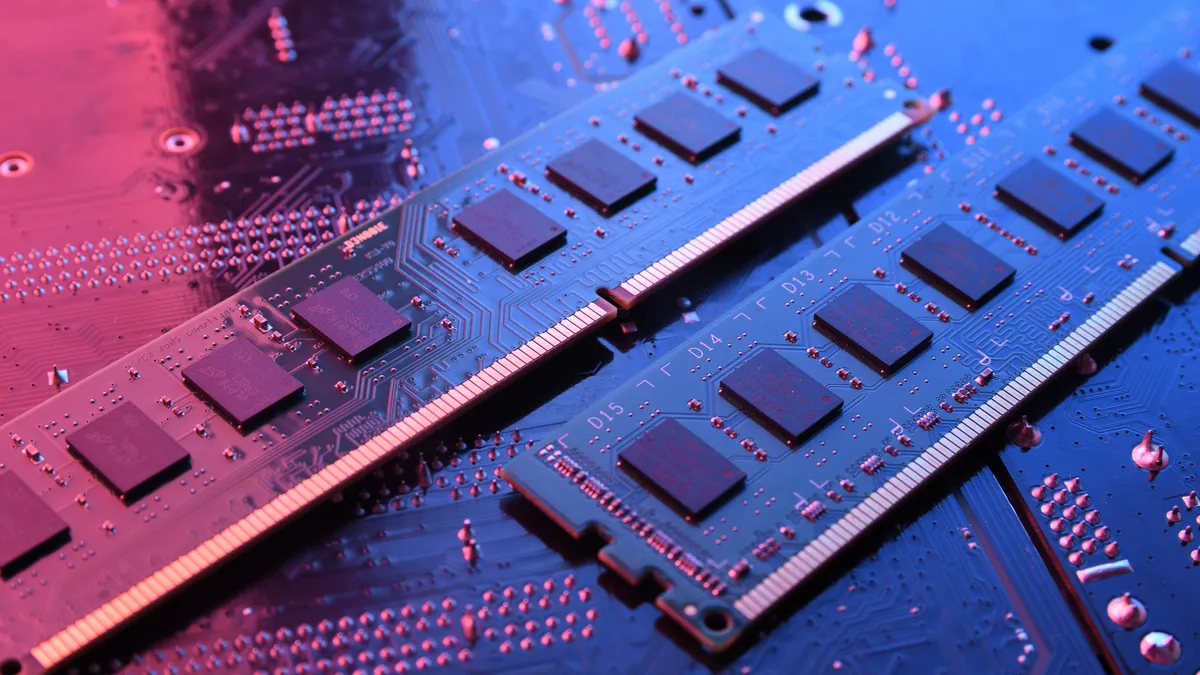
More RAM is always better when editing video, but it's not necessary. You may need less depending on the types of video you're creating. For example, if you're editing short, vertical videos for TikTok, Instagram Reels, or YouTube Shorts, the minimum recommended memory should be fine. It may not be the smoothest, especially if you pile it with effects, but it will be good enough without having to spend a fortune on more memory.
Although you can get away with 16GB of memory, 32GB is a sweet spot for most people. With this much memory, you can edit up to 4K timelines, use more effects, and expect a smooth timeline that doesn't chug when you exceed a few minutes of video.
This solution is not cheap by any means these days. Last year, a 32GB DDR5 Corsair Vengeance Kit (2 x 16GB) hovered around $100, a very reasonable price. Now, the same kit goes for nearly five times the price. As a matter of principle, paying over four times the retail price doesn't sit right with me, even if I can afford it. If you feel the same way, there is another route.
Use older DDR4 memory

The RAM shortage has seriously impacted DDR5 RAM prices. This is a newer, faster RAM standard compatible with the latest motherboards. Because of its speed, it's the one AI data centers have gravitated towards, leaving the older DDR4 RAM kits as the only viable choice.
Using DDR4 RAM is cheaper than DDR5, but it's not a "cheap" solution. These kits have also been impacted by the shortage, but the cost still pales in comparison. Still, if you can get your hands on a reasonably priced set, by all means. There is one other issue, though. DDR4 kits don't work natively on newer motherboards requiring DDR5 RAM.
The most straightforward solution is to buy an older motherboard compatible with DDR4 RAM. This also requires buying a new CPU that's compatible with the motherboard, but this will still likely be cheaper than buying a DDR5 RAM kit, which can run you $400 or more. You could probably save even more if you buy used.
The other option is to use a DDR5 to DDR4 adapter on your motherboard. You can keep the same motherboard and CPU while using DDR4 RAM. Sounds great, except that these adapters aren't on sale yet. It was reported that ASUS was developing such an adapter as far back as 2021, when the threat of a RAM shortage was but a laughable possibility. Now, all we can hope for is that Asus comes to its senses and starts selling the adapter soon.
Use proxy media

Video editing software can be finicky when working with large 4K or 8K files, especially if using RAW footage. These files, while great for color grading, can be a bit too rich for even the best systems. It leads to dropped frames and time wasted as the timeline attempts to catch up. Throw in transitions, subtitles, and other effects, and soon you'll be spending more time waiting than editing.
Hardware upgrades are one way to fix this. Faster storage solutions, like NVMe SSDs, are great, and so is relying on GPU acceleration. More RAM, or even faster RAM, can also make a difference, but, as we're already aware, that's not so easy to do these days.
Proxy media is one option that won't cost you anything, except additional storage on your computer. This type of media is essentially an exact copy of your source footage at a lower resolution. While it doesn't look as good as the original, proxy media is small enough that it makes it much easier to work with.
Scrubbing your timeline becomes more responsive, even as you pile on the effects. When you're ready to export the video, the software will use the original footage, giving you the quality you're looking for without any of the extra hassle of using large files.
Bottom line
The RAM crisis is affecting everyone, from casual users and gamers to creatives who rely on high-end hardware to put food on the table. While there's no such thing as too much RAM in a video editing rig, there is such a thing as too little RAM.
For editing video, 8GB of RAM is too little, and 16GB is barely enough. The sweet spot for most editors, especially if working with 4K, is 32GB. It's an expensive investment, but switching to an older motherboard to use DDR4 RAM or relying on proxy media are workarounds that won't set you back too much financially.
Until RAM stock normalizes in a few years, this is what creators have to deal with: losing videography jobs to AI or spending too much money on hardware and finding workarounds because of AI data centers.

Follow Tom's Guide on Google News and add us as a preferred source to get our up-to-date news, analysis, and reviews in your feeds.
More from Tom's Guide

