







Wondering how to make a voice or video call with Amazon Alexa? Forget your cell phone — you can use some of the best Alexa speakers, specifically Echo devices, to stay in touch with other Echo owners.
If you have an Echo, Echo Dot or any Echo in between, you can make voice calls. And if you own any version of the Echo Show, you can make video calls, too. You can also receive and make those calls via the Alexa app on your smartphone.
Here's how to make a voice or video call with Alexa, which is one of the best Alexa skills available right now.
How to make a voice or video call using Alexa on your phone
Step 1: Open the Alexa app on your smartphone. You can only call people who are in your contacts and also have an Echo or the Alexa app installed on their smartphone.

Step 2: Tap the speech bubble on the left side of the bottom toolbar.

Step 3: Tap the Contacts icon in the top right corner. If it’s your first time using this feature, the app will ask for permission to access your Contacts. You'll need to choose Allow in order to make calls. You may also need to enter a valid phone number and confirm it in if this is the first time you've used the feature.

Step 4: Search and tap any contact to see their information. Like your smartphone's standard contact directory, you'll see the different numbers you have saved for each contact and the options for reaching them.

How to make a voice call using Alexa on your Echo speaker
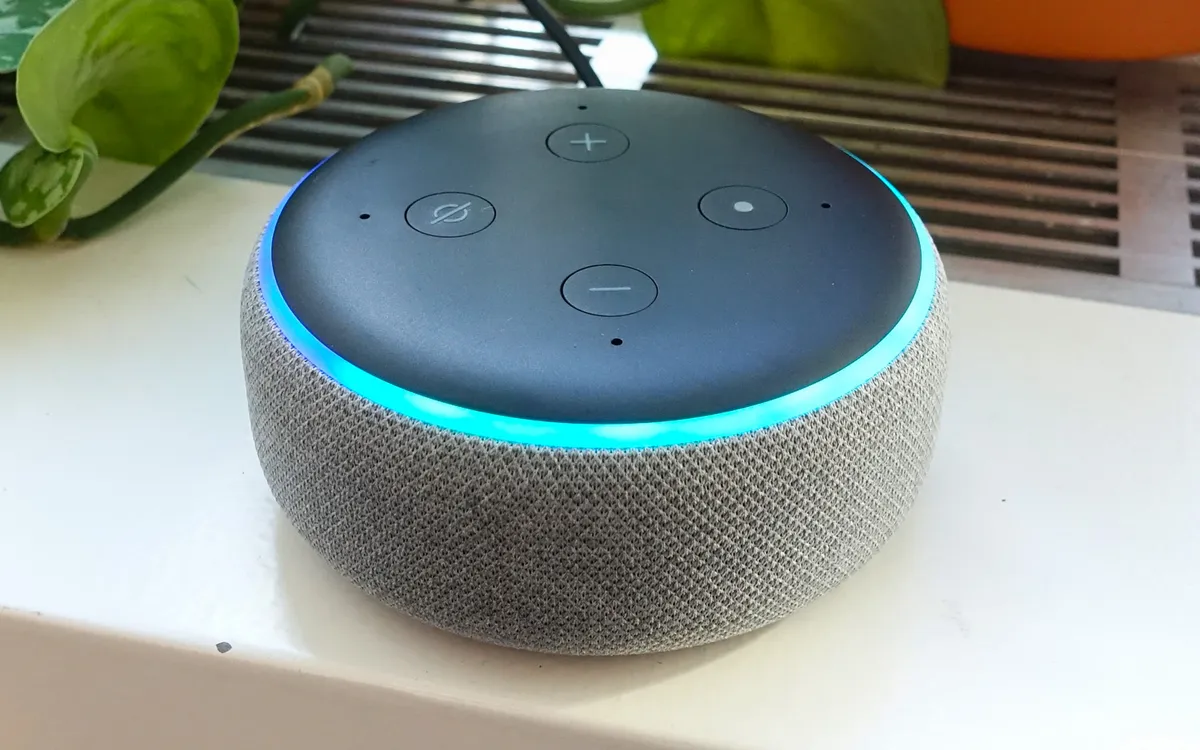
Say "Alexa, call [contact name]." Alexa will confirm that it correctly understood the contact's name and then start the call. If you have an Echo or a Dot, the ring at the top will pulse green while the call is active. (Here's what all Alexa's colors mean for more on that.)
How to make a video call using Alexa on your Echo Show
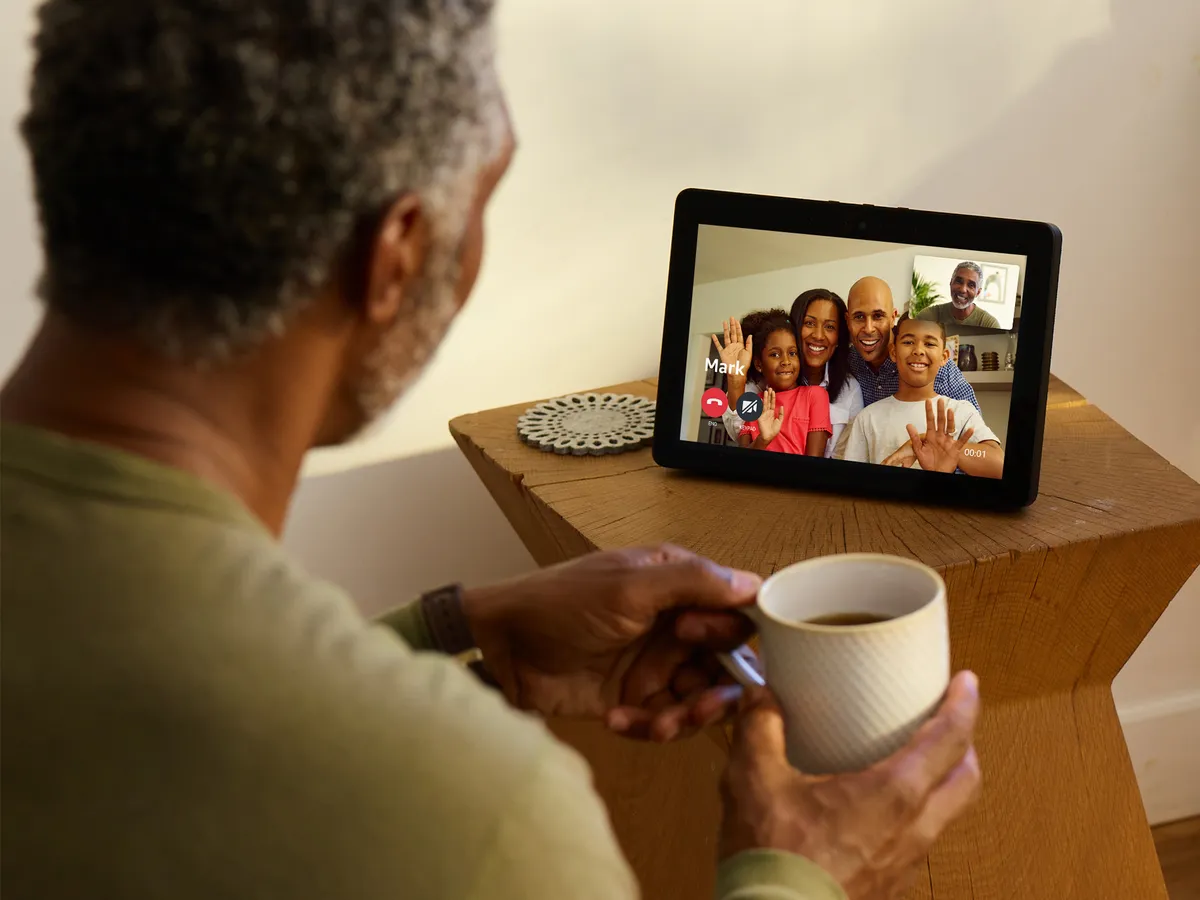
Say "Alexa, call [contact name]" near your Echo Show and it will automatically initiate a video call. You can, however, turn off video by saying "video off" after the call has started, or by tapping the video button on the screen.
How to end a call with Alexa
To end a call, say "Alexa, end call" or "Alexa, hang up." On an Echo Show, you can also tap the Hang Up button on the screen.
- Best Products That Work With Amazon Alexa
- Amazon Alexa Setup: Settings to Enable and Disable
- Amazon Alexa Guide: Tips, Tricks and How-Tos
