



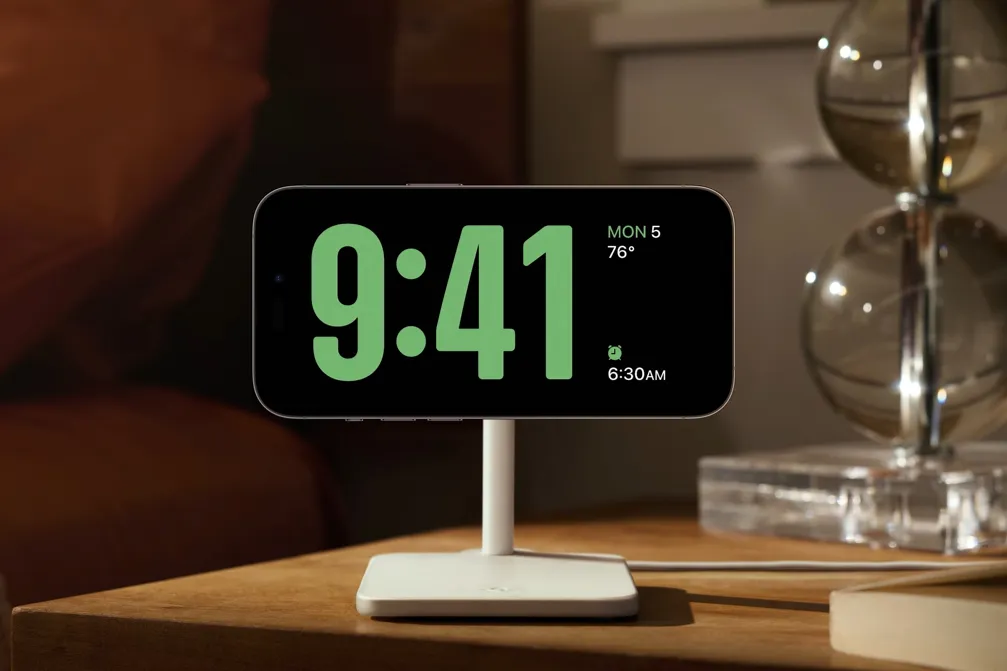
The negative effects of smartphones on your sleep pattern are well-documented, although refuted at times, but what if I told you that there is a hidden feature in your iPhone that could do the opposite?
There are several reported benefits to white noise machines, primarily improved sleep quality and helping to relax you and quiet the mind. You can also use them to help improve concentration and productivity during the day by filtering out background noises and conversations. However, there are some downsides, including the chance to become overreliant on them to actually get a good night's sleep.
With that in mind, I wasn’t quite ready to invest in a proper white noise machine, and using a radio was more distracting than helpful. So, I was at a bit of an impasse when it came to my recent issues sleeping. The good news is that iPhones have a potential feature that could be a big help called Background Noise, which was first introduced as part of iOS 15. So, I decided to test it out over the last few days to see if it would help.
How to activate Background Noise on your iPhone
Access the Settings and Accessibility section

To access the background noise feature, you first need to access your iPhone’s Settings menu. From there, find the Accessibility tab.
Find the Audio & Visual section

Once in the Accessibility section, scroll down the options until you find Audio & Visual. That will take you to a second menu, where you will find the option for Background Noise.
Find the best noise and set timers

In this section, you’ll find a toggle to turn the feature on, as well as being able to select your preferred sound, add a timer and control the volume.
Alternatively use the Control Center

You can also access the Background Noise settings through the Control Center by selecting the Speaker option, where you can control the volume and turn the sound on and off, as well as access the Settings page.,
Did it help me to get a better night's sleep?

The first thing to note is that there are a lot of different sound options to choose from, including the ocean, rain noises, and even being on a train. They don’t all sound perfect. For instance, the ocean option sounds like it was recorded on a cheap mic, but it’s nice to have options.
So, did the background noise feature help me sleep? In truth, I would say that I definitely had an easier time actually falling asleep over the last few days, especially when I was feeling overly stressed, but it isn’t entirely perfect.
The big issue is that you still have your phone next to you, or at least within reach, which is a temptation to quickly scan through Discord or Instagram. It’s also a bit quiet at full volume, at least on my iPhone 16 Pro Max, although there's an argument that this might be ideal for most people, albeit not if you have hearing issues.
Another potential downside is that, for the best experience overall, you do need to keep your phone chearged. If you plan on doing this, then make sure you take all the necessary precautions to protect your phone’s battery, including keeping it in a well-ventilated and cool area of your room, as well as making the most of the adaptive battery feature, so long as your iPhone supports it.
This isn't the only feature that's hidden in your iPhone, as there are several that can change how you use your device. For instance, you can use your iPhone as a spirit level to help keep your shelves level, or blur people's faces in your photographs.
Let us know if you've ever used the background noise feature or another white noise machine to help you sleep in the comments.

Follow Tom's Guide on Google News and add us as a preferred source to get our up-to-date news, analysis, and reviews in your feeds.
More from Tom's Guide

