



The software on your iPhone is about to change again, with Apple pushing the first iOS 26.4 beta out to developer accounts.
Naturally, this means a lot of things are changing in Apple's mobile software, and it seems to be quite an important update. We're talking improvements to security, new tools in Apple Music, video podcasting, and so much more.
The caveat here is that the beta is currently only available to developers and hasn't started rolling out to public beta users. There's no official word on when that might be, and in the past the wait has ranged from a day to over a week — so there's some waiting involved. It's also unclear when the official rollout of iOS 26.4 will be, so non-beta users will either have to wait or sign up for the iOS 26 beta.
But for those that can partake, here are all the newest features coming as part of iOS 26.4 beta.
Encrypted RCS messaging
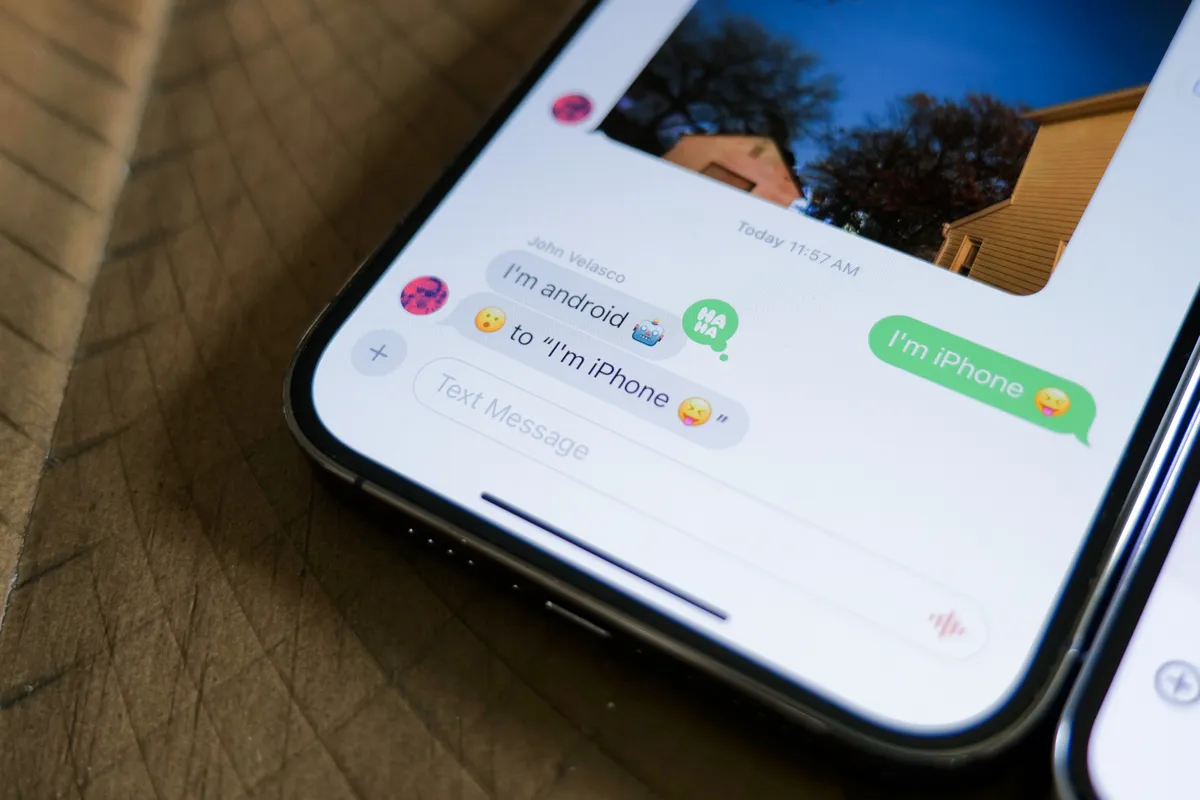
Apple always insisted that it wouldn't adopt RCS messaging because of security and encryption concerns, only to relent in 2024 and add RCS messaging without end-to-end encryption. The company promised that encryption was on the way, and over a year later, it seems that Apple is sticking to that promise.
If Apple's past comments are any indication, this should mean RCS messages will get the same level of security as iMessage. However, at the moment Apple's only testing encryption in iPhone-to-iPhone messaging — meaning messages you send to Android users will remain totally unsecured.
Messages that are encrypted seem to feature a lock icon in the conversation interface, so you know exactly how secure your conversation is.
Stolen Device Protection

Apple's Stolen Device Protection feature is now switched on by default, rather than asking users to opt in. This feature debuted in 2023, and requires additional authentication to access sensitive areas of the iPhone — including Passwords, Find My, purchase control and more.
You'll have to use Face ID or Touch ID for that extra authentication, and without it, some features will either be totally disabled or nerfed by a one-hour delay.
Playlist Playground

Apple Music has added a new playlist creation tool called "Playlist Playground," which lets you make new playlists with text prompts.
Each playlist will automatically generate with 25 songs and a custom title, and users will have the ability to customize them further with extra prompts. Adding covers and descrtiptions are all up to you, though.
Pre-set suggestions Apple has added include "hip-hop party songs," "disco songs that defined the 1970s" and "morning coffee music." Obviously, you can try out a lot more inventive prompts than this.
Apple Music also now features redesigned albums and playlists, full-page artwork and a "concerts near you" feature that shows you nearby shows and tour dates for your favorite artists.
Video Podcast support
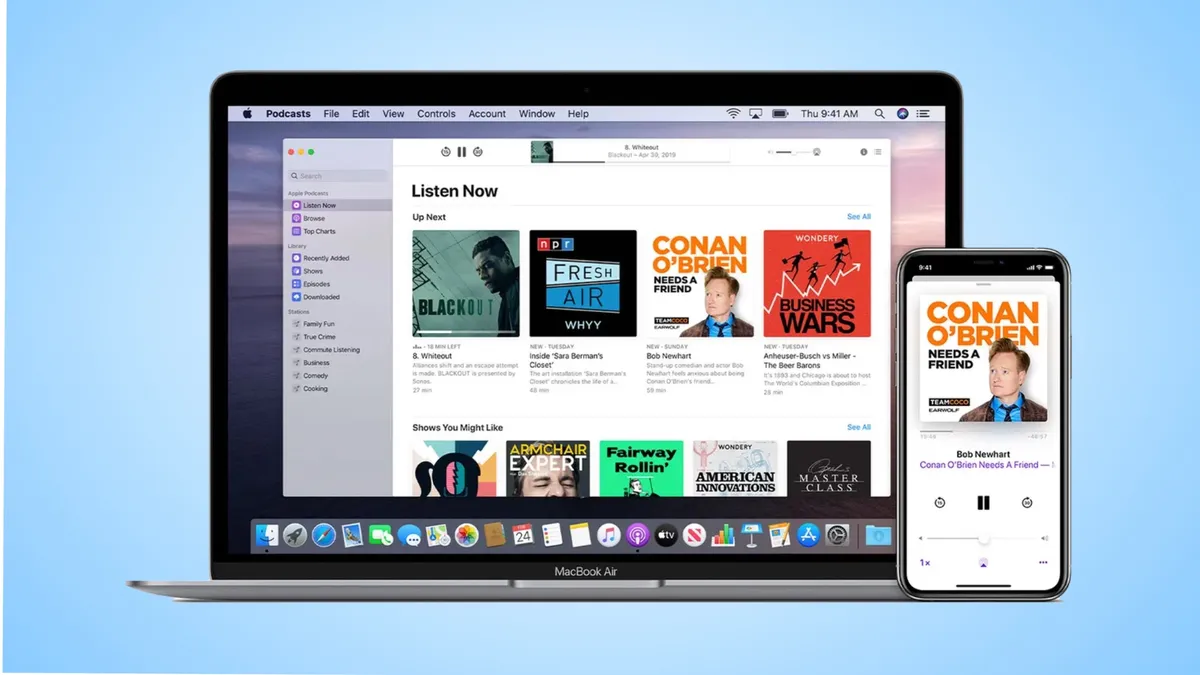
Apple Podcasts is getting video podcasting capabilities, which utilize HTTP Live Streaming (HLS) to offer podcast creators a whole new way to reach fans and a consistent playback experience regardless of what kind of connection you're using.
Users will be able to switch between audio and video versions of podcasts, and those videos can be downloaded for offline viewing. Video episodes will also take advantage of the best Apple Podcasts features like personalized and curated recommendations.
Apple Account's Unified Design

Various Apple apps, including the App Store, Apple Music and others, now have a unified Account design that replaces the existing profile feature.
Functionally, this operates the same way, but it means all your information and settings are in the same place. This includes merged purchase histories and a dedicated section for app updates.
Freeform Creator Studio

Freeform Creator Studio is now live on iOS 26.4, making Freeform features available to Creator Studio subscribers.
Accessible content includes free, high-quality imagery and graphics, and additional AI tools for image editing and creation. It also added a new Content Hub for extra Freeform shape options and features a new app icon.
Third-party Notification Forwarding (EU only)

EU users get a somewhat different iPhone experience, due to the region's strict privacy and platform laws, which means new software isn't always the same as in other places.
One new example is "Notification Forwarding for third-party devices," which lets you forward your iPhone notifications to products like the best Android smartwatches.
This was originally tested in iOS 26.3 beta, and never made it to the final release, but it's clear Apple isn't giving up on it yet. Notifications can only be sent to a single device at a time, which prevents you from simultaneously pairing with an Apple Watch and some other wearable.
Other additions
Other additions in the beta include new animations in the Messages app, while the Ambient Music feature now has a redesigned widget for the Lock and Home screens. Plus, if you're really into wallpapers and watch faces, both galleries now have an updated design featuring a bunch of new categories.
Also included is a new "Urgent" section in the reminders app, adding a dedicated alarm to those tasks and events. The iCloud Web Settings are now listed as "iCloud.com," rather than "Access iCloud Data on the Web" too.

Follow Tom's Guide on Google News and add us as a preferred source to get our up-to-date news, analysis, and reviews in your feeds.
More from Tom's Guide

