With several betas already out of the door, iOS 26.2 is fast approaching its finished state, with a final release likely to arrive in December.
You can get a granular look at what arrived in 26.2 beta 2 and 3 here, but today we’re concentrating on quality-of-life improvements to some of Apple’s best-loved first-party apps.
9to5Mac has been tracking a number of changes in everything from Apple Podcasts to Apple Music. Here’s the full list.
Apple Music
If you regularly find yourself mishearing the words of songs, the inclusion of scrolling real-time lyrics within Apple Music has been extremely helpful.
The catch is that you need an active internet connection for this to work. But not any more. With iOS 26.2, you’ll be able to read along with a track even if you’re in Airplane mode or otherwise without signal.
Presumably lyrics will be downloaded alongside any track you choose to make available for offline listening. It’s a small upgrade, but an extremely welcome one.
Apple Podcasts
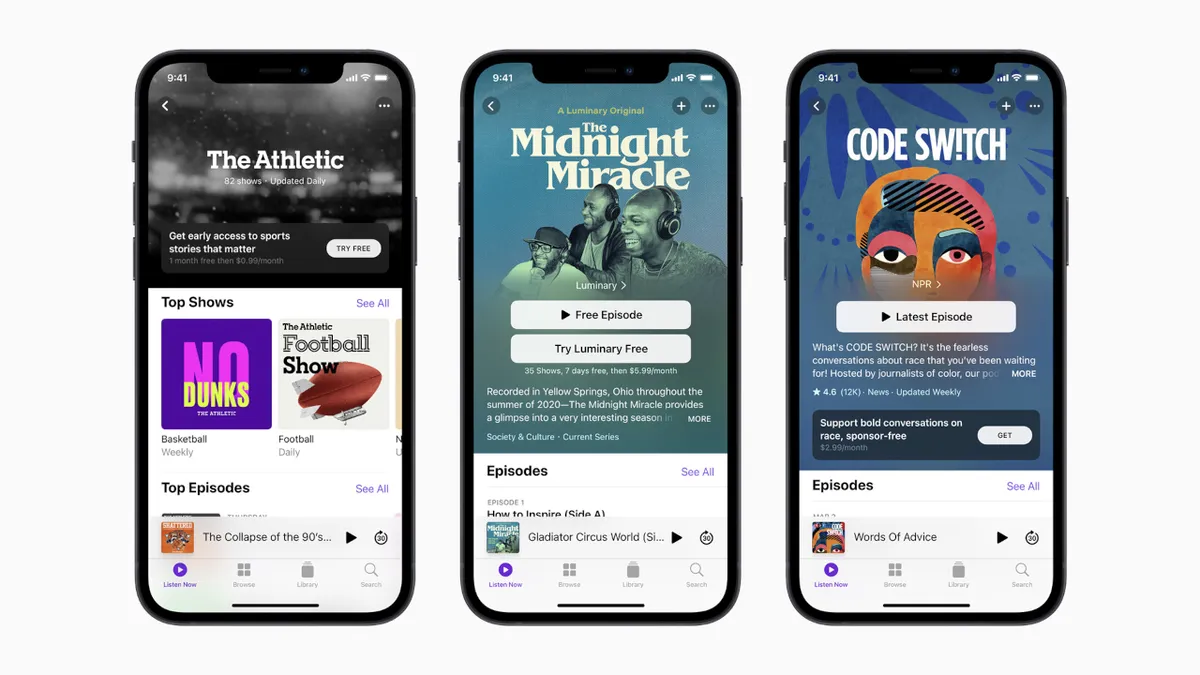
For its Podcasts app, Apple will be leveraging its Apple Intelligence to make podcasts easier to follow with Chapters. This automatically divides podcasts into chapters, making finding the part you want to listen (or relisten) to far easier than just scrubbing along manually.
iOS 26.2 also introduces Podcast Mentions — which allows you to tap through to other shows or episodes mentioned in the recording without sourcing them yourself — and From This Episode, which organizes links found in the show notes in a more user-friendly way.
Apple Games
Apple Games is almost new, having debuted with iOS 26, meaning there’s much room for improvement. Here, there are three quick and easy additions that should improve things no end.
Firstly, there’s Library Filters. This lets you filter your game library for easy sorting, so you can easily find games with challenges or titles that are popular with your friends. Speaking of challenges, these are now updated in real time too.
Most importantly, there’s now controller support, making the Games app easier to navigate with a connected Bluetooth gamepad.
Apple News
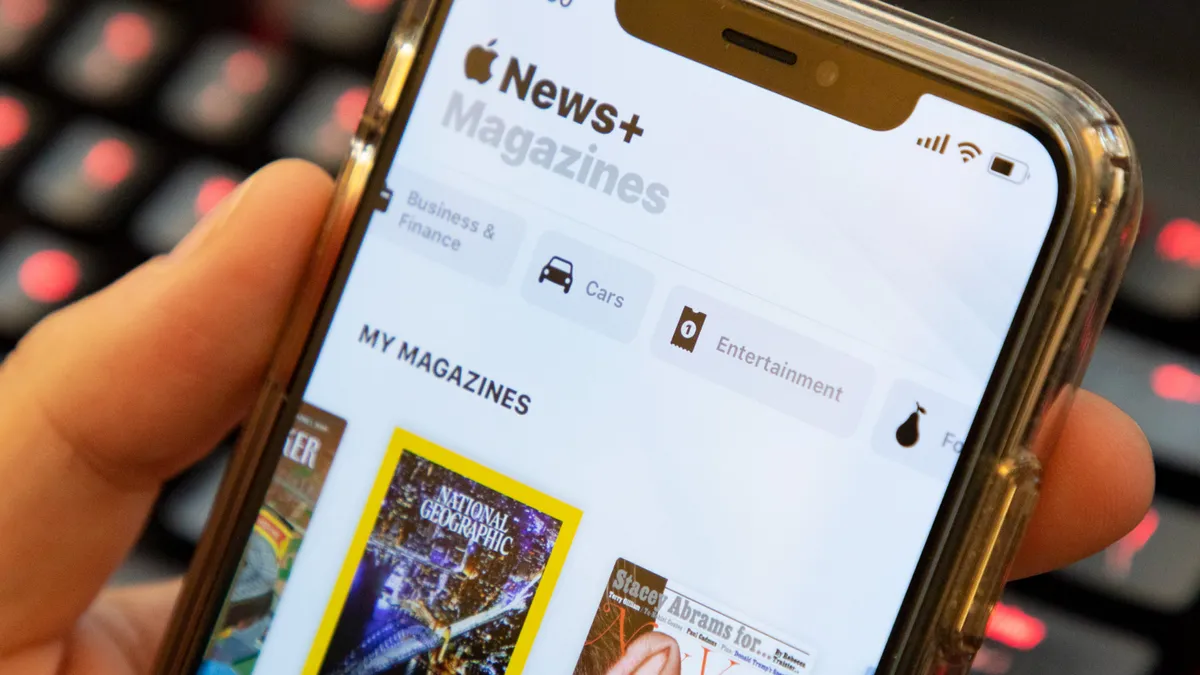
Apple News’ improvements are in the form of a facelift to make the unwieldy amount of publications and new features a bit easier to manage.
Expect quick links to specific sections at the top, and improvements to the navigation tab bar. ‘Following’ is plucked from behind the Search button with its own new dedicated tab, while Search itself is improved with new quick link recommendations.
Reminders
Reminders gets an upgrade that turns it from a semi-useful to-do list into something far more essential.
With iOS 26.2, you’ll be able to mark tasks as ‘Urgent’ with a set due time. If a task is marked in this way, an alarm is attached to it that will go off when the deadline is hit, meaning you won’t be able to ignore those important jobs any more.
Like the regular wake-up alarms, these can be snoozed for nine minutes, giving you a little grace period without forgetting about them entirely. The alarm is also compatible with Live Activities giving it lock-screen prominence that can’t be ignored.
Freeform
Freeform is probably the most obscure of the apps getting some love from Apple this time around, but it’s a big improvement for those who use it.
Apple’s whiteboard app goes beyond text, images, files and links to introduce tables. Handy for adding some order to the chaos.

Follow Tom's Guide on Google News and add us as a preferred source to get our up-to-date news, analysis, and reviews in your feeds.
More from Tom's Guide
- I’m stoked about the Galaxy S26 Ultra's rumored privacy screen, but it could turn out to be its greatest weakness
- iPhone Fold will be 'first truly crease-free foldable phone', according to supplier
- Galaxy S26 vs Galaxy S25: Should you get a Black Friday phone deal now or wait for the new model?