




Apple’s latest update, iOS 26.3, is currently in the third iteration of its public beta, and it features some interesting changes coming to iPhones that will give users more control over their experience.
As reported by 9to5Mac, three significant changes are coming for iPhones as part of iOS 26.3 that aim to help users customize their smartphone experience. While not all are visually distinct, each change offers a little more freedom and flexibility in different aspects of owning a phone, including how closely a phone network can track us.
Outside of these changes, iOS 26.3 is primarily focused on improved interoperability between Apple and Android devices, including a new “Transfer to Android” option. Unfortunately, users will be waiting a while for the next generation of Siri, which is expected to launch with iOS 26.4 and be released at some point in Spring.
What is coming as part of iOS 26.3
New Wallpaper options and the return of a classic

The first changes seen in the beta split the Weather & Astronomy section of the iPhone wallpaper menu into two distinct rows. Which in turn makes it easier to split the information visually. Users will also be able to access two new wallpaper configurations, each with different widgets and font style presets, both offering live Weather updates.
What isn’t present in the beta, but is expected when the update fully releases to the public, is a new Black Unity wallpaper. Usually, Apple waits until the .3 version of its latest iOS to introduce the new wallpaper, but it doesn’t include the wallpaper prior to the stable release.
iOS 26.3 will limit Precise location

Another of the new features introduced in the beta for select iPhone and iPad models is a new setting called “limit precise location.” According to Apple’s support documentation, your phone will reduce the precision of location data available to cellular networks with the setting enabled.
Apple explains further: “[cell networks] might be able to determine only a less precise location — for example, the neighborhood where your device is located, rather than a more precise location (such as a street address). The setting doesn’t impact signal quality or user experience.”
Apple also makes it clear that the "limit precise" setting does not impact precision when it comes to the location data that is shared with responders during emergency calls. However, it should be noted that the feature is only available for devices featuring the in-house designed C1 and C1X modem. That means it is only accessible on the iPhone Air, iPhone 16e, and the cellular-enabled models of the M5 iPad Pro. Currently, the feature is only available for Boost Mobile in the U.S. and both EE and BT in the U.K.
Changes and features for EU notifications
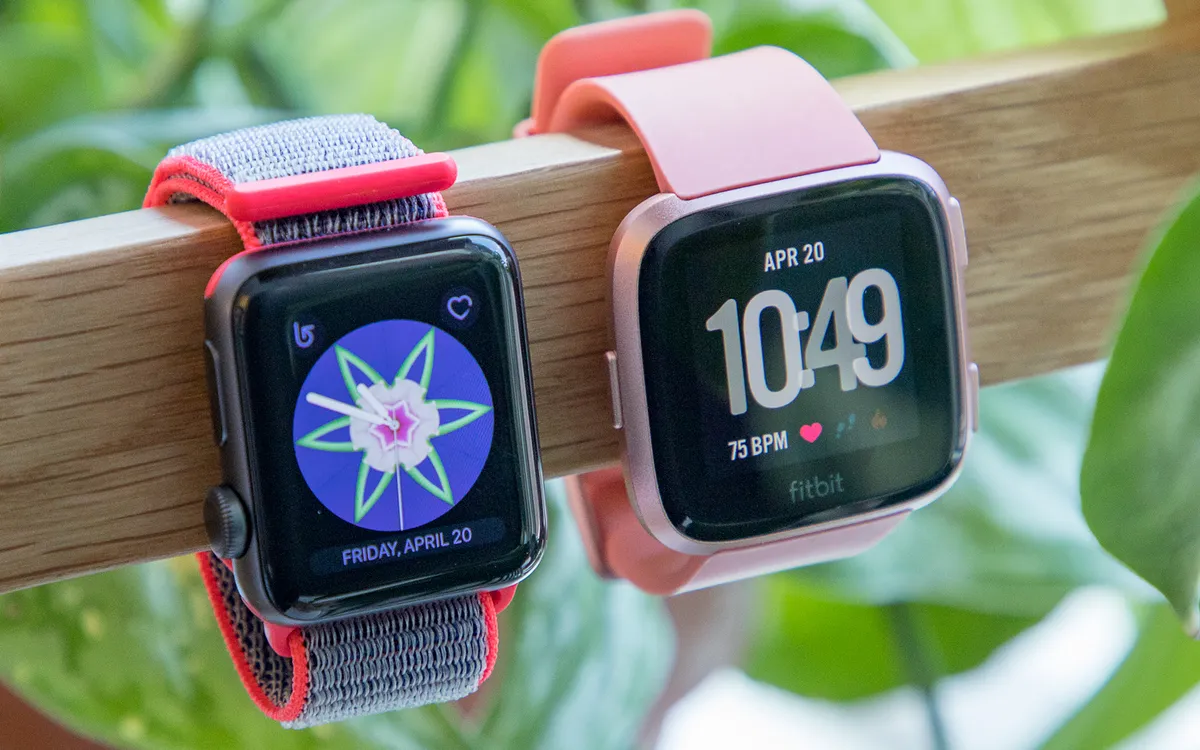
Interestingly, iOS 26.3 introduces a new feature for EU iPhones that could help to shorten the gap between third-party watches and the best Apple Watches.
This new setting, called Notification forwarding, can be found in the Notifications section of the settings menu. This new addition enables users to forward iPhone notifications to third-party smartwatches or other wearables. While this is already possible on Apple Watches, EU legislation has forced Apple to allow third parties access to the same feature.
However, there are limitations, as users will only be able to set up one device at a time. But users will nonetheless have much more freedom over which device to connect to their iPhone.
As updates go, iOS 26.3 might not make as big an impact as the first iOS 26 update. However, these changes are certainly ones that many people will find useful when it comes to creating a better iPhone experience. However, with record numbers of users seemingly avoiding iOS 26, let us know if any of these additions would be the thing that finally gets you to update.

Follow Tom's Guide on Google News and add us as a preferred source to get our up-to-date news, analysis, and reviews in your feeds.
More from Tom's Guide

