



"How much should you spend on a good keyboard?" That's the question I've been trying to answer for the last two years while reviewing them. Those who aren't well-versed with the vast world of keyboards may automatically assume that just because a deck costs over $100, that means it's "worth it." But as someone who tests the best keyboards for a living, that's not necessarily true.
Personally, I don't think you should be spending more than $150 on a keeb — and even that's stretching it quite a bit. You see, in recent years, technology has come leaps and bounds, and you're getting manufacturers like Epomaker making super cheap Hall Effect keyboards (like the $59 HE68). So when a brand like Corsair comes out with a keyboard that costs $259, needless to say, I'm instantly skeptical.
I, of course, didn't judge the Corsair Vanguard Air 99 Wireless harshly simply because it's expensive (that would be very shortsighted of me) — it's just that it doesn't do enough to justify the steep price. There are plenty of things to love about the Air 99 Wireless, but equally, there are a few things that leave you feeling frustrated. Here's why I awarded it 3-stars.
It gets a few things right
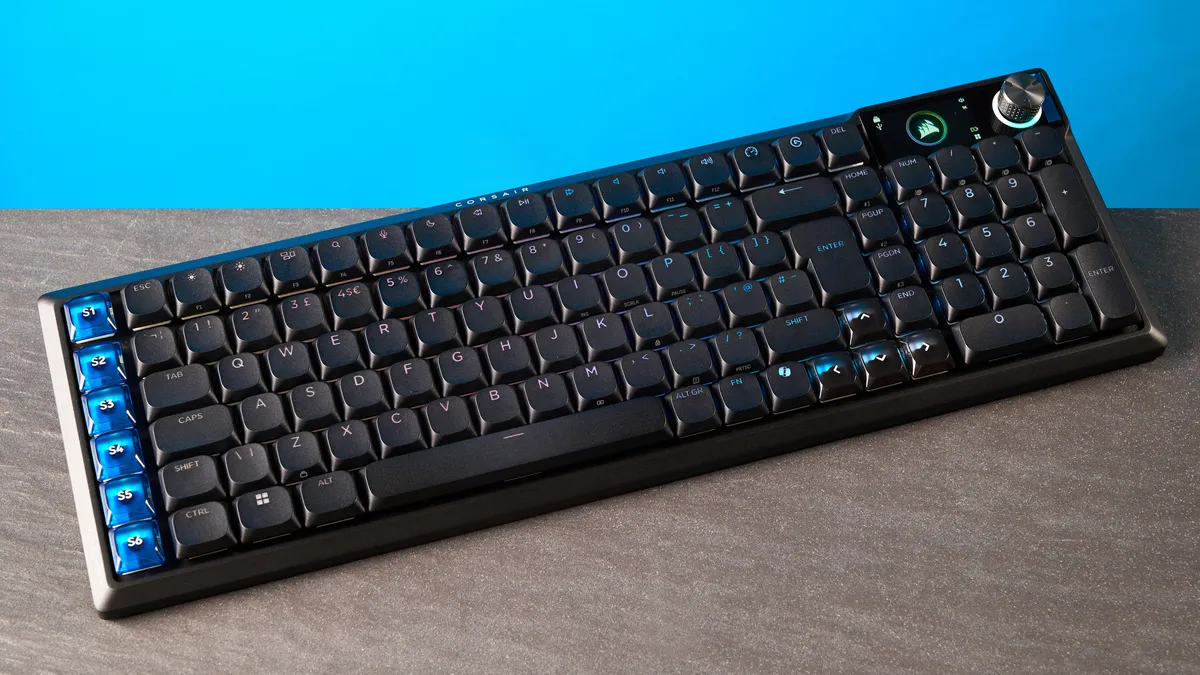
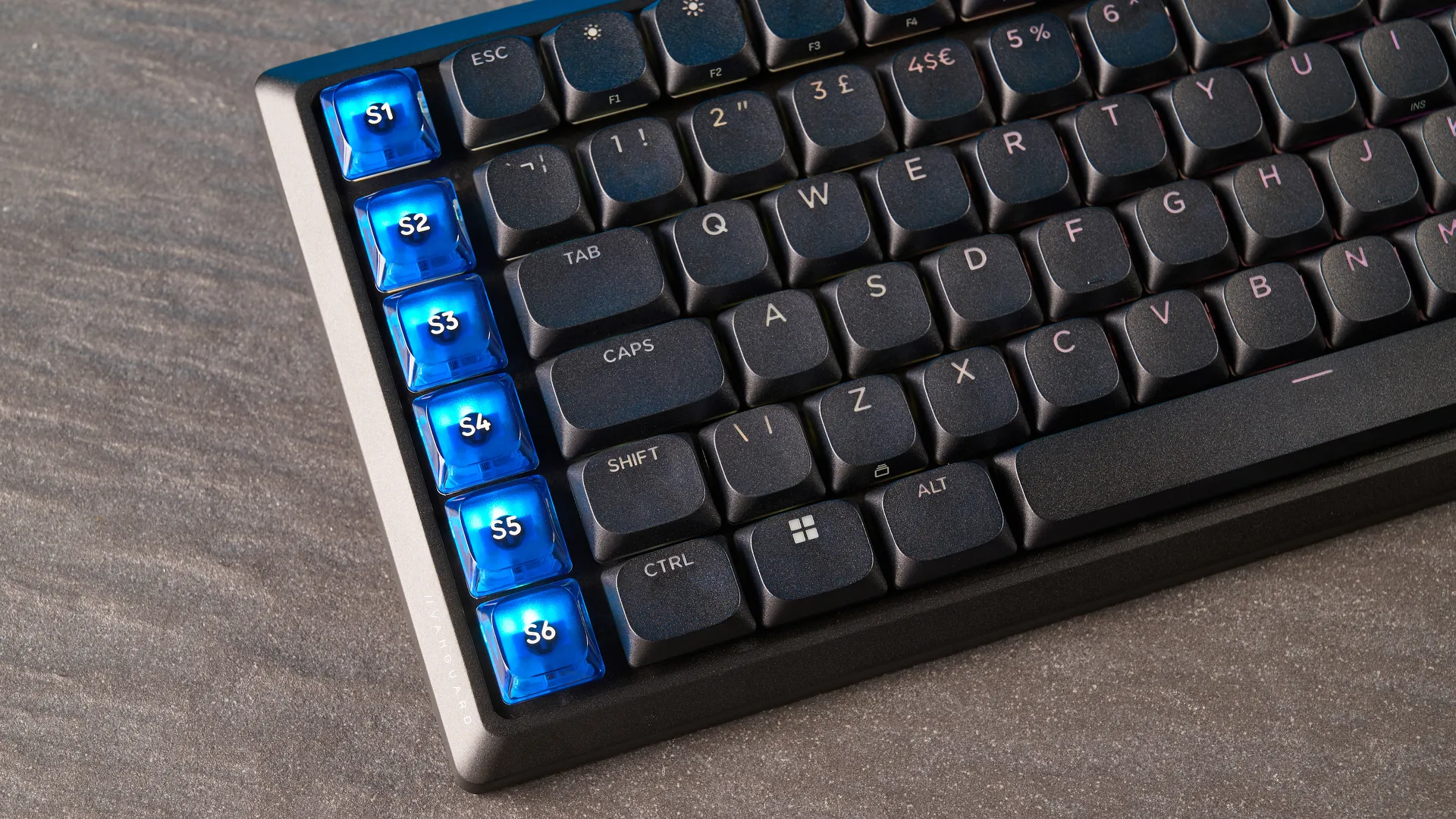
I won't be a Grinch and I'll start with the good things first, and what the Corsair Vanguard Air 99 Wireless gets incredibly right. Let's start with the design and build. The Air 99 Wireless is designed beautifully, and it's fitted with a robust aluminum frame which ensures the keyboard will stand the test of time. Double-shot PBT keycaps, a bright LCD screen and customizable RGB lighting make it a sight for sore eyes.
The Air 99 Wireless' pre-lubed OPX low-profile switches are an utter delight and don't feel fatiguing after a full day's worth of work and gaming. They have a short pre-travel distance of 1.5mm and require 45g of force to activate. The 1.5mm distance means you don't need to press them all the way down for the keyboard to register your commands, letting you type quickly.
Another thing I love is the Air 99 Wireless' gaming performance, bolstered by N-key rollover, 8,000Hz polling, and FlashTap (Last Key Prioritization). 8KHz polling is a little gimmicky and 1KHz is more than enough for 99% of players, so it's worth dropping the polling rate down to save the battery and not drain system resources. Peerless performance, really, especially in the realm of mechanical keyboards.
Where it all falls apart
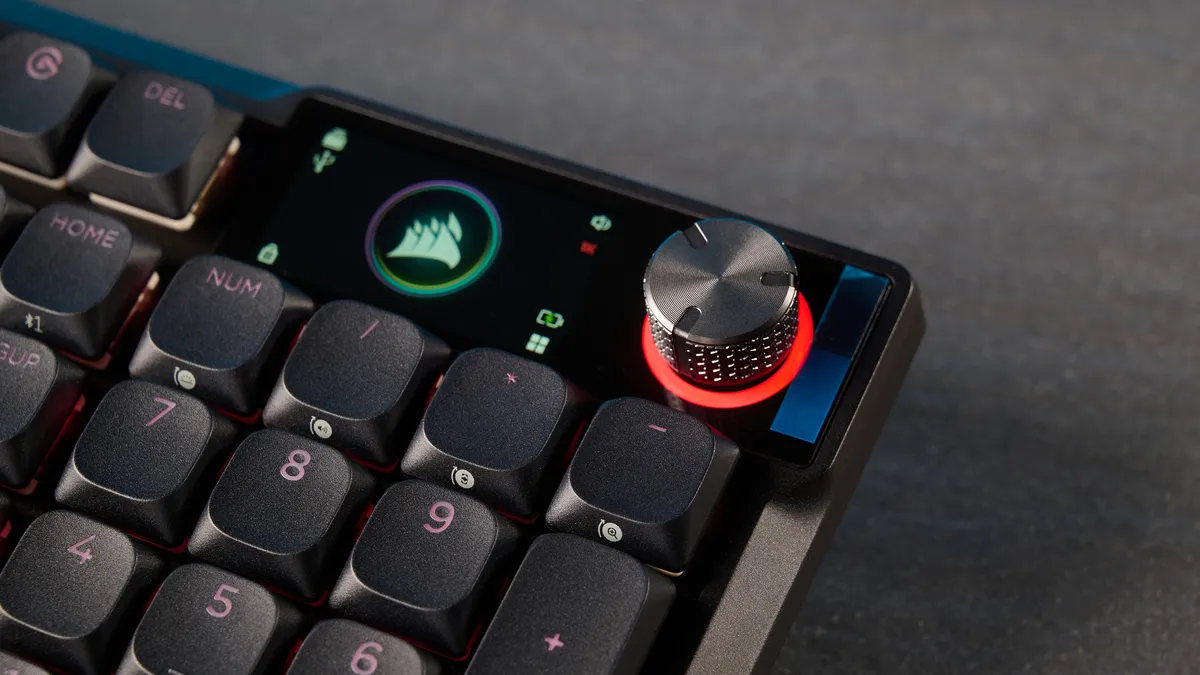
Regardless of how much I love the Corsair Vanguard Air 99 Wireless' switches, they don't do enough to overshadow the keyboard's flaws — and there are a few, and I'll kick things off with the battery life. In one word, the battery life is... underwhelming. Corsair says that the longest the keyboard can last is 55 hours (with RGB lighting off over Bluetooth). If you have RGB lighting on and are using the screen, your mileage drops to 29 hours.
For the price you're paying, that just won't do. When a super budget keyboard like the Epomaker HE65 Mag can last a whopping 600 hours, what excuse does a $259 keyboard have? The battery life is, of course, impacted by the LCD screen, which I'm not a huge fan of. Sure, it's nice to be able to display a GIF as I did, but I wish the screen was more useful and didn't require a bunch of key combos to change settings.
Lastly, Stream Deck compatibility. The Air 99 Wireless features six programmable SD keys powered by the Elgato Stream Deck app, and in theory, these are great and give you quick access to apps and actions to streamline your workflow. But in practice, I found Stream Deck compatibility to be finicky at best. The app would fail to recognize the keyboard, or it would forget it when I plugged it back in the second time. More than anything, it just frustrated me.
My wallet is crying
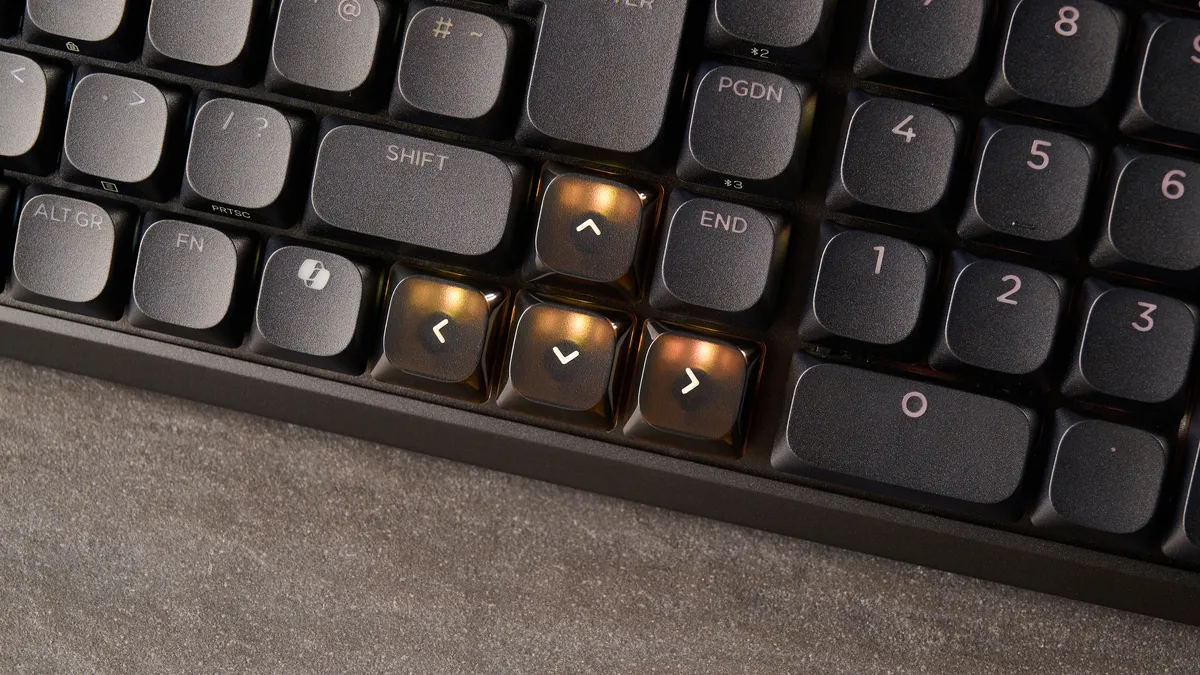
Poor battery life, a frustrating screen, and finicky Stream Deck compatibility, all contribute towards the Corsair Vanguard Air 99 Wireless struggling to justify its price tag. The Air 99 Wireless retails for $259 / £239 at Amazon, which makes my eyes squint uncomfortably, and is sure to make some people's wallets cry.
This doesn't mean that the keyboard is all bad. According to our rating guide, a 3-star rating is defined as, "Good but there are better options." And the Air 99 Wireless features fierce competition — from Keychron, Lemokey, Epomaker, you name it.
Today, more advanced Hall Effect keyboards cost a fraction of Corsair's mechanical keyboard, and mech decks themselves easily come under $100. At the end of the day, the Air 99 Wireless easily gets lost in a crowded market — and fails to make a lasting impression.

Follow Tom's Guide on Google News and add us as a preferred source to get our up-to-date news, analysis, and reviews in your feeds. Subscribe to Tom's Guide on YouTube and follow us on TikTok.
More from Tom's Guide
- The Corsair Vanguard Air 99 Wireless is a low-profile mechanical keyboard that costs a whopping $259 — I tested it to find out if it’s worth the premium
- Gaming headphones are finally good for listening to music — these open-backs prove that you don’t need two separate sets of cans
- I love my PS5 more than any other gadget I own, and these 6 controllers take my gaming to the next level

