







Building or upgrading your PC isn’t easy nowadays, thanks to the ongoing RAM crisis — or RAMageddon. Due to the global shortage of GDDR7 memory and the growing demand for AI-capable hardware, GPU prices continue climbing — seemingly with no end in sight. If you’re a tech nerd and gamer like me, this isn’t a fun time for our favorite hobby.
While Nvidia says all RTX 50-series GPUs will 'continue to ship,' stock and supply tell a different story. Right now, it’s virtually impossible to find popular graphics cards like the RTX 5070 Ti at its original $749 price, or find it at all.
However, you don’t have to pay these inflated prices for a new GPU. If you’re fine with alternatives from AMD and Intel, using automated tracking tools, or even doing what I did during the 2021 chip shortage and buying a pre-built PC, you can get a reasonably priced GPU that won’t crush your bank account.
Below, I detail some of the strategies you can take when buying a GPU this year, and what prices you should (and shouldn’t) settle on. Let’s dive in!
Price check

Before you start shopping for a GPU, it’s good to know what cards are supposed to cost. Retailers often treat MSRP as a suggestion, as you’ll often see prices at more than 10-15% their original cost. If you see these inflated prices, I advise you to walk away. Here’s a handy reference guide for you to follow.
Model |
Launch MSRP |
Current status |
|---|---|---|
RTX 5090 |
$1,999 |
AI demand is pushing street prices toward $3,000+. Unless you have cash to burn, please do not pay this much for a graphics card. |
RTX 5080 |
$999 |
Expect long waits or bundle-only deals. |
RTX 5070 Ti |
$749 |
Beware $1,100+ third-party listings. |
RTX 5060 (8GB) |
$299 |
8GB VRAM is easier for factories to source. |
Model |
Launch MSRP |
Current status |
RX 9070 XT |
$599 |
Often found at MSRP at Micro Center, especially in-person. |
Arc B580 (12GB) |
$249 |
The most stable stock in 2026. |
Red flags to watch out for
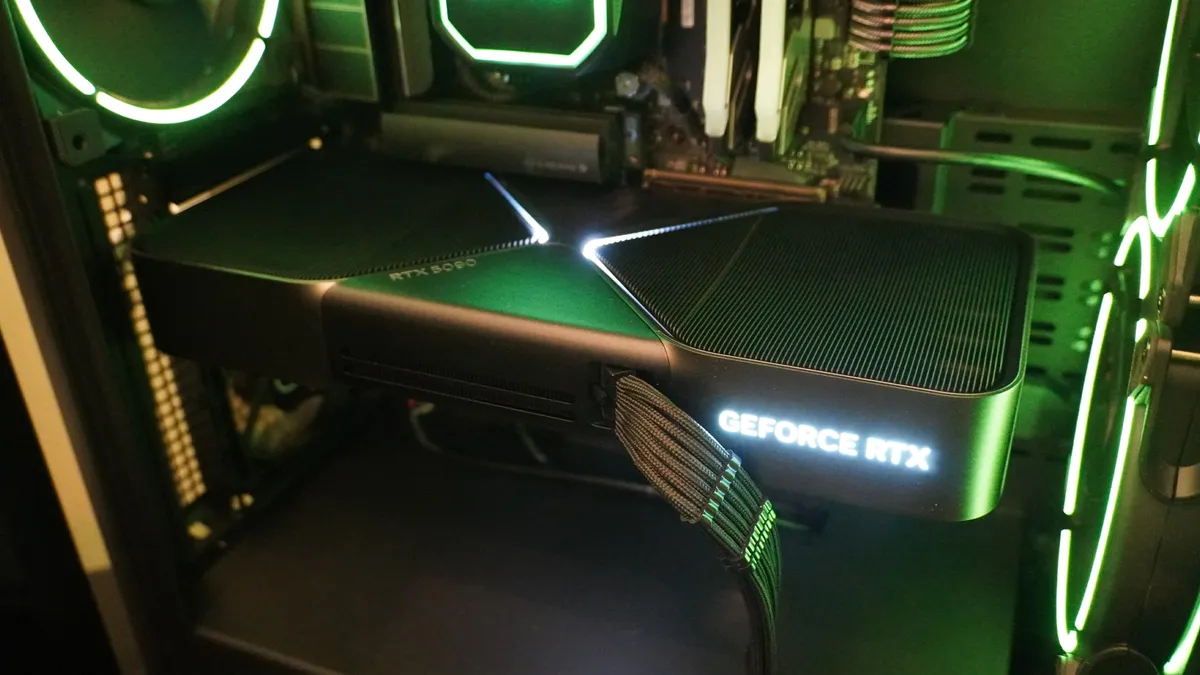
This is something I learned while doing research for this article. Scalpers can hide behind the “Third-Party Seller” tag on legitimate sites like Amazon and Newegg.
That’s a frightening reality, but here are ways you can vet each listing to ensure you’re not getting ripped off.
- The "sold by" rule: Only buy if the listing says "Sold and Shipped by [Retailer Name].” If it says "Sold by GPU-King-2026," or another ridiculous name you’ve never heard of, that’s a marked-up price.
- The VRAM premium: High-VRAM cards (16GB+) are seeing massive hikes because GDDR7 is scarce. If you mostly play games at 1080p, I recommend sticking to 8GB or 12GB cards to avoid the "AI-tier" memory premium. I know that sounds low, but trust me, that’s more than enough VRAM for 1080p gaming.
- The "old stock" rumor: In a Q&A at CES 2026, Jensen Huang hinted that Nvidia might bring back older GPUs to solve the crisis, calling it "within the realm of possibility" (via TechRadar). Please do not pay 2026 prices for 2023 tech! If you see an RTX 3060 for $400, that’s a trap.
Buy a pre-built PC
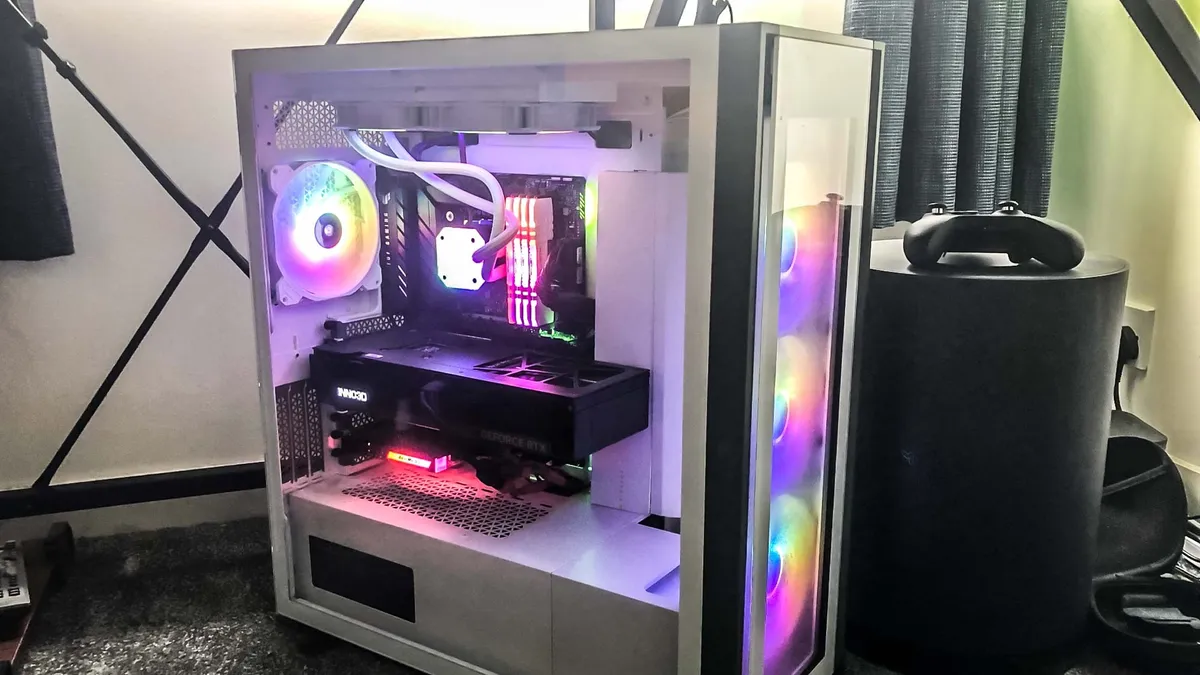
If you’re not having any luck finding a standalone GPU, you can always do what I did and just purchase a pre-built PC. I know buying an entire computer for the GPU sounds wild, but during the chip shortage, it was how I snagged an RTX 3080 Ti. It worked during the chip shortage, and now it also works during RAMageddon.
Major brands use long-term contracts to effectively lock in component prices. Because of that, it’s often cheaper to buy a whole new PC with an RTX 5070 than to buy the card alone in the secondary market. Here are some tips when buying a pre-built PC.
- Dual-channel RAM: Make sure your PC has two sticks of RAM. A single 16GB stick can bottleneck performance by 15%, so please avoid that.
- Standard parts: If possible, try to avoid proprietary motherboards. If they aren't standard ATX, you won’t be able to easily upgrade later. You want industry-standard parts.
- Storage size: With many new and upcoming games hitting 150GB+ of storage, don't settle for less than a 1TB Gen 4 NVMe SSD.
Automate your searches
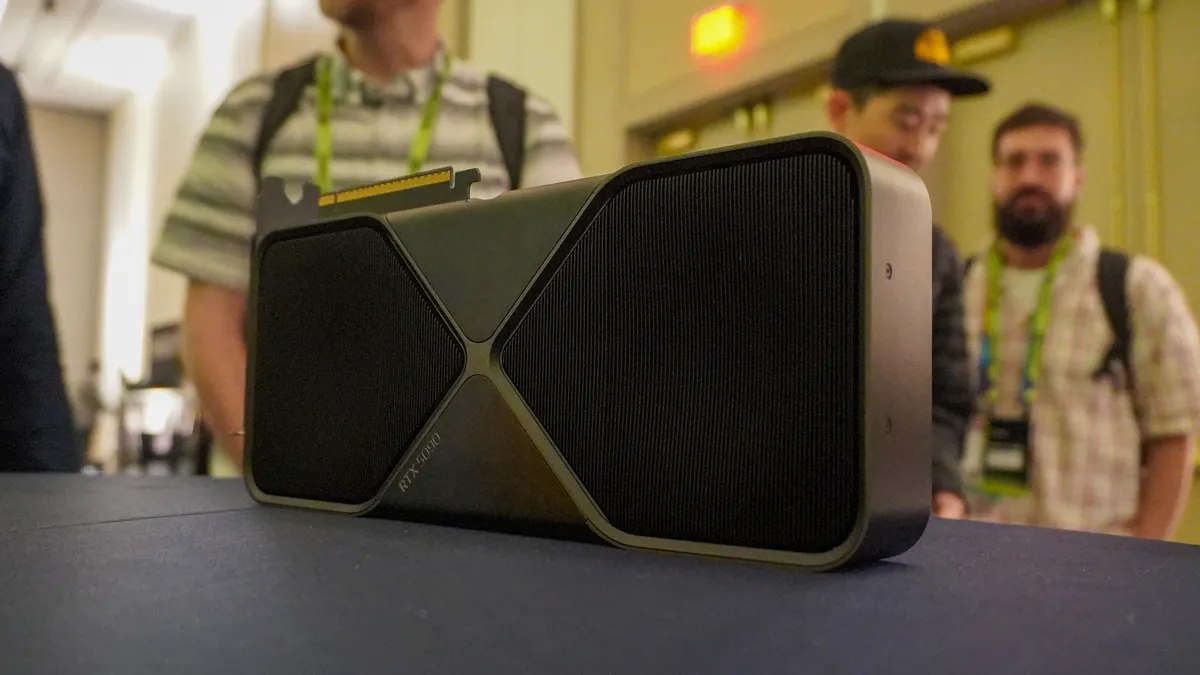
Manually searching the web for good GPU prices isn’t efficient. Here are some tips on how to automate your hunt:
- HotStock.io: This app pings your phone the moment a card hits MSRP at a major retailer, such as Best Buy. Be sure to buy your GPU manually and avoid the “Autobuy” feature, as some users report it can be unreliable.
- Micro Center (in-store only): If you live near one, go in person. They often have "secret" stock reserved for local customers to prevent bot-buying.
- Best Buy Founders Edition: Nvidia’s "Founders Edition" cards are the only ones locked to their original MSRP. Set your alerts specifically for these.
- Price trackers: Use CamelCamelCamel. If the price graph shows a vertical spike in the last 30 days, wait for the dip. I use the CamelCamelCamel extension when writing deals posts, so I highly recommend it.
Which cards to buy?
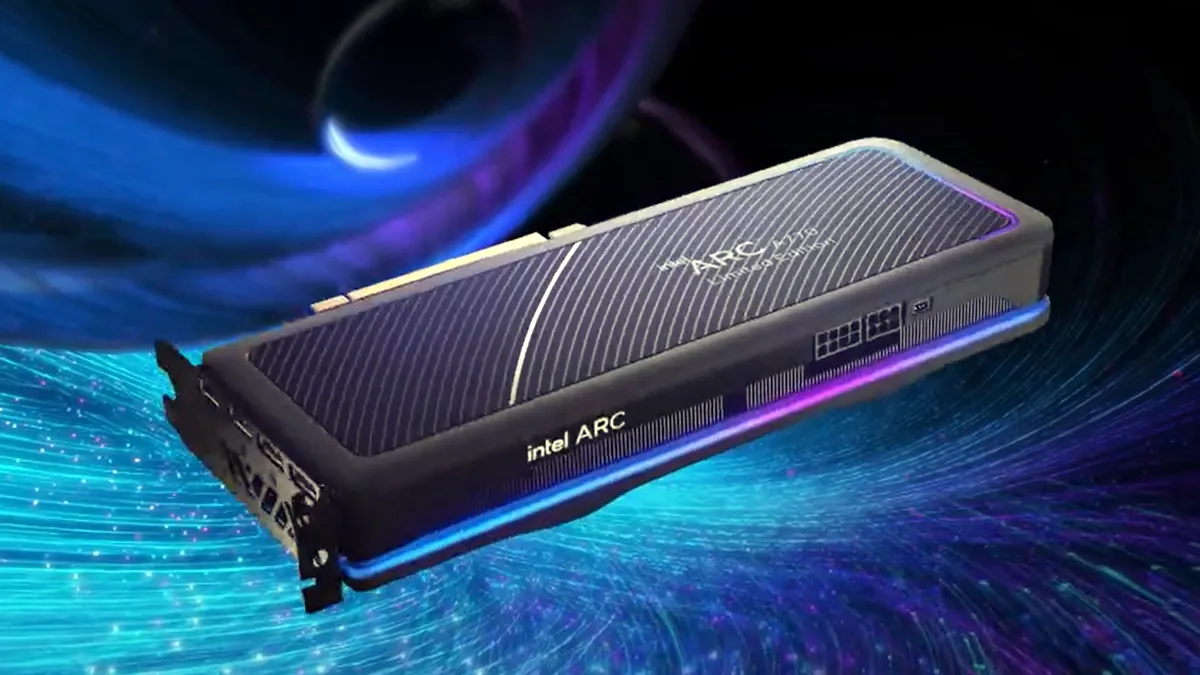
If you’re willing to step outside Nvidia’s green halls, you can save big on a GPU that delivers excellent performance for modern games. Here are a few you should consider.
- Intel Arc B580 ($249): Intel’s Arc GPUs are often overlooked (even by me), but given the current climate, it’s good to expand your options. The Intel Arc B580 has an MSRP of $249. This is a good GPU for 1080p gaming.
- AMD RX 9070 XT ($599): If you want a higher-end GPU, AMD’s RX 9070 XT is a great option that can offer similar performance to the RTX 5070 Ti, but at a much lower price.
- Nvidia RTX 5070: If you’re strictly Team Green, then you can buy a pre-built RTX 5070 machine from the likes of CyberPower or Newegg’s ABS brand.
Bottom line
I know that finding a GPU for a reasonable price is tough these days, but if you’re patient and strategic, you can score a graphics card without paying through the nose.
The window for finding a “true” MSRP card is shrinking fast, so you have to decide if you’re willing to pay exorbitant amounts of money for an Nvidia GPU, or if you’d rather look to the likes of Team Red or Team Blue to get what you need. Then again, integrated graphics have gotten surprisingly good recently, so there's always that option to hold you over until you can find a GPU you like at the right price.
In short, try to avoid buying a GPU from third-party vendors you’ve never heard of, automate your searches, or buy a pre-built with the components you want.

Follow Tom's Guide on Google News and add us as a preferred source to get our up-to-date news, analysis, and reviews in your feeds.
More from Tom's Guide

