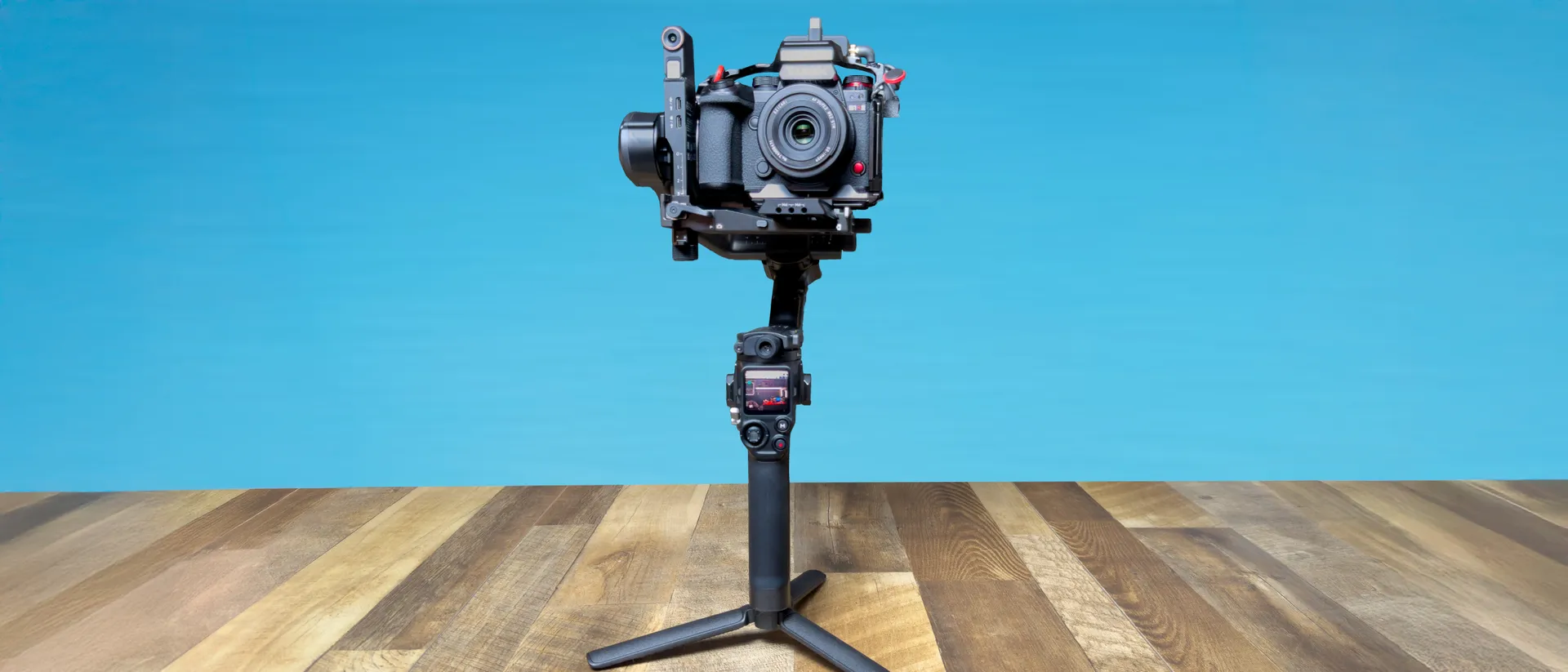
Tom's Guide Verdict
DJI is continuing to address one of the biggest pain points with gimabls: setup time. With updated Teflon-coated arms and fine-tuning knobs on every axis, balancing the DJI RS5 is easier than ever and makes swapping between camera setups as simple as a few quick turns. And for those looking to step up their creativity or want a more hands-free solution for solo content capture, the new tracking module which allows the gimbal to follow people, cars and other objects a must-have. Combine that with other refinements, like longer battery life and faster charging, and the RS5 is arguably the most complete gimbal system I have tested.
Pros
- +
Much faster balancing
- +
Tracking module can now follow non-human subjects
- +
Excellent gimbal stabilization
- +
Can fast charge in 1 hour
- +
14 Hour battery life
Cons
- -
Relatively heavy
- -
Tracking module is an additional $99 accessory or part of the Combo kit
- -
Not officially available through DJI's U.S. store
Why you can trust Tom's Guide Our writers and editors spend hours analyzing and reviewing products, services, and apps to help find what's best for you. Find out more about how we test, analyze, and rate.
Last year, I fell in love with the DJI RS 4 Mini because of its balance of portability and features, including a newly introduced magnetic tracking module which allowed for hands-free recording. The downside? Its lower payload limited it to smaller camera and lens combos, and its tracker, as handy as it was for recording myself, could only recognize and follow humans. Enter the DJI RS 5.
In addition to its higher 6.6lbs payload which better supports more professional camera setups like my Panasonic Lumix S1R II as well as larger zoom lenses, the new RS 5 also takes the Mini's once exclusive tracking features and "supercharges" them with better recognition that can now follow vehicles and other inanimate objects. Those two upgrades alone have made the RS 5 a now crucial part of my video production.
Combine that with the RS 5's significantly improved balancing, which is the best I've ever tested, as well as faster charging which gets you from 0-100% in just an hour, and this is the ultimate gimbal for those with medium-to-large camera setups, especially for solo creators.
DJI RS 5 review: Specs
DJI RS 5 review: Price & availability
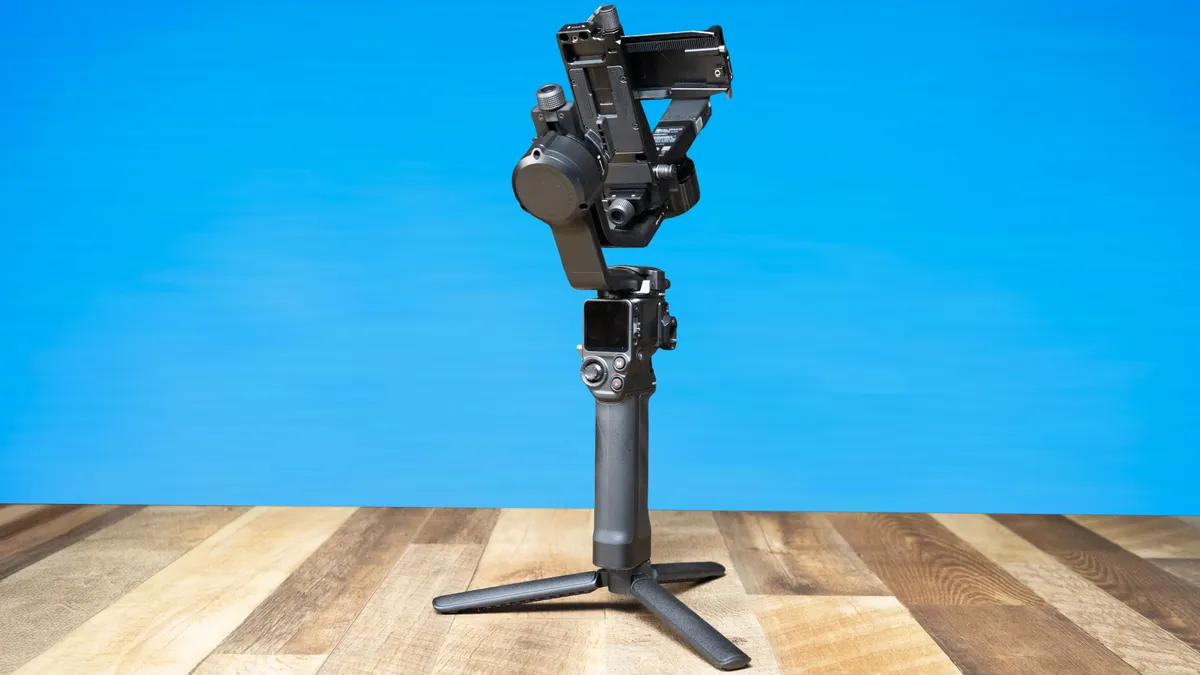
The DJI RS 5 is available in two main configurations. The standalone gimbal with the battery grip and quick open tripod foot for $549 / £485, while the Combo, which I'm testing, adds the electronic briefcase handle and the Enhanced Intelligent Tracking Module for $749 / £619. Optionally, you can also purchase the DJI RS Enhanced Intelligent Tracking Module separately for $99 if you don't need the handle or want to pick up the tracker down the road.
At the time of this review, an RS 5 Pro model is not available with no release date — if any — in sight. DJI tends to space out their releases which means for now at least if you need a gimbal that can support up to 10lbs, you'll need to go with last year's RS 4 Pro.
While DJI continues to face U.S. government bans on its cameras, drones, and other new products, the RS 5 is available at most major retailers, although no first-party availability through DJI’s website means no aftercare plans. It'll be interesting to see how these tensions impact DJI's future releases but for now, their gimbal lineup doesn't seem to be as impacted.
DJI RS 5 review: Setup & balancing
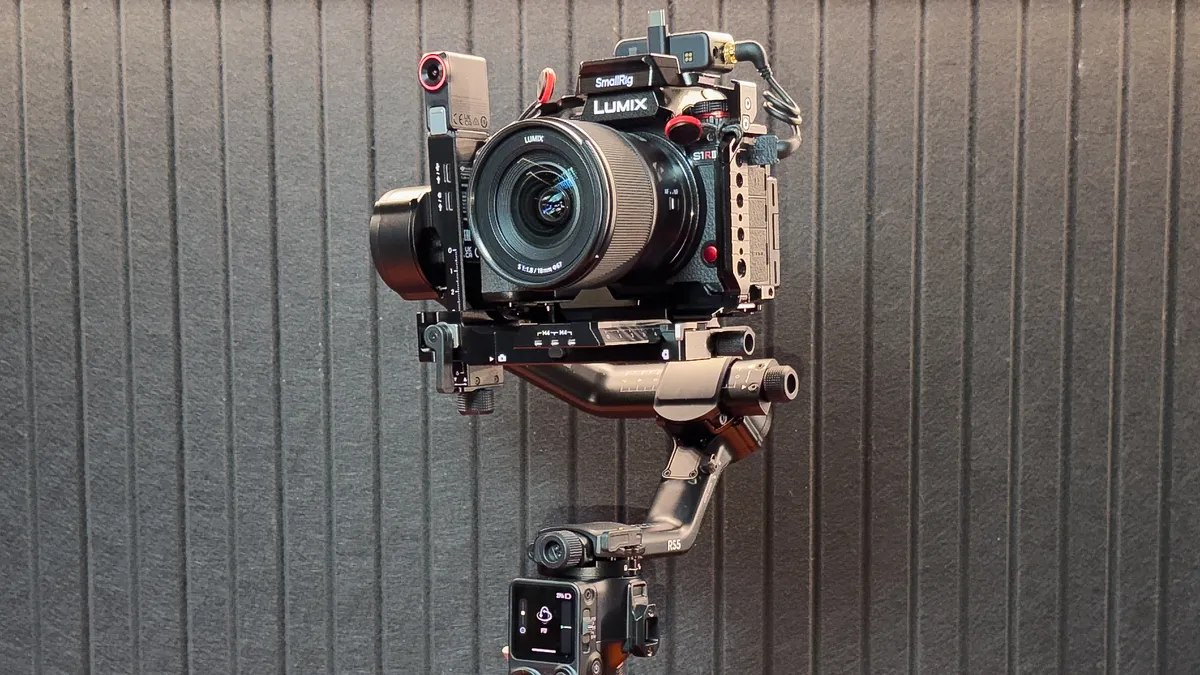
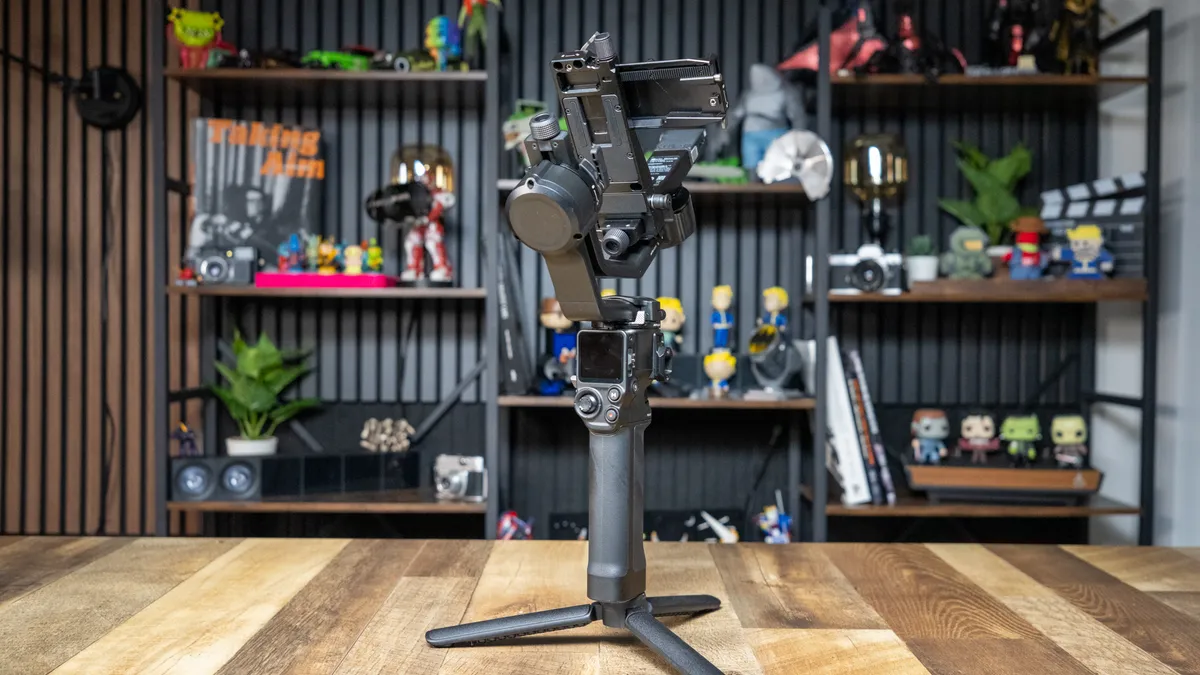
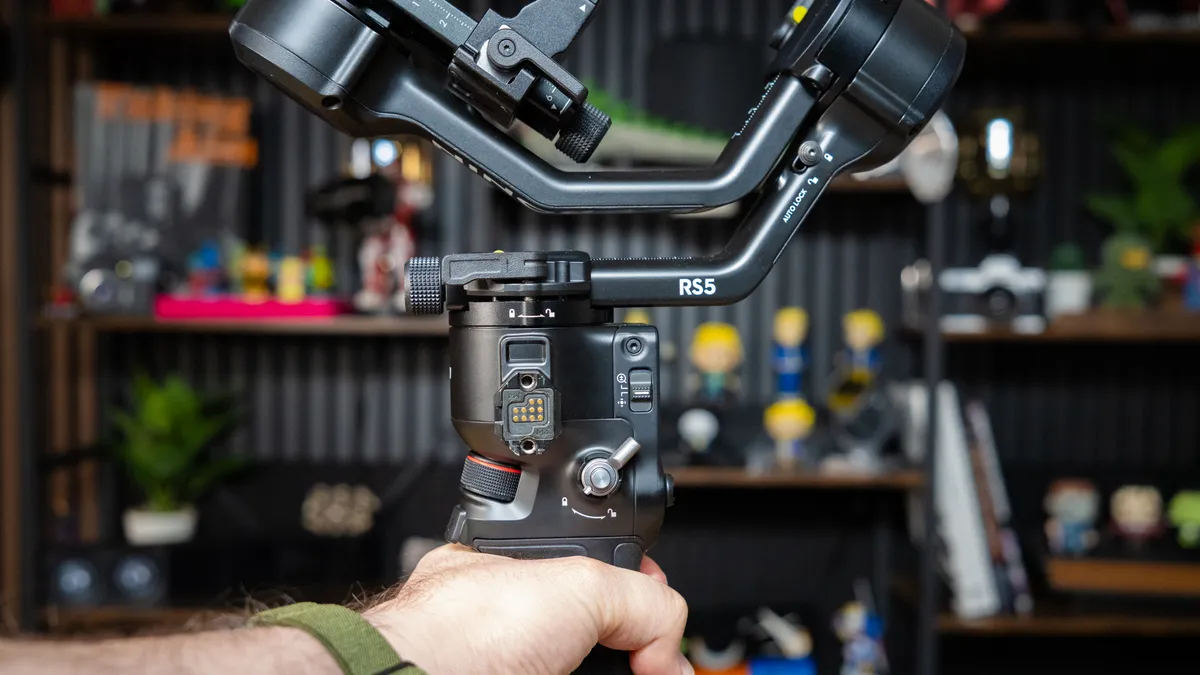
While DJI’s gimbal design has remained largely unchanged over the last few years, each new model brings refinements to ergonomics, usually shaves off a bit of weight, and improves efficiency. The RS 5 is no exception as it looks and feels nearly identical to last year's DJI RS 4, including the same automated axis locks that let the gimbal automatically fold and unfold itself in one click. However, the RS 5 has a number of less obvious but much appreciated upgrades.
Balancing gimbals has always been my least favorite part. Back in my days as a wedding videographer, I would have to strategically find the best time to swap out lenses. Up until now, it was a constant slide-back-and-forth situation where you’d nudge the arm and try not to overshoot the balance point — which was especially difficult with heavier cameras attached.
While the RS 4 had a fine-tuning knob for its rail adjustment, the RS 5 takes things further by adding them to all three axes, using a leadscrew mechanism for millimeter-level precision with a few quick turns rather than the push-and-pull struggle from before. In my testing, this made a massive difference. Switching from a light and short 35mm prime lens to a much longer and heavier 24-60 zoom lens took about 10 seconds rather than 1-2 minutes.
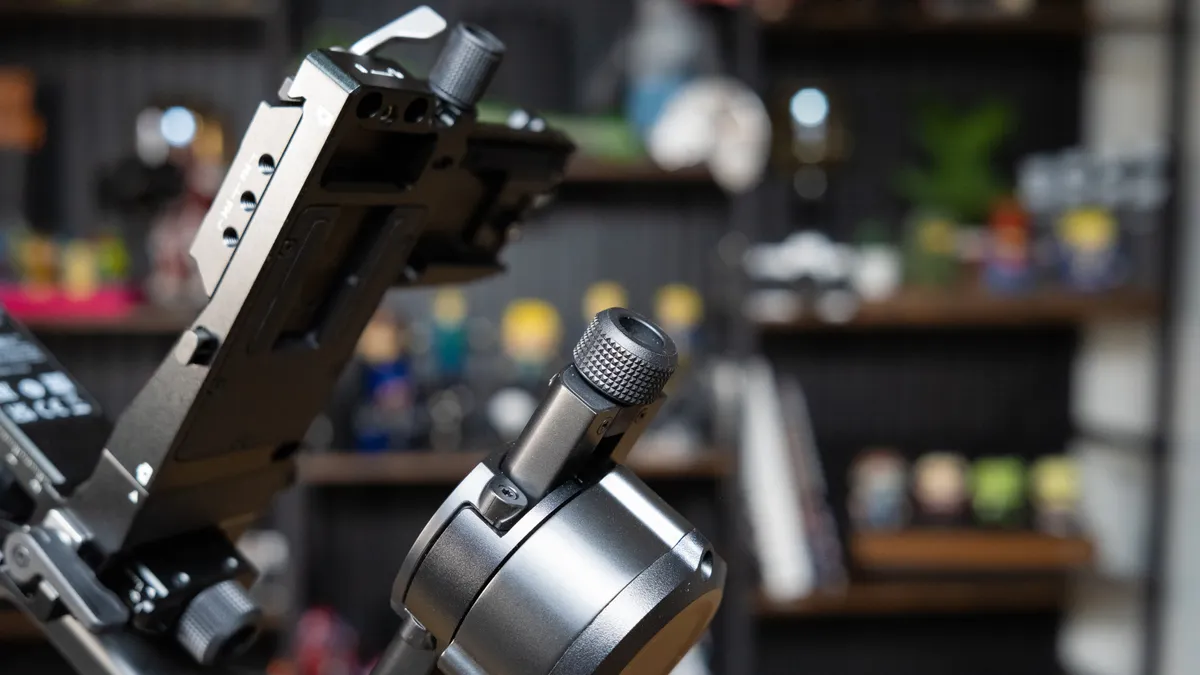
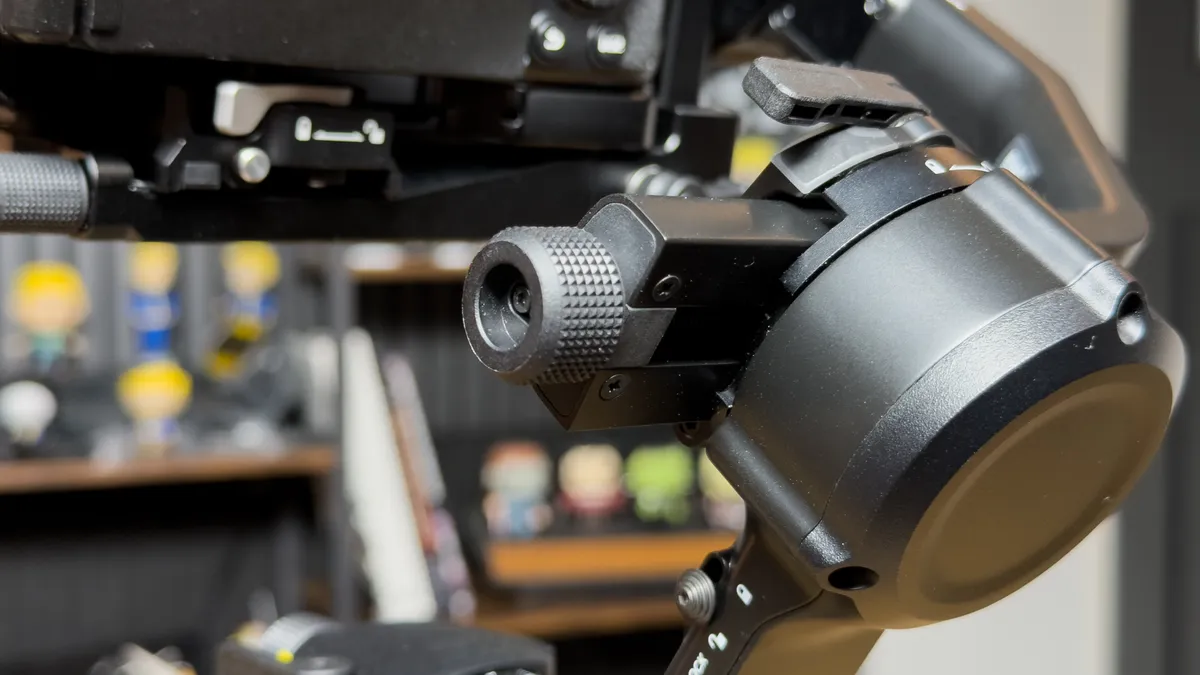


DJI also added a new on screen Z‑Axis Indicator that gives you instant feedback to your setup's balance as you move around to help you adjust your movements for steadier shots. Another small but still cool upgrade is found in its tripod foot which now opens all three feet at the same time instead of the usual one at a time. It's another thing that shaves off time and makes the RS 5 the fastest gimbal to setup that I've ever tested.
For heavier camera setups or low-angle shots, the electronic briefcase handle which comes with the RS 5 Combo can help distribute the weight between your two handles more easily. Unlike previous bundled handles, this one features a joystick and buttons that can control the gimbal and camera from a more convenient position.
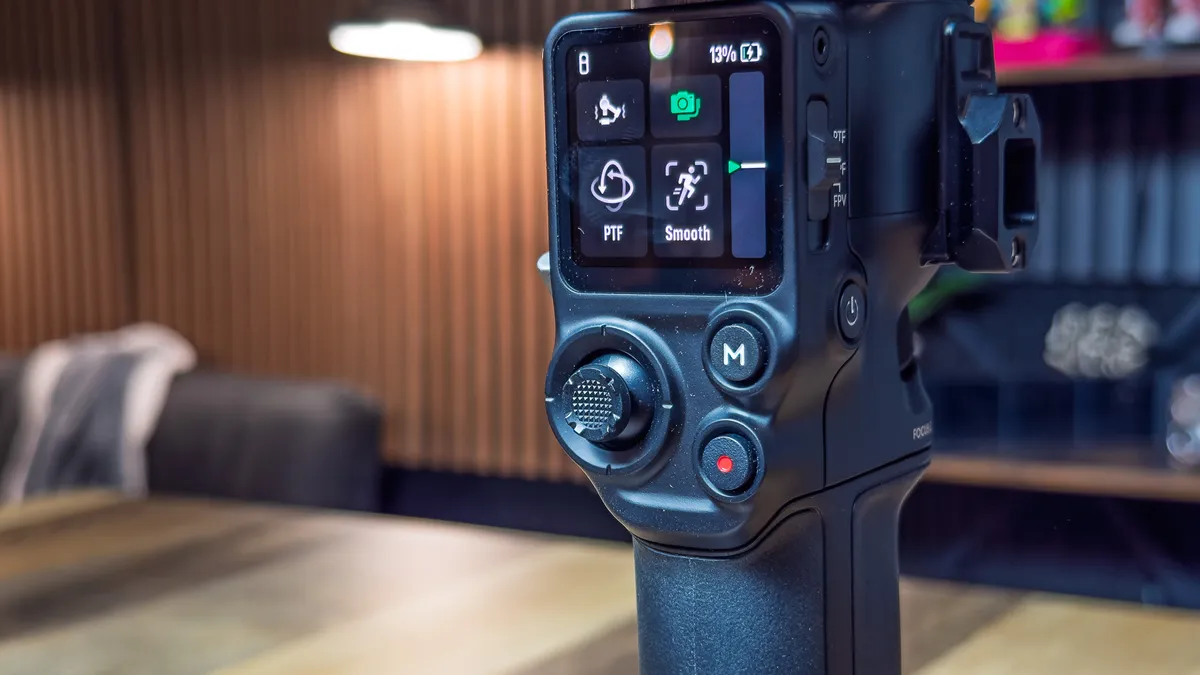
Just like its predecessor, the RS 5 is rated for 6.6lbs, though DJI claims it offers 50% more motor torque for added stability, especially when doing fast "follow" movements or low-angle shots which tend to put more stress on the gimbal. For most full size mirrorless camera combos, this continues to be the sweet spot.
But despite these upgrades, DJI has put itself in a very awkward spot right now. For anyone looking for a lighter gimbal to support their smaller APS-C or Micro Four Thirds cameras, they're probably best getting last year's DJI RS 4 Mini, and for higher payloads, they'll need to go with last year's RS 4 Pro.
DJI RS 5 review: Battery life
The DJI RS 5 gets a slight boost to battery life, now rated for 14-hours. The battery grip is still removable if you wanted to swap in a fresh set. More impressive, though, are significantly faster charging speeds. Last year, the RS 4 took about two and a half hours to fully charge while the RS 5 cuts that down to just one hour. A quick 15-minute charge between shots could get me a few extra hours of run time.
DJI RS 5 review: Improved tracking
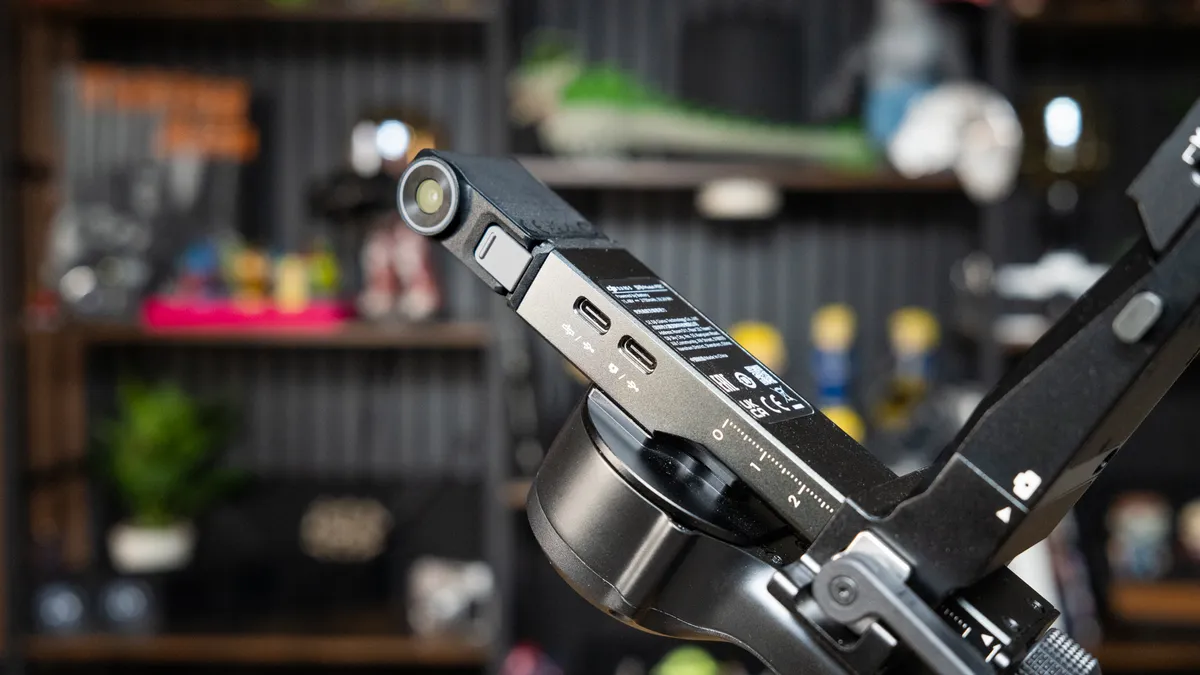
Saving my favorite feature for last, the new RS Enhanced Intelligent Tracking Module has transformed how I use the DJI RS 5. Previously I relied on the DJI RavenEye accessory, which required an HDMI feed and USB-C connection from the camera that was clunky and worked about half of the time (if I was lucky).
When DJI first introduced their revamped tracking camera module with the RS 4 Mini, which attached magnetically and communicated directly with the gimbal and displayed a live feed right on the touchscreen without any additional setup: I was impressed. But as I mentioned earlier, I was a bit underwhelmed that tracking was limited to human subjects only.
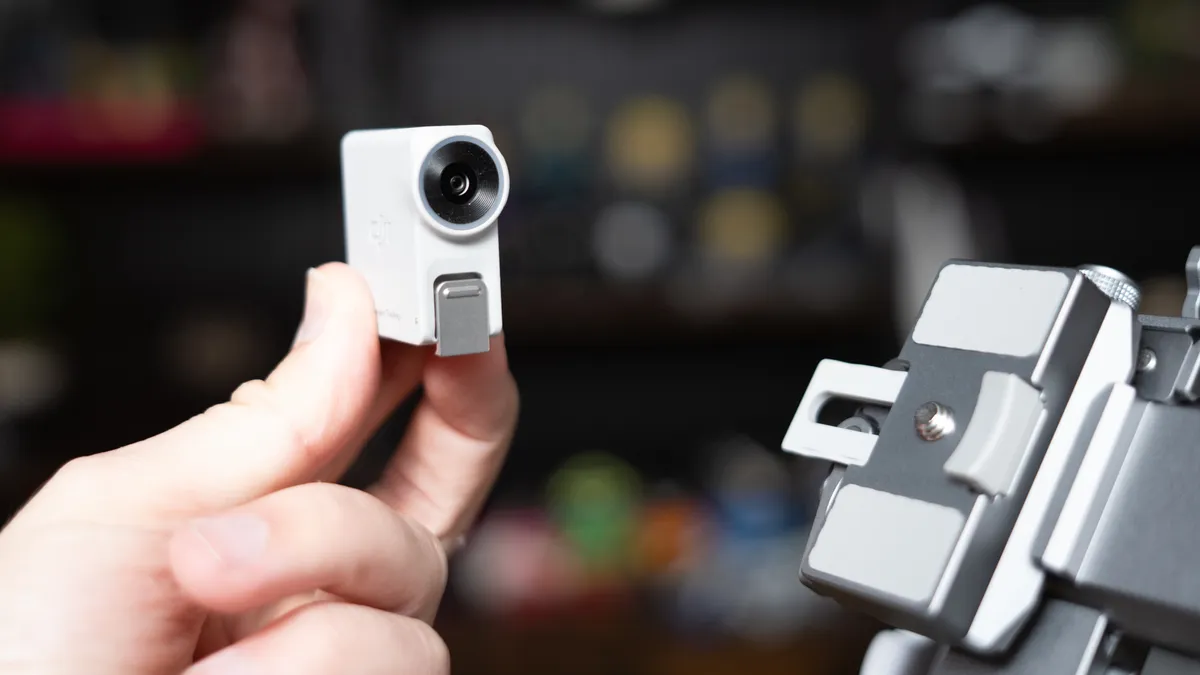
Don't get me wrong: as a solo creator, the gesture controls are still a lifesaver. An open palm tells the gimbal to start tracking me, indicated by the tracker ring light turning green. When I want it to stop, I make another open palm and light turns red. When my camera is paired, a peace sign starts or stops recording and a "Double L" gesture even lets me pause tracking to reposition myself and then resume after I've moved.
Now, the RS 5 takes that foundation and makes it significantly more valuable by introducing non-human tracking as well. The tracker can now lock onto almost anything, whether it is a building in the distance, a car driving by, or a stationary product on my desk. This allows for much easier capture of smooth, cinematic movements because you can focus more on the gimbal movement itself and less on keeping your subject in frame.
One trick I really like to do is combo this with a camera slider, even a "dumb" one that just slides back and forth on a loop. On the gimbal touchscreen, I simply draw a box on the subject I want to track, usually another product I am reviewing, and the gimbal stays perfectly locked on as it moves along the rail. It creates high-end production value with minimal effort which is always what I'm trying to achieve at the end of the day. Whether you get it as part of the Creator Combo or as a separate $99 add-on, I think its a no-brainer accessory if you want to get the most out of the RS 5.
DJI RS 5 review: Verdict
If you are looking for the ultimate gimbal for a medium sized camera setup, DJI raises the bar once again with the RS 5. By combining improved efficiency, speed and smart tracking features, DJI has created one of the best tools for solo camera operators. The improved balancing system alone could justify the upgrade for many. It'll be interesting to see if and when DJI releases an updated Mini and Pro gimbal, but right now, this is the most well-rounded gimbal you can get today.