




There was a point a few years back where the idea of Apple embracing RCS messaging seemed about as realistic as a fantasy novel. But here in 2026, not only does Apple actually support Rich Communication Services, it's actually fulfilling one of its earliest promises and attempting to add encryption to the protocol.
As spotted in the iOS 26.4 developer beta, Apple is testing encryption for RCS messages. Previously, encrypted messaging was exclusive to iMessages, which meant it was only available to iPhone users messaging other iPhone users. While RCS affords a much better messaging experience for Android-to-iPhone communication, those messages have been completely unsecured thus far.
Well, things haven't actually changed in that respect. Apple may be testing encrypted RCS messaging, but it's currently only available for iPhone-to-iPhone communication. Which feels a little redundant, since iMessage is readily available, but I suppose you have to start somewhere, right?
The other downside is that Apple says it doesn't plan to ship RCS encryption in the final build of iOS 26.4. Instead, it will arrive in an unspecified "future update," meaning that it's likely to be stuck in beta testing for the foreseeable future.
How encrypted RCS messaging works in iOS 26.4 beta
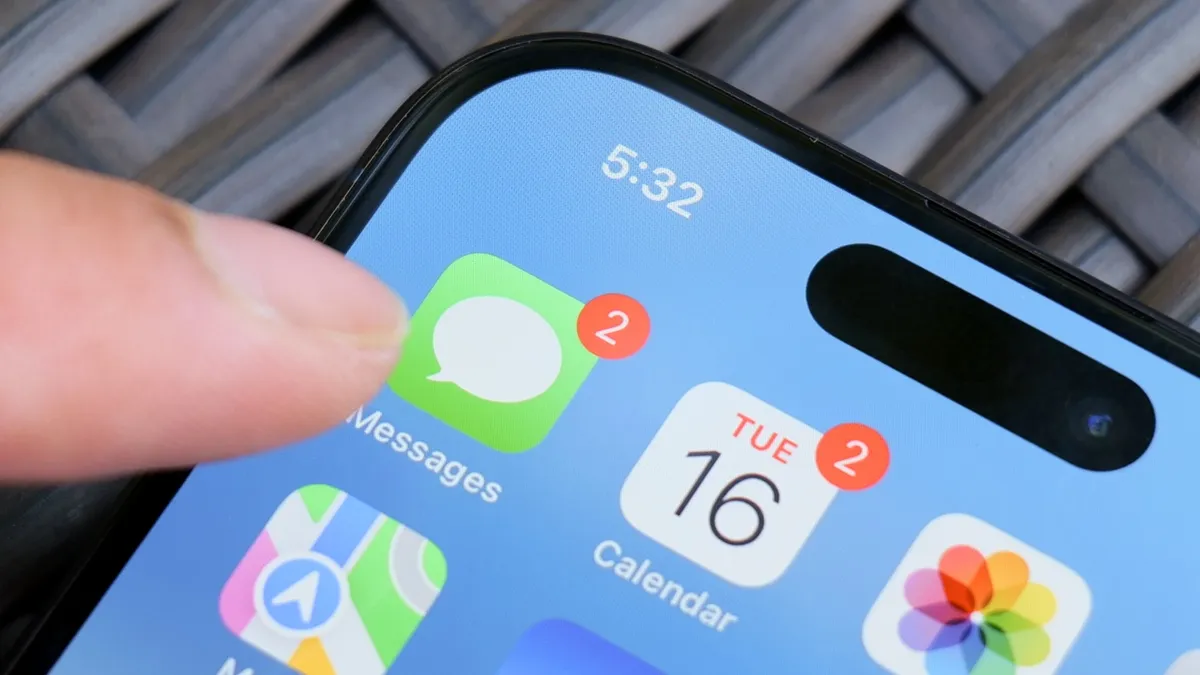
Unsurprisingly, given Apple's stance on privacy and data security, iOS 26.4 beta users will find that encrypted RCS messaging is enabled by default. It's also only active when iMessage is disabled, which makes sense given that this is currently an iPhone-to-iPhone feature. Why settle for encryption that's still in the testing phase, when iMessage's long-established encryption is right there?
Users will also be notified that their message ae encrypted with a new lock icon. This appears in RCS and iMessage chats and ensures beta testers are doubly confident that their messages are secure — regardless of the security measures currently in place.
Encrypted RCS messaging isn't available for every beta user, though. Apple will gradually roll it out to additional beta testers, and there's no firm timeline we know of. The only way to know whether you have encrypted messaging is the aforementioned lock icon.
RCS, of course, offers many of the same features as iMessage. The ability to send larger, uncompressed files and images, read receipts, real-time typing icons and emoji reactions, to name a few.
The state of encryption on RCS

The fact that the RCS protocol wasn't encrypted was a key reason why Apple always refused to support it. Or so Apple has always maintained, anyway. I've always felt it was weird that Apple refused to support RCS because of a lack of encryption, but was happy to offer SMS as an alternative — even though it offered a worse experience for both sides of the conversation. But I digress.
The company has been working with the GSMA, the body responsible for maintaining the RCS standard, in a bid to bring end-to-end encryption to all devices and text messaging platforms. Because, so far, the only encrypted RCS messaging on offer has been with specific messaging apps using proprietary encryption.
Google Messages is a very good example of that, since Google added its own encryption system to the app. However, this would only be active if you're sending messages to people using Google Messages (or some other compatible alternative). So adding encryption to RCS would help simplify the whole process for everyone — no matter what phone or app they use.
While RCS Universal Profile 3.0, which was published last March, references the ability to add encryption to the protocol, it still hasn't happened yet. And no doubt that is what's holding back encrypted messaging between Android and iPhone. But hopefully, the fact that Apple is testing some form of RCS encryption means that we don't have too long to wait.
Don't expect the green bubbles to go anywhere, though.

Follow Tom's Guide on Google News and add us as a preferred source to get our up-to-date news, analysis, and reviews in your feeds.
More from Tom's Guide
- Nothing CEO 'spray paints' over Apple event invite to tease Nothing 4a — and it’s coming one day after iPhone 17e
- Apple’s long-rumored AR smart glasses finally have a launch window — and the display could change everything
- iPhone launches have been boring for years, and I don’t see why the iPhone 18 Pro should be any different

