Sick of streaming price hikes? Here's how to watch shows and movies for totally free
Streaming was supposed to be simple. Instead, somewhere between your Netflix password getting cut off, your Apple TV bill doubling and keeping Disney+ just for the kids, you're now spending $80 a month on television. And for what? Six different apps that you scroll for an hour before giving up to rewatch the same comfort show you’ve already seen three times.
The great irony of the streaming era is that as more platforms launched, TV became more expensive and exhausting. Cutting the cord was supposed to save us money. Instead, streaming has quietly turned into cable, just with more passwords.
But here's the thing: You don't actually have to pay for any of it. Watching TV legally and for free in 2026 is entirely possible. It just requires a little strategy — and accepting a few trade-offs. Here's how to build a genuinely $0 streaming setup.
Welcome to the land of free TV (with ads)
The backbone of any $0 streaming plan is FAST, which stands for free ad-supported television. The big three are Tubi, Pluto TV and the Roku Channel. No credit card, no trial expiration anxiety, no subscription. You just ... open them and watch!
The libraries skew older — think prestige TV from five years ago, classic films, forgotten B-movies and more reality television than any one person could ever need — but they're bigger than most people realize. Tubi alone has thousands of titles, while Pluto TV leans into a linear, cable channel-style experience if you miss the experience of just turning on the TV and seeing what's on.
The catch, obviously, is ads. But they’re often shorter and less frequent than cable TV, and after a while, your brain adjusts. Just use that minute to scroll your phone (which, let's face it, you're already doing anyway).
Network TV isn’t dead, it’s just hiding online
If you want to keep up with broadcast television — like "Abbott Elementary," "The Voice" or your favorite CBS crime procedural — the networks will often let you watch recent episodes for free directly through their apps or websites. ABC, CBS, NBC, and Fox all offer some level of free access, usually with ads.
Will you get every episode instantly? No. Will some shows be locked behind a cable login? Unfortunately, yes. But you can still keep up with a decent chunk of broadcast TV without paying for a live TV subscription.
Your library card just became your best subscription
The most underrated streaming hack might already be sitting in your wallet. If you have a library card — and if you don't, getting one is free — you likely have access to Kanopy and Hoopla, two genuinely excellent streaming platforms.
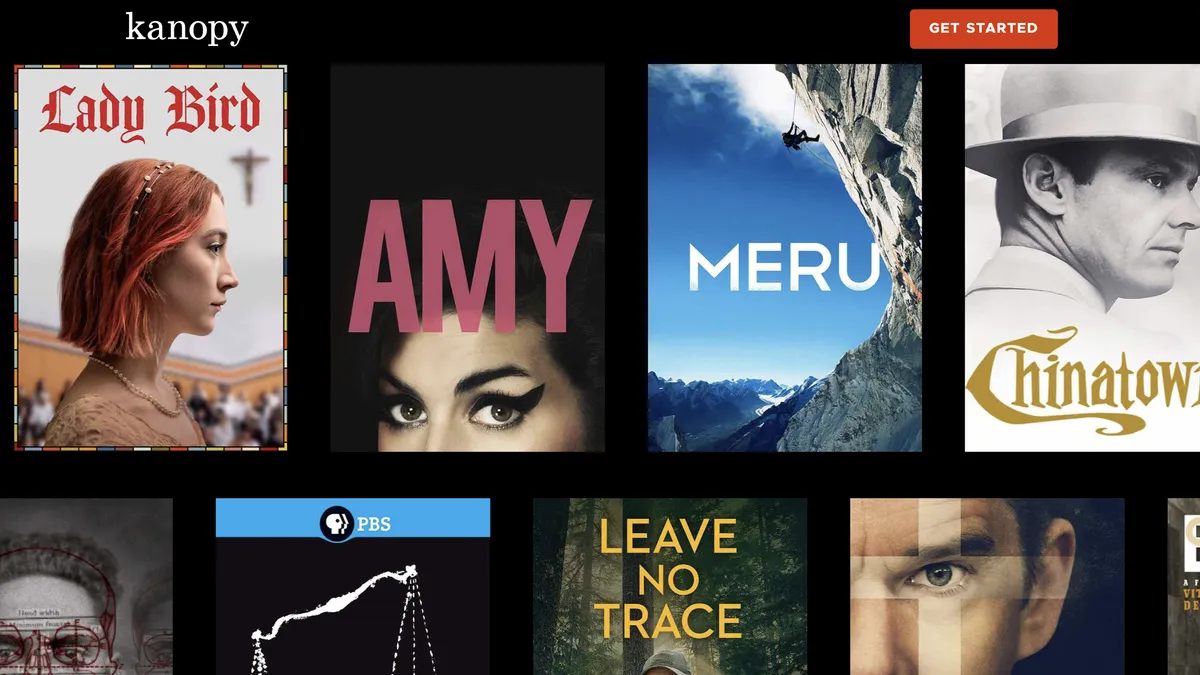
Kanopy is especially beloved by film people, with a curated selection heavy on indie movies, documentaries, and critically acclaimed fare. Hoopla is a bit more eclectic, mixing movies, TV shows and even audiobooks. Both are free with a library card and completely legal, and best of all, neither will make you sit through ads.
The limitation is that Kanopy often caps you at a handful of "borrows" per month, so you can't binge endlessly. But that's a small price for watching a Criterion Collection film at midnight for zero dollars.
YouTube is a surprisingly legitimate streaming source
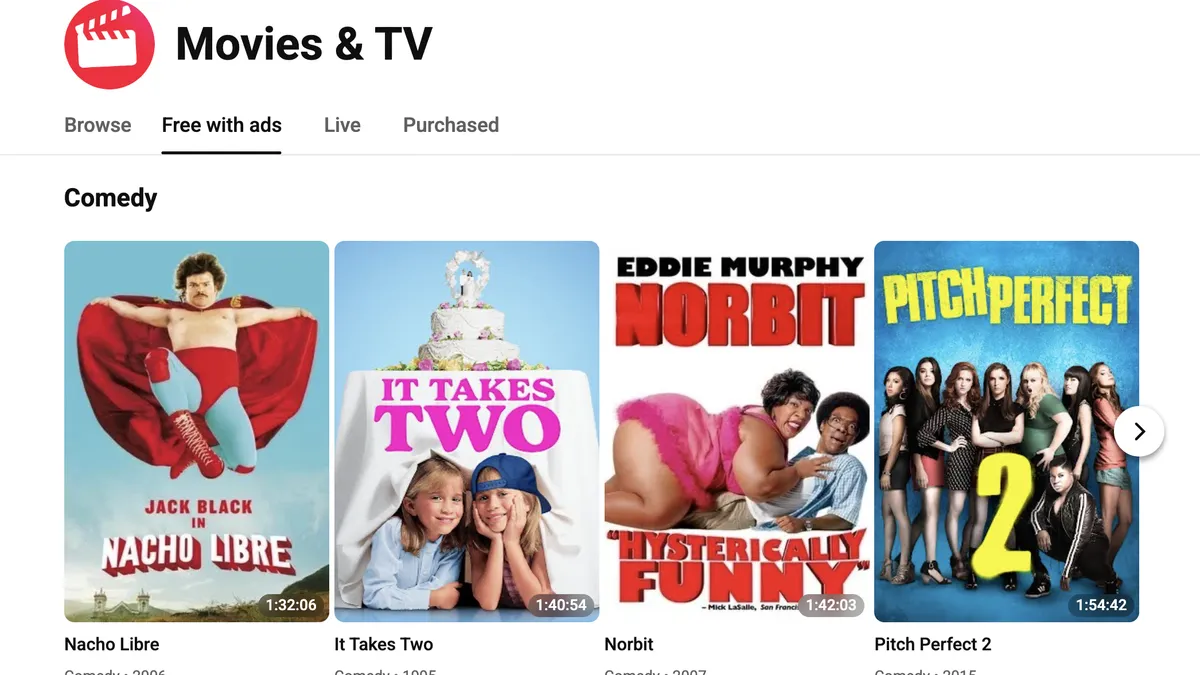
YouTube has quietly become a real streaming destination, even though most people don't think to use it that way. Beyond the creator content, there’s a rotating selection of full-length movies available legally with ads, plus a surprising number of older TV episodes uploaded by official channels and distributors.
The frustrating part is finding them. YouTube's search is not built for "I want to watch a movie tonight." The discovery experience is a lot worse than a proper streaming interface like Netflix. You really have to dig around, which sucks up some time. But YouTube now has its own free ad-supported movie section, which has made it a bit easier to navigate.
The art of the free trial
Some of the major streamers offer a free trial to new subscribers (not Netflix, though, which is a bummer). You sign up, watch as much as you can during the trial period, and cancel before the billing date. Rinse, repeat with the next streamer.
This is how you watch the buzzy new show everyone’s talking about without committing to yet another monthly fee. Just be honest with yourself about your ability to remember cancellation deadlines. Set a calendar reminder. Write it on your hand. Do what you must.
Are you already paying for streaming without knowing about it?
Before doing anything else, it's worth auditing what you might already have access to. Certain phone plans include streaming subscriptions. T-Mobile has bundled services like Netflix and Apple TV+ into higher-tier plans. Some premium credit cards offer entertainment perks. Amazon Prime, which many people have for shipping, also includes a substantial video library. Walmart+ comes with either Paramount+ or Peacock. Loyalty programs and even some internet providers have thrown streaming services into their packages.
These perks change constantly, but they’re common enough that it’s worth five minutes of investigation. There's a decent chance you're sitting on at least one free streaming subscription you're not using.
Considering going old-school with a TV antenna
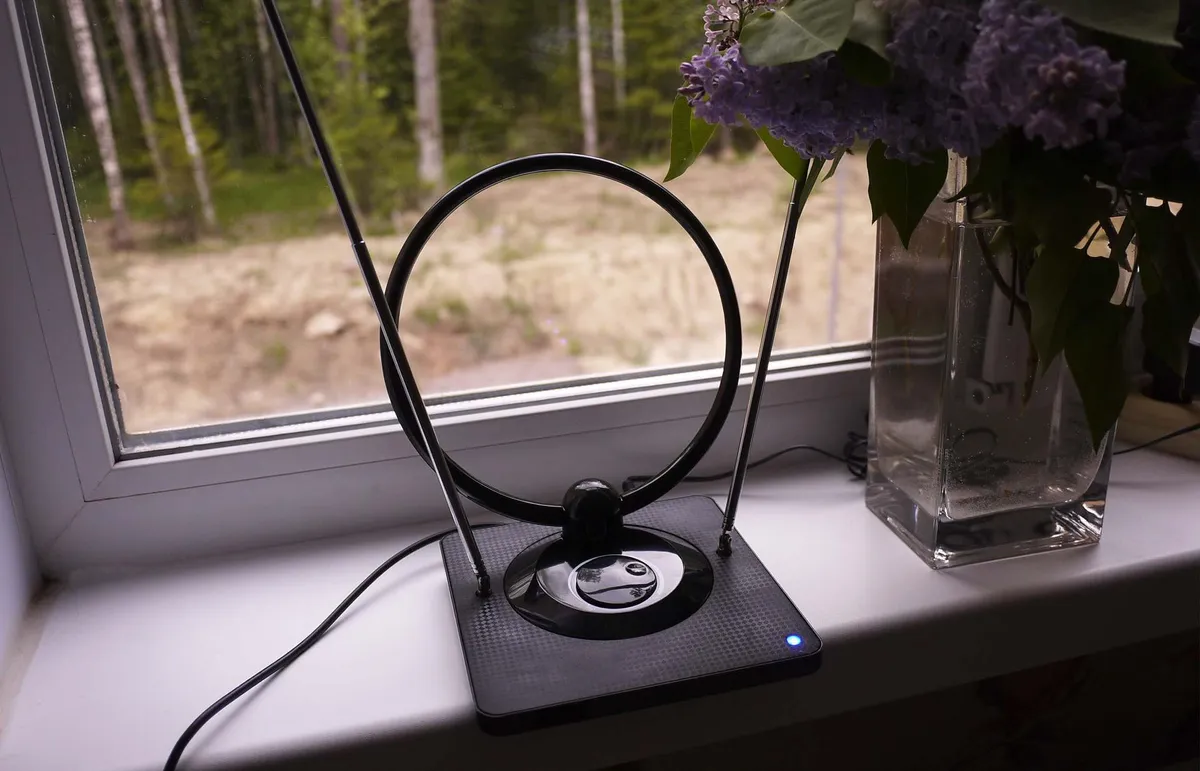
This is bending the rules of the $0 streaming diet slightly, but you can make a one-time hardware purchase of one of the best TV antennas and get live access to ABC, NBC, CBS, Fox, PBS and a handful of local channels. Five years ago, I bought this extremely '80s-looking Philips Rabbit Ears TV antenna for just $13, and it still works great.
(You may not even have to purchase one at all if your TV has a built-in antenna. So, be sure to check!)
The downside is that you can only watch live. There's no recording for later unless you add a DVR separately. But for live sports (like the Super Bowl), news and network shows, it's genuinely the simplest and cheapest solution.
What you're giving up (and gaining)
Let's be honest about the trade-offs to the $0 streaming diet. Going free means ads are mostly unavoidable. It means premium originals like "Bridgerton" and "The Pitt" are generally off the table until they filter down to a FAST service (if they do at all). It means occasionally getting spoiled because you're a season behind everyone else on social media. And it means putting in more effort to find something to watch rather than having an algorithm do it for you.
What you're not giving up is content. The volume of available television and film on free platforms is genuinely staggering. Going free tends to make viewing more intentional — you're choosing something rather than doomscrolling on Netflix — which might actually be an upgrade.
A completely $0 streaming life is a real thing that you can build right now. The streaming industry spent years convincing us that paying for five subscriptions was just the cost of being a person who watches television. It isn't; you can opt out. You might not have everything, but you’ll have enough. And your bank account will certainly have more money in it.

Follow Tom's Guide on Google News and add us as a preferred source to get our up-to-date news, analysis, and reviews in your feeds. Subscribe to Tom's Guide on YouTube and follow Tom's Guide Entertainment on TikTok and Instagram.
More from Tom's Guide