







In most cases, a VPN is going to add a little lag — often barely perceptible — to your connection, in favor of security.
VPNs bounce your data through an extra server (sometimes multiple servers), so a slightly delay is natural.
However, this isn't always the case. It depends on where you are, the server you're using, and even the time of day.
Either way, you don't have to accept major slow downs, as there are settings and options you can take advantage of to ensure you're getting the fastest speeds from your VPN setup. These changes can reduce lag, speed up page loads, and make streaming and video calls feel more responsive.
Most of these tweaks take less than a minute, and many people never realize they’re available. Here are some simple VPN adjustments that can make a real difference to speed.

Switch to a protocol designed to deliver better speeds
If all you've ever logged into your VPN for is to watch overseas content or feel a bit more secure when using hotel wi-fi, you may not even realize that your provider even offers different protocols. Take Norton VPN for instance — it offers no less than four different protocols you can use.
Fire up your VPN and you will likely find that it's set to automatic, picking a protocol that's defined to run reliably across different networks. While that's helpful for stability, it might not be giving you the fastest possible speed that could be available to you.
Go for a modern protocol, like WireGuard, and you'll get efficiency and generally lower latency as well as higher throughput than older options.
That will mean a quicker experience that could be noticeable when gaming, streaming or using real-time app options like video chat online.
To be clear, this will do all that while also giving you the levels of privacy you'd normally expect.
So when you run your VPN, check the protocol selection and experiment with different options to see if they make a positive impact on your connection speeds.
Go for a nearer by server choice

Automatic connections of VPNs can be great to get online securely, immediately. However, that server choice may not be the fastest option.
Speed is heavily influenced by the distance your data travels to and from the secure server. It makes sense that the further it travels, the longer the delay. So, picking a server that is closer to your location can often mean finding the fastest connection.
As long as you don't need to appear to be in another country (like if you're trying to watch BBC iPlayer in the USA), picking a server location near to you can significantly increase speeds.
Even the switch within the country, from a national choice to a local city, can give you a speed boost, reduce congestion and improve responsiveness.
Some VPN apps display server load or ping times. If yours does, pick a nearby server with lower load rather than defaulting to the top of the list.
Disable extra security features
That trade-off between speed and security may mean you're giving up speed for more layers of security than you actually require.
Features like double encryption, multi-hop routing, or advanced traffic filtering can all slow down your connection speed as they add even more hurdles to your data's journey. They're useful in high-risk situations but may not be needed if speed is your priority.
For standard daily tasks like browsing, streaming or online shopping, you likely won't need these extra layers of security all the time. Turn them off to free up bandwidth and reduce processing overhead on your device.
Core encryption will stay either way, keeping you protected. So opting for faster speeds, in most cases, won't result in much loss in terms of privacy.
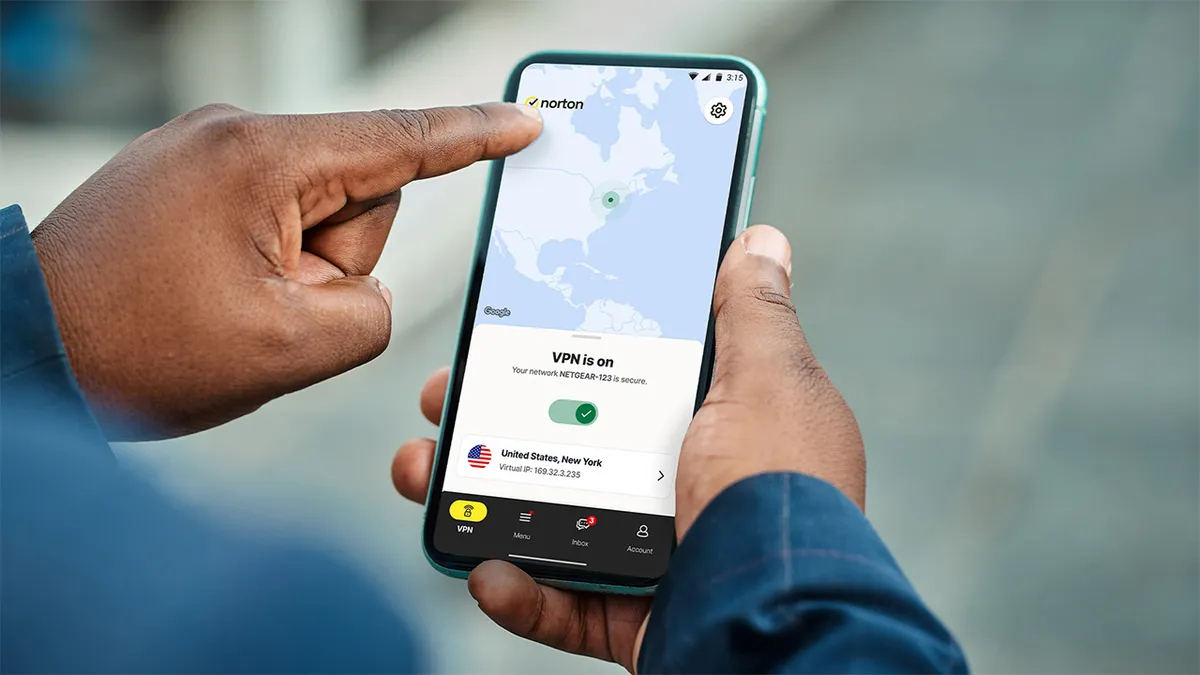
Check split tunneling settings
Another feature that can come in very handy in certain circumstances, split tunneling can sometimes improve performance by allowing certain apps to bypass the VPN entirely.
However, if this is misconfigured it can also cause slowdowns and inconsistent behaviour.
If you’ve enabled split tunneling previously, it's worth checking which apps are routed through the VPN.
Streaming apps, browsers, or system services that are split incorrectly can create delays or connection errors that feel like VPN slowness.
If in doubt, temporarily disable split tunnelling and test speeds again.
Disable auto-connect server switching
Some VPNs will automatically switch servers when they detect network changes or performance fluctuations.
Others, like Norton, have IP address hiding apparatus available that automatically rotates your IP at frequent intervals.
This can all help in the pursuit of privacy and vanquishing trackers, but may mean connecting to a slower server.
Switch this off if you have a server you know will be fast and you want to stay connected to for the quickest speeds, regardless of network fluctuations.
Ultimately, fewer reconnections mean less disruption and more consistent speeds, especially on mobile devices. If you're moving about, between rooms or mobile networks, this can really help.
We test and review VPN services in the context of legal recreational uses. For example: 1. Accessing a service from another country (subject to the terms and conditions of that service). 2. Protecting your online security and strengthening your online privacy when abroad. We do not support or condone the illegal or malicious use of VPN services. Consuming pirated content that is paid-for is neither endorsed nor approved by Future Publishing.

