




It's Safer Internet Day 2026 – a day for raising awareness and having conversations about online safety. The safety of our data is one of the most important things to consider when using the internet, and many of us don't give it the thought it deserves.
But there are a number of simple changes and substitutes you can make to instantly boost your privacy online and secure your personal data.
The best VPNs, secure browsers, and encrypted email, can all help you take back control of your data and make yourself safer online. I'll walk you through some privacy-focused alternatives to your everyday apps that don't cost the earth.
Subscribe to a VPN
It's my job to write about VPNs every day, so naturally this is my first recommendation. A VPN is a privacy tool, one that will encrypt your internet traffic and keep it hidden from prying eyes.
Your IP address and browsing habits can't be seen by your internet service provider and it keeps your data private – but crucially, it doesn't make you anonymous. The VPN can still see your connecting IP address and the email address often needed for sign-up signifies you're a real person.
VPNs can also be used to change your location. Connecting to a VPN server in another country will grant you an IP address from that country, allowing you to access geo-restricted content such as streaming libraries.

VPNs operate no-logs policies. This means your browsing data and activity isn't logged, stored, or shared, and despite the fact that a VPN can see your IP, this policy ensures it won't store it, or link it to your identity. The most secure VPNs have these policies regularly audited by independent companies and protect your data with the highest standards of encryption.
VPNs aren't for everyone, but if you're looking to add a secure layer of protection to your daily internet use, they're well worth checking out. Many VPNs also bundle extra cybersecurity features like a password manager, ad blocker, or malware and scam protection.
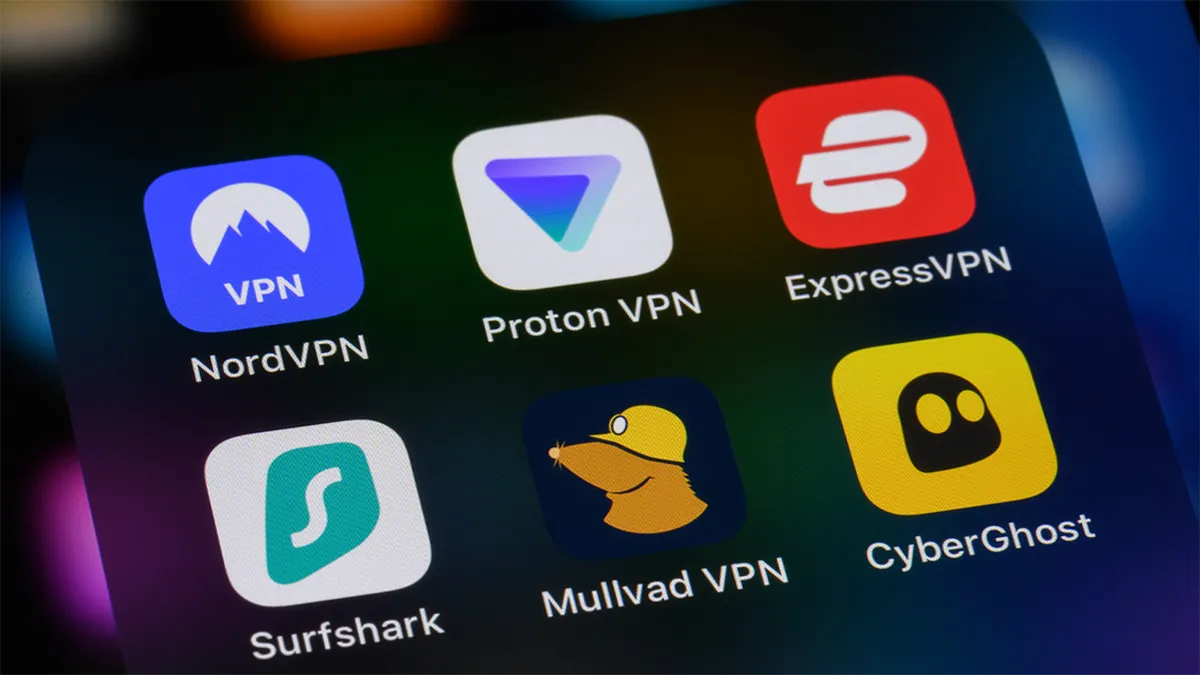
Prices vary for VPNs. Complete cybersecurity packages cost upwards of $7 per month but many VPNs sit around the $2-$4 per month mark, depending on your plan. NordVPN is our top choice of VPN for most people, and its two-year plans start at $3.39 per month. ExpressVPN is ideal for beginners thanks to its easy-to-use apps. Its two-year plans start at $2.44 per month.
The best cheap VPNs can be yours for around $2 per month. At $1.99 per month, Surfshark is our favorite, but PrivadoVPN is also a good option at $1.11 per month.
Although advertised at a monthly price, it's worth noting that VPNs are paid for upfront. One month, one year, and two year plans are the most common. Most leading VPNs offer a 30-day money-back guarantee just in case you change your mind.
If you're not fussed about extra features and/or won't be heavily using a VPN, then you could pick up one of the best free VPNs. These aren't as powerful as their paid counterparts but they protect your data with the same privacy and security standards. There are countless free VPNs out there, many of which make their money by selling your data. It's vital you only subscribe to a free VPN featured in our guides. These VPNs are safe, others might not be.
Use a secure browser
I'd bet good money that most of you reading this article will be doing so on Chrome, Microsoft Edge, or Safari, having come from Google or Bing.
These are hugely popular browsers and search engines, but they love your data. Research by Surfshark found that Chrome was by far the most data-hungry browser, collecting 20 different data types. These included: contact info, financial details, location, browsing history, search history, user content, identifiers, and usage data. In short, Chrome knows almost everything about you.
However, there are secure and private alternatives. Brave, Vivaldi, and Opera are three easy-to-use and highly customizable browsers that don't feed off your data. Surfshark's study found that Opera collected six data types – the same as Edge – and Brave collected only two.

These browsers are designed for privacy. You can control what data is collected and what features you use. I use Brave every day, and have toggled almost everything off. Location, search history, and AI features, are all blocked, and I'm protected by its built-in ad and tracker blocker – a common feature of secure browsers. What I like about Brave is it shows you the number of ads and trackers blocked on the home screen, highlighting just how data-hungry Chrome, Google, and other websites are.
They are all free to download and use, and can easily match Chrome and Google for power and simplicity. All come with built-in VPNs. Opera and Brave have their own VPN, while Vivaldi has partnered with Proton to offer Proton VPN Free within the browser.

Switch to encrypted mail
Like Chrome, Gmail is an incredibly popular email service. I used to use it and almost all of you reading will have at least one Gmail account. As with Chrome, and the entire Google ecosystem, Gmail harvests your data – but privacy-focused alternatives are available.
Proton Mail is a free, end-to-end encrypted mail service and was built by the team that went on to create Proton VPN. Like all of Proton's apps, it's been independently audited and blocks trackers from your inbox. Not even Proton can read your emails, and you can migrate from any email provider to Proton Mail.

It's free to use and download, but a premium version can also be purchased. For $9.99 per month you can subscribe to Proton Unlimited. It's an end-to-end encrypted privacy suite that can rival Google. You'll get premium versions of Proton VPN, Proton Mail, Proton Drive, Proton Pass, Proton Calendar, and Proton Wallet. I use Proton Unlimited, and Proton Mail, every day and would never go back to Google. It's private, easy-to-use, and effortlessly syncs across all my devices.
If you want further protection for your inbox, ExpressVPN has recently launched ExpressMailGuard. You can create and assign email aliases to sign up for services without giving away your real email address. It's designed for privacy, as well as for spam and phishing reduction. You can create, assign, and delete multiple aliases and it can be used with most major email providers. ExpressMailGuard is included with all tiers of ExpressVPN plans.

What else can you do to stay safe online?
Making the changes I've discussed here will go a long way to keeping you and your data safe online. You don't need to break the bank if you don't want to and there's plenty more you can do if you're that way inclined.
Password managers, antivirus, and ID protection are extra features that can be part of your cybersecurity arsenal. As mentioned, some VPN plans include these as additional features but they can all be sourced separately.
You should also think about your online habits. Don't re-use passwords, always reject cookies, and if something feels wrong, it probably is. Changing our online habits and switching to secure, privacy-focused apps, is ideal for those looking to stay safe online this Safer Internet Day and beyond.
We test and review VPN services in the context of legal recreational uses. For example: 1. Accessing a service from another country (subject to the terms and conditions of that service). 2. Protecting your online security and strengthening your online privacy when abroad. We do not support or condone the illegal or malicious use of VPN services. Consuming pirated content that is paid-for is neither endorsed nor approved by Future Publishing.

