




As a student, life is a whirlwind of lectures, study groups and creative projects. Not only that, you’re in an environment that actively encourages you to drum up your best ideas. And to achieve that work, the best laptops for students will handily tackle any task with specs designed for versatility.
So with that shiny new system, what apps should you get for your creative efforts? Times have changed since we had just one or two options that did things well, and what’s really spurred on this renaissance is using the NPU.
AI has been a great leveler for brainstorming and bringing your ideas to life — from intelligent photo edits to transcription for TikToks. And being able to run these tasks on-device in a power-efficient way has been a game changer.
All of these creative apps make great use of the NPU with AI smarts that can effectively shorten the time it takes to get the idea out of your head and make it into something special. Here are the five must-downloads for getting creative on campus.
And even better? These creative apps are native to Arm too, meaning that you’ve got support across all Windows chips including the Snapdragon X Elite. Let’s get into them.
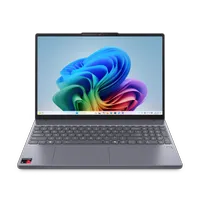
Capcut
CapCut is the ultimate tool for a student content creator. With its native optimization, simple edits are fluid and responsive.
For more advanced features, the built-in NPU accelerates AI tasks like Auto Cutout and transcriptions, allowing you to effortlessly and instantly separate subjects from the background and add subtitles.
This allows you to create pro-level social media videos with the greatest of ease — be it for your schoolwork or making on the side.
Adobe Photoshop (or Lightroom)
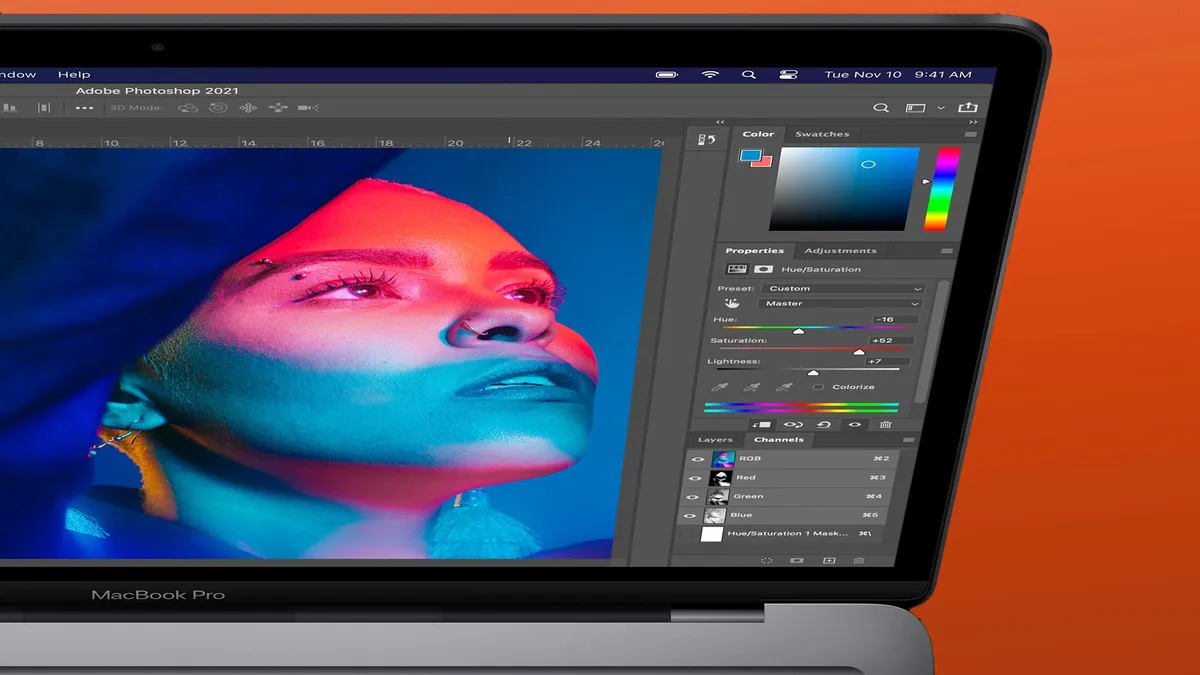
The days of being chained to a desk for serious photo editing are over. With Adobe Photoshop and Lightroom, you can enhance photos wherever you are. Image manipulation has taken a huge step forward too with neural filters — taking advantage of NPU and GPU acceleration to do all kinds of generative AI work like colorizing photos.
Every brush stroke in Photoshop and every slider adjustment in Lightroom feels instant and fluid to your interactions, and if you’re feeling snap happy, these are solid options for it.
Luminar Neo
But what if you don’t need the granular settings of Adobe’s in-depth app? Maybe you just need some quick and easy toggles and bars, along with some advanced generative AI features to really make your photos sing without lifting a finger? That’s where Luminar Neo comes in.
It uses the NPU to accelerate powerful AI tools, so you can perform complex edits like replacing a sky or enhancing details with unbelievable speed. This is true on-device AI at work — your edits are processed locally on the laptop, giving you instant, lag-free results and keeping your creative momentum going.
DJay Pro

The amount of sick mashups I’ve seen people pull off at parties on TikTok has made me certain that DJing makes you the coolest person at any party! And one of the best tools to do so is DJay Pro!
Algoriddim has created something special here — a user-friendly interface with all the controls you need to blend, mix and loop tunes. And AI is at the core of a lot of this, thanks to a key feature called “Neural Mix.” This uses AI to instantly isolate vocals, instruments and drums, all of which is accelerated by the NPU to help you perform live separation of track stems without lag.
Affinity Designer 2

For students studying graphic design, visual arts, or even web development, a powerful vector graphics editor is a must-have. Affinity Designer 2 is a great tool for creating anything from intricate logos to detailed digital illustrations and UI mockups.
Everything feels super responsive, even across documents containing thousands of vector objects when you’re doing things like zooming, applying effects or panning. This allows for a truly non-destructive workflow and lets you stay in the creative zone, whether you're working on a poster design in the library or a web design project in your dorm room.
Follow Tom's Guide on Google News, or add us as a preferred source, to get our up-to-date news, analysis, and reviews in your feeds. Make sure to click the Follow button!
More from Tom's Guide
- I was a Chromebook hater, but the Lenovo Chromebook Plus 14 taught me to love a Google laptop — here’s why
- I Love macOS, But These 3 Apps Fix What Apple Still Gets Wrong
- Forget iPhone 17 Pro — Apple’s A19 Pro chip belongs in a MacBook, and these leaked benchmarks prove it
















