Kling AI has drawn plenty of plaudits in recent months. Back in May, I used it to create a tone piece for a favorite song of mine, and it did a decent job, but with the company releasing its new Kling 2.5 Turbo model, I was invited to go hands-on again.
"AI is now primarily a tool, but in the future, it will become a true partner - helping to execute ideas, generate content, and form your unique style. AI enhances rather than replaces artistic expression," Zeng Yushen, head of operations at Kling AI, said in a press release, and while I’m not sure about that on a moral level, I will admit that it’s a very impressive tool as of right now.
I put it through its paces in a couple of areas to test text-to-video generation, as well as image-to-video.
Text to video
My prompt for this was:
“Create a tracking shot of a subject running through a European city as the streets fold onto themselves, converting it into a labyrinthine maze.”
While I envisaged an Inception-like effect that saw the city backflip on itself, I was pleasantly surprised to end up with something more akin to the ‘Mirror Dimension’ from Doctor Strange.
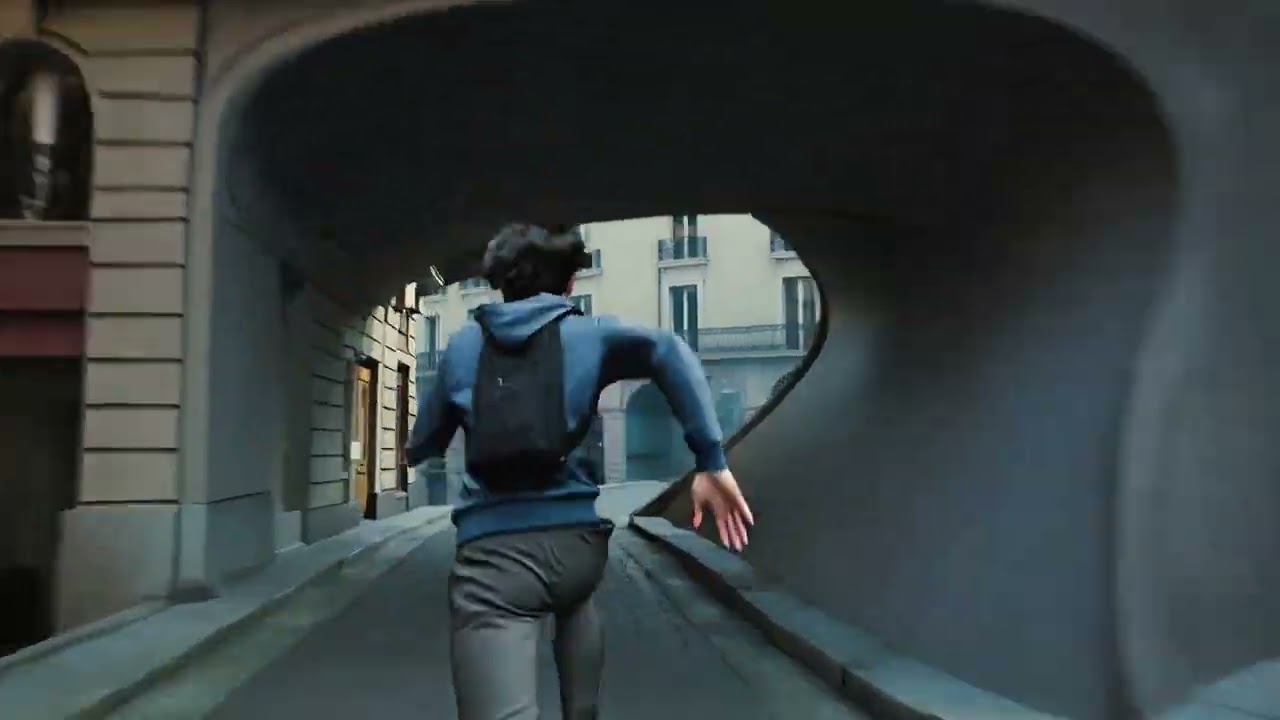
I found the first option much more impressive, but every single output added AI sound of heavy breathing during the run, and feet hitting the pavement.
Others kept the surroundings feeling particularly European, while shifting the perspective from a third-person camera to a side-on one.
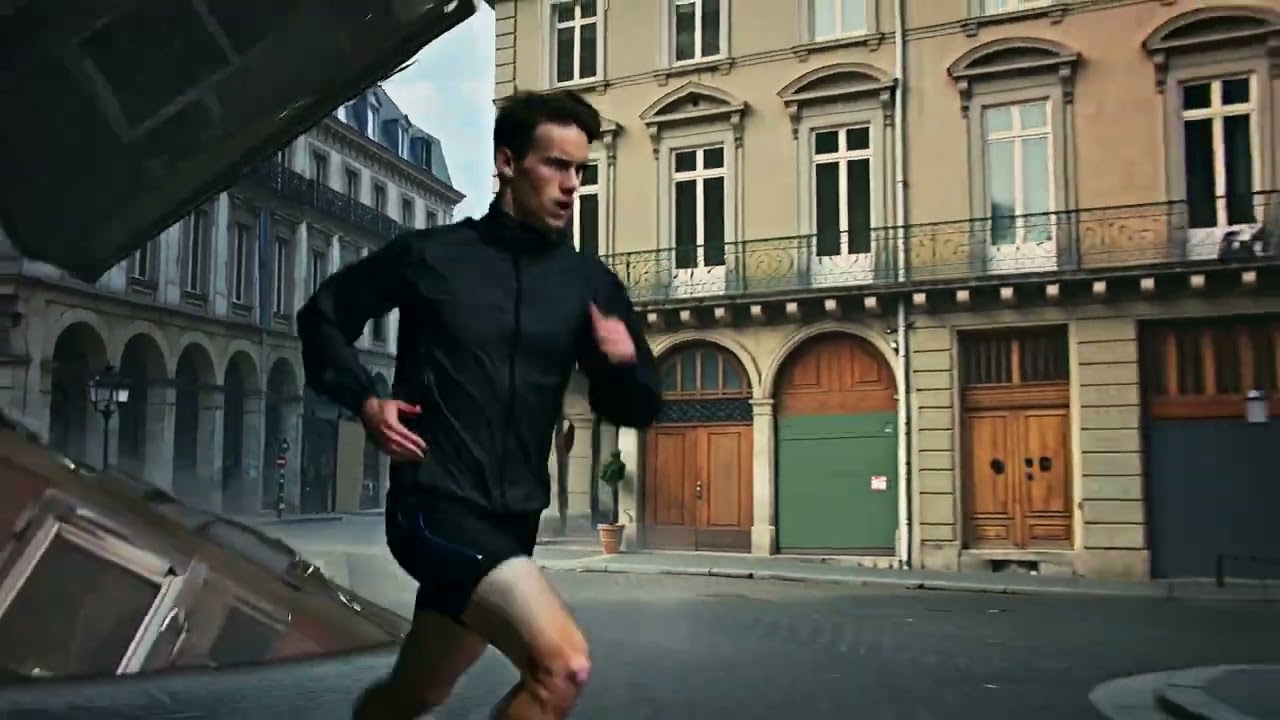
This one started to get almost mesmerising, a little like a kaleidoscope of brickwork and concrete. It’s not entirely what I had in mind when I started, sure, but it’s fascinating to see in motion.
Image to video
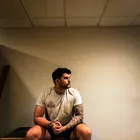
Image to video is looking just as impressive, with some small caveats. I asked Kling’s Turbo 2.5 model to take a picture of me sitting at the gym and gave it the following prompt: "Show the subject of this image standing up and performing a somersault toward the camera, jumping over it.”
In my head, I was thinking ‘Power Rangers somersault over the camera’, but as you’ll see from the results, it wasn’t quite what Kling produced.
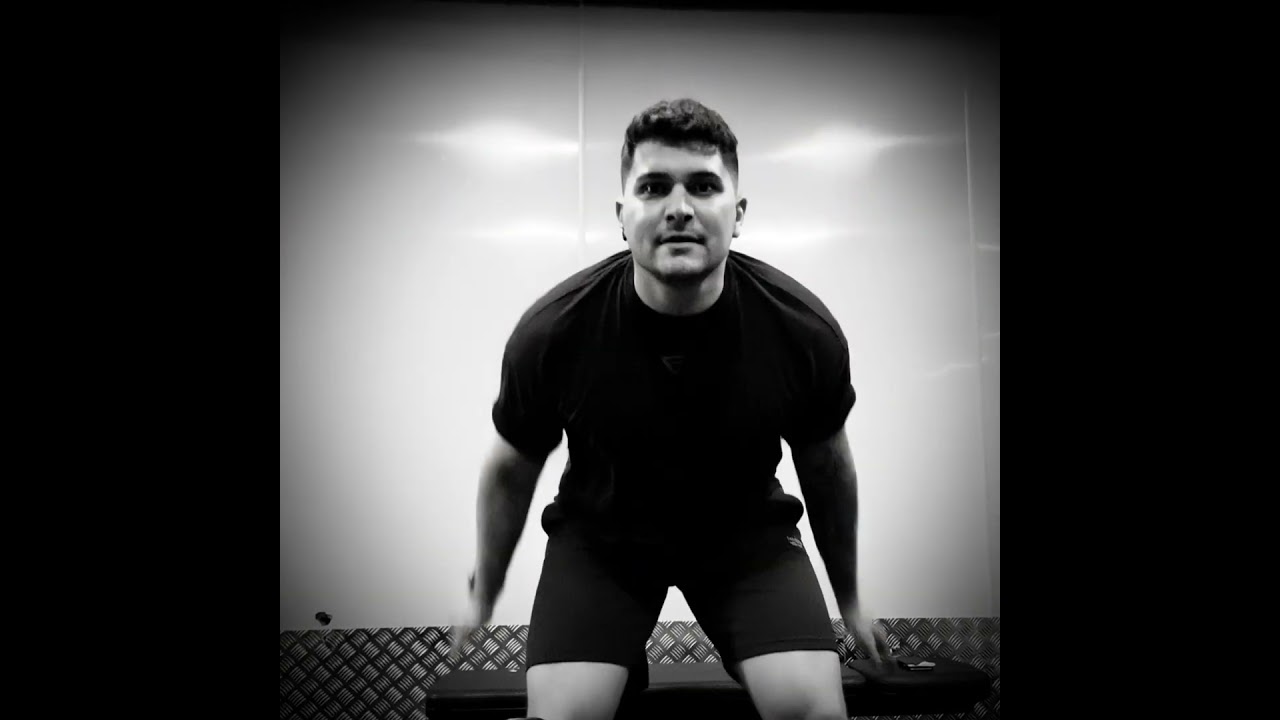
In this output, the model does a decent job of approximating what the other half of my face looks like, and does a really good job of making my tattoos look consistent while jumping.
Sadly, though, there’s no flip. The model goes so far as to approximate what my quadriceps would look like before I jump, but then seemingly forgets what my face looks like, and then it just keeps, well, jumping.
This output does a better job of keeping my face consistent, but again won’t do a true flip, despite it being something the model is capable of.
Sticking with image-to-video, I gave Kling the following prompt:“ Turn this picture of me and my son into superheroes, but maintaining the same size in relation to each other.”
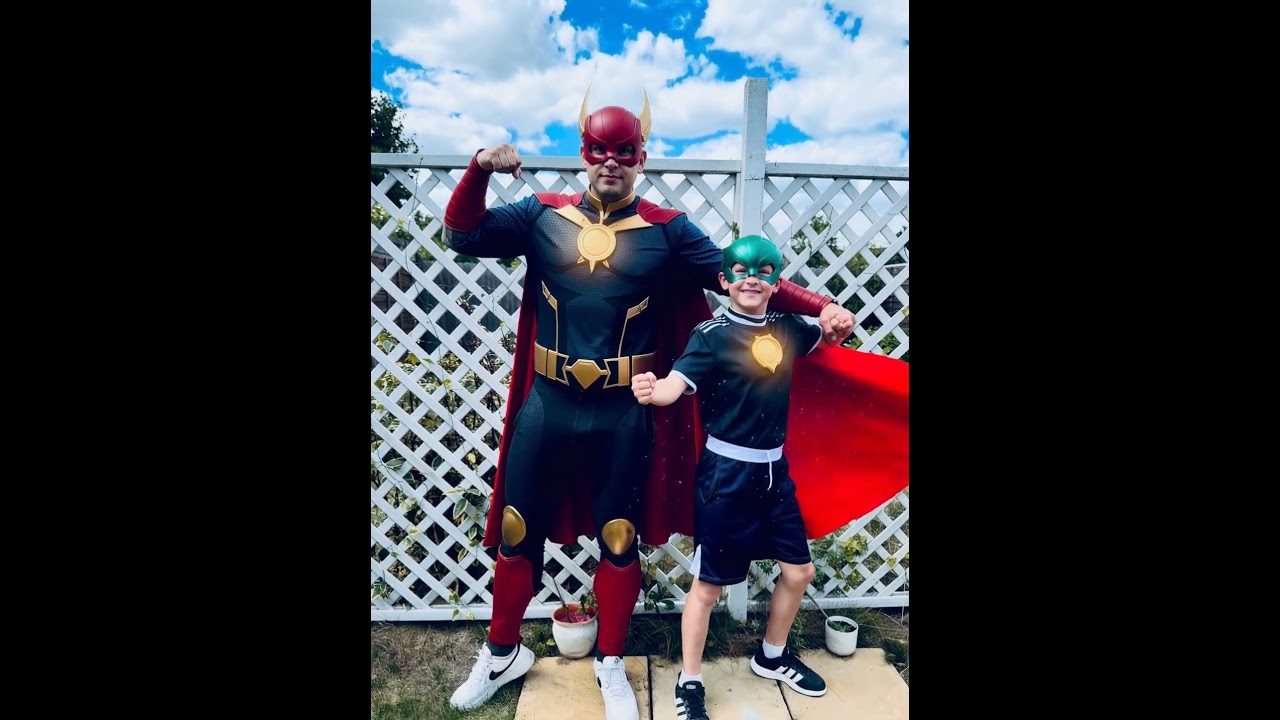
This one is particularly impressive because the superhero costume reacts to the light around the subjects, but the last part of the prompt is seemingly ignored as my son grows a whole foot (and that’s saying nothing of his morphing hat).
The sound effects work somewhat, sure, but my son literally changes into a different person. It’s not even close! He does, however, stay closer to his original height, as per the prompt.
Finally, I’m not sharing the example here, but I asked Kling to turn my nephew (who is two) into a superhero. He’s the only subject in the photo, and the animation of him changing and taking flight is pretty fun.
What’s bizarre, however, is that the AI-generated audio adds a child’s laughter that sounds… spooky. The model adds what sounds like a Victorian child giggling while her spirit chases you around a house.
More from Tom's Guide
- How to share your screen with ChatGPT — and use it to save money this Prime Day
- You can now use apps inside ChatGPT, including Spotify, Canva and Zillow — here's how
- Sora 2 vs Grok Imagine — I ran 7 tests and one crushed the competition