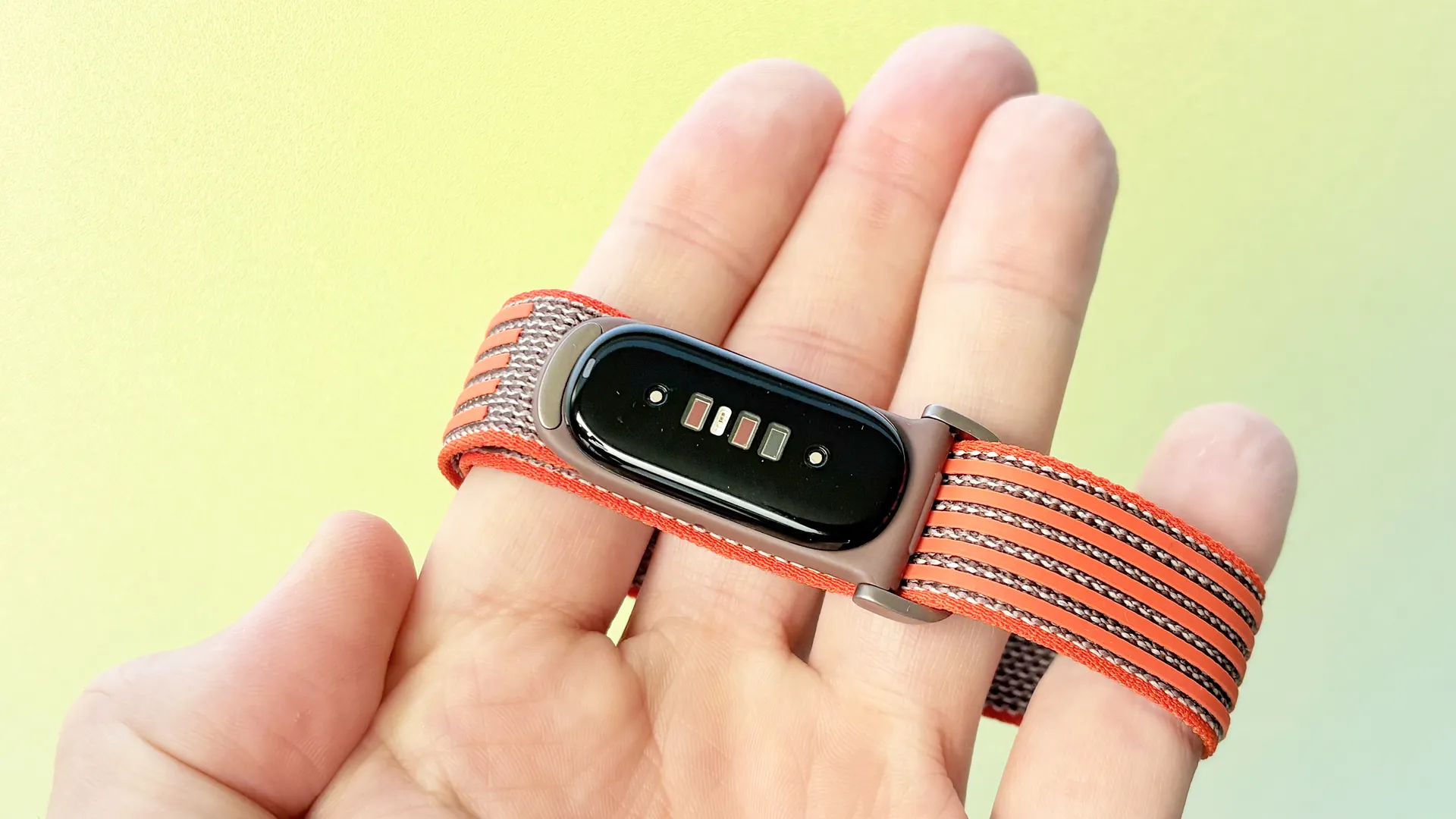
The Fitbit Air is one of the best fitness trackers in 2026, especially if you prefer a screenless and distraction-free wearable with long-lasting battery and rock-solid reliability.
Priced at $99, with all major health, sleep, and fitness metrics available subscription-free, the Fitbit Air is also the best budget-friendly Whoop alternative, and my favorite fitness tracker of 2026 so far.
With no screen, buttons, NFC, or mirrored smartphone notifications to distract you, the Fitbit Air offers just one feature I’d consider to be truly ‘smart.’ More importantly, this feature has totally changed the way I start my day.
No smart alerts or distractions… except this one
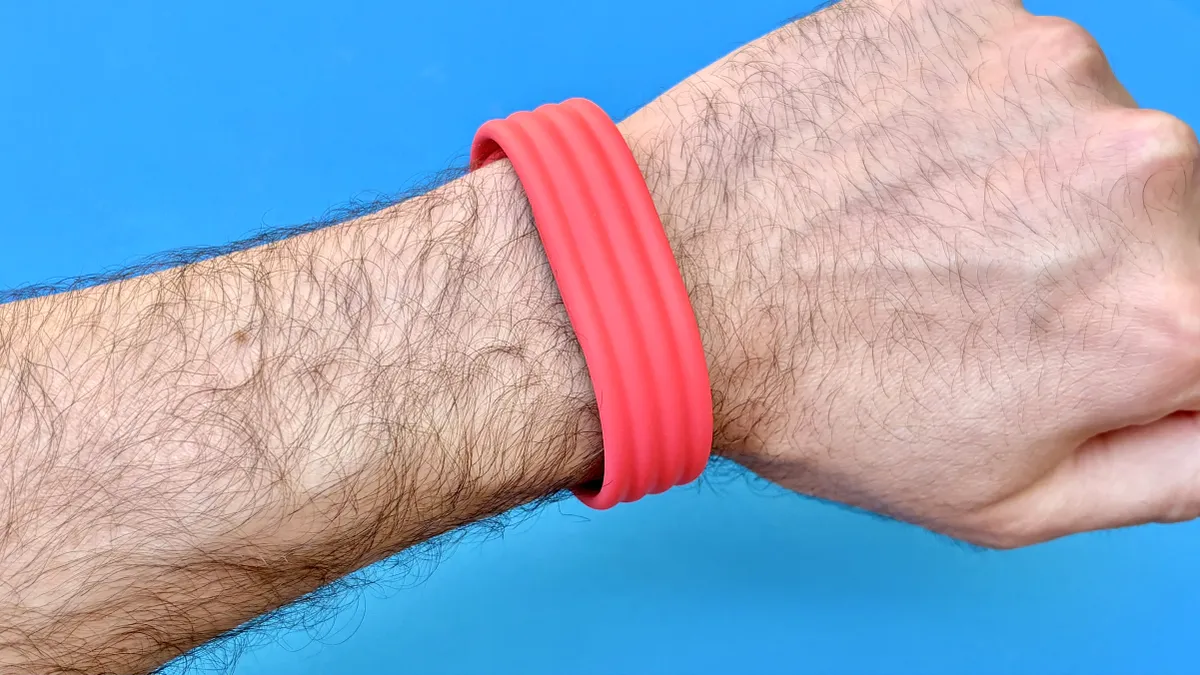
In theory, the Fitbit Air could alert you to an incoming phone call, text message, or any other notification. However, by design, the onboard haptic motor is only capable of vibrating when you set an alarm from the sleep tab in the Google Health app (formerly the Fitbit app).
This is by no means a new or groundbreaking feature for wearables in 2026; plenty of the best Fitbits and many of the best smartwatch models offer something similar. However, I’m a little surprised but genuinely pleased that Google included hatpic feedback with the brand’s latest Fitbit.
Users can save up to eight alarms total. When one goes off, the tracker gently vibrates for roughly 30 seconds before going into snooze mode. This delays the alarm for exactly nine minutes (and can’t be changed) before it goes off again.
Not only is this a lovely, non-startling way to wake up — and one I’ve fully adopted — but unlike a standard audible alarm, the Fitbit Air alarm doesn’t wake my sleeping partner, or even my dog, Belverdere.
To silence the Fitbit Air’s haptic alarm, firmly double-tap the top of the tracker. From my experience, this works the first time, roughly 90% of the time.
The brilliance of ‘Smart Wake’
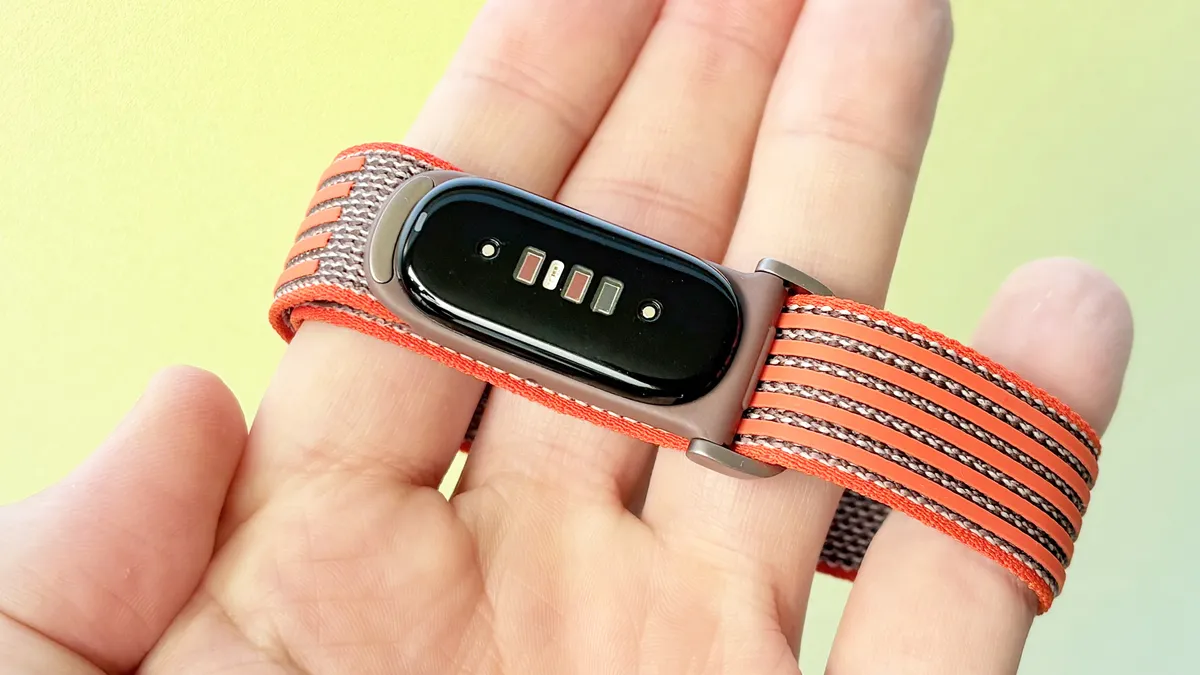
In addition to a haptic alarm, the Fitbit Air also supports Google’s ‘Smart Wake’ feature, which, when activated, prioritizes waking you during your optimal sleep stage, i.e., when you’re not in deep sleep or REM.
When switched on, Smart Wake will wake you up to 30 minutes before your actual alarm, but never after.
Some room for improvement
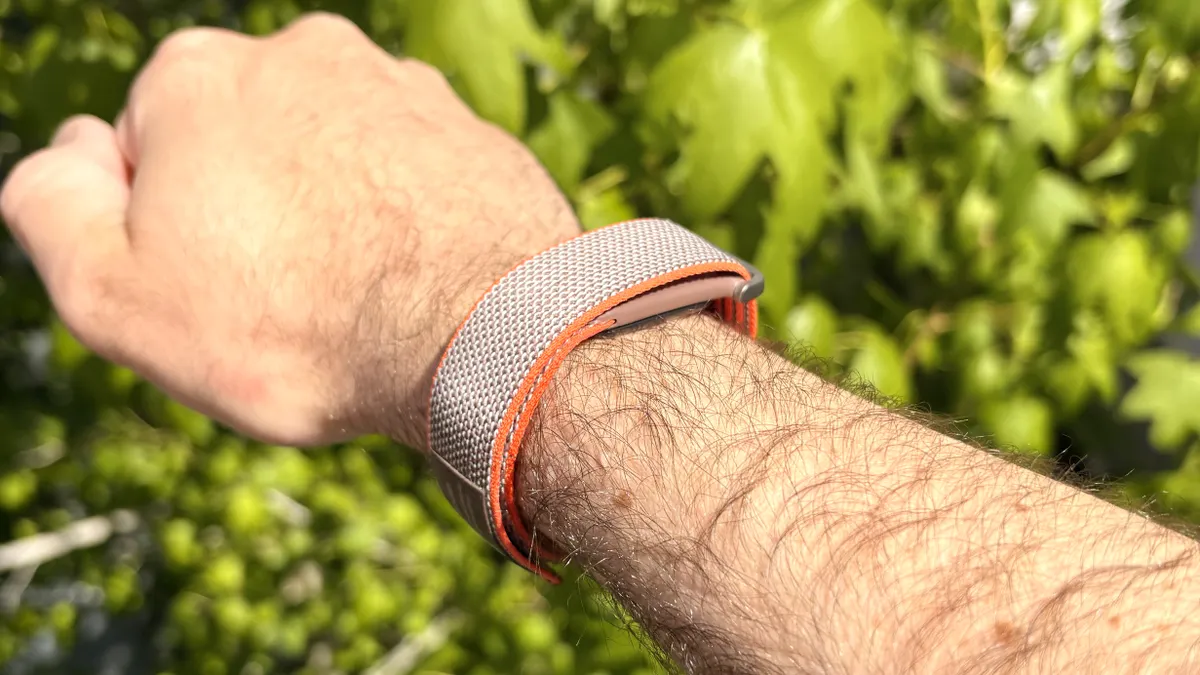
It’s worth noting that I’m a reasonably light sleeper, and even though the level of vibration offered by the Fitbit Air’s alarm is more than enough to get my eyes open, it may not be enough to awaken more hardcore snoozers.
My suggested solution for Google: Add a new function that lets users adjust how much the Air vibrates when the alarm goes off, with three levels to select from.
Have you ever tried waking up via haptics on a fitness tracker or smartwatch? What was your experience? Let me know in the comments below.

Follow Tom's Guide on Google News and add us as a preferred source to get our up-to-date news, analysis, and reviews in your feeds.
More from Tom's Guide