If you’ve just entered the fold of Nintendo Switch 2 owners, welcome to the club. You’ve got yourself a fantastic hybrid console with a small but growing library of excellent games (see my best Nintendo Switch 2 games guide for some recommendations). But before you go unboxing your Switch 2 and enjoying that new console smell, there are a few things you should know.
I’ve been fortunate enough to own a Nintendo Switch 2 since launch day, and over the past six or so months, I’ve learned quite a bit about Nintendo’s newish flagship gaming system. That’s why I’m running through my five essential tips that every new Nintendo Switch 2 should know before getting down to the main event, playing a whole load of excellent video games.
Essential Switch 2 tips for new owners
Transfer your Switch 1 data to Switch 2 first
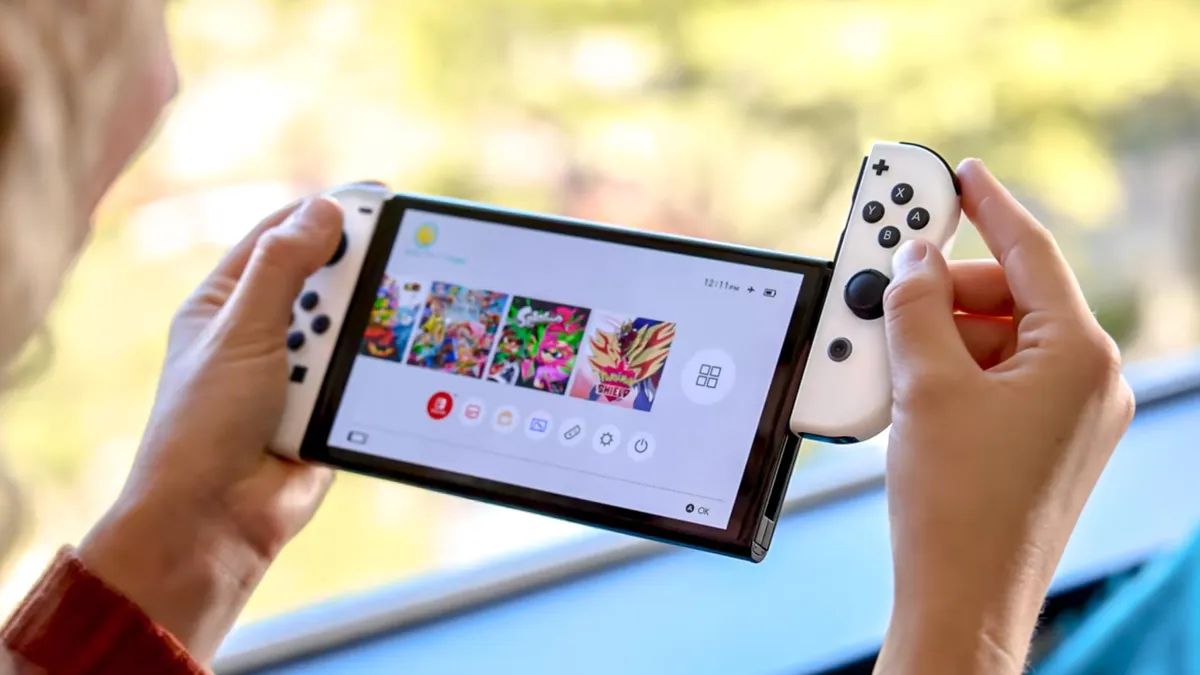
Look, I know nobody wants to spend their first few moments with their shiny new Nintendo Switch 2 looking at a slowly crawling progress bar, but trust me, if you own an original Nintendo Switch and wish to transfer all your data, including Nintendo accounts, to your brand new Switch 2, do it first thing.
Upon initially booting up the Switch 2, the console's startup suite will ask you if you wish to transfer data from a first-gen Switch, and it won’t offer this option later down the road after a few sessions of Mario Kart World. Yes, there are still technically ways to transfer data/accounts later, but the process becomes more finicky, so save yourself the hassle and do it out of the box.
Nintendo offers an easy-to-follow walkthrough of the transfer process, but you likely won’t even need it. Switch 2 offers all the instructions on screen. But I would advise that you have both your Switch 1 and Switch 2 connected to power during the transfer process. This will ensure there are no issues with either console running out of juice in the middle of your data being moved.
Enable this Switch 2 setting for better battery life

I’ve been a huge fan of the Switch 2 since launch (don’t believe, check out my uber-positive Nintendo Switch 2 review from last year), but the system does have one pretty big flaw: Its battery life. Even playing demanding games, you shouldn’t expect to get much more than two hours from a full 100% charge, and if you opt for a blockbuster game, that drops considerably.
As anybody with experience with portable electronics will know, battery life only gets worse the more you use a device due to the battery's health eroding. So, to preserve your Switch 2’s already underwhelming ability to hold a charge, I suggest enabling the feature that limits your console to charging up to around 90% capacity. It’ll help your Switch 2's battery in the long run.
It’s simple to enable (here are the steps: System Settings > System > “Stop Charging Around 90%). Yes, you are sacrificing a little bit of battery life in the short term, but over time, it will keep your battery health strong, ensuring it’s not consistently overcharged — something lithium batteries do not like.
Your Switch 1 accessories may be compatible
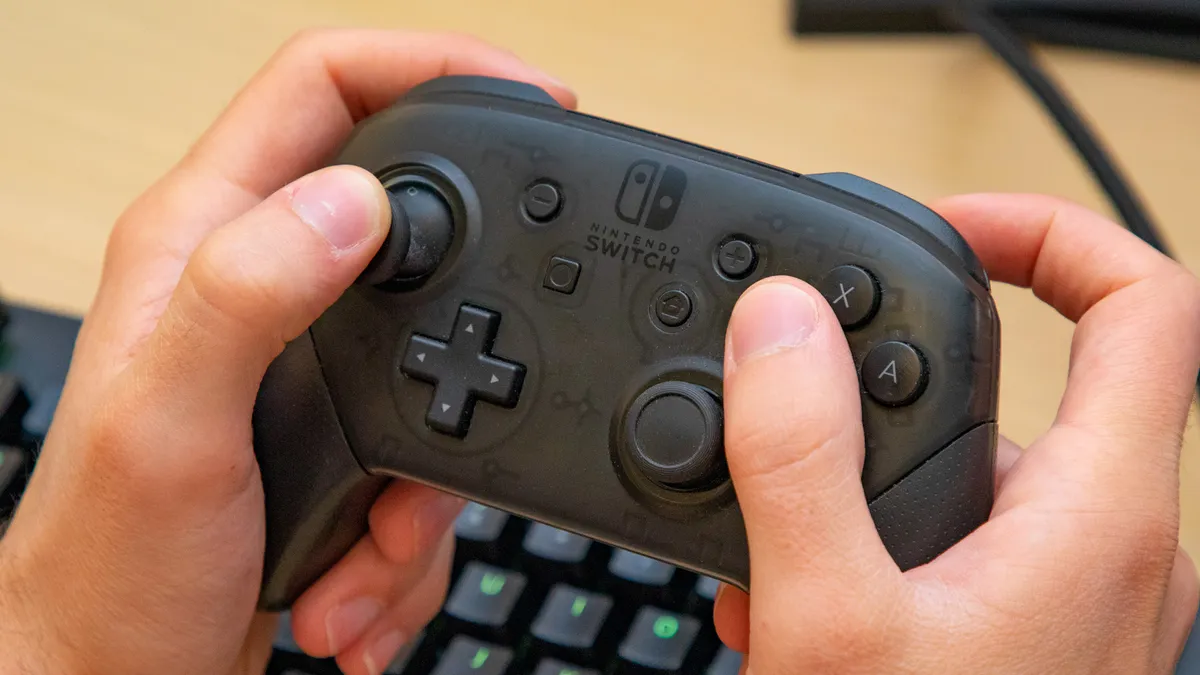
Just because you’ve upgraded to a new Switch 2 doesn’t mean you need to bin all the accessories you already own for your Nintendo Switch. In fact, many official Switch 1 accessories are backwards compatible with the Switch 2, so hold onto your Pro controller and extra Joy-Cons, as they will save you money having to repurchase the Switch 2 models.
Nintendo has a useful list of Switch 1 accessories that are compatible with Switch 2, and it includes plenty of essential extras. Even some of the more niche add-ons, like the re-released SNES and N64 controllers, function with Switch 2. However, the more novel peripherals, such as the Ring-Con (bundled with the popular Ring-Fit games) or the Nintendo Switch Sports Leg Strap, won’t work with the Switch 2's default Joy-Con 2 controllers.
As for third-party accessories, you will need to test them yourself for compatibility, but don’t immediately assume you need to purchase a new headset or controller designed specifically for Switch 2; you might be pleasantly surprised to learn your current gear is actually compatible.
Loads of Switch 1 games are better on Switch 2
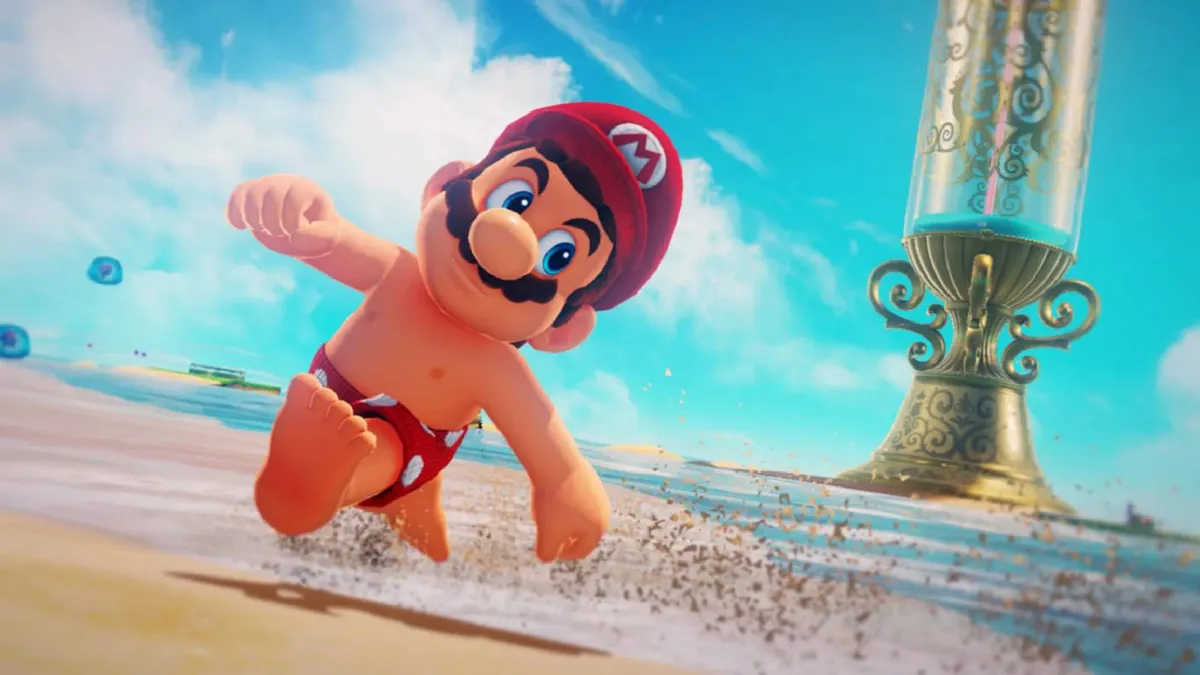
Speaking of Switch 1 stuff that works on Switch 2, almost the entirety of the console’s library functions with Nintendo’s new handheld. Switch 2 is a nearly fully backwards compatible system, which means you can enjoy must-play games like Super Mario Odyssey and Super Smash Bros. Ultimate on your Switch 2. If you didn’t own a Switch 1 already, you have so much choice!
Nintendo’s list of backward-compatible Switch 1 games offers a full rundown, but I should also note that several popular Switch titles actually look and play better on the Switch 2. Games like The Legend of Zelda: Breath of the Wild and Hogwarts Legacy have received bespoke Nintendo Switch 2 Editions, which are available to owners willing to cough up a small upgrade fee. However, several other titles offer a completely free graphical boost.
These include best-selling first-party Nintendo titles such as Splatoon 3, Pokémon Scarlet and Violet and the Super Mario Galaxy + Super Mario Galaxy 2 collection. Check out the full list of free Switch 2 updates to see if one of your favorite Nintendo Switch games has been given a no-cost boost.
Extra storage is a must (but get the right SD card)

The Switch 2 offers a seemingly sizeable 256GB of storage out of the box. This might seem relatively hefty, especially when compared to the smaller 32GB of space that came as standard with the Switch 1. Unfortunately, the average Switch 2 game install size has also increased compared to its predecessor.
Cyberpunk 2077: Ultimate Edition demands north of 60GB, and the upcoming Switch 2 port of Final Fantasy VII Remake Intergrade eats up a huge 90GB (that’s 35% of the console’s storage). In short, if you’re planning to have more than a small handful of blockbuster Switch 2 titles installed at once, you’re going to need to pick up an SD card to add some extra room.
I’ve had a 256GB Samsung microSD Express Card installed in my Switch 2 since launch, which has (mostly) kept my storage headaches at bay. It’s one extra that I definitely rank as essential. Just make sure you get the correct SD card. You will need an Express model. The standard microSDXC card that works with Switch 1 will, unfortunately, not work with your Switch 2.

Follow Tom's Guide on Google News and add us as a preferred source to get our up-to-date news, analysis, and reviews in your feeds.
More from Tom's Guide
- Best Nintendo Switch 2 games right now
- Nintendo Switch 2 vs Steam Deck OLED
- 14 games we can’t wait to play in 2026