






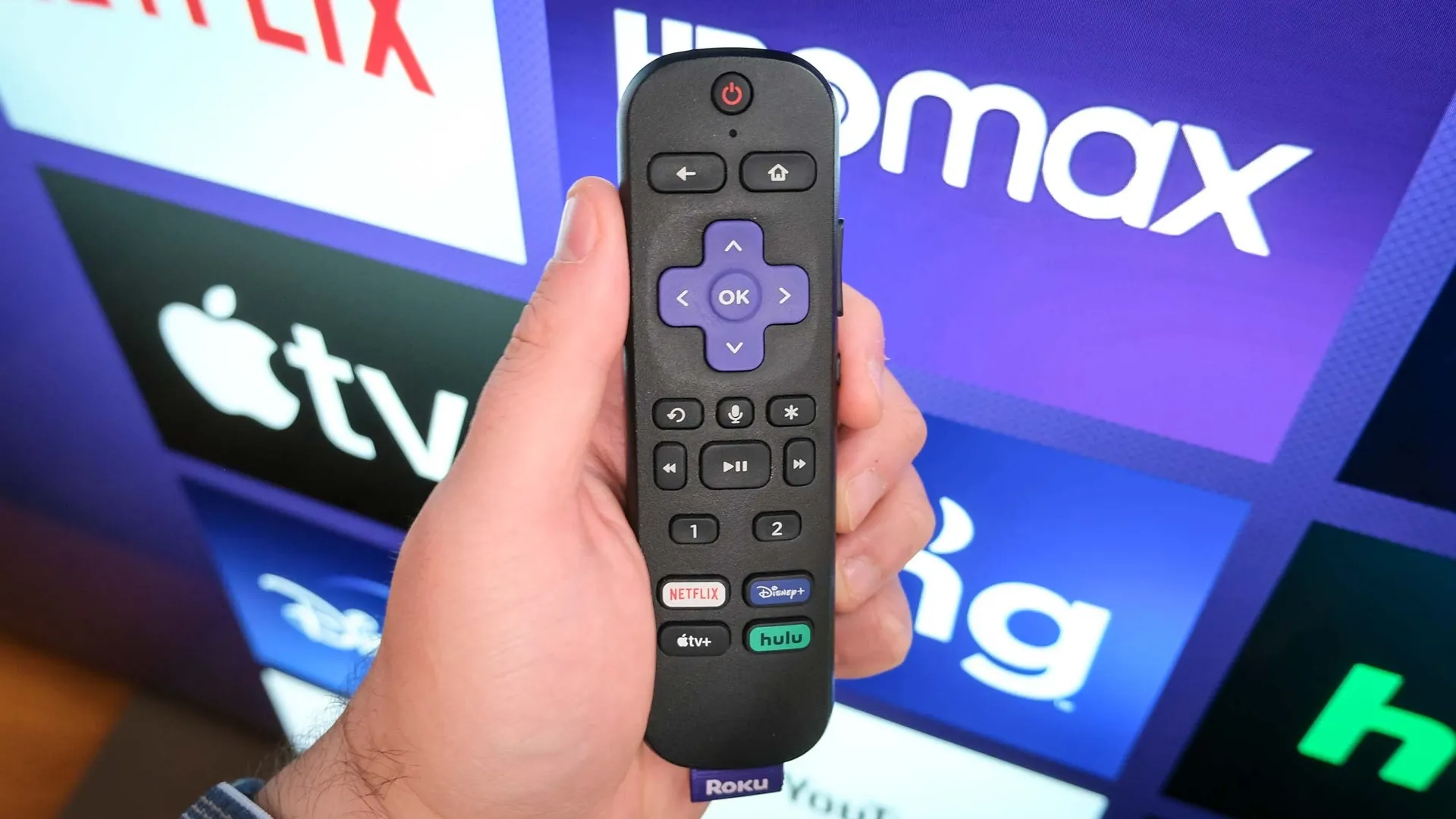
Roku knows your guilty pleasures. Every show, every search, every channel you've ever opened has been collected, stored, and used to build an ad profile of you.
Every time you hit play, Roku is quietly logging what you watch, how long you watch it, and which ads you interact with, then sharing that data with third-party advertisers. That's the default setting on every Roku device, and most people have no idea it's happening.
You can't opt out entirely, Roku needs some basic data to function, but you can make yourself a much harder target. A few quick settings changes are all it takes to claw back your privacy without losing any of the features you actually use.
1. Disable ad tracking
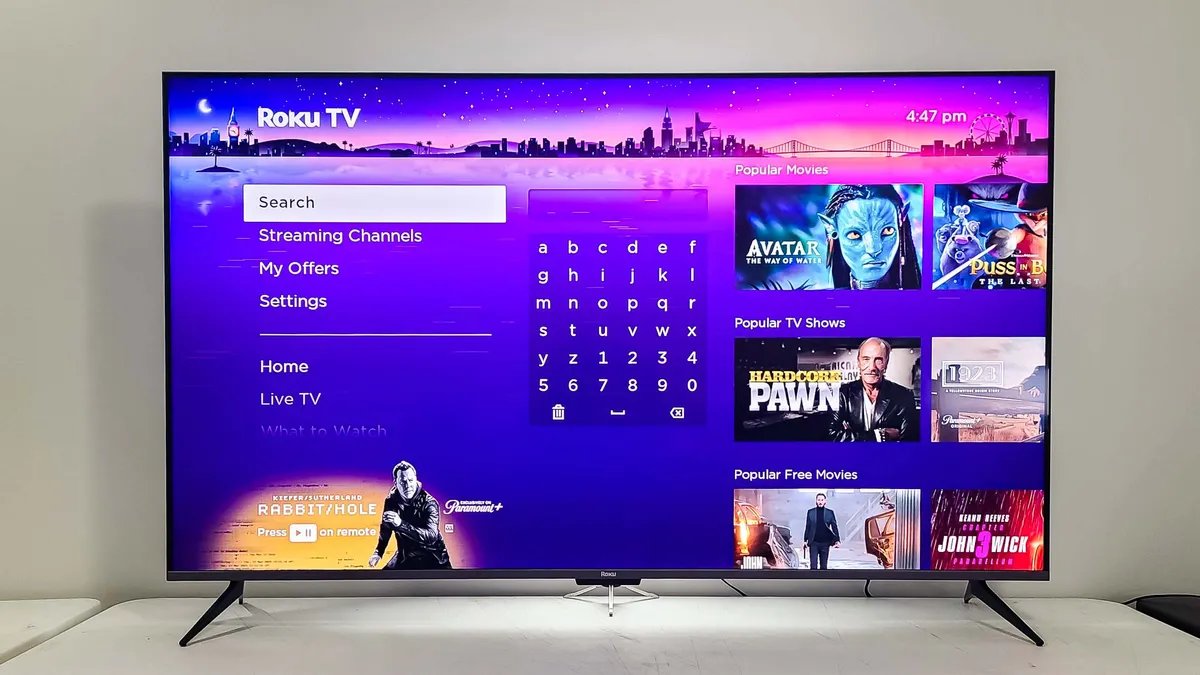
Roku uses your viewing data to serve targeted advertisements across its platform. Limiting ad tracking prevents Roku from building an advertising profile based on what you watch. You'll still see ads on ad-supported channels, but they won't be tailored based on your Roku viewing history.
From the main Roku menu, navigate to Settings and select Privacy. Go to Advertising and check the box labeled "Limit Ad Tracking."
This stops Roku from using your data for personalized ads within its platform. However, it doesn't prevent other streaming services like Netflix, Prime Video, or Max from collecting their own usage data or sharing it with their advertisers — those platforms have separate privacy settings you'll need to adjust individually.
2. Block microphone access
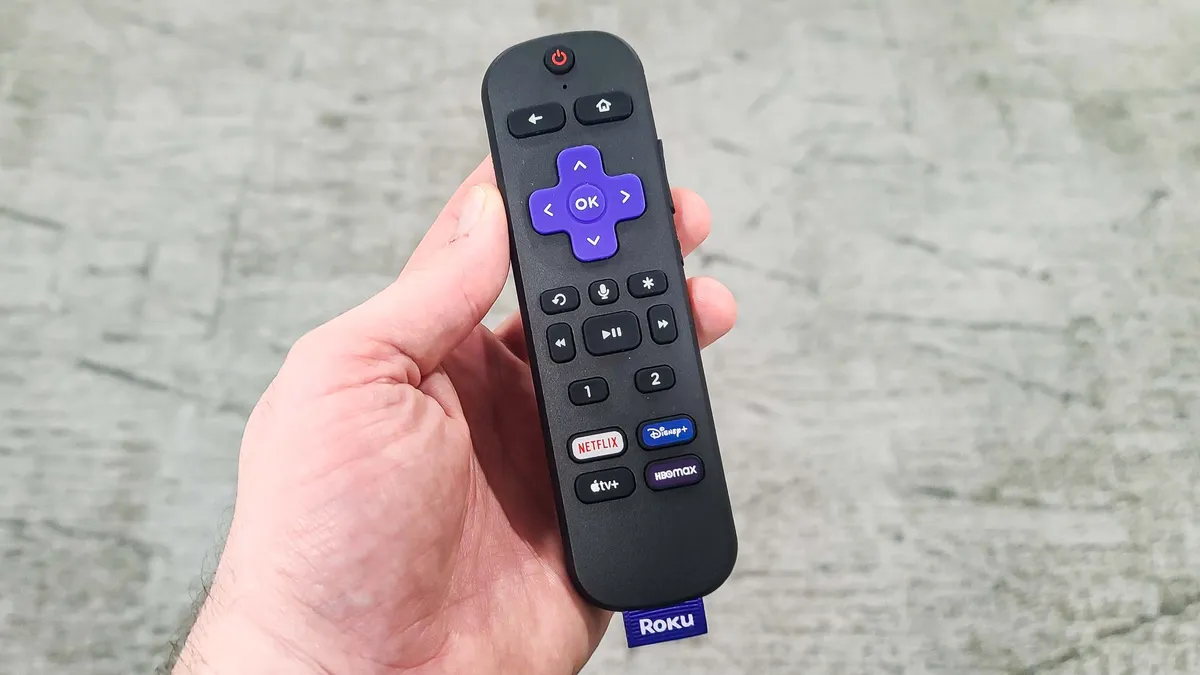
Roku remotes with voice features can record and transmit audio to individual channels and apps. By default, channels can request microphone access to capture voice commands or other audio.
In Settings, go to Privacy, select Microphone, then choose Channel Microphone Access. Then select "Never Allow" to block all channels from accessing your remote's microphone and recording audio.
This prevents channels from listening through your Roku remote, though it also disables voice search and voice control features within those channels. You'll need to use the standard remote buttons for navigation instead.
If you use voice features regularly, you're trading convenience for privacy. Blocking microphone access stops channels from capturing your spoken words but eliminates hands-free control.
3. Turn off Automatic Content Recognition (ACR)
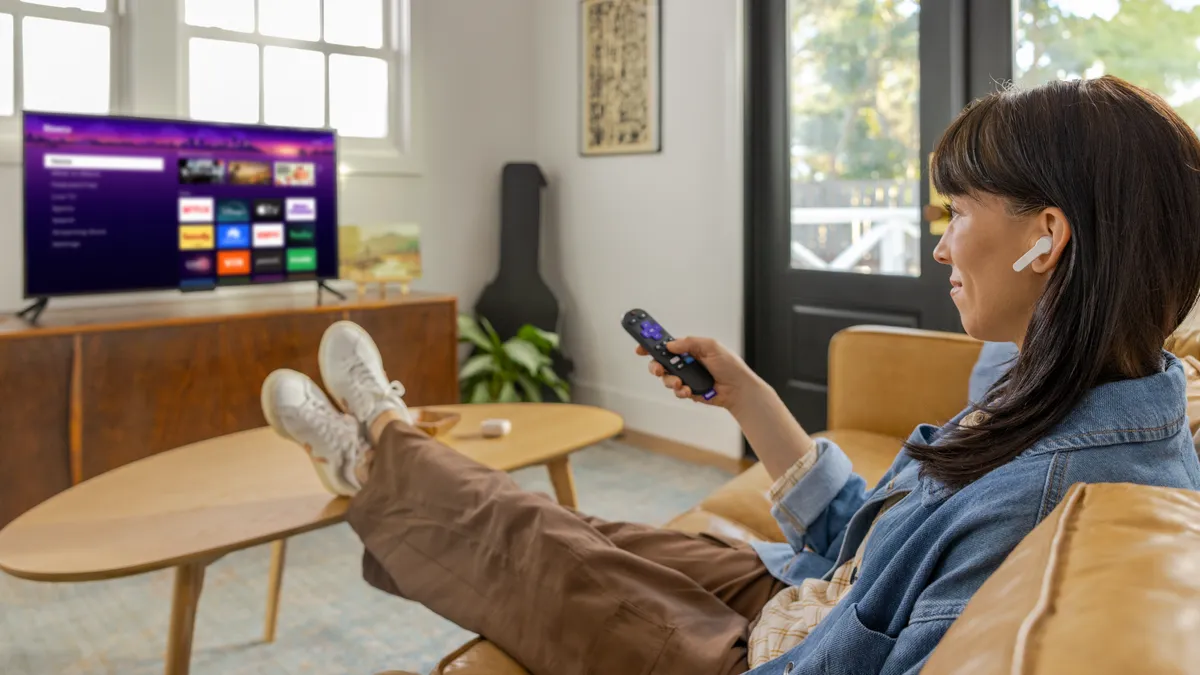
ACR is Roku's most invasive data collection. It monitors everything displayed on your TV — not just Roku channels, but any device connected to your TV's HDMI ports, including cable boxes, game consoles, and Blu-ray players.
Roku uses ACR to collect data about what you watch across all connected devices, then shares that information with advertisers and content providers. This tracking happens even when you're not using Roku's streaming services.
Navigate to Settings, Privacy, then find "Smart TV Experience" and select it. Choose "ACR" (Automatic Content Recognition), then uncheck "Use Info from TV Inputs."
If you only do one thing on this list, make it this. ACR is the engine behind Roku's entire viewing profile, the feature that stitches together everything you watch, across every device connected to your TV, into one tidy ad-targeting package. Kill it, and you've pulled the plug on Roku's most invasive tracking.

Follow Tom's Guide on Google News and add us as a preferred source to get our up-to-date news, analysis, and reviews in your feeds. Make sure to click the Follow button!
More from Tom's Guide
- Don't replace your slow Roku yet — try this 10-second fix first
- 5 hidden Roku features everyone needs to know
- Can't find your Roku remote? You'll never lose it again after you learn this simple trick

