



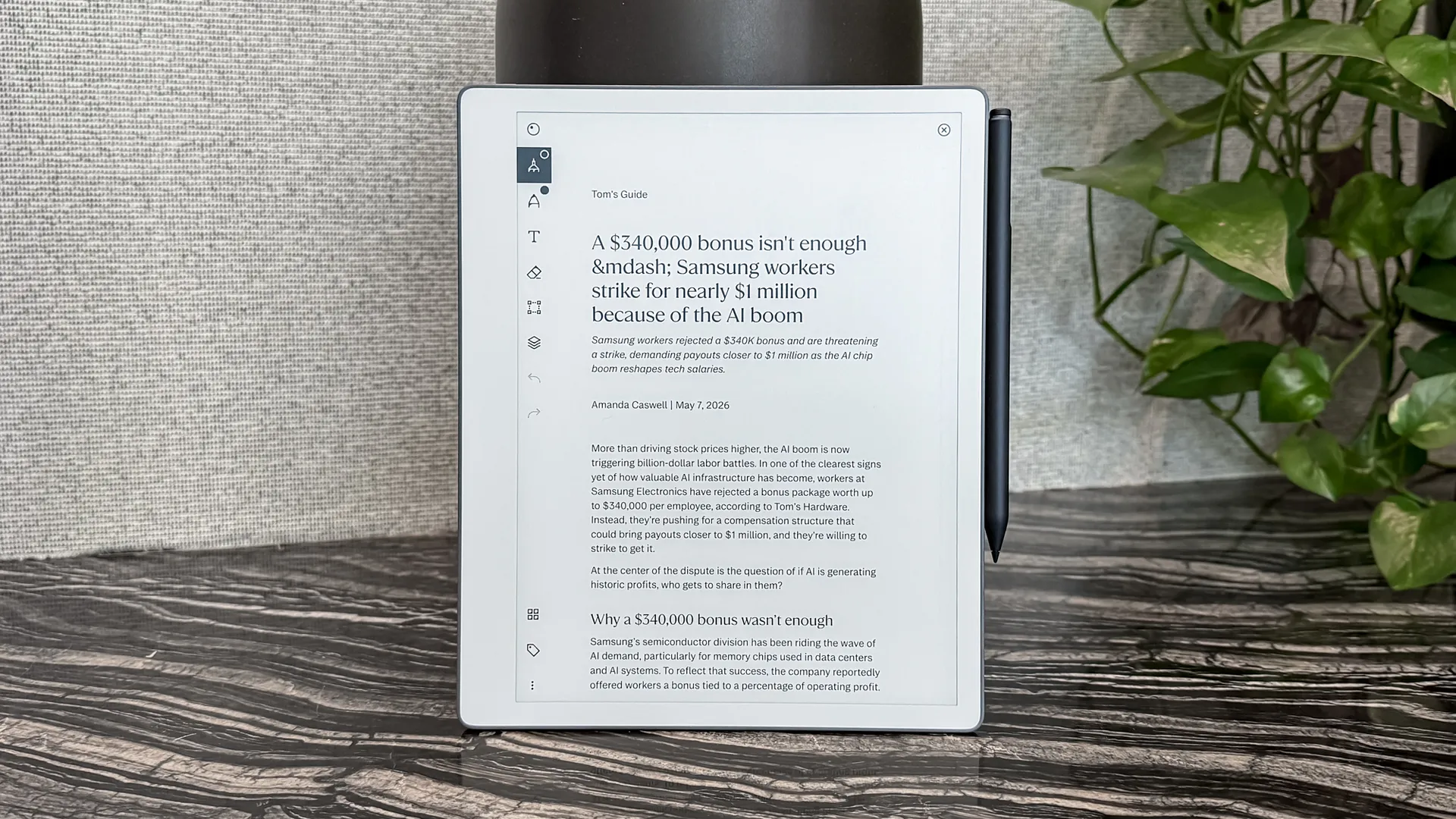
Outside of signing checks at a restaurant, I haven’t regularly written by hand since the early 2000s. My handwriting was always terrible, so when keyboards (both physical and digital) became the standard, I never went back to “real” writing again. As you can imagine, my handwriting has only gotten worse over the decades. Hence, testing the new ReMarkable Paper Pure has been an interesting experience.
In case you don’t know, ReMarkable has made a name for itself with its digital paper tablets designed for writing, sketching, and reading—all without distractions. The company is best known for the ReMarkable 2 and the color-enabled Paper Pro. Now, it is releasing the ReMarkable Paper Pro, which is effectively a spiritual successor of the ReMarkable 2.
I’ve used the new ReMarkable Paper Pure for the better part of a week, and I find that it lives up to its promise of being a distraction-free way to write digitally. There’s a lot to like here if you’re looking for such a device. However, if you’re used to keyboards, it might feel like technological regression. Here’s what I think of the ReMarkable Paper Pure.
What’s new with the ReMarkable Paper Pure?
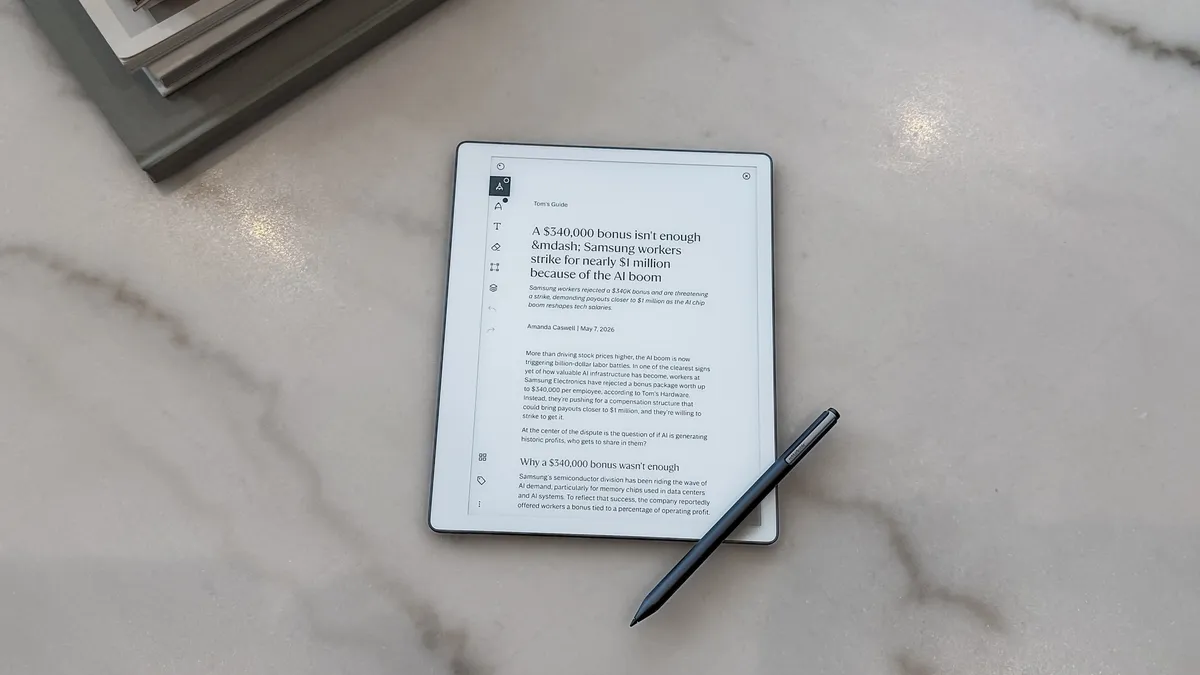
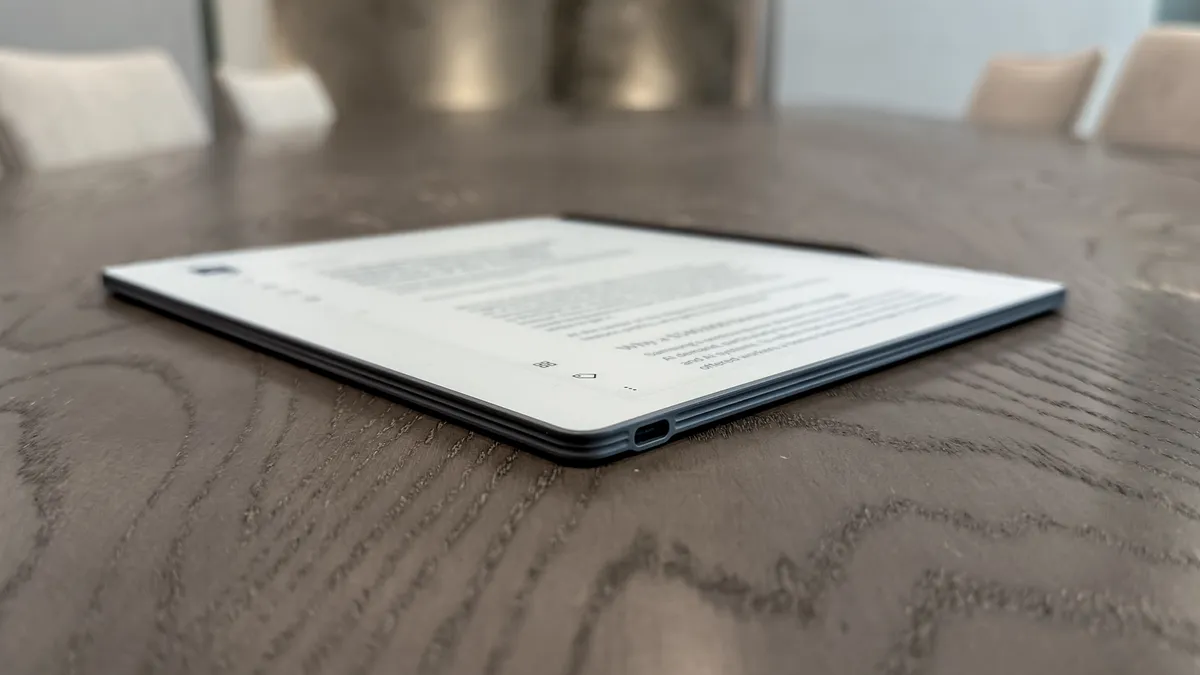
The Paper Pure is the back-to-basics entry in ReMarkable’s 2026 lineup, sitting right under the more expensive, back-lit Paper Pro. This 10.3-inch monochrome tablet is essentially a digital version of a high-end legal pad. It’s just about as slim and light, weighing 0.79 pounds and thin enough to carry easily in your backpack.
Don’t mistake this for one of the best iPads or best Android tablets, as it has no color, web browser, and perhaps most importantly, no backlight. Because of that, you’ll need to be in a well-lit room or other light source to see what you’re doing. I’ll expand on this last bit shortly.
Another interesting aspect is that this device is made with 38% recycled materials and features a new, repairable design that’s held together with screws rather than glue. Thanks to that, it’s relatively easy to repair, which makes it more future-proof than traditional tablets on the market.
The writing experience
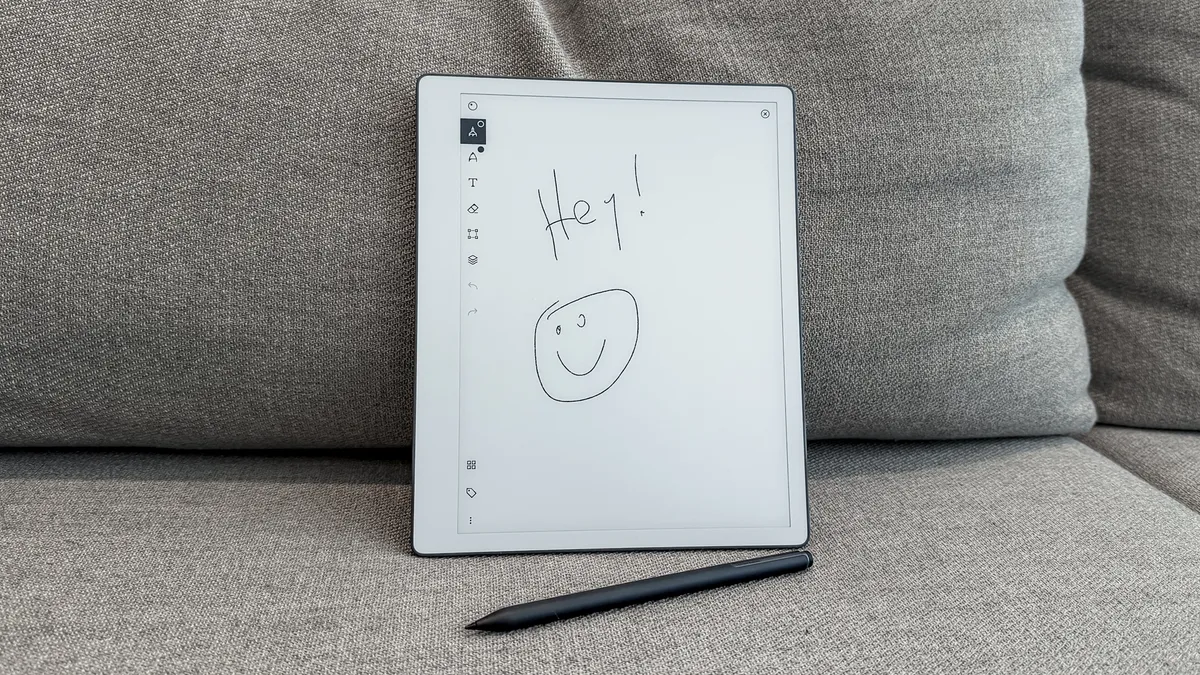
As I mentioned above, I haven’t handwritten for any serious length of time since I finished college in the early 2000s. Because of that, my first hour with the Paper Pure was admittedly a struggle. I’ll freely admit that it didn’t take long for my hands to cramp—something I wasn’t exactly prepared for. But I persisted, and the device slowly began winning me over.
I wouldn’t say that writing on the Paper Pure feels like writing on actual paper, but the amount of friction I feel when I put stylus to screen is satisfyingly tactile. In fact, I like the experience much more than using the Apple Pencil on an iPad Pro since it doesn’t feel like I’m writing on glass. It legit feels much closer to using a ballpoint pen.
Thanks to its 21-millisecond latency, the digital ink appears almost instantly on the screen. I say “almost” since you do see the delay, but it’s not egregiously long. And that’s fine, since I had to slow down anyway for my scribblings to resemble actual words. The intentionality of writing each letter took me back decades, which is likely why many still prefer to write by hand. You’re forced to slow down—something that’s almost unheard of in this fast-paced age we live in.
As for the lack of a backlight, I honestly didn’t find it an issue. I purposefully turn off the backlight on my Kindle Paperwhite to spare my eyes from yet another screen burning my retinas, so using the Paper Pure near a light source came naturally to me. I know some might legitimately need a backlit display, but I feel that would ruin what the Paper Pure’s attempt to function more like actual paper.
Useful features
Since we live in a digital world, the Paper Pure lets you transfer or upload files to and from the device. And if your handwriting is as bad as mine, you can even use some of the built-in AI features to clean things up. Don’t worry, as this is good AI that doesn’t get in the way.
With a Connect subscription, you can tap a button and watch your messy scribbles turn into a clean document. There is also an “Action Items” feature that scans your notes and automatically creates a separate to-do list, if necessary. I find this extremely useful, especially if I want to send a note to someone and don’t want them to spend unnecessary time deciphering my handwriting. This feature is also helpful if you take notes during meetings.
Speaking of meetings, you can sync your Outlook or Google Calendar, and the Paper Pure will pre-populate a note template with the date, time, and attendees of your next meeting. I wasn’t able to try this feature because my work account wouldn’t let me sync with my reMarkable account, but I can see it being handy.
Bottom line
Though I’m not yet ready to return to analog writing, I love what ReMarkable is doing overall. With so much digital noise around us, I appreciate that a device like the ReMarkable Paper Pure exists to deliver a more grounded and distraction-free experience.
Sometimes, it’s not all about how productive you can be, but how engaged you are with your work. If you agree with that sentiment, do yourself a favor and check out the ReMarkable Paper Pure. No pun intended, but it truly is a remarkable device—even for keyboard warriors like myself.

Follow Tom's Guide on Google News and add us as a preferred source to get our up-to-date news, analysis, and reviews in your feeds. Subscribe to Tom's Guide on YouTube and follow us on TikTok.
More from Tom's Guide

