



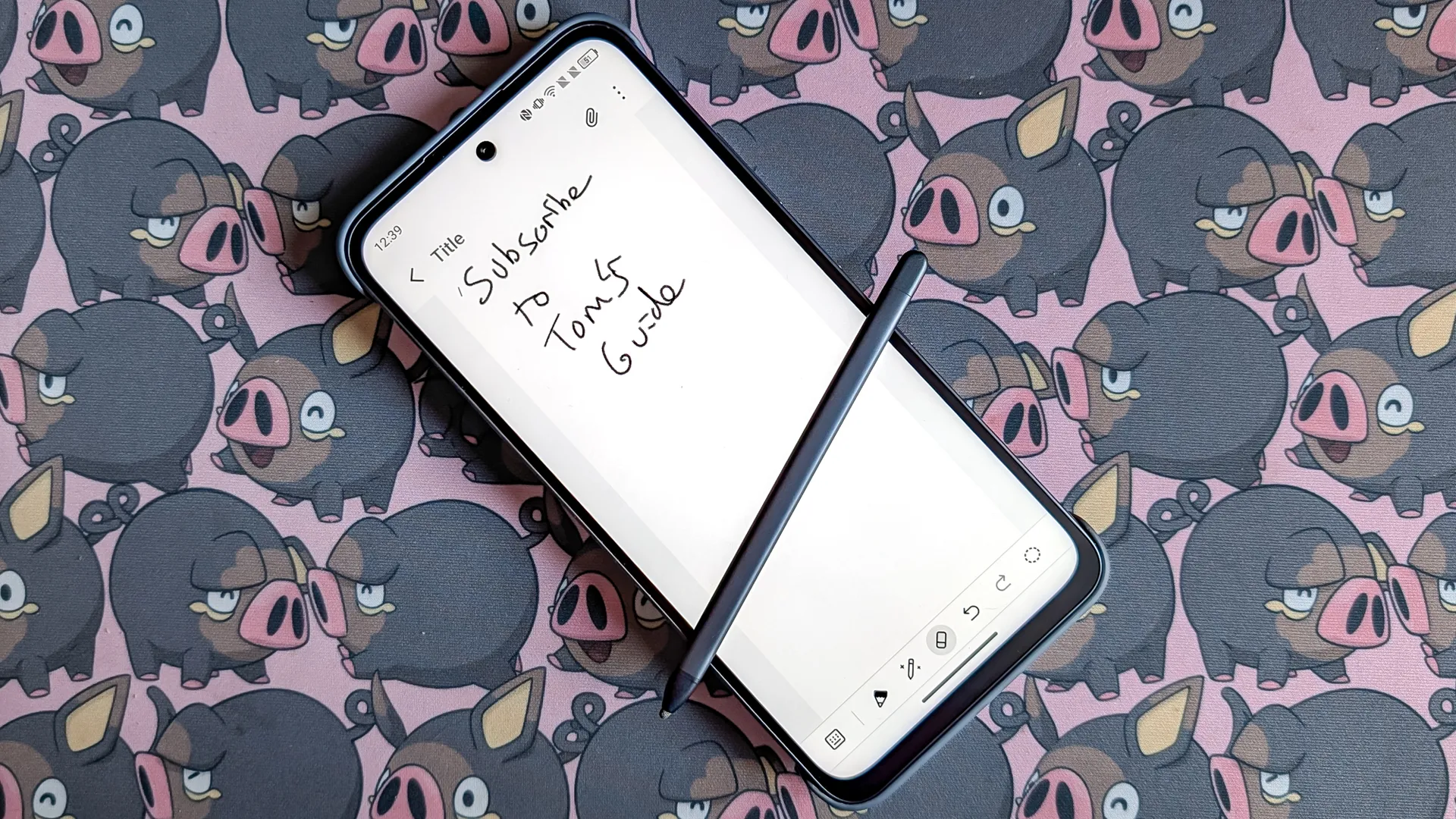
I spend a lot of time writing, and the rigorous demands of my job mean I have no choice but to type everything out on a keyboard. The crazy thing is that I've always preferred writing by hand. I'm no Luddite, but I find there's something about bringing a pen to a sheet of paper that helps translate thoughts into written words a lot more easily.
The main problem I have is that handwriting is not easily digitized and converted into digital text. Plenty of options exist, but there's always some kind of limitation that doesn't quite click for me. Issues I've come across include the high cost of investment, issues recognizing my handwriting, or any number of technical challenges that can arise.
So far, the most convenient option I've found is a touchscreen and stylus, but even that has its fair share of issues. Writing on a glass screen is nothing like writing on paper, because you can't hide the fact that you're trying to write on a slate of glass with a plastic pseudo-pen. That said, the TCL Nxtpaper 70 Pro may have just come closer than any affordable device I've used so far — and most of it is down to the uniqueness of the Nxtpaper display.
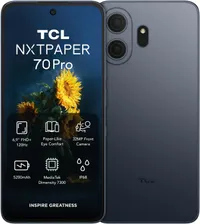
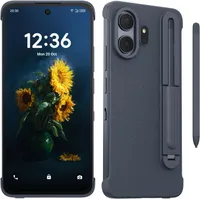
The Nxtpaper Display is not your ordinary phone screen.
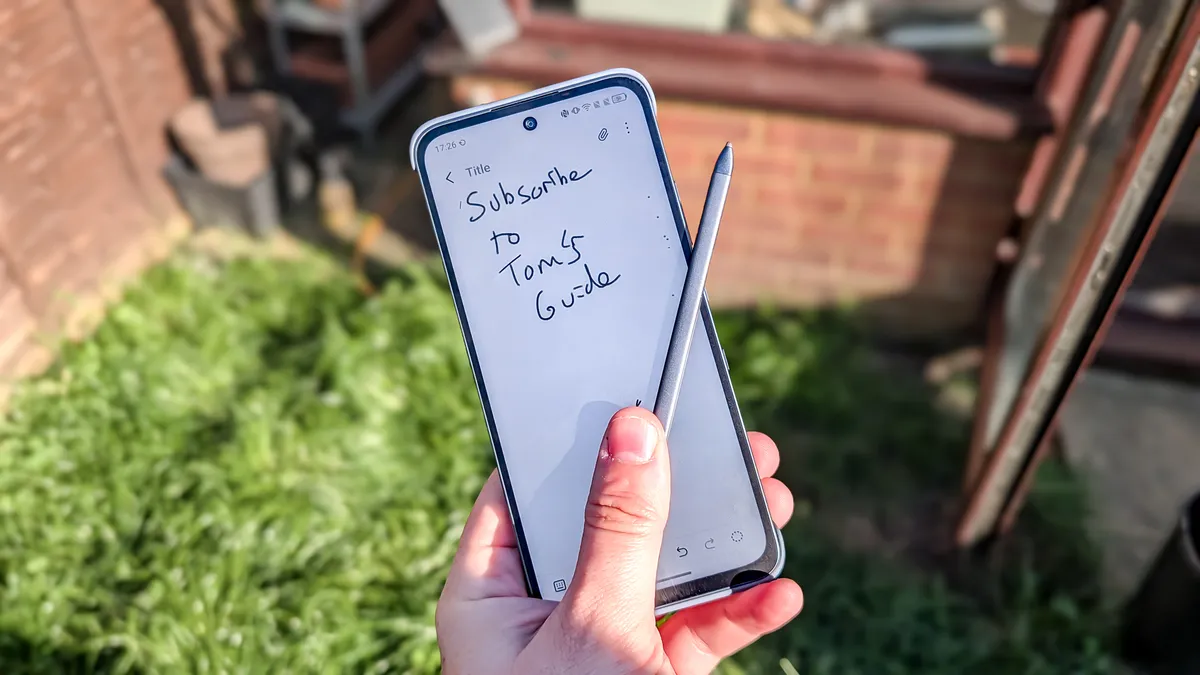
I just said that writing on a touchscreen is nothing like writing on paper, so how exactly is the Nxtpaper 70 Pro? It's because TCL's Nxtaper screens are totally different from regular touchscreens. In a lot of ways, it's more like an e-reader, because the screen itself has been specially designed to prioritize eye health.
Not only does it have a special switch to flip the screen into a specialized e-reader mode, but it's also been built to prevent glare and filter out blue light. That means the screen has more of a matte finish to it, and it feels a little rougher and far less slick than your usual smartphone screen.
It is still a smooth display, which wasn't always the case with older Nxtpaper devices, but the variations in the material are noticeable. Some have described this screen as mimicking paper, and while I can sort of see where they're coming from, there's no mistaking this for a glass touchscreen.
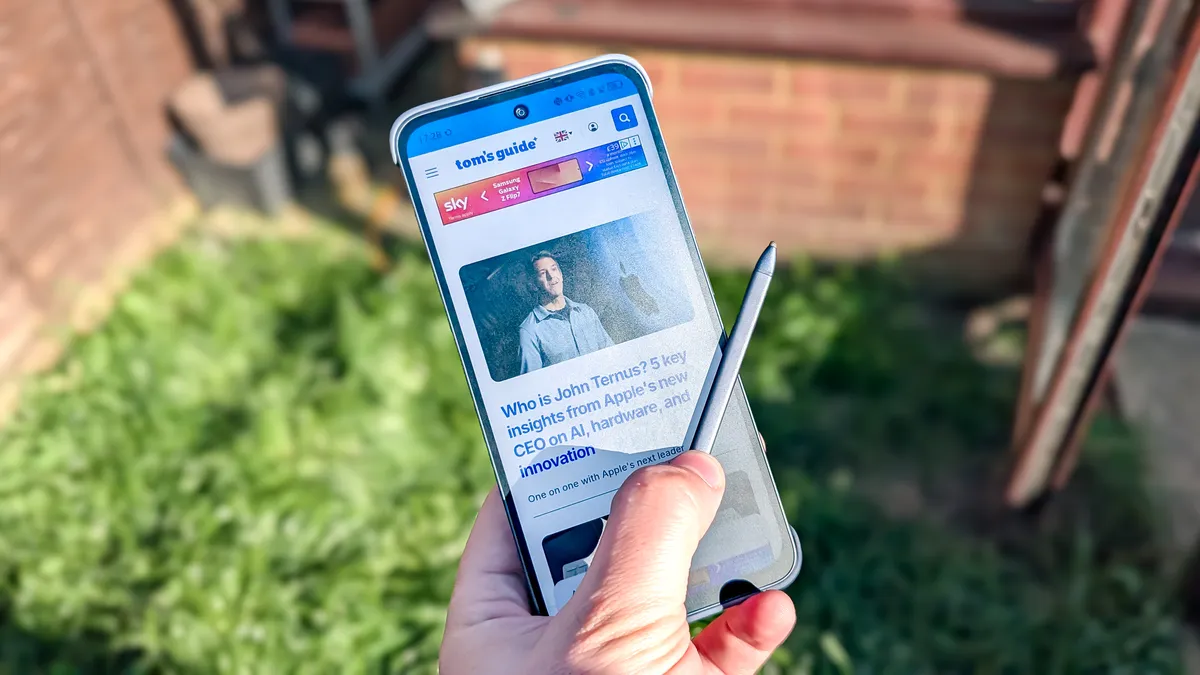
Of course, there are some downsides to this material, otherwise everyone would be using it. The main one is that there's a noticeable haze on the screen, which is a stark contrast to the crystal clarity you'd expect on something like a Samsung Galaxy S26.
Similarly, brightness is only rated to 900 nits, which is significantly lower than a lot of people may have liked. Though, when you remember that this phone is only $200, that particular stat is a lot less surprising. I'd also be interested to see how durable the screen is compared to more popular materials like Gorilla Glass.
But after using the Nxtpaper 70 Pro and its stylus for a little while, it is clear that the screen plays a big part in why I like this particular stylus experience so much.
This is the closest I've felt to a real pen & paper
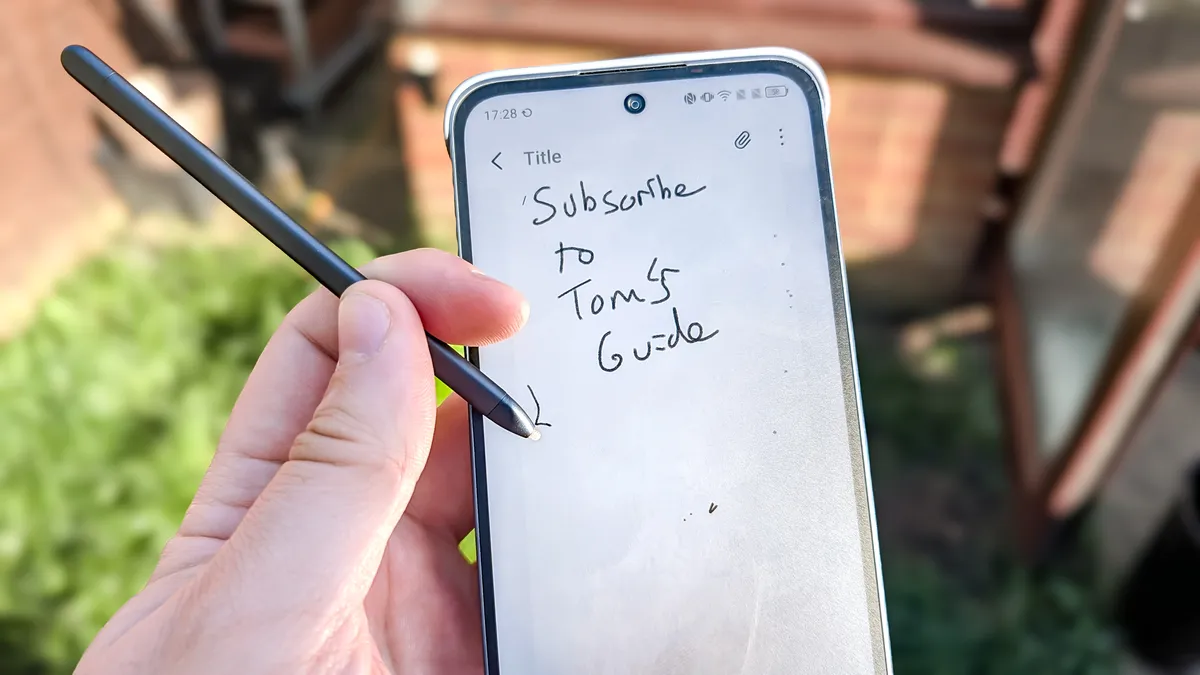
Upon using the Nxtpaper 70 Pro's stylus, I still felt like I was using a digital screen and stylus, rather than a real pen and notepad, but it's probably the closest I've come to the real thing so far. There was something about this particular stylus that felt familiar, and it took me a few days to realize exactly what it was.
It was the noise the stylus makes when you write.
Think about the last time you used a pen or pencil, or a real sheet of paper. While it seems like a very simple task, a lot is going on as you scribble out those words, one of which is the sound of your pen scratching against the paper. It's this sound that the Nxtpaper 70 Pro is able to partially replicate, and makes using the stylus feel a little more natural.
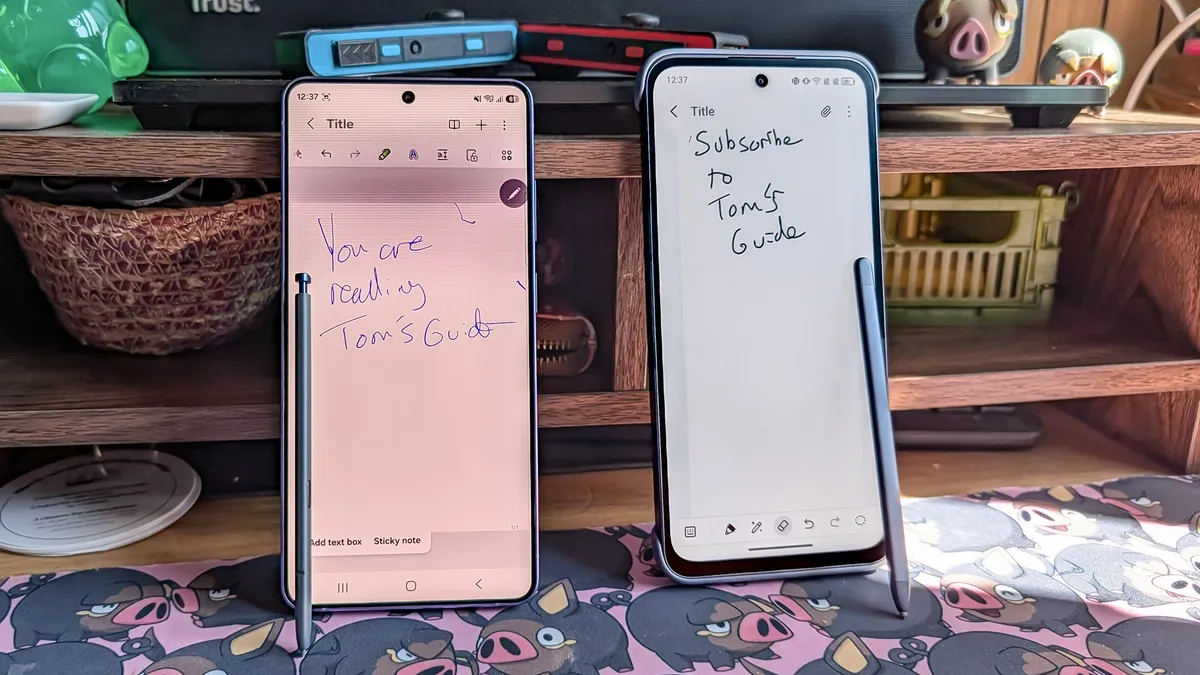
It made me go back and check some of the other styli I had in my possession: The Apple Pencil (USB-C) and the S Pen from the Samsung Galaxy S26 Ultra. In the case of the S Pen, I noticed that there was practically no sensory feedback when you're writing. You can see what the stylus is writing or drawing on the screen, but the rubber tip coming into contact with the display glass doesn't do much else. You can't hear it happen, nor do you feel much physical resistance from the screen itself.
The Apple Pencil is much the opposite when paired with my iPad 10. The harder plastic nib makes very audible contact with the screen, and any writing is met with a constant stream of tapping every time I start a new word. Needless to say, this can be very irritating if I'm trying to write in a quiet environment.
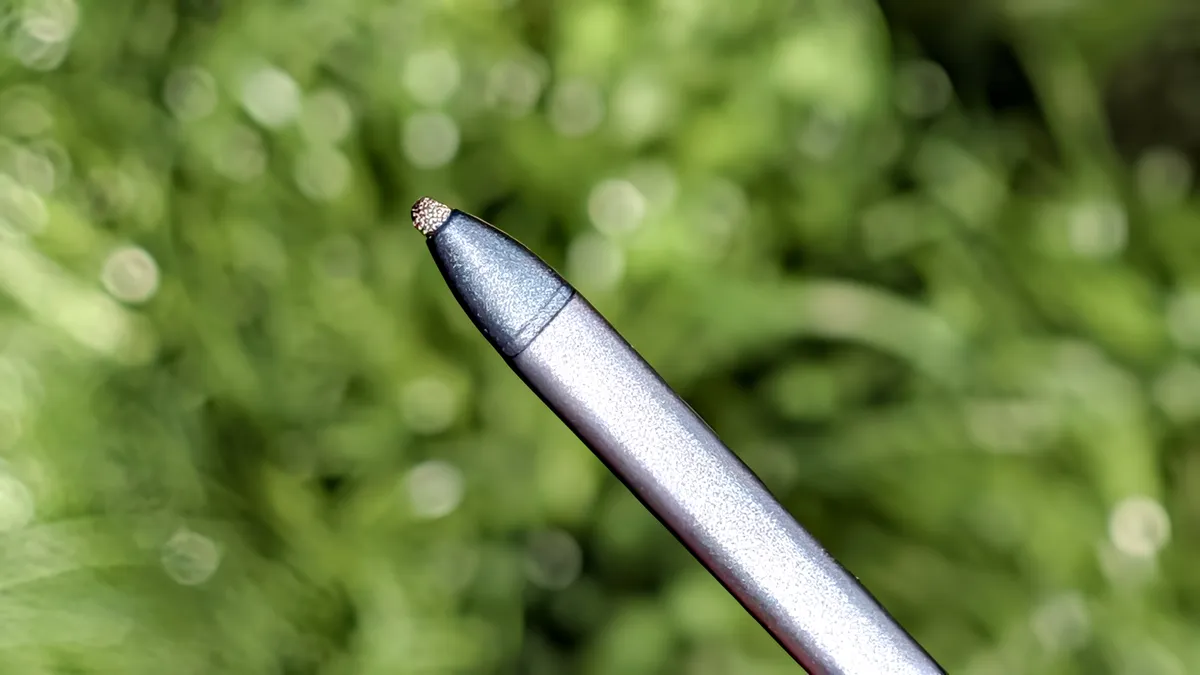
TCL's stylus is a middle ground between the two, producing a scratching sound that's vaguely reminiscent of writing on a real sheet of paper. It doesn't really offer any tangible benefit, and hearing a metal mesh nib scratch against my phone screen should make me wince, but it doesn't. It's a familiar sound that makes handwriting with a stylus feel a bit more realistic.
It's not a perfect solution
But as much as I appreciate what TCL has done, this is far from a perfect solution. The main issue is that you have a small stylus and a relatively small display, which means it's quite uncomfortable to write anything more than a few scribbled notes at a time. TCL does make Nxtpaper tablets, so I'm going to have to see if the larger screen makes a difference.
The nib is also slightly wider than the likes of the S Pen, which means it's far less precise. That can make a difference when it comes to handwriting legibility. On top of that, TCL's software seems to struggle deciphering my handwriting, which is a problem I have come across a lot.
If you're planning to convert your handwritten sentences into digital text, you should be prepared to have to proofread everything and make some edits, especially if you're like me and don't have particularly neat handwriting.
I'll also be the first to admit that there are plenty of ways to convert handwritten words into digital text that I haven't tried. The Kindle Scribe is probably one of the best known, though, as we noted in our Kindle Scribe review, the fact that it costs the same as an iPad Air without being able to do as much, it's hardly what I'd call affordable.
The TCL Nxtpaper 70 Pro is a totally different story. The phone itself costs $200 in the U.S., and does all the things you'd expect from a smartphone — it could easily be one of the best phones for under $300 if it plays its cards right. U.K. buyers can purchase it for £269, or £369 with the stylus and case.
The 70 Pro is not pretending to be a flagship device, so you shouldn't expect it to perform like one, but so far it seems to be able to handle daily tasks quite well — and a very affordable option for taking handwritten notes.

Follow Tom's Guide on Google News and add us as a preferred source to get our up-to-date news, analysis, and reviews in your feeds. Subscribe to Tom's Guide on YouTube and follow us on TikTok.
More from Tom’s Guide

