
Latest articles by David Crookes

Grok 3 is now free for all X users. Here’s a simple guide to help you start using it today.

Got a feeling your phone has been reported lost or stolen? Put your mind at rest by following these steps.

Create audio scripts using different voices, or have a chat with an AI bot your choice.

You can ensure your Mac powers on and shuts down on specific days and times.

Learn how to hide and lock apps on your iPhone to keep sensitive information, games, or purchases private from prying eyes.

Learn how to stop an iPhone screen fading to black at inopportune moments by extending the screen lockout time.

Ideogram allows you to combine images and stylish text to create a host of designs, here's how to do it.

Learn how to get better results from ChatGPT by asking this one simple question.
iPhone users can restore full-screen incoming call alerts instead of small banners. This guide explains how to enable the setting easily.

Prevent your Ring video doorbell from alerting and annoying you at inappropriate times.

Get your iPhone to perform a host of tasks by simply asking for them.
Learn how to change your iPhone’s default browser in just a few steps and switch from Safari to your preferred option.

This guide reveals how to edit a PDF on Mac without the need to buy any extra software.
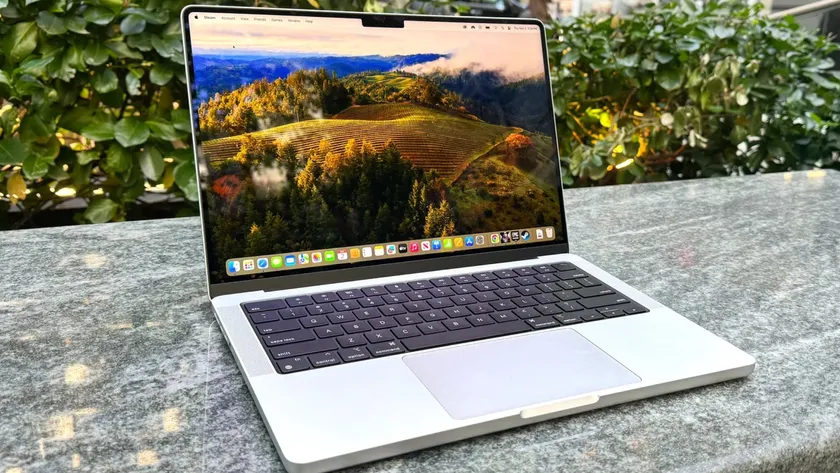
Learn how to take a screenshot on Mac whether you want to capture a full screen, a portion or a particular window.

Learn how to clear cache on your Mac to free up space, improve performance, and fix minor issues.

Learn how to use iPhone's Background Sounds feature to play calming ambient audio for better focus and relaxation.
Discover how to use your Mac's screen recording feature in 9 easy steps.

With iOS 18, you’re able to share timestamped podcast episodes to ensures others get straight to the good bits.

Live captions make any Mac audio readable—discover how to set up this built-in accessibility tool.

Easily transfer data from iPhone to Android using Move to iOS, Google Drive, or other simple methods. Here’s how to do it.

There are numerous ways you can connect your iPhone and Mac for easy file sharing.

With your iPhone's action button you can now identify songs, here's how it works.

Learn how to use a QR code to share your Wi-Fi password, using the Passwords app on iPhone.


