



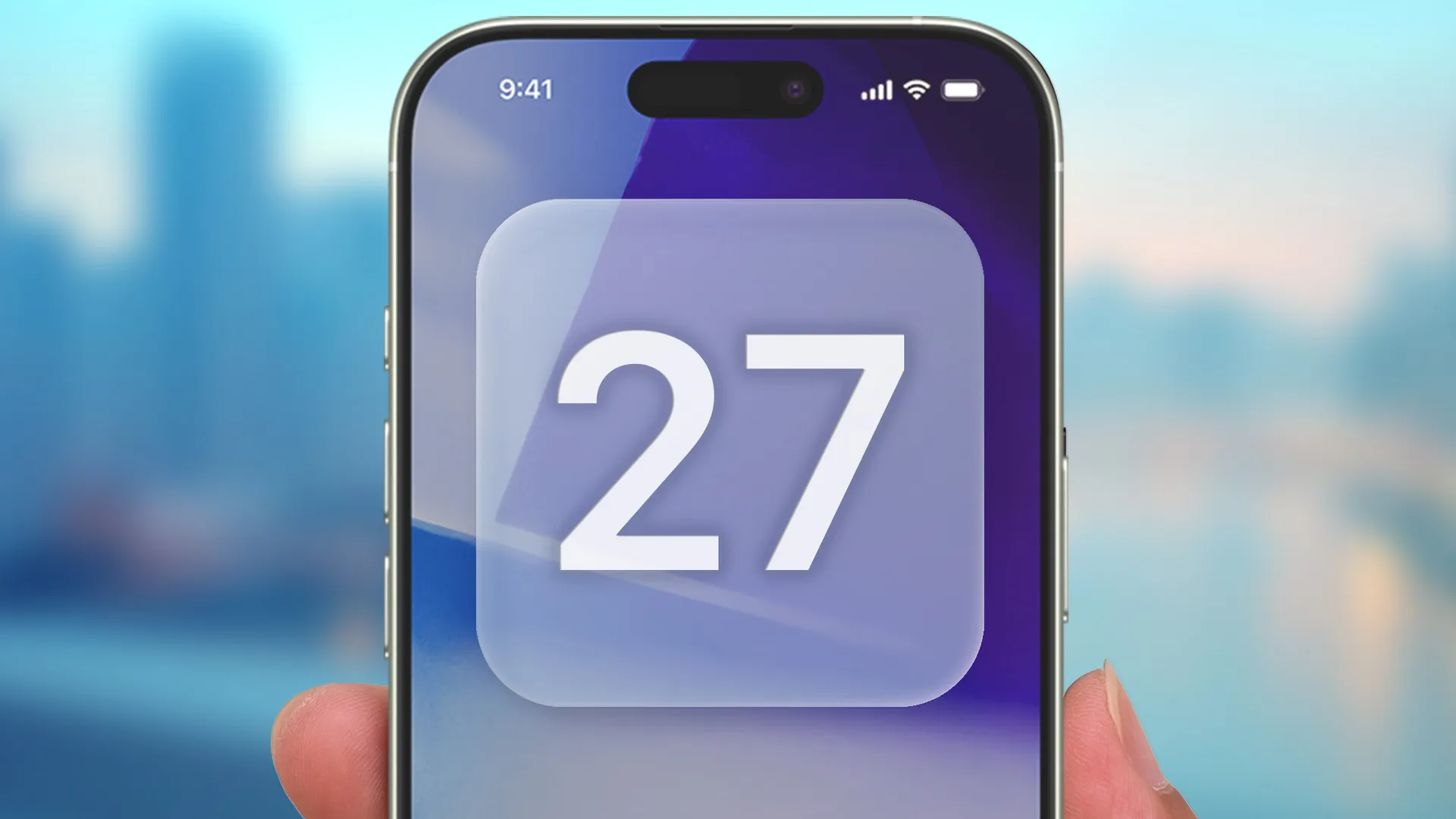
Smartphones have been an absolute game-changer for casual photography. It doesn't matter whether you're a total beginner; advancements in camera phone tech mean taking high-quality photos is as easy as tapping at your screen.
But there's been a growing trend of phones trying to appeal to the more die-hard camera nerds, and it seems Apple may be taking things a step further by copying a move made by several premium Android phone makers. According to Mark Gurman at Bloomberg, Apple may be adding more settings to appeal to professionals — including a more customizable interface.
Gurman says this update will be part of a "broader set of user interface changes" coming with iOS 27. The aim is to let users choose which camera features appear in the app, and where they're positioned. It doesn't sound like this is a token change that lets you move a small handful of settings around — this will apparently give the user total control over the camera interface.
The app itself will still launch with all the default controls, but users could then switch over to an "advanced" option that lets them customize everything. This change will also reportedly unlock controls for things like depth-of-field and exposure.
iOS 27 camera app: What changes to expect
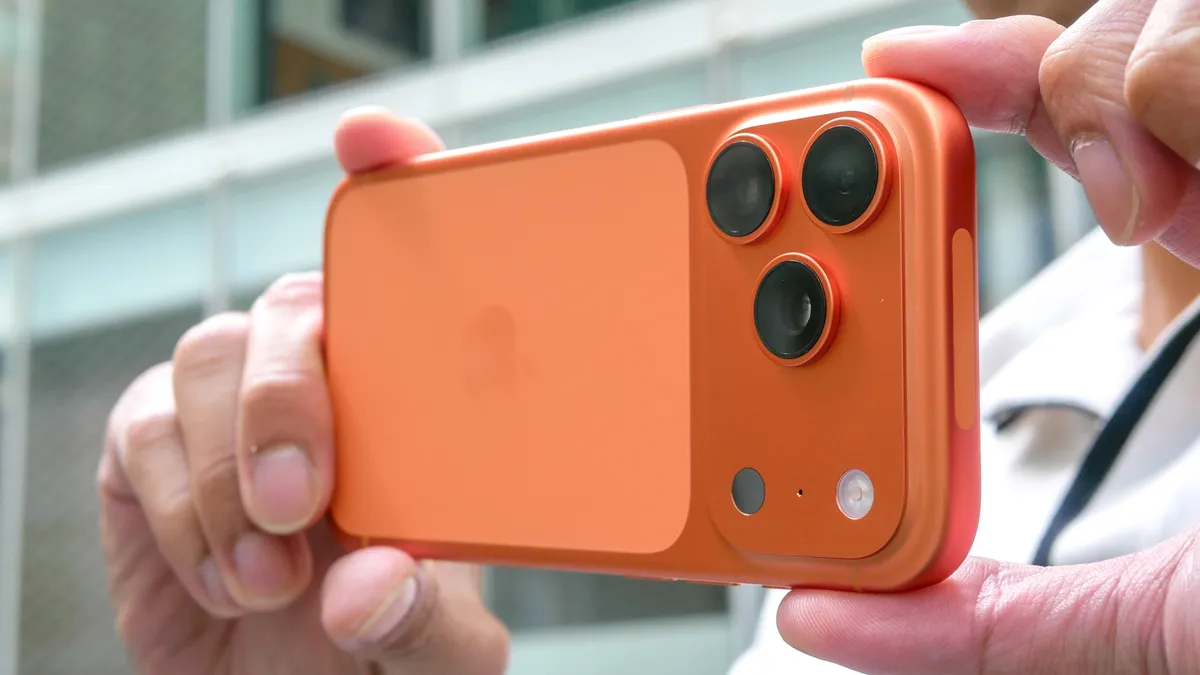
The report also details how Apple will enable customisation of the widget bar at the top of the camera. Each camera mode will reportedly have its own set of widgets, which can be changed from an "Add Widgets" tray that slides up from the bottom of the screen. Widgets are said to be split into three categories: basic, manual and settings.
Other changes include new controls for timer and photo styles, better grid and levelling options, and a repositioned toggle that lets you see all available camera controls. This will now live next to the camera shutter button, according to Gurman's sources.
Finally, perhaps unsurprisingly, Apple will reportedly add a Siri mode to the camera app with iOS 27. This is said to offer a direct link to Visual Intelligence and make it slightly easier for users to utilise camera-based AI features.
It's going to be interesting to see how all this compares to Professional camera modes on other phones. They've appeared on several of the best camera phones, aiming to offer users the ability to manually control settings similar to what you'd find with an actual camera. By comparison, the iPhone camera app is remarkably basic and rudimentary.
Professional camera apps are available on iOS with these kinds of manual settings, but they usually aren't free. It's unclear whether Apple's changes will be able to compete with them, but the fact the company is making these features more accessible can only be a good thing. Especially since you don't have to pay or subscribe to access the stock camera app. And with WWDC less than a month away, we don't have to wait long to learn more.
At the very least, being able to shift your favourite settings and modes around to more convenient locations can only be a good thing — regardless of whether you're a photography nerd or just a casual user.

Follow Tom's Guide on Google News and add us as a preferred source to get our up-to-date news, analysis, and reviews in your feeds. Subscribe to Tom's Guide on YouTube and follow us on TikTok.
More from Tom's Guide
- 'Two-day battery life is a game changer': Honor Magic8 Pro's silicon-carbon battery is a wake-up call for Samsung and Apple
- iPhone Fold tipped for only two colors — and after the joy of the MacBook Neo, I can't help but feel disappointed
- 9 major Android upgrades just announced ahead of Google I/O, including Gemini Intelligence, 3D emojis and better iPhone compatibility

