




9 iPhone accessories for under $20 we can't live without
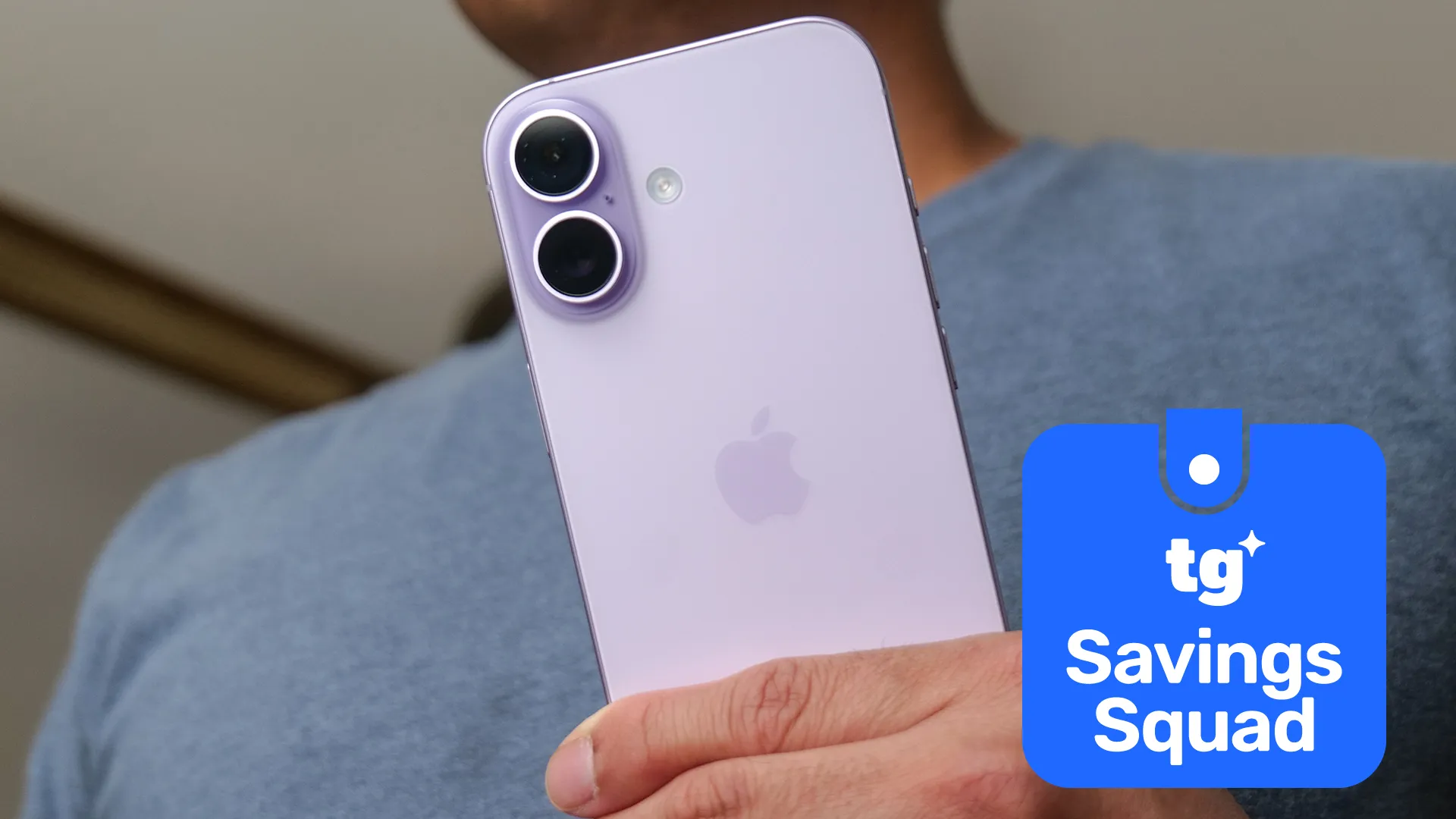
The best phones can do an incredible number of things, possibly more than you realize, but even they have limitations — and that's also true of the best iPhones. It doesn't matter if you have the most-specced-out iPhone 17 Pro Max money can buy, or if you're still rocking an iPhone 12, the right accessories can make an immeasurable improvement.
The best part is, those accessories don't have to be expensive either. I've seen some seriously pricey phone accessories in my time, from specialized grips to wireless charging stands, and the price tags never fail to make me wince. But you don't need to spend all your hard-earned money on expensive accessories when there are plenty of low-cost alternatives that are available for a fraction of the price.
In fact, plenty of amazing iPhone accessories can be purchased for under $20 — and here are 9 of our favorites.
PopSockets Phone grip with MagSafe
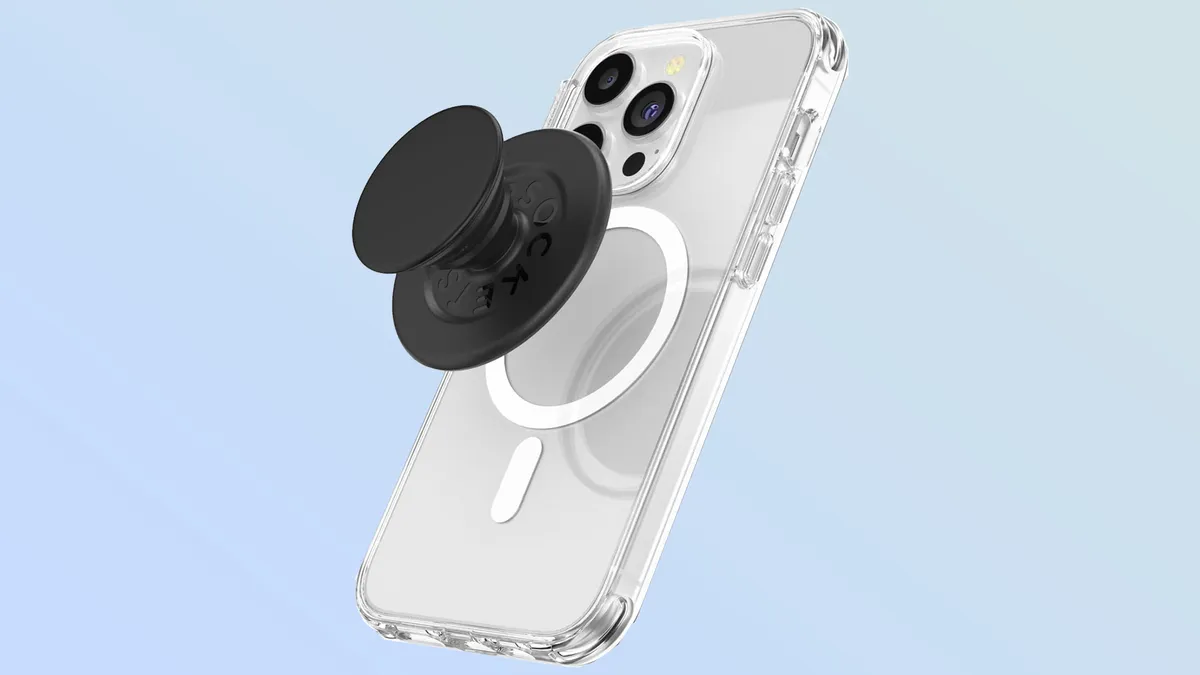
PopSockets are easily my favorite phone accessory, especially when you pick up a MagSafe-compatible one. The pop-out grip makes your phone significantly more comfortable to hold, while also freeing up more of your hand to hit the furthest edges of your screen — which is very useful on larger models like iPhone 17 Pro Max.
I also feel like it improves security by offering a better grip to protect from phone snatchers or accidental drops. Other benefits include the fact that the pop-out grip also acts as an instant phone stand, and the magnetic ring lets you swap out the grip for other accessories without having to contend with sticky adhesives.
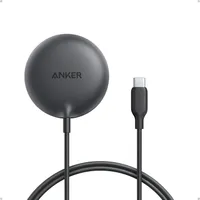
Anker Zolo Magnetic Wireless Charger
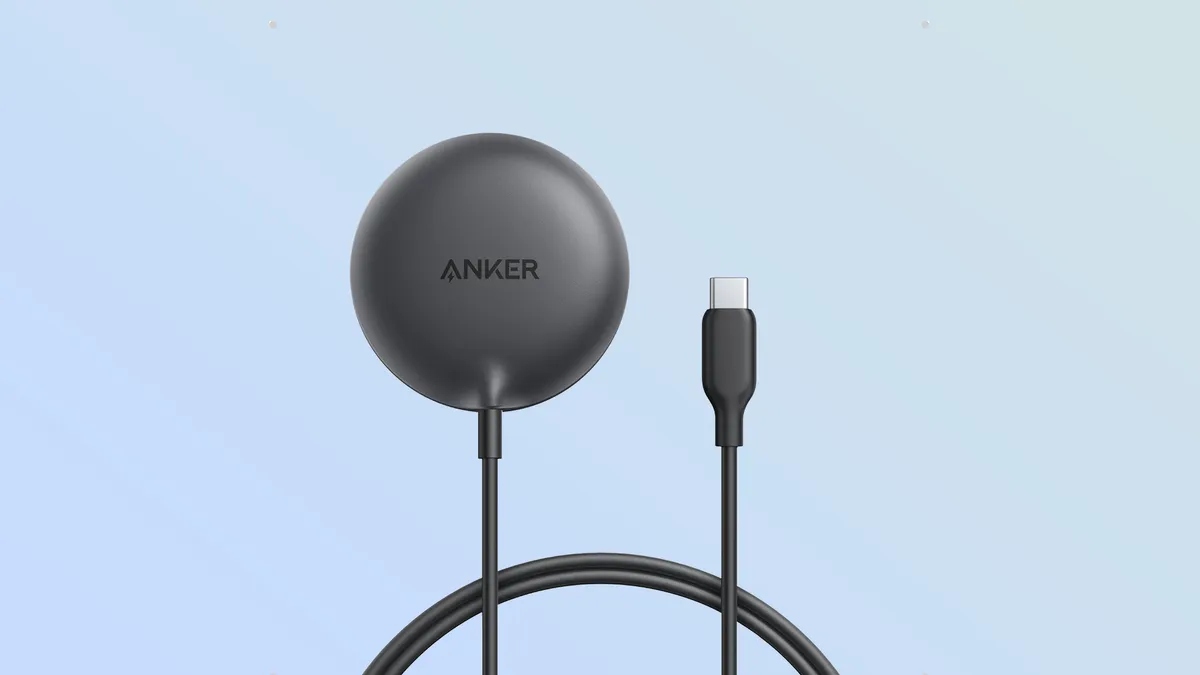
Apple's MagSafe chargers are good, but they are pretty pricey. In my experience, Anker's products have been consistently solid alternatives, with price tags that are a little easier on your wallet. The Zolo Magnetic Charger is Qi2 certified, featuring a MagSafe-compatible magnetic ring, a five foot cable and a maximum charging speed of 15W.
Considering the iPhone 17 series offers 25W wireless charging, this won't be the fastest way to wirelessly charge your phone. But, considering how expensive 25W MagSafe and Wi2 chargers can be (Apple's is double the price), it's a sacrifice you might be able to justify in exchange for the lower price tag.
Lisen Ultra Slim MagSafe Power Bank
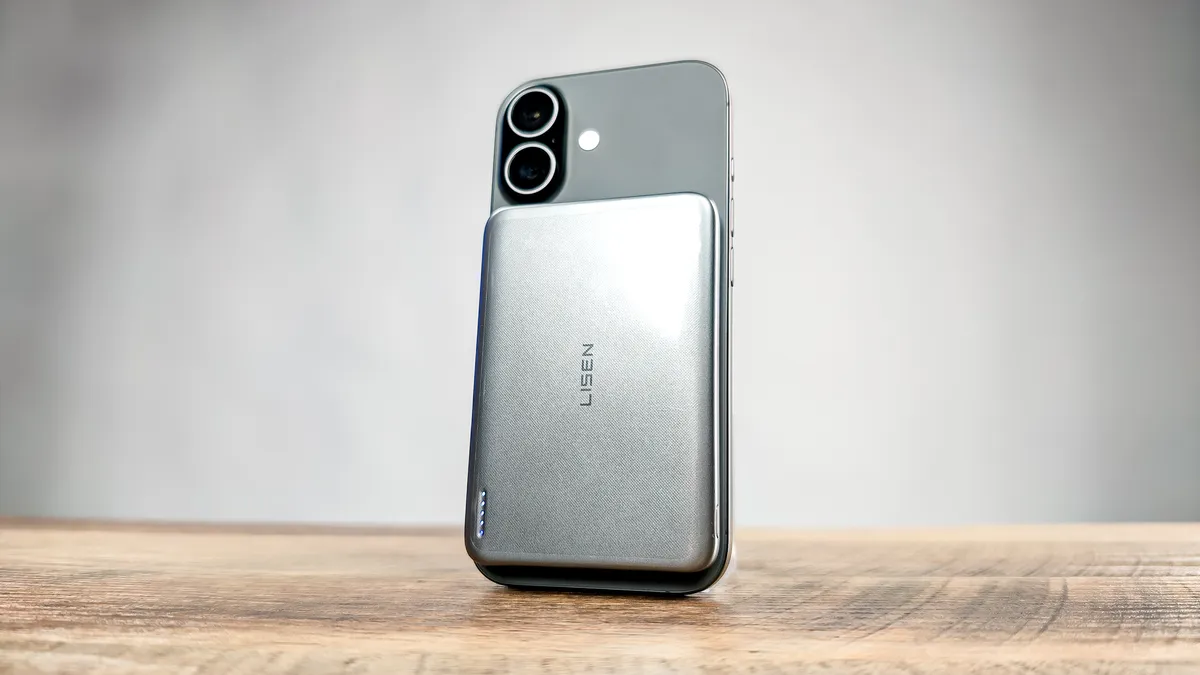
It feels like there are more power bank brands out there than stars in the sky, and picking one is often quite hard — especially when you're on a budget and don't recognize any of the low-cost brand names.
We recently tested the Lisen Ultra Slim power bank alongside a bunch of other budget power banks. While it wasn't the fastest charger available, it did have the benefit of offering MagSafe wireless charging instead of forcing us to use annoying charging cables. It only has 5,000 mAh capacity, which is slightly less than a full charge for an iPhone 17 Pro Max, but for the price and convenience, this is certainly one to consider picking up.
TOCOL iPhone 17 screen protector
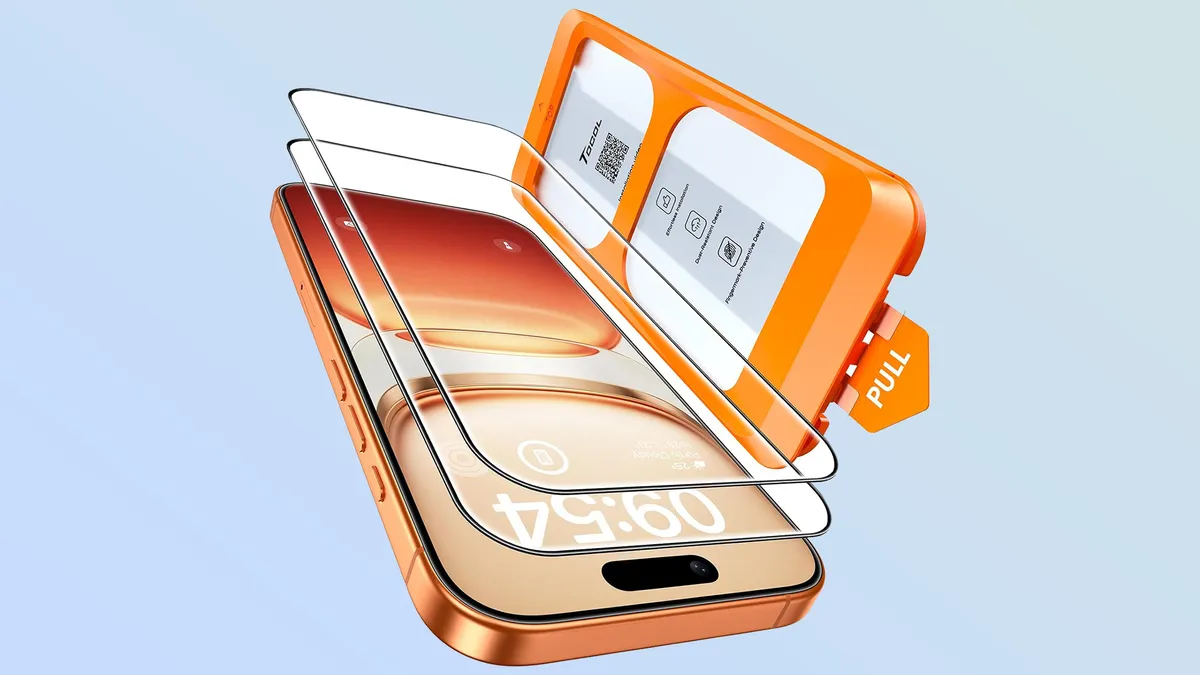
As strong as Apple's Ceramic Shield 2 display glass might be, it's not impervious to damage, which is why I always recommend using a screen protector. Not only can it take the brunt of any damage that may come its way, but the cost of the screen protector is also significantly less than getting your phone screen replaced — especially if you don't have Apple Care Plus.
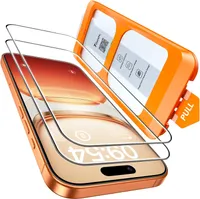
I've used TOCOL's screen protectors on two different phones, a Pixel 10 Pro and iPhone 14, primarily due to their application mechanism. Rather than manually placing a screen protector on your screen and hoping you apply it correctly, TOCOL does all the hard work for you. Simply place the plastic applicator on your phone, pull the tab and wait.
The screen protector will attach itself to your phone without any additional intervention — saving you from awkward air bubbles and rogue dust particles.
ESR MagSafe wallet
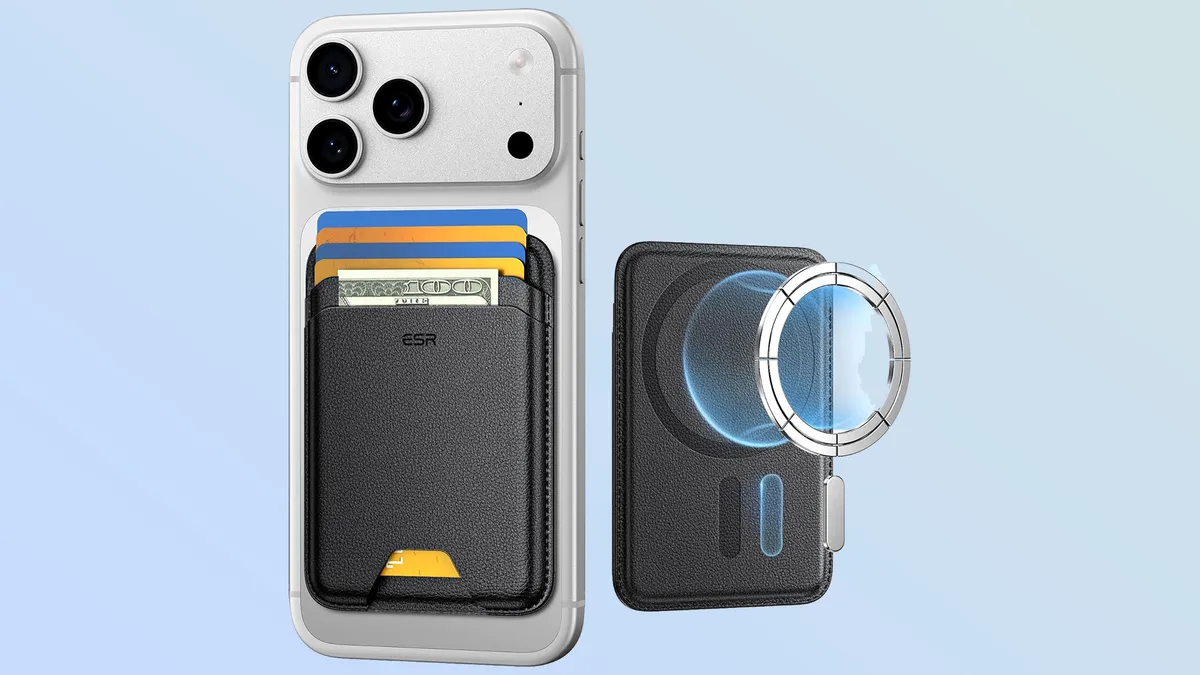
We're big fans of ESR's mobile wallets here at Tom's Guide, especially the ones that have a bunch of extra features like support for Apple's Find My Network. The fancy wallets tend to cost a little more money, though, whereas this simple MagSafe wallet can do all the basics for just $12.
The ESR MagSafe Wallet has space for five credit cards, a strong magnetic lock and RFID-blocking technology to stop would-be thieves from skimming your personal data. The cheapest option is black, though other color options are available for a couple bucks more.
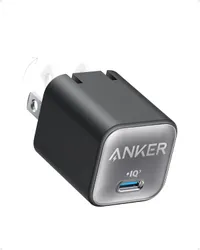
Anker Nano GaN 30W charger
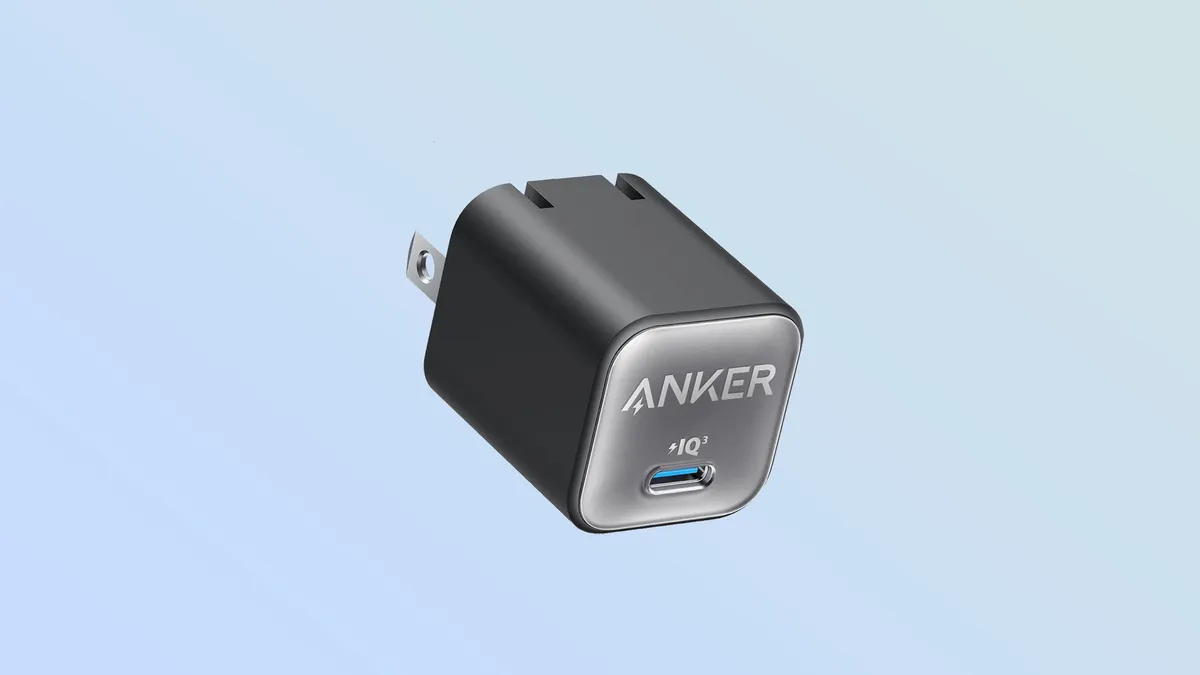
Another Anker charger, this time taking advantage of Gallium Nitride's charging-friendly properties to fit a whole 30W charger into a brick that's just 1.12-inches thick. Now, 30W isn't a lot in the grand scheme of things, and iPhone 17 supports up to 40W chargers, but those chargers are a lot bigger than this one.
Whether you need to travel light or just want to be able to carry a charger around without taking up a bunch of space in your bag, this charging brick can ensure your phone doesn't spend hours connected to the charger every day. Just don't forget to bring your charging cable with you, too.
Spigen Ultra Hybrid MagFit case
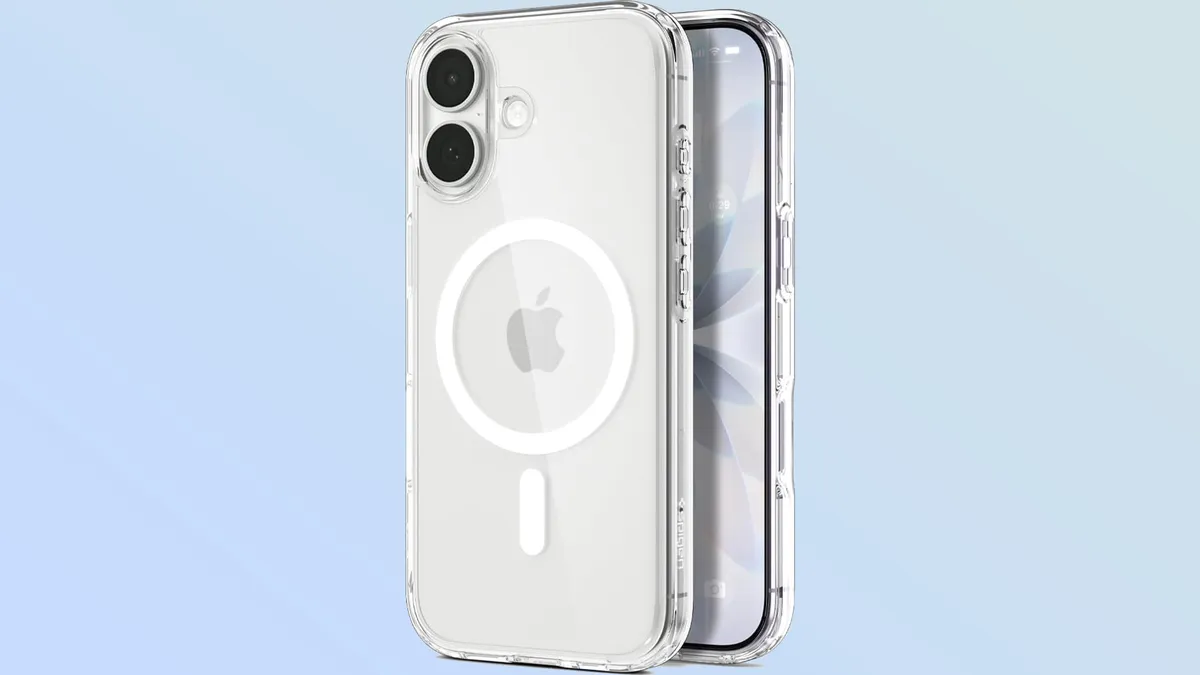
It's always worth investing in an iPhone case, especially if you have a scratchgate-prone iPhone 17 Pro. The fact is, no matter how durable you might think your iPhone is, there's always going to be one situation or circumstance that causes some permanent damage — even if it's just a chip on the corner of the camera bar.
Spigen makes some of the best iPhone cases money can buy, and the Ultra Hybrid MagFit is a great affordable option. It's transparent, to preserve the original color of your iPhone, and is made from material that's been designed to resist the yellowing that so often affects clear phone cases over time. It's also MagSafe compatible, and uses a unique design to offer a case that's both slim and durable.
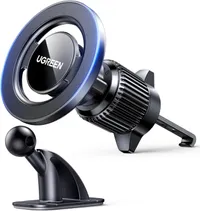
UGREEN magnetic car phone mount
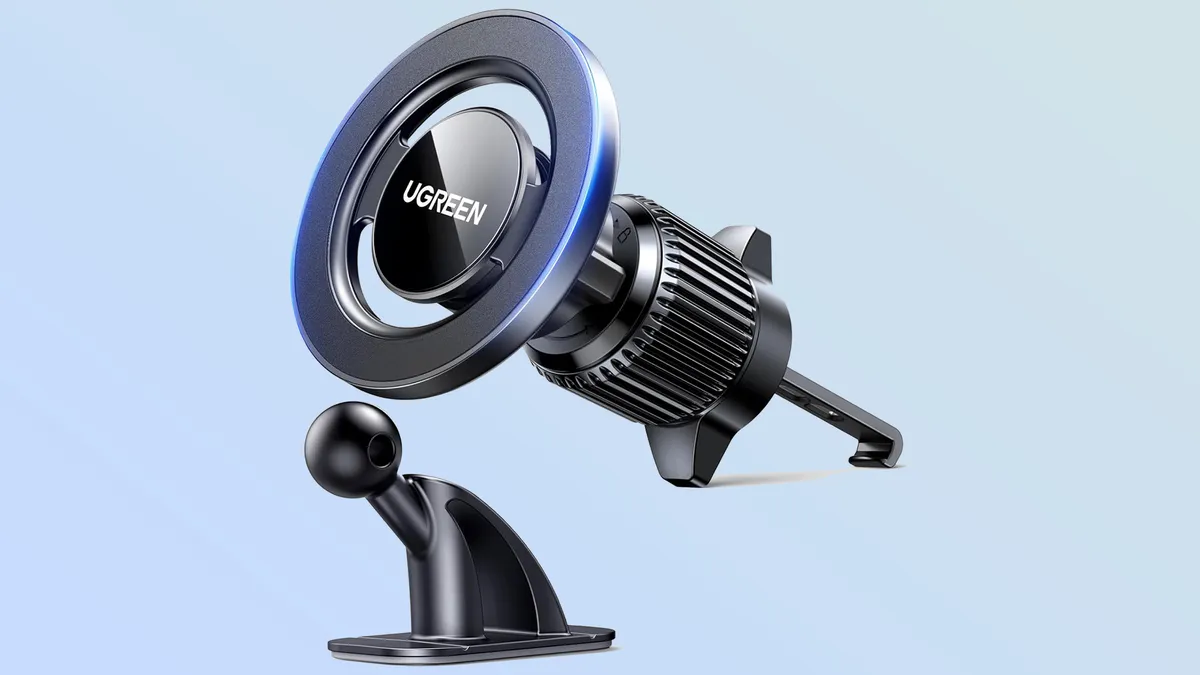
You're not supposed to use your phone while driving, but certain apps are invaluable when you're out on the road. If you plan on utilizing those apps, you must keep your phone in a spot that's safe and visible. Car mounts can facilitate this, and this magnetic mount from uGreen is a solid budget option that should fit every car.
This particular model is magnetic, gripping onto the MagSafe magnets in the back of your phone for a sturdy fit. You also get to choose how it connects to your dashboard, since this mount comes with a vent clip and an adhesive stand that sticks to your dashboard. The only thing it can't do is recharge your phone, which means you'll need to keep a spare charging cable in your glovebox for those times you need it.
Amazon Basics flexible tripod
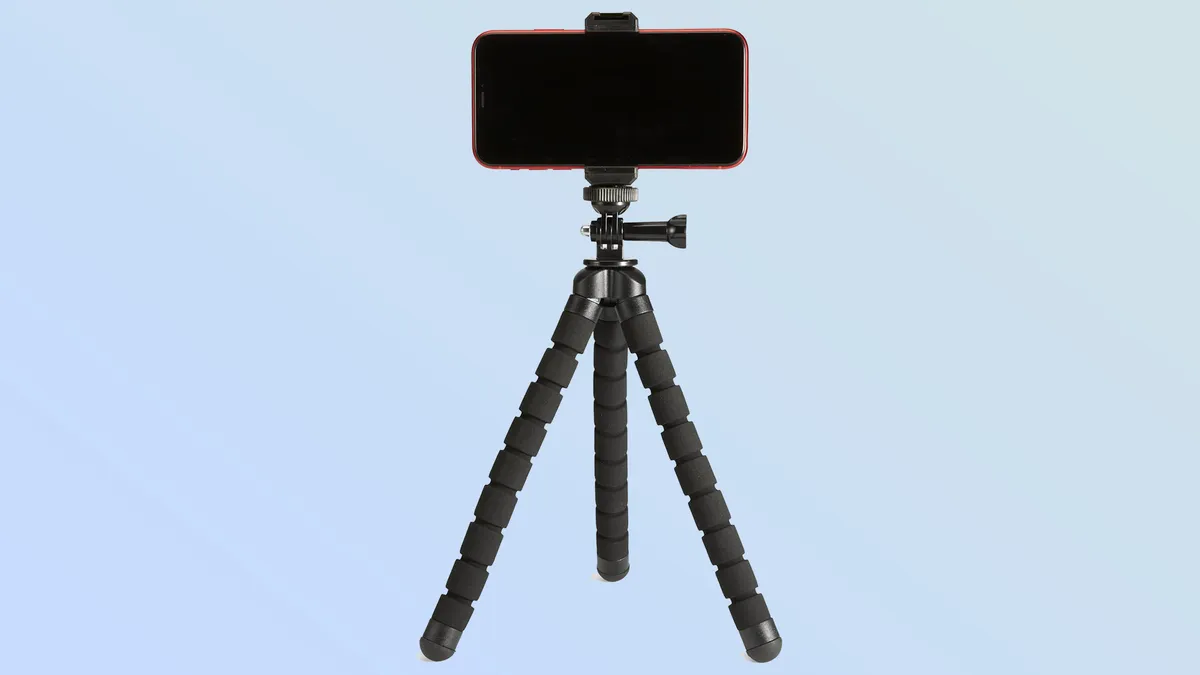
Amazon Basics is a helpful way to get various staples for a low price, without worrying about whether you're going to be ripped off. I've had enough poorly made tripods in my time to know that being able to keep it intact for the times you need it is invaluable — as is being able to position it for the perfect shot.
This 10-inch tripod is compact enough to be carried around without much hassle, and the flexible legs mean you have a lot more versatility in where you actually position it. Wrap the legs around a pole, or a tree, or set them up like a normal tripod if that's what the shot requires. You can even remove the grip to attach a different kind of camera to get all the same benefits without resorting to shooting everything on your phone.

Follow Tom's Guide on Google News and add us as a preferred source to get our up-to-date news, analysis, and reviews in your feeds. Subscribe to Tom's Guide on YouTube and follow us on TikTok.
More from Tom's Guide

