There are two times of the year when I'm most excited to be an iPhone user: the release of new iPhones in September and major iOS updates. In the case of the latter, Apple is prepping iOS 27, which we're expecting to offer some exciting new features.
With WWDC 2026 coming up on June 8, it's almost time for Apple to spill the beans on all things iOS 27. And while the company hasn't said much officially, the rumor mill has told us plenty about what we can expect from its annual iOS update.
Siri is expected to take center stage in iOS 27, but there are plenty of other exciting goodies for everyone, whether you like AI or not.
Smarter Siri
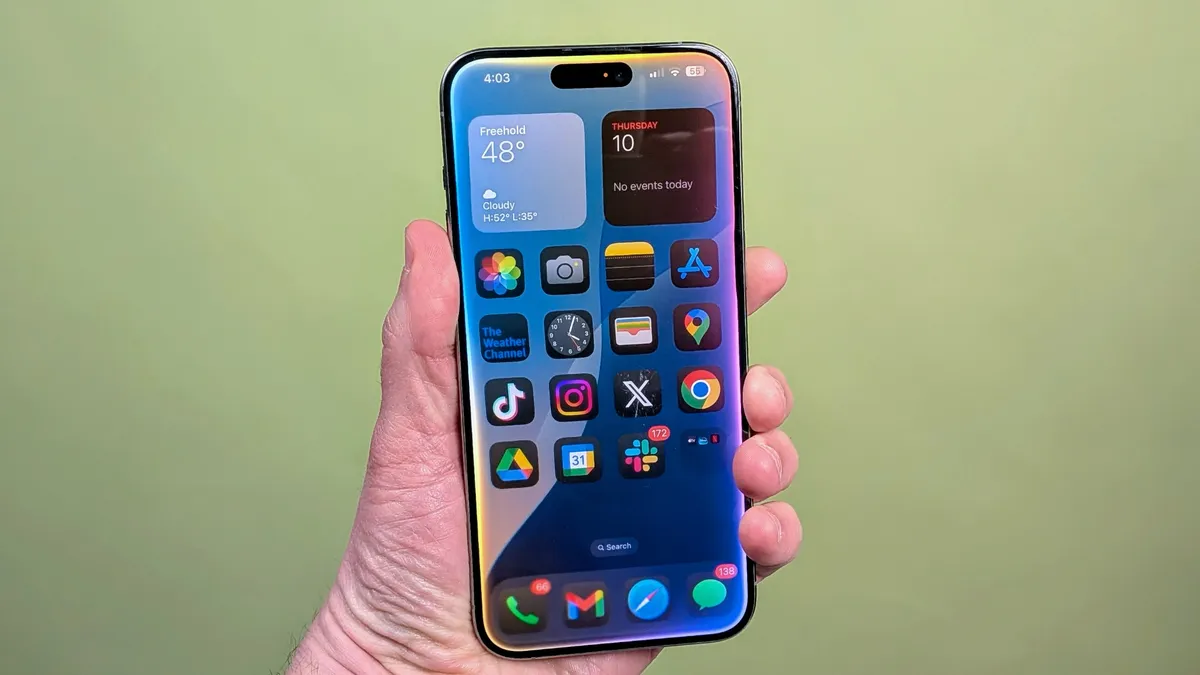
Many of the biggest changes in iOS 17 are centered around Siri. So much so that some of them are entirely separate features.
One of the most exciting aspects of iOS 27 is the overall improvements to Siri's smarts. Apple is working with Google and plans to use a custom AI model built in collaboration with Gemini's development team.
This should make using Siri more enjoyable, with it offering more accurate answers and overall results. No more cursing Siri?
Siri on-screen awareness

According to reports, Siri will now be aware of what's on your phone's screen, so it can offer direct information based on what you're seeing.
For example, if you're looking at a photo on your screen, you can ask Siri to send it to someone. I'd also guess you could be looking at an app and have a question about how to do something, and Siri might be able to see the app and offer tips.
It sounds really cool as long as you don't mind the assistant looking at your on-screen activity. Since it's Apple, I have to assume there will be plenty of privacy protections in place. Think Visual Intelligence but instead of being for your live camera view it's for what's on your phone right now.
Standalone Siri app
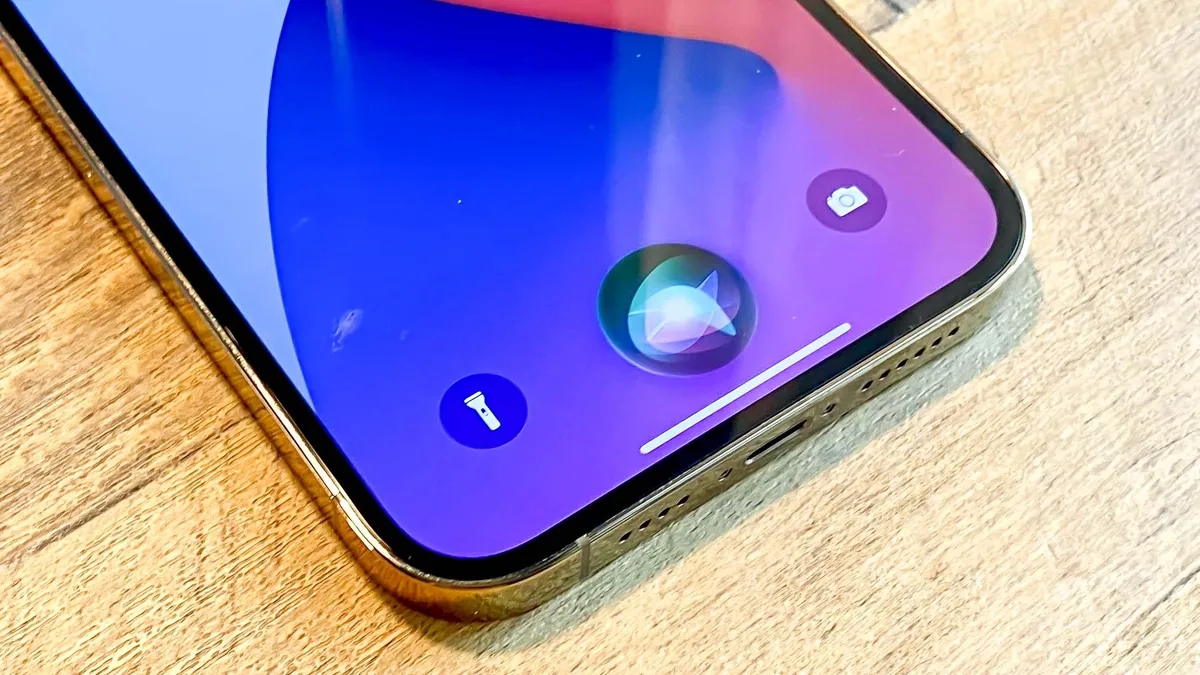
Siri has always been built into iOS without a dedicated app. But that could change in iOS 27, as Apple seems to be working on a dedicated Siri application that would function like ChatGPT, Gemini or Claude.
The app will let you see a list or grid of past conversations, so they're not lost to oblivion like they are in the current Siri. This seems like the kind of thing Siri should have always had, but I'm glad to see it arriving nonetheless. Siri is reportedly going to support image generation via Image Playground, so having a dedicated app will make it easier to get images.
According to rumors, the log of Siri conversations will look like an iMessage chat, making the AI assistant feel more alive, like you're chatting with a friend.
Siri extensions

Apple reportedly will let rival chatbots integrate with Siri in iOS 27. This would expand on the OpenAI partnership that currently allows Siri to hand off requests to ChatGPT by letting it jump to other third-party AI tools.
Users will be able to select which services they want to use with Siri through an "Extensions" option that is expected to arrive in iOS 27, iPadOS 27, and macOS 27.
To get these new extensions, Apple is expected to add a new section to the App Store. Expect Gemini and Clause to be added to the mix among others.
Improved satelite communications

Satellite communication on smartphones has come a long way over the last couple of years, and iOS 27 might be the next step forward, if the rumors are to be believed.
Several new features are rumored to be on the way that will make using satellites less about emergencies and more about connecting anywhere without a cell signal.
Here are the new features that we think will arrive with iOS 27:
- Apple Maps to be available through satellite
- Send and receive photos in Messages while connected to satellite
- Satellite API framework for third-party apps
- Satellite over 5G support
- Satellite connectivity without the need for a view of the sky
Liquid Glass performance updates

It took me a bit, but I've gotten used to the Liquid Glass look and feel on iOS 26. According to rumors, Apple is considering a system-wide setting that would precisely adjust the look of the interface, building on the changes it made in iOS 26.2.
The company is also reportedly improving the OS's performance, which will likely benefit older-model iPhones that struggle with more advanced visuals.
iPhone Fold optimizations

The iPhone Fold is one of Apple's most anticipated devices — and the one with the most rumors around it. Apple won't just release a phone with a new form factor; iOS will need to evolve in order to accommodate the larger, foldable display, and we think iOS 27 will be the first to see some of those optimizations.
The latest rumors suggest that the iPhone Fold will feature a 5.5-inch display when folded and a 7.8-inch display when opened. It's reported that it can run two apps at once side by side, which would be a big change for iOS.
We can't say for sure which updates will arrive in iOS 27 and which will come in later iOS versions. But we will be there live when the new software is revealed and will bring you all the new features as they're announced.

Follow Tom's Guide on Google News and add us as a preferred source to get our up-to-date news, analysis, and reviews in your feeds.
More from Tom's Guide