



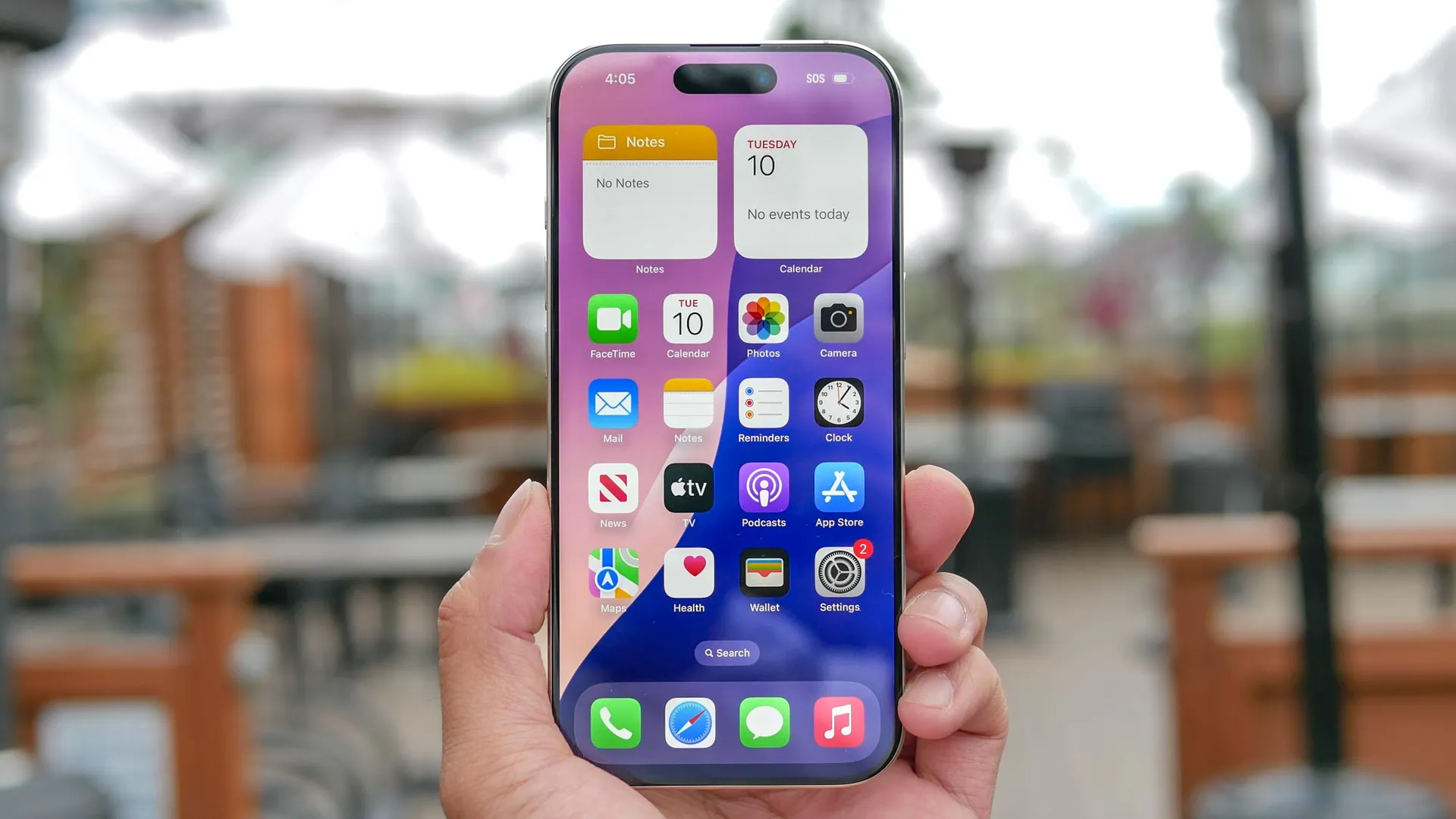
You're at dinner, the bill arrives, and someone inevitably says: "so what do we each owe?" Cue the awkward phone shuffling — someone opens the calculator, someone else does it on the notes app, your friend is just guessing. It's a whole thing. But what if you never had to leave your keyboard?
Since iOS 18, your iPhone has had this quietly powerful feature built right into the keyboard, meaning you no longer have to switch between apps for calculations. It works anywhere you type, and almost nobody knows it's there. Here's how to use it.
Do math without leaving your keyboard
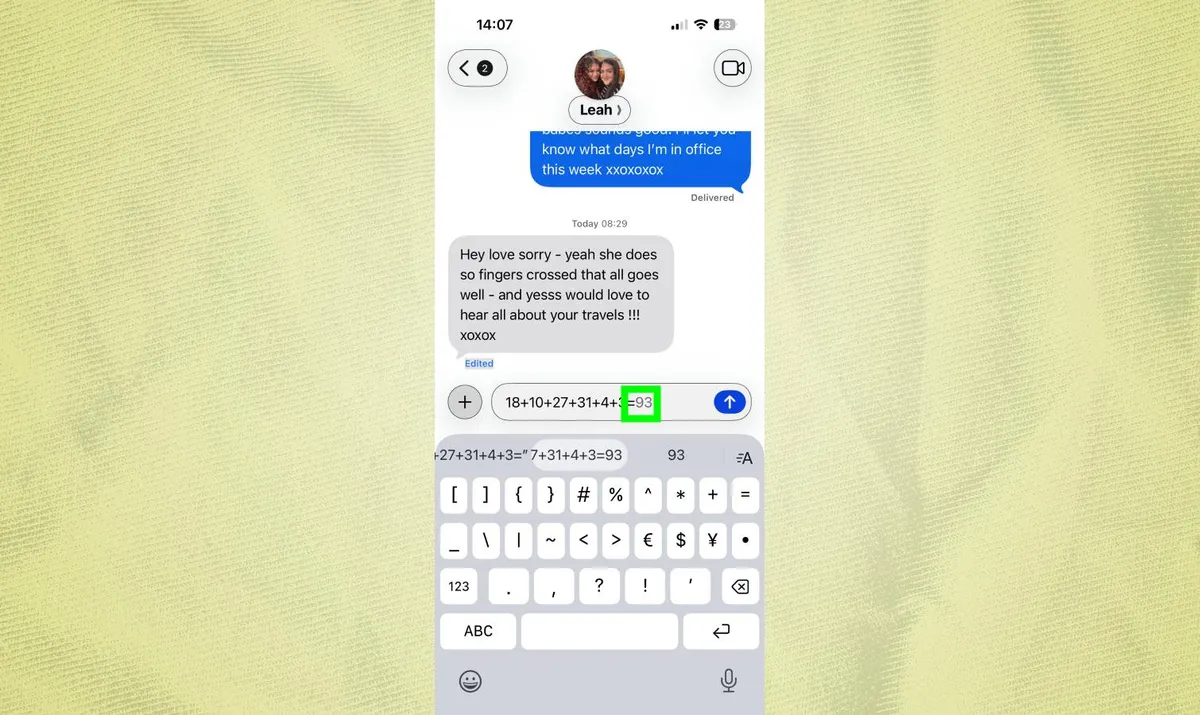
Open any app where you type and type a math equation followed by an equals sign. For instance, type "25 + 17 =" and the answer "42" appears as a suggestion above your keyboard.
Press the spacebar or tap the suggestion to insert the result. Your equation disappears, replaced by just the answer.
This works for addition, subtraction, multiplication, and division. It also handles percentages and more complex calculations. The equals sign is crucial here. Without it, your iPhone doesn't know you want a calculation. Just typing "25 + 17" won't trigger anything.
If calculations aren't showing up, check Settings, General, Keyboard and make sure both "Show Math Results" and "Predictive Text" are turned on. Also, that you're running iOS 18 or later.
Convert units on the fly
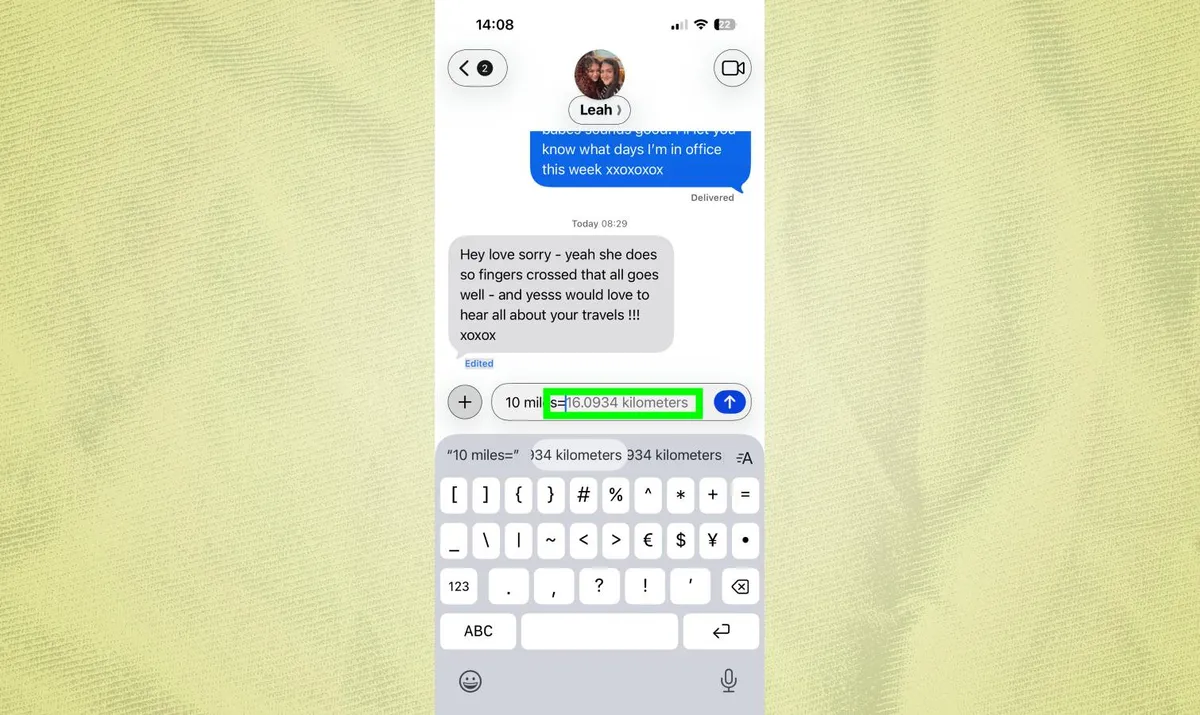
The same trick works for unit conversions. Type "75 Fahrenheit =" and your keyboard converts it to Celsius instantly. Type "10 miles =" and get the result in kilometers.
You can be specific about which unit you want. Type "5 feet in inches =" and your keyboard converts feet to inches rather than defaulting to meters. This works for temperature, distance, weight, volume, and other common measurements.
This saves constantly switching to Safari or the calculator when you're cooking, shopping, or planning trips and need quick conversions.
Protect your iPhone

Follow Tom's Guide on Google News and add us as a preferred source to get our up-to-date news, analysis, and reviews in your feeds. Subscribe to Tom's Guide on YouTube and follow us on TikTok.
More from Tom's Guide
- I discovered this iPhone Messages trick by accident and now I can't stop using it
- You can find your missing iPhone with one text message thanks to Apple Shortcuts — here’s how to set it up
- Why your iPhone storage is disappearing — and the hidden folder to blame

