




iOS 26 is here with a wealth of new features focused on improving your experience, including one long-awaited battery feature to help keep your phone running for longer.
Taking care to keep your phone charged is one of the crucial parts of owning even the best phones. However, it can be tedious and running out of power at the wrong moment is a real pain. However, most phones offer several different means to keep your phone charged, and Apple is no different.
As part of iOS 26, Apple has introduced a new Adaptive Power battery mode that aims to make sure your phone has enough power to last you the day. On top of that, the feature is enabled by default on the iPhone 17, iPhone Air and the iPhone 17 Pro series.
How does Adaptive Power work?

Apple’s Adaptive Power Mode utilizes Apple intelligence to analyze how you use your phone and predict when you’ll need extra battery life — all based on recent patterns.
Once it has an idea of your usage, the AI will adjust your power levels as needed to help keep your battery lasting longer throughout the day. However, the feature doesn't manage performance when you use more intensive features, such as the Camera, or if you're playing games while Game Mode is running.
This process won’t be instant, however, as Apple has stated that Adaptive Power requires around seven days of background processing to learn users' habits. Once it's completed its analysis, it can start making performance adjustments, lower your screen brightness, limit background activity and automatically activate Low Power Mode when your phone hits 20%.
It is worth noting that, while the feature is enabled by default on the iPhone 17 series, it is entirely optional. As such, you can choose to turn the feature off if you prefer. Although it appears to be better to leave it on.
What else can I do to protect my battery?
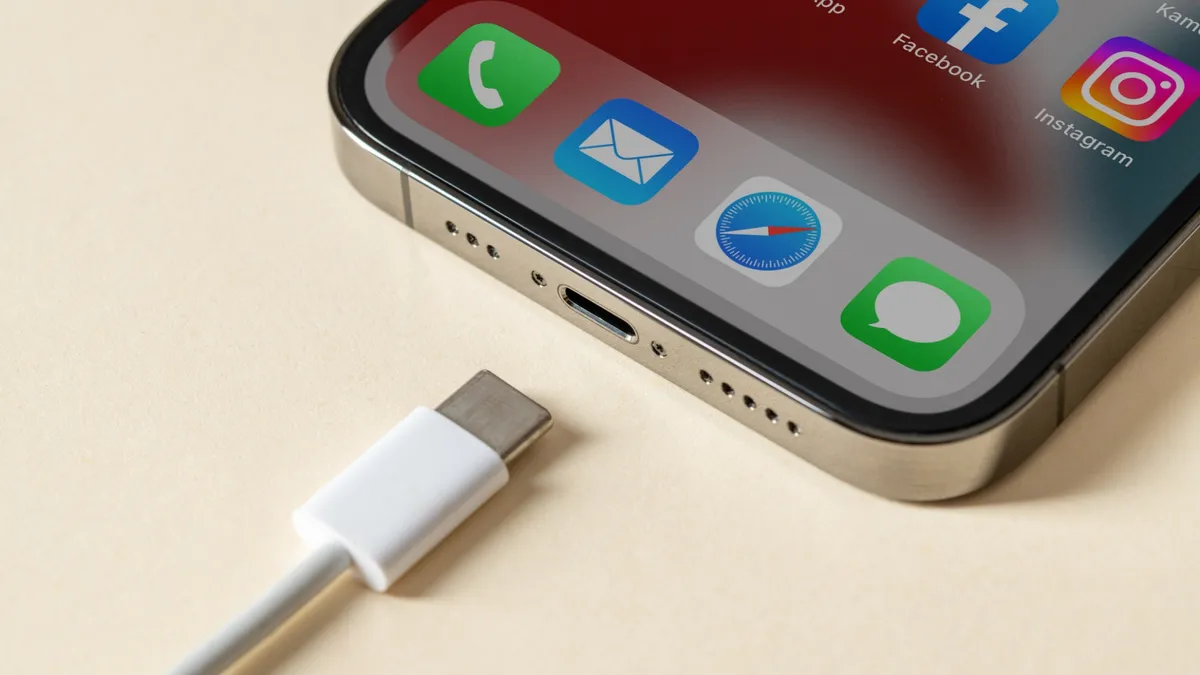
Maintaining battery health in a new phone is mostly about taking certain precautions. The first thing to note is the ideal battery level for a device, which usually sits between 20-80%. There are a couple of means to do this when it comes to the iPhone, namely through the Charge limit feature introduced on the iPhone 15. Users can also make use of optimized battery charging when the limit is set to 100%.
It’s also important to be aware of extreme temperatures when charging your phone. For instance, you should aim to keep your device out of direct sunlight and make sure that it sits in a well-ventilated area. It’s also worth making sure that you limit the time between charges, which Apple’s new feature will likely be able to help with.
Overall, there are a lot of new features that have been introduced as part of the iOS 26 update, including a host of Apple Intelligence-backed features. Let us know what you’re interested in trying out first, and if you plan on keeping Apple’s Adaptive Power Mode on.
Follow Tom's Guide on Google News and add us as a preferred source to get our up-to-date news, analysis, and reviews in your feeds. Make sure to click the Follow button!
More from Tom's Guide
- Samsung Galaxy S26 may not come with this much-needed battery upgrade — and I can't believe this is happening again
- I worked as a phone engineer for 3 years, and Pixel 7 battery swelling has me worried
- Apple's falling further and further behind in the AI arms race — and the iPhone 17 launch proves it

