



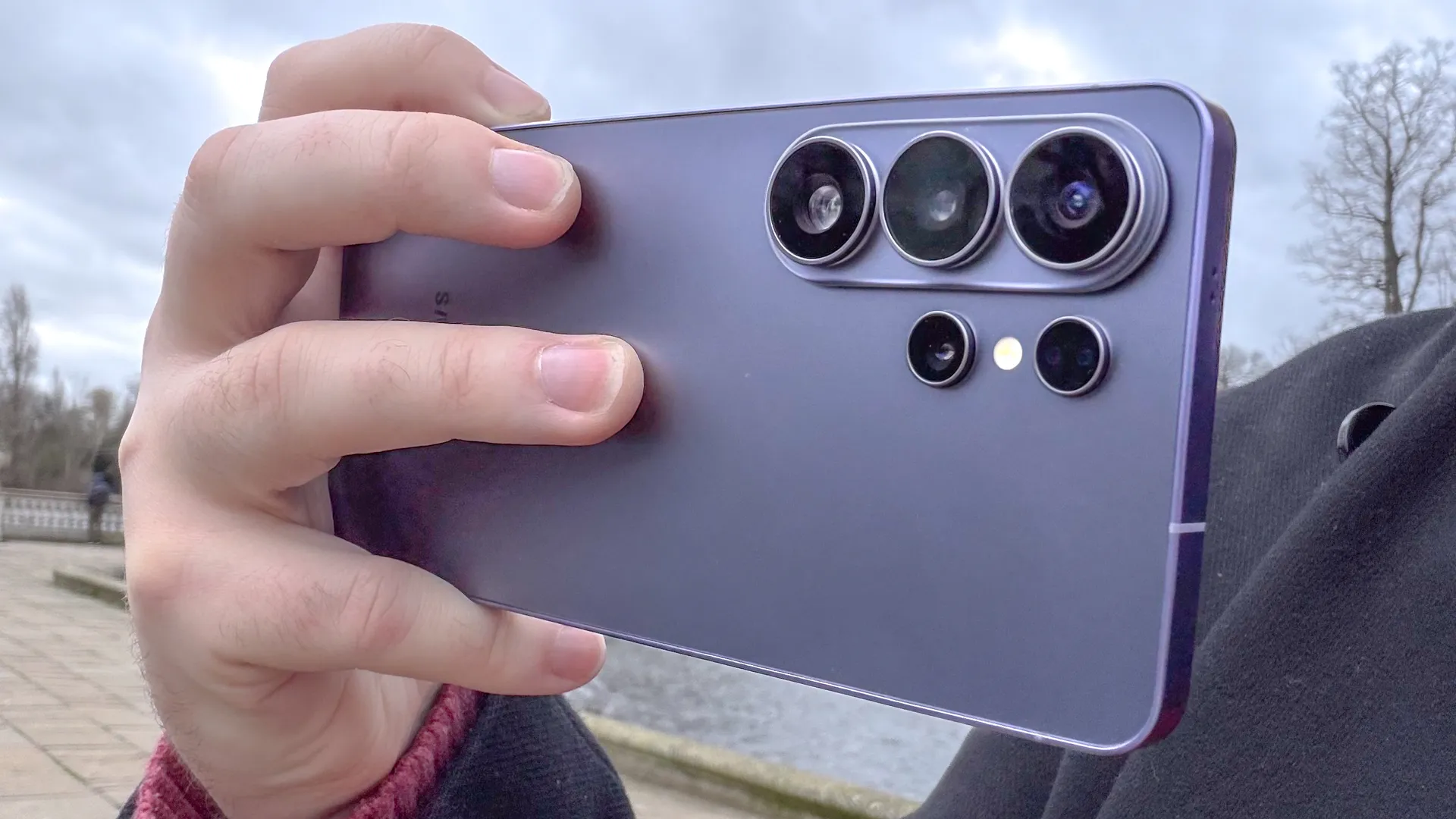
If you're well-versed in the world of viral videos, you may have seen one of the latest viral TikToks that seems to show a Samsung Galaxy S26 flashlight burning a hole through a black trash bag — while an iPhone 17 Pro appears to do nothing but shine its light.
The fact that the flashlight could be hot enough to melt plastic is pretty shocking, and some of you may be wondering whether this video is real or some kind of elaborate hoax. Well, we decided to test this out for ourselves with the iPhone 17 Pro Max and the Samsung Galaxy S26 Ultra. It turns out that, yes, the Samsung flashlight can melt a plastic trash bag, but not quite as severely as the video would suggest. But so can the iPhone 17 Pro Max.
The test was quite simple. We adjusted the flashlights on both phones and made sure they were both on maximum brightness. Both phones were then put inside a black trash bag, with the plastic placed as close to the flashlight as the phone designs would allow. The final step was to wait, but as you can see in the video below, we didn't actually have to wait very long.
Even though the flashlights had been kept switched off until the last possible moment, to stop heat building up, it didn't take long for them to start melting the black plastic. I'll admit that the Galaxy S26 Ultra managed it a lot faster, which suggests its flashlight heats up faster, but the iPhone 17 Pro Max was still able to melt a hole into the bag — and in the thickest, most durable sections to boot.
The result actually differed depending on which part of the bag I shone the light through. The thinner sections only warped, but still became transparent enough to let light through unimpeded. The thicker section at the top of the bag, which I assumed would be more durable, actually melted all the way through with neat little holes, though it did take considerably longer to happen.
Out of mere curiosity, and the fact I had one on hand, I later tried the same thing with a Google Pixel 10 Pro. Considering there have been reports that the Pixel 10 Pro's flashlight would get hot enough to melt its own plastic lens, it should be able to melt a trash bag, right?
The light did melt their own holes, which were noticeably smaller than those produced by S26 Ultra and iPhone 17 Pro Max. In terms of the timing, it was slower than the Galaxy but slightly faster than the iPhone.
Interestingly, the flashlights were not able to melt through a white trash bag. No doubt the black plastic is more at risk than white because black absorbs more light (and heat) than lighter colors.
Why does this matter?

So your phone's flashlight can melt through a trash bag. What's the big deal? They're not exactly known for being particularly durable. Well, this is a good example of how something as simple as your phone's flashlight could be a safety hazard.
If your flashlight can get hot enough to melt through a sheet of plastic in a few seconds, imagine how much damage it could do if you let that heat build up over an extended period of time. I know that I've had situations where my flashlight has turned on accidentally and I slipped it into my pocket, completely oblivious to what's happened until I started feeling the burning sensation in my leg.
Just because modern lights are LEDs, and don't produce a lot of heat doesn't mean they produce zero heat. And if you trap that heat somewhere for long enough, it will build up to the point where it starts to react with whatever is around it. It doesn't matter whether that's plastic trash bags, your skin, or something else entirely. You do not want it to start burning or melting.
So take precautions to avoid letting this happen to you, because second and third-degree burns are not fun. In my case, I found that I kept accidentally triggering the flashlight shortcut on my lockscreen, which I didn't otherwise use. Deleting that shortcut seems to have solved the problem.
It's also been possible to adjust the intensity of the flashlight on iPhones and Android devices for a little while, courtesy of iOS 18 and Android 16. Simply press & hold the flashlight icon in the Control Center or Quick Settings menu, and adjust the pop-up slider. Weaker lights produce less heat and are much less likely to cause accidental damage.
Knowing is half the battle, and if you can anticipate problems that may be caused by your phone's flashlight, then you're not going to burn yourself or the things around you by mistake. Oh, and be sure not to stare at your flashlight for extended periods of time, unless you want a killer headache like mine.

Follow Tom's Guide on Google News and add us as a preferred source to get our up-to-date news, analysis, and reviews in your feeds. Subscribe to Tom's Guide on YouTube and follow us on TikTok.
More from Tom’s Guide
- EU is mandating 'readily removable' batteries for phones — but iPhones may be exempt
- This hidden Galaxy S26 feature can fix the worst thing about movies — here's how
- AirTag stalking is still a problem — here's how to protect yourself on iPhone and Android

