So you’re trying to pick between the $99 Fitbit Air and the $179 Fitbit Edge. Both have a lot in common — they share the same heart rate sensor, charger, and Google Health app ecosystem. But there are also a lot of differences between the two new trackers. I’ve been wearing the Fitbit Air since it launched in May 2026, and I’ve recently taken it off my wrist to test the new Fitbit Edge. Read on to find out what I liked and disliked.
If you’re looking to read reviews of both trackers before Black Friday, check out our Fitbit Air review as well as our Fitbit Edge review here on Tom’s Guide.
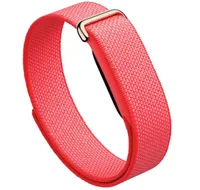
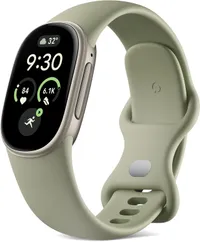
Going back to a screen after the Fitbit Air was jarring — here’s what the Fitbit Edge gets right
It’s a far superior fitness tracker
If you’re into running, walking, or cycling, the choice is an obvious one — for $80 more than the Fitbit Air, you’re definitely getting a better fitness tracker with the Fitbit Edge. It has built-in GPS, which means you can leave your phone at home, and a 1.34-inch AMOLED display, which allows you to see live feedback as you move.
The Fitbit Edge also has an altimeter, which tracks your elevation during workouts and how many stairs you’ve climbed during the day, and an ECG monitor.
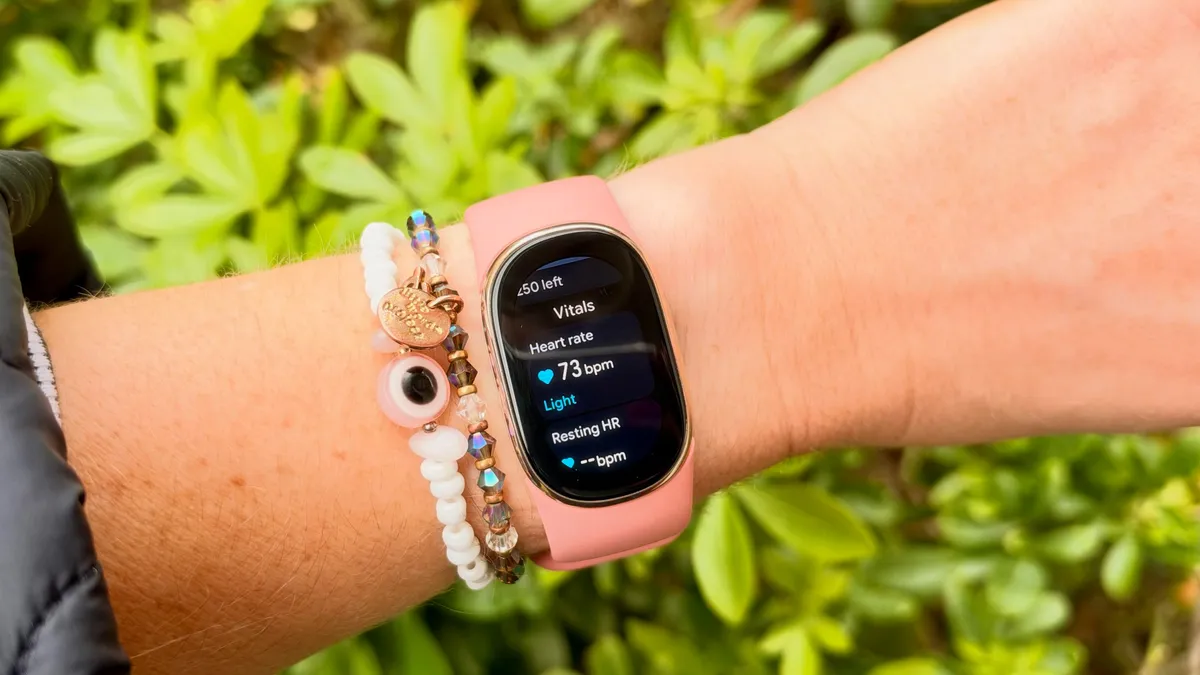
There are so many straps to choose from
Despite being bigger and heavier than the Fitbit Air, the Fitbit Edge still does a good job of disappearing on the wrist. It’s dainty, and Google has released a huge range of swappable straps to suit every style. If you want a fitness tracker that’ll disappear, this isn’t quite as tiny as the Fitbit Air, but it still ticks that box.
The Google Health coach is great
I’ve used a lot of these AI-powered health coaches, and the Gemini-powered Google Health Coach is the best one I’ve tested. Rather than regurgitating your workout back to you, it offers actionable advice on how you should be training and recovering from your efforts. This applies to both devices, but you get real-time notifications on the Fitbit Edge, rather than having to log into the app to see your data.
Here’s what the Fitbit Edge gets wrong
It’s less comfortable to sleep in
At 32g and 11.58mm thick, the Fitbit Edge is by no means bulky on the wrist, especially compared to the likes of the Apple Watch Ultra 4 I’m normally wearing. That said, compared to the Fitbit Air, it’s still not as comfortable to wear overnight. One of the main selling points of the Fitbit Air is its ultra-light design. It weighs in at 12g, and the textile band is fast-drying, so unlike others on the market (cough, Garmin Cirqa) you won’t be left with a soggy wrist after showering, swimming, or washing the dishes.

I missed the distraction-free experience
There’s a reason why screenless trackers seem to be a growing trend: once you lose the non-stop buzzing on your wrist, it’s really hard to go back. Again, the Google ecosystem and the fact that these two Fitbits share a charger allows you to swap between the two, but if you’re looking for health, recovery, and sleep tracking and already own a regular watch, the Fitbit Air is the obvious choice.
It’s also worth noting here that, from a health perspective, you’re getting the same experience with the Fitbit Air, and it’s nearly half the price.
It didn’t last a week between charges
Fitbit promises seven days of battery life on both devices, and while I found that to be true with the Fitbit Air, no matter how many workouts I did, it was a different story with the Fitbit Edge.
Of course, this is largely down to the built-in GPS. Out of the box, the GPS on the device is automatically set to dynamic, which means it switches between using your phone’s GPS and the built-in GPS. When you switch the tracker to using the built-in GPS, I found it takes a hit on battery life, using around 11% for an hour-long run, and it didn’t last a full week.
When you switch the tracker to using the built-in GPS, I found it takes a hit on battery life, using around 11% for an hour-long run
That said, for most casual runners, dynamic GPS is more than enough, and you’re probably not clocking hour-long workouts every day.
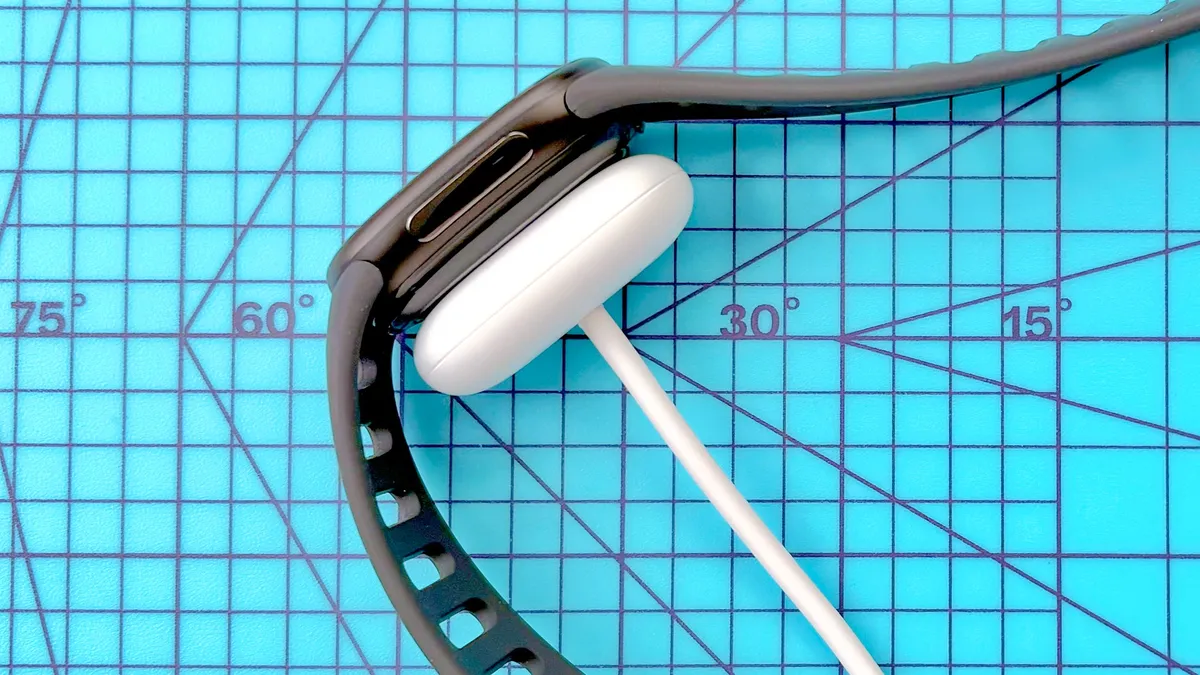
The physical button on the Fitbit Edge annoys me
As I’ve mentioned before, I’m frustrated by how little the Fitbit Edge’s button actually does. Sure, I love a physical button on a fitness tracker, but I’m not sure why Google didn’t give the Fitbit Edge’s button more functionality.
For example, you’d expect the button to start a run, not just stop it; instead, you still need to tap the screen before you start moving. Any runner knows nothing’s more frustrating than trying to swipe a touchscreen with sweaty fingers, especially on the start or finish line of a race.
Follow Tom's Guide on Google News and add us as a preferred source to get our up-to-date news, analysis, and reviews in your feeds.
More from Tom's Guide