



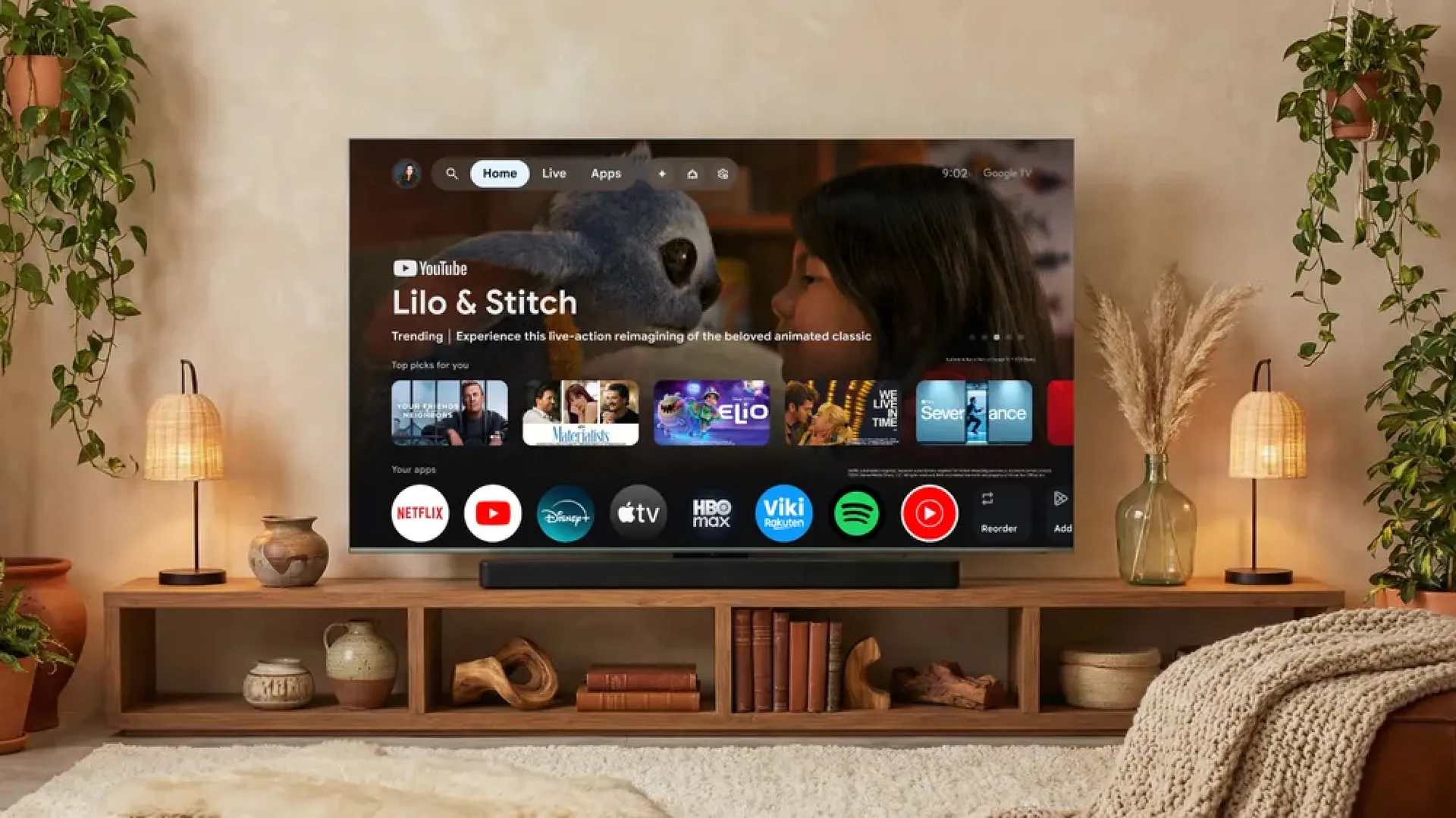
CES 2026 is heating up as Google announces a slew of enhancements to Gemini on Google TV, making settings adjustments and search that much easier.
Beyond content curation and enhanced search functionality, Google is also making it easier for Google TV users to access its suite of AI features, specifically Nano Banana and Veo. You'll also be able to explore your Google Photos albums with Gemini search, letting you leverage Photo Remix to create breathtaking slideshows directly on your TV.
These updates will be available on select TCL TVs and Google TV devices over the next few months. Google did not specify which other TV manufacturers use the platform, such as Sony and Hisense, but we can assume their sets with Google TV will also receive Gemini upgrades later this year.
Use your voice to change TV settings

Ever wanted to just speak your TV tweaks into existence without having to dig through various settings menus to find what you need? Well, now you can, thanks to these new Gemini updates on Google TV.
Google noted several key ways the functionality works, such as telling Gemini "the dialogue is lost" if you need audio adjustments or "the screen is too dim" if you need to tweak the brightness. On the one hand, it not only makes it easier to make changes on the fly, whether to the picture or the sound, but also lets you never leave your favorite content to make them.
It's unclear at this time how in-depth these voiced tweaks go. For instance, if I wanted to change certain privacy settings or make more complex changes to gaming peripherals, would Gemini be able to distinguish them? We won't know until we can really test the new upgrades out for ourselves, but this one in particular seems especially promising for Google TV users.

Gemini also now feels more personal. Google explains in its blog post that it uses "a new visually rich framework that adapts Gemini's responses to your queries." Answers to your various questions are brought to life using imagery, videos, real-time sports updates, and more, offering an additional level of interactivity and liveliness.
Google aptly calls them "Deep Dives," offering narrative explorations of your favorite topics. It's a handy tool if you need a broad explanation of a certain topic or need clarification on current events, like sports scores and the like. You can also use Gemini to find other exciting content across the best streaming services that suit your interests.
Use Gemini AI features right on your display

Now you can broaden your creativity and imagination with Nano Banana and Veo available to use right on your screen. With these Gemini AI features, you can now create your own original media from your couch or even reimagine some of your own photos.
Previously, you could only use Gemini on Google TV to create generative AI wallpapers, but with these new features, a whole doorway of creativity has been opened. What will you create first on your living room display?
Google is also updating how you interact with your Google Photos. Using Gemini, you can now search your library for moments and people in photos, making it easier to find your most cherished memories. Gemini also lets you transform these photos into brilliant slide shows directly on your TV screen, or elevate them with tweaks using Photos Remix.
Google will roll out the update over the next few months, starting with TCL TVs and Google TV devices, such as the Google TV Streamer. It's unclear when Sony and Hisense sets might get these updates, but Tom's Guide has reached out for comment.

Follow Tom's Guide on Google News and add us as a preferred source to get our up-to-date news, analysis, and reviews in your feeds.
More from Tom's Guide
- Samsung's new Micro RGB TV lineup will go toe-to-toe with LG at CES 2026
- Micro RGB vs OLED TVs: What’s the difference?
- CES 2026 Preview: 6 biggest trends to watch

