Most people use their phones for texting, social media, and photos — the obvious stuff. But smartphones have dozens of built-in features and capabilities that go completely unused because people don't know they exist.
I've had the iPhone 15 Pro for years now and only recently discovered features that genuinely make life easier. You don't need one of the best phones out there to use them either — most of these capabilities work on basic smartphones. They're already built into your phone's operating system or available through trusted free apps.
Here are seven surprisingly useful things your smartphone can do that you probably didn't know about.
1. Turn your phone into a tape measure

The iPhone's Measure app uses augmented reality and your camera to calculate distances, heights, and dimensions without any physical measuring tape. Point your camera at a wall, ceiling, or piece of furniture, tap the starting point, move your phone to the end point, and it displays the measurement.
This is incredibly useful when furniture shopping to check if something will fit, during DIY projects when you need quick measurements, or when hanging things and you don't have a tape measure handy. The app can measure both straight lines and calculate room dimensions by measuring multiple walls in sequence.
While it's not quite as precise as a physical tape measure for critical measurements, it's accurate enough for most everyday tasks and means you always have a measuring tool in your pocket.
2. Match paint colors with your camera

Trying to find the exact paint color to match your walls, or want to recreate a shade you saw somewhere else? Use your phone's camera with a color-matching app to sample colors directly from any surface.
Point your camera at the wall, cushion, curtain, or whatever you want to match, and the app analyzes the color and suggests the closest equivalents from major paint brands.
Apps like ColorSnap or Behr's ColorSmart can identify thousands of paint colors this way. Some apps go further by using augmented reality to let you preview those colors on a photo of your actual room before you buy anything.
This eliminates the guesswork of trying to match colors by eye or juggling paper swatches between the store and your home.
3. Live translate text in different languages
Google Translate and similar apps can overlay English translations directly onto foreign text in real-time through your camera.
Point your phone at a restaurant menu, street sign, product label, or any text in a foreign language, and the app identifies the letters and replaces them with English translations on your screen. This works even without an internet connection if you download the language pack ahead of time.
This is invaluable when traveling in countries where you don't speak the language — you can read menus without guessing, understand warning signs, follow directions, and generally navigate more confidently.
The feature works with dozens of languages and can even handle handwritten text with reasonable accuracy, though printed text works best.
4. Use your phone as a spirit level

Most smartphones include a built-in spirit level tool hidden in the compass or measurement apps that helps you hang pictures, shelves, and frames perfectly straight.
Open the tool. On iPhone, it's called "Level" and found in the Measure app (or in the Compass app if you're running iOS 12 or earlier). On Android, look for it in measurement tools or utilities. Then place your phone on top of the frame or shelf you're hanging — the screen shows whether it's level down to a fraction of a degree.
The display changes color or shows a visual indicator when you've achieved perfect level. This works for any surface you can rest your phone on. It's far more precise than eyeballing it and means you don't need to buy a separate spirit level tool.
The feature uses your phone's built-in gyroscope and accelerometer, which are the same sensors that detect when you rotate your screen or play motion-controlled games.
5. Turn your phone into a remote control

Many Android phones have infrared blasters built in that can mimic the signals from TV remotes, set-top boxes, and air conditioner remotes. Even without an IR blaster, most smartphones can control smart devices over WiFi or Bluetooth.
Download a remote control app (such as Universal Remote Control), select your TV or device brand, and your phone becomes a fully functional replacement remote. This works for TVs, streaming devices like Roku or Fire Stick, smart lights, speakers, and various other connected devices.
This is especially useful when you've lost the physical remote down the couch cushions or when you're traveling and want to control hotel room TVs that have confusing remotes. Some apps even let you create custom button layouts with your most-used functions.
6. Create 3D scans of rooms and objects

Newer iPhones and some Android phones have depth sensors like lidar that can map spaces and objects in three dimensions.
Download a 3D scanning app like Scaniverse or Luma, slowly walk around the room or object while holding your phone, and the app stitches together all those readings into a detailed 3D model. You can then export these models for 3D printing, use them in game design, or simply keep digital records of physical items.
This is practical for documenting the contents and condition of a rental property for insurance purposes before moving in. It's also useful when planning renovations.
7. Skip waiting on hold with companies
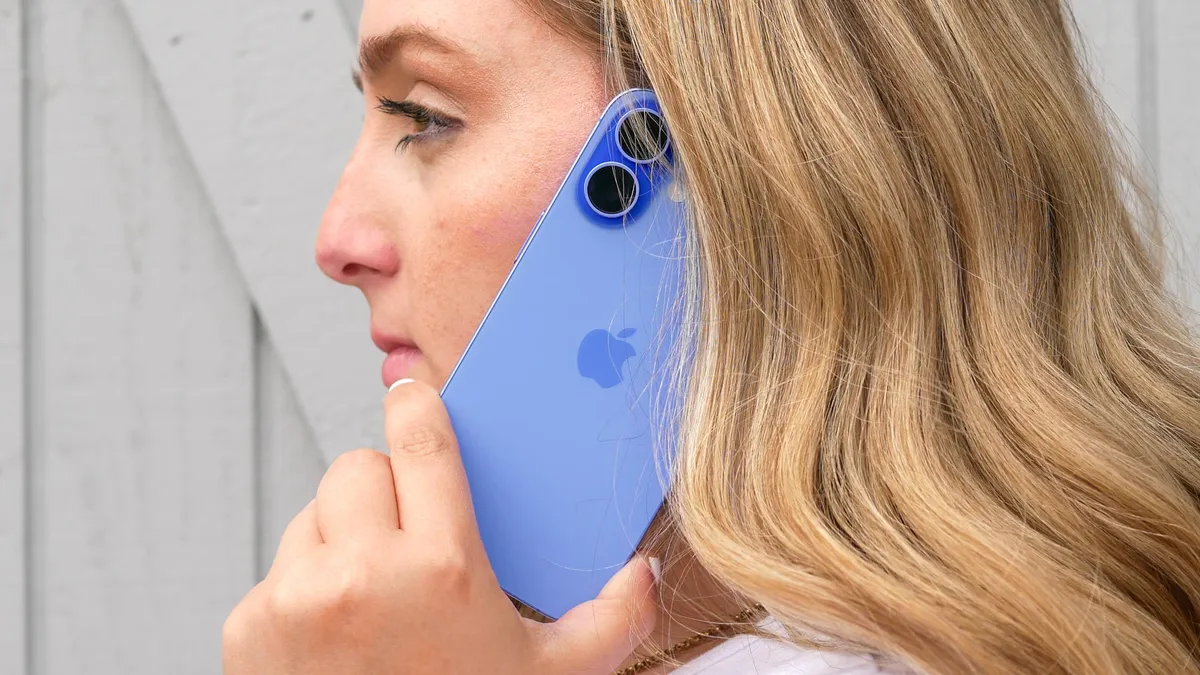
The Hold Assist feature on iPhones running iOS 26 monitors phone calls when you're on hold and sends a notification when it detects a human voice.
Instead of sitting with your phone pressed to your ear listening to hold music for 20 minutes, you can put it on speaker, set it down, and go about your business
Enable this in Settings by scrolling to Apps, tapping Phone, and toggling on Hold Assist Detection. When you're on a call and get put on hold with music or silence, tap the More button (three dots) on your call screen and select Hold Assist from the menu.
Your iPhone monitors the hold music and alerts you the moment someone returns to the line, displaying a transcript of what they're saying so you don't miss anything. The feature uses voice recognition to distinguish between recorded messages and actual human speech.

Follow Tom's Guide on Google News and add us as a preferred source to get our up-to-date news, analysis, and reviews in your feeds. Make sure to click the Follow button!
More from Tom's Guide
- Your phone battery is dying faster than it should — here's how to fix it
- 5 iPhone features Apple buried in iOS 26
- How to clean a clear phone case and make it look brand new