Apple is in the midst of testing out iOS 27 for developers, releasing the third version this week. As part of Apple's summer beta cycle, we've actually been able to check out the new Siri AI that was announced at WWDC 26 in early June.
The rebuilt assistant is powered by the next generation of Apple Intelligence and new Apple Foundation models, meaning it should be more capable and more deeply integrated across the operating system.
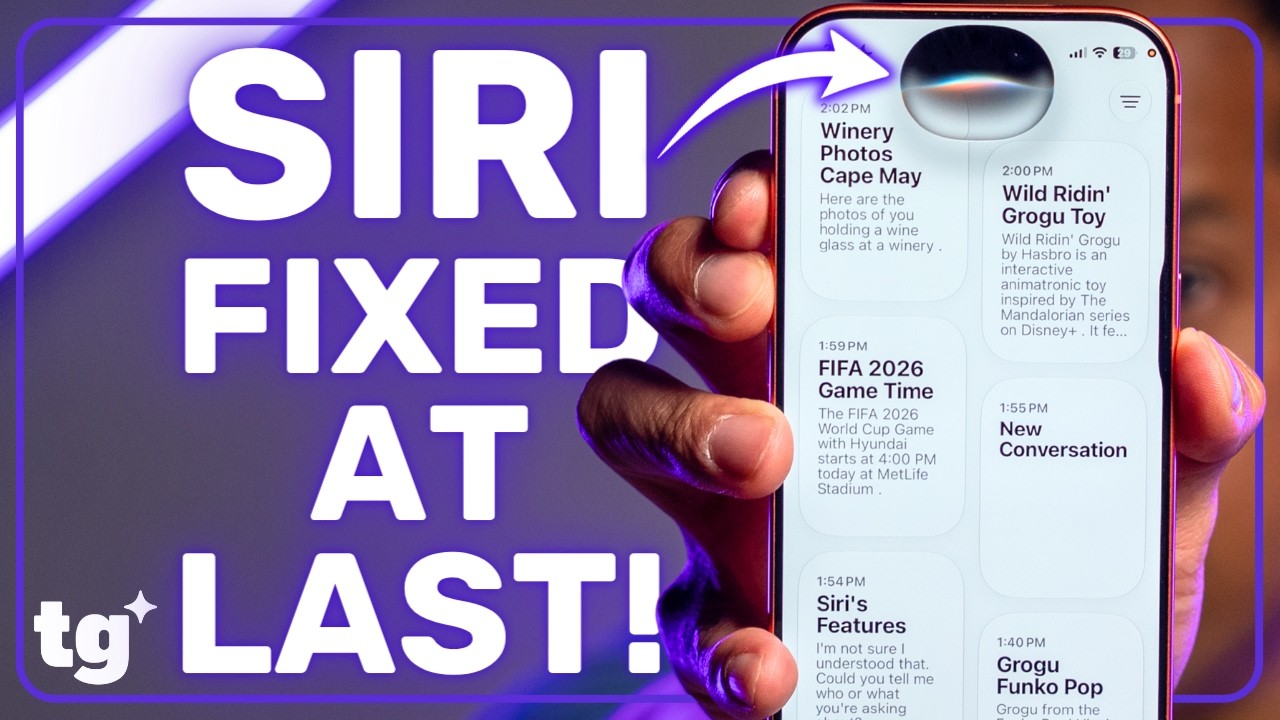
With the caveat that we are still in the beta and things can and will change, these three new features prove the new Siri is finally smarter.
Specifically, I've been impressed by the new Siri's ability to deep search in the Photo library, actual contextual awareness and multi-step cross-app actions.
If you're interested in checking out you can install the developer's beta right now. However, it isn't guaranteed to be stable and could cause issues with your iPhone. The more stable public beta will arrive later this fall.
Photo library Deep Search

Natural language photo searches have been a part of Google's offerings since 2024, though the initial release was unreliable. Meanwhile, Apple's take lets you use Siri AI to describe visual details to find photos in your library.
You could ask Siri, "Hey Siri, find that photo of me holding a wine glass at a winery." The assistant will then populate a variety of images that fit that description.
The exact photo you're looking for may not be at the top of the grid but it'll be much easier to sort through a subsect of your library than trying to remember what day or month you went tasting in wine country.
Context awareness

Contextual awareness has been a pie-in-the-sky promise for AI devices almost from jump. With iOS 27, Siri can "see" what you're looking at on your phone or use your camera to understand your surroundings.
For example, say you want to copy some text from a blog post or Instagram, you can summon Siri and say something like, "Copy the caption in this post" or "Copy the text from this article."
You don't need to highlight and copy; Siri will understand what you're looking at and do it for you.
Or with visual intelligence, you can use Siri AI to tell you what you see in the real world, like a plant or a toy. It's similar to the capabilities in Google Lens, which uses your Android's camera to kick off searches or find information.
Multi-step Cross-App functions

This is where the promise of AI on your iPhone truly shines and makes it seem like Siri AI is actually smart.
Siri AI pulls all the features mentioned above and others to act as a fluid AI agent across your phone. Instead of doing one task at a time, now Siri AI can do multiple steps across different apps.
For example, you can ask Siri to search in your email for an event, add the event to your calendar, and provide driving directions. Siri will give you a summary of the actions.
Right now, this function is limited to native iPhone apps like Calendar, Maps, and Photos. However, third-party developers are already working on similar integrations and the feature will expand between now and launch and beyond.

Follow Tom's Guide on Google News and add us as a preferred source to get our up-to-date news, analysis, and reviews in your feeds.
More from Tom's Guide