My favorite Roku TV combines Mini-LEDs with a simple streaming interface — and it just crashed to $599 during this Amazon deal
Early on in my TV-testing career, Roku TVs were a bit of a tradeoff. They offered a simple way to stream movies and shows via the built-in Roku interface, but most of the time, their so-so hardware left a lot to be desired.
Nowadays, Roku TVs are built better. Take the Roku Pro Series, for instance. Unlike many of its Roku-branded predecessors, this set leverages some relatively sophisticated display technology: Mini-LED backlighting. Today, the 55-inch Roku Pro Series is just $599 at Amazon — its lowest price ever.
The Pro Series is equipped with both quantum dot-color and Mini-LED backlighting. If you care about securing decent picture quality with the purchase of an affordable TV, these are two enhancements you'll want.
Thanks to its Mini-LEDs, the Pro Series' backlight control is better than what you'll see on basic LED TVs (especially edge-lit models). Better backlight control spells better contrast, and contrast is a cornerstone of picture quality. With quantum dots in the mix, the Pro Series is working with a bigger palette than most ultra-cheap sets, too.
Once upon a time, Roku TVs didn't come with this sort of hardware. Roku offers a Plus Series TV, too, but the Pro model is the one I'd recommend to people who want a bit more oomph during HDR movies, shows and sports.
As a Roku-user myself, I've never had an issue finding content.
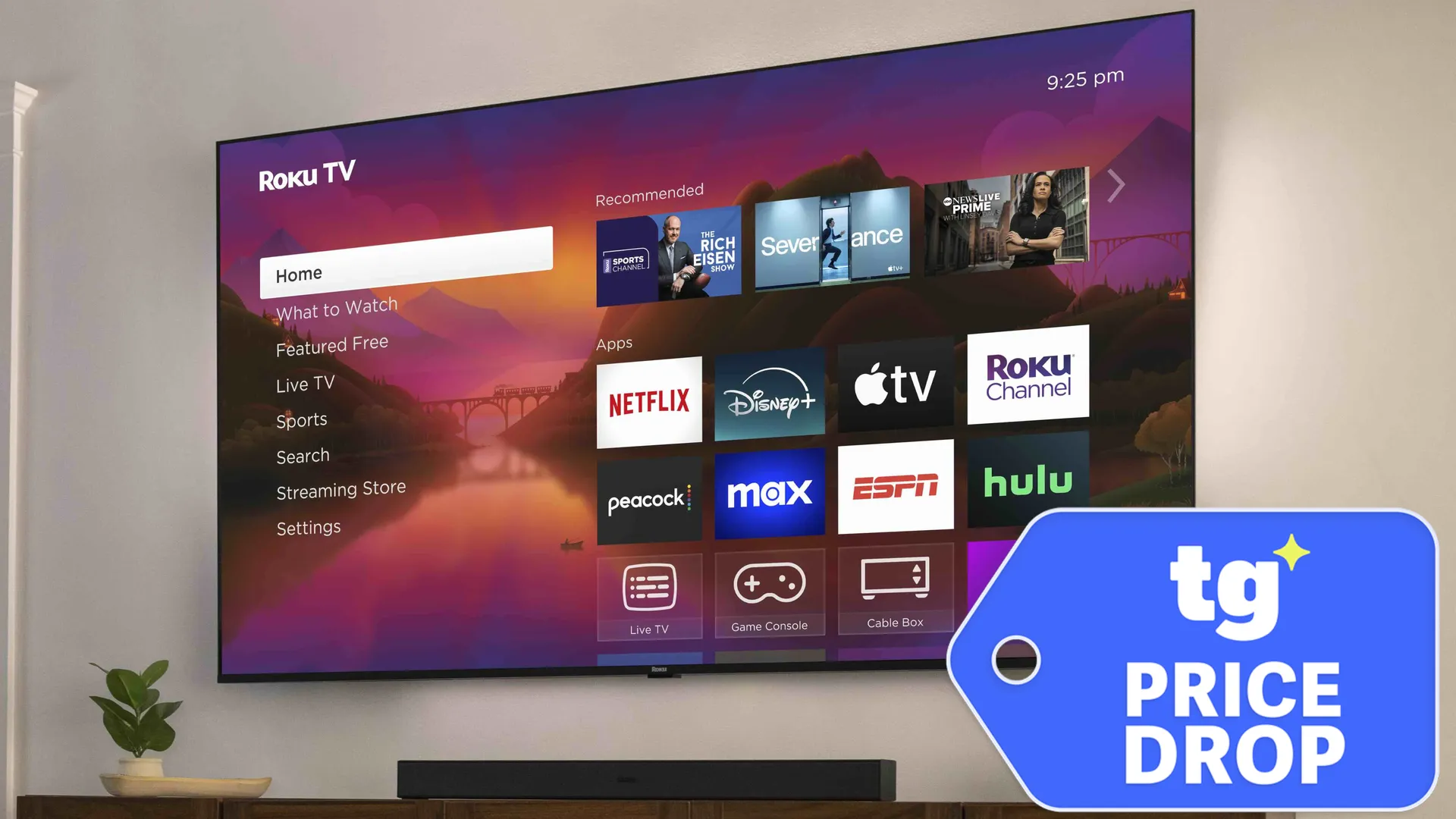
If you've ever used a Roku device, you probably understand the appeal of its software. I love the simple-but-powerful interface of Roku so much that I stopped using my TV’s built-in software in favor of a dedicated Roku box. The Pro Series delivers that same experience without the need for an external device.
Of the major streaming platforms available today, Roku is arguably the easiest to use, regardless of how experienced you are with TV software. Its home screen features big icons arranged in a basic grid, and at any given time, there are usually only one or two non-video-based ads on the screen.
As one of the most popular streaming platforms, Roku is also connected to a massive library of downloadable apps. As a Roku-user myself, I've never had an issue finding content. It's this combination of simplicity and power that makes Roku a great choice for both dedicated streamers and casual viewers.
It's not a bad choice for gamers, either. The Pro Series is equipped with a pair of HDMI 2.1-compatible inputs (out of four total) that support 4K gaming up to 120Hz.
If you're looking for a TV that won't exhaust you to learn how to use (but whose picture might actually impress you), the Pro Series is on my short list of recommendations.

Follow Tom's Guide on Google News and add us as a preferred source to get our up-to-date news, analysis, and reviews in your feeds. Subscribe to Tom's Guide on YouTube and follow us on TikTok.
More from Tom's Guide