Shopping for a new projector can be complicated. You'll need to think about how a bunch of different specs interact with your specific space. Things like brightness, contrast, throw distance, and connectivity all of these dramatically change how well a projector performs depending on where you put it.
Getting these things right can have a big impact on your viewing experience, but there's no one-size-fits-all approach — a projector that's great for businesses probably isn't as helpful for your home theater.
So how do you pick out the best projector and what should you look out for? Here are some things to consider.
What are you buying a projector for?
The most important question to ask yourself before buying a projector is simple: How and where are you going to use it? That will help inform which specs you should care about — and which ones you can ignore.
If you're using a projector for business presentations, brightness should be a top priority, since you'll be fighting against office lighting. You'll also want to make sure it has the right connectivity for your equipment.
Home theater shoppers should focus on resolution and contrast ratio for a more cinematic look, while gamers need to pay attention to input lag and refresh rates.
Home theater shoppers, on the other hand, should focus on resolution and contrast ratio for a more cinematic look, while gamers need to pay attention to input lag and refresh rates.
And, if you're looking for something portable for outdoor movie nights or travel, look for compact, lightweight models with battery options that don't require permanent installation.
Does resolution matter?
Resolution is still important to consider when buying a projector, though how much it matters depends on what you're using it for. For most people, the choice comes down to 1080p or 4K.
A quick rule of thumb? 1080p projectors offer solid value and work particularly well for gaming and presentations, where lower latency can be more important than pixel density. 4K projectors deliver noticeably more detail, which is great for home theater setups and streaming high-quality content.
It's worth noting that most 4K projectors don't quite have a native 4K resolution — they quickly shift pixels to simulate a 4K resolution in a way that's imperceptible to the human eye. That doesn't really matter for watching movies or TV shows, but it may limit a projector’s ability to output content at higher refresh rates for gaming. Often, higher-end projectors will have a gaming mode that reduces the resolution to improve refresh rate, though.
How much brightness is 'enough'?
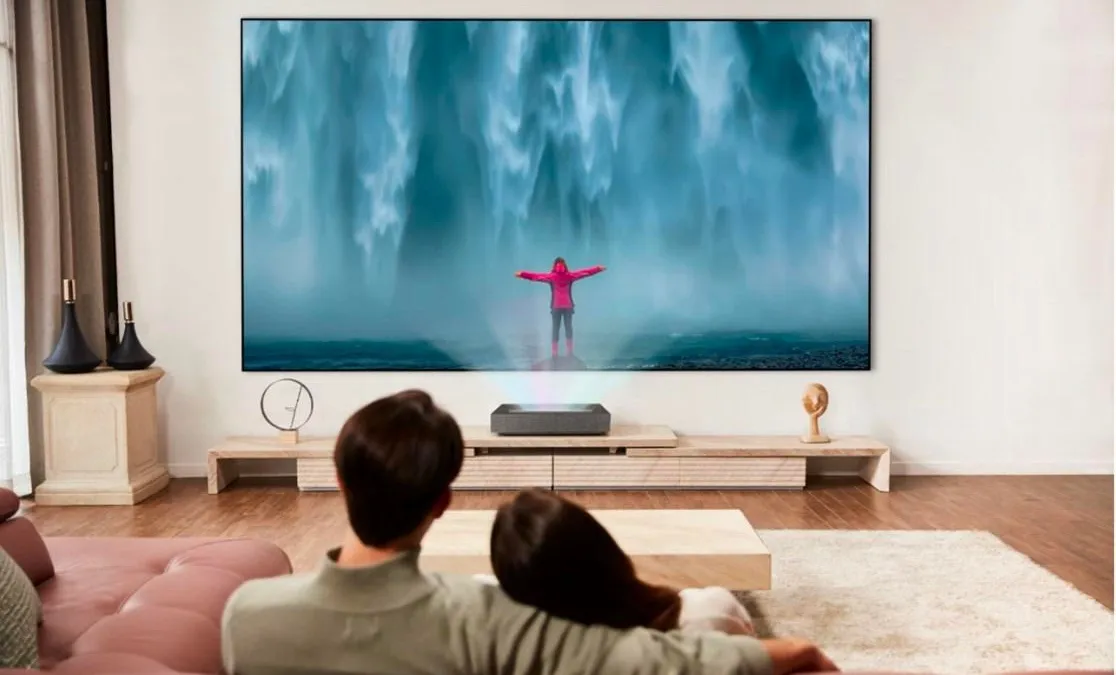
Brightness is measured in lumens, and it can be an important metric — it determines whether your projector will actually produce a visible, vibrant image in your specific environment.
That said, it's worth considering the brightness specs being marketed.
Projector brightness is usually quoted in lumens, but there's a difference between ANSI lumens and simple "LED lumens" or just "lumens." For the most part "LED lumens" can be divided by 2.4 to be comparable to ANSI lumens.
For completely dark rooms, like a dedicated home theater, 1,500 to 2,000 ANSI lumens is typically enough. Rooms with moderate ambient light need 2,000 to 3,000 ANSI lumens. And if you're dealing with significant ambient light — a conference room with windows, or outdoor daytime viewing — you'll want 3,500 ANSI lumens or more to overcome competing light sources.
How important is the contrast ratio?
Contrast ratio might matter even more on projectors than it does on TVs, making it a critical spec for anyone who cares about image quality. It measures the difference between the brightest whites and darkest blacks a projector can produce. Higher contrast ratios means there's more of a difference between the deepest blacks and brightest whites.
At minimum, look for a 3,000:1 contrast ratio.
At minimum, look for a 3,000:1 contrast ratio. If you're serious about home theater, aim for 10,000:1 or better for truly cinema-quality images. The impact is most noticeable in dark scenes and in completely darkened rooms — poor contrast makes shadows look gray and washed out instead of actually black.
How does throw distance impact screen size?
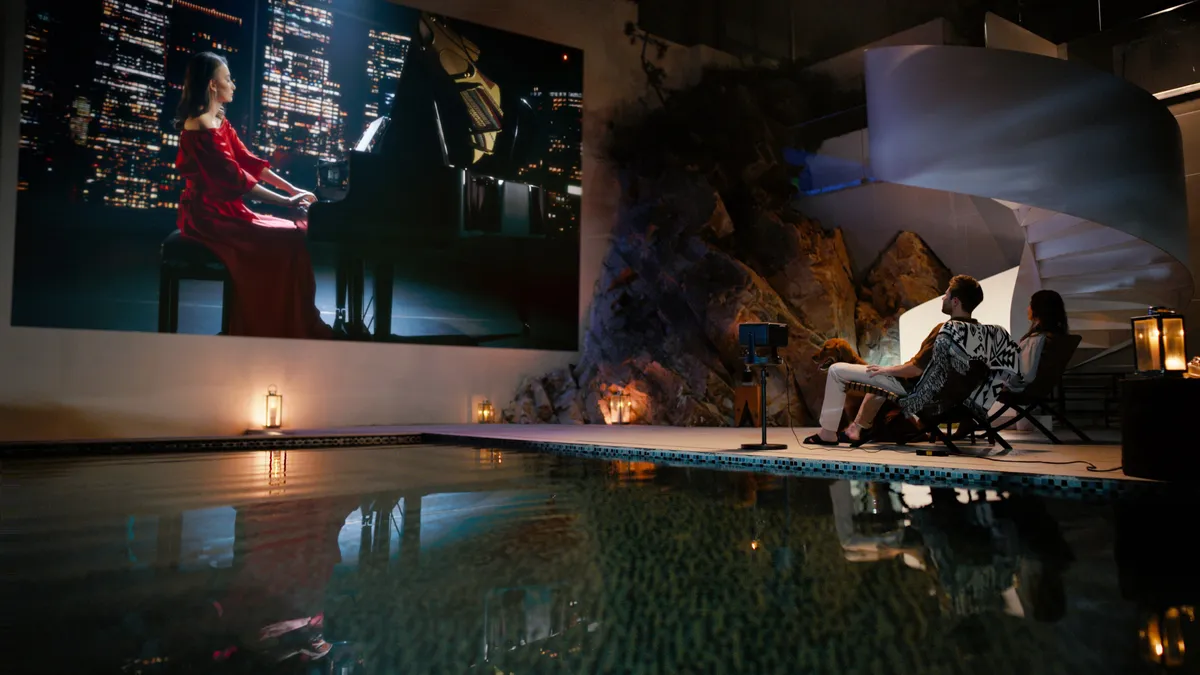
Your room size and how big you want your screen to be will determine which throw ratio works for your space. This relationship between projection distance and image size is fundamental to getting your installation right.
Short-throw projectors can create large images from relatively close distances, making them ideal for smaller rooms. Ultra-short-throw models can sit just inches from your wall, but they require precise placement and often work best with specialized Ambient Light Rejecting (ALR) screens.
Standard throw projectors offer more placement flexibility and are generally more forgiving during setup, making them better for larger spaces where you can mount the projector farther from the screen.
What kind of connections do you need?
Making sure your projector has the right connections for your devices is important — both for hassle-free setup now and compatibility with future equipment.
Before buying, make sure the projector has the specific inputs you need for your current devices, whether that's laptops, gaming consoles, streaming boxes, or something else.
Most modern projectors include at least one HDMI port, but the number and types of connections vary a lot between models. Check for USB ports if you want to plug in storage devices directly, and consider wireless connectivity too.
Do you want built-in streaming services?

Some modern projectors have a smart operating system (like Google TV) built right into them to help you more easily watch content. It's worth double-checking that your projector will support Netflix though if streaming is important to you.
Keep in mind, however, that not all projectors work with Netflix even if they have Google TV built in because they haven't been licensed to do so. Netflix enforces strict DRM rules and this has become enough of an issue to where many projectors will market their ability to specifically run Netflix.
What are keystone correction and lens shift?
A few extra features can make a big difference in how easy your projector is to install and use. Keystone correction digitally adjusts the image to create a proper rectangle even when the projector is angled relative to the screen, though it can slightly reduce image quality. Lens shift is the premium alternative — it physically moves the projection lens to adjust the image position without any digital manipulation, preserving full image quality.
These features are especially useful when your mounting options are limited or the projector has to sit off-center. They add cost, but for permanent installations, the ability to get a perfectly aligned image from less-than-ideal positions is often worth it.
Should you buy a soundbar or extra speakers?
Projectors typically have built-in speakers, but their audio quality is usually a significant step down from their visual performance. Integrated projector speakers tend to be quiet, have minimal bass, and lack dynamic range — they're just too small and poorly positioned to do much better.
The short answer is that, for presentations with basic voice audio, built-in speakers might be fine. But for anything immersive you'll want external audio.
Budget for a dedicated sound system or at least a decent soundbar to go with your projector. Some newer models offer Bluetooth audio output, which lets you connect external speakers without running extra cables.
Which projector should I buy?
Finding the right projector means balancing technical specs with practical constraints, including your budget. By focusing on the specifications that actually matter for your specific use case, you can make a smarter decision.
Beyond the specs themselves, consider the manufacturer's reputation for reliability and customer support — especially when it comes to replacement lamps and warranty service.
Finally, read reviews that focus on long-term performance, since some issues only show up after extended use. With some careful research and the factors outlined above in mind, you can find a projector that performs well for your needs without spending extra on features you'll never use.
Not sure where to start? Check out our top three favorite projectors: the Hisense C2 Ultra, JMGO N1 Ultra and LG CineBeam Q.

Follow Tom's Guide on Google News and add us as a preferred source to get our up-to-date news, analysis, and reviews in your feeds.
More from Tom's Guide