The stage is set for Tim Cook's final big event as Apple CEO, and to millions of Apple users like me, there's a lot on the line at WWDC 2026. We've seen Apple start to trail in Artificial Intelligence to the likes of Google and Anthropic, and the promised Siri 2.0 has yet to appear.
Apple has many different platforms that serve all kinds of users. As such, some of today's announcements will be more relevant to you than others. I, like many people, decided not to purchase a $3,500 Vision Pro, so I don't worry too much about any new visionOS features. But I use my iPhone, iPad and Apple Watch a lot. So I'll be waiting to see what's unveiled for those products.
Finally, I do want to see Apple step up its game with Siri. I currently use Siri for all the basic tasks: setting reminders, responding to a message or playing some music. But if I have a particular query that I want to deep-dive on, I'm going straight to Gemini or ChatGPT.
All that being said, here are three key things I'm expecting — and most excited to see — at today's event.
iOS 27's AI photo editing tools

I have a mirrorless camera, but 90% of the photos I take are with my phone. And since a lot of the time I'm using an iPhone, Apple's camera app does a lot of the heavy lifting. So when I saw the rumor Apple will be adding Pro controls to the iPhone camera app, I caught myself nodding along, thinking: Yes, this is a good idea.
It's been suggested that iPhone photographers can switch from the simple camera controls to an advanced version that unlocks more customization around depth-of-field and exposure. Sometimes, I deliberately want to make a shot look lighter or darker — such as when shooting listing pictures for eBay to give a more true-to-life look.
Other improvements are reportedly new controls for timer and photo styles, better grid and leveling options, and a repositioned toggle for seeing all the new controls at a glance. It's also been leaked that we'll be seeing new AI editing tools called Extend, Enhance and Reframe for photos once they're taken, and I'm looking forward to trying them.
Apple Health Upgrades
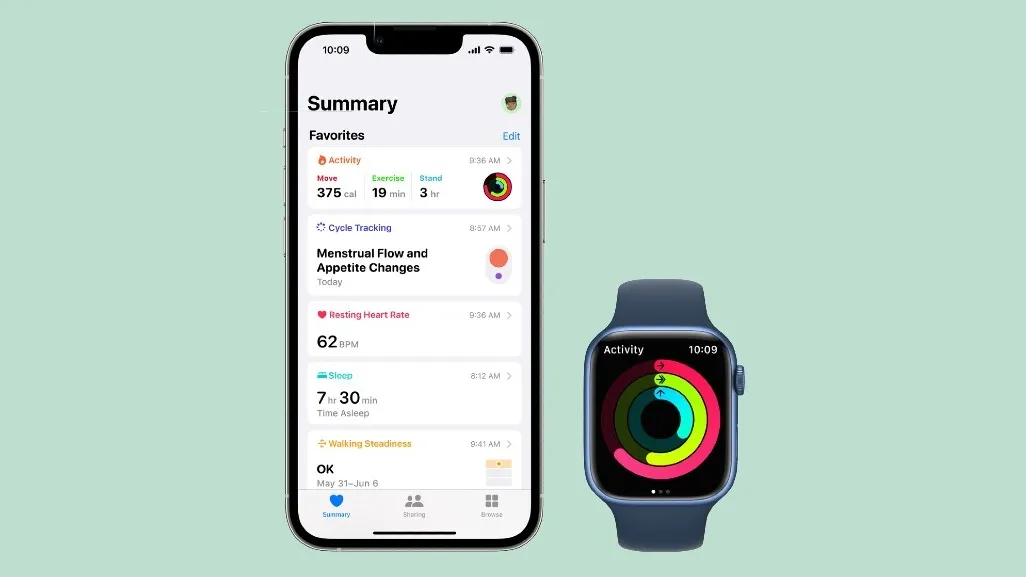
For the last few years, I've been using an Apple Watch as my go-to health tracker. I chose Apple after finally ditching Fitbit. But the latter has come surging back with the new Fitbit Air and a Google Health coach that my colleagues on the fitness desk say is actually very good.
Well, the word is that Apple is planning something similar with a new Apple Health Plus service, combining health and fitness with AI personalization. Details are thin right now, but I want to see a service that'll crunch all the data on my Apple Watch and give recommendations on sleep, activity and perhaps how much I can push myself for my next event.
Google's AI Coach can answer questions about your fitness data and make adjustments to your routine with natural language interactions and — when necessary — give a little motivational encouragement. I'd like to see the same from Apple.
AI Extensions
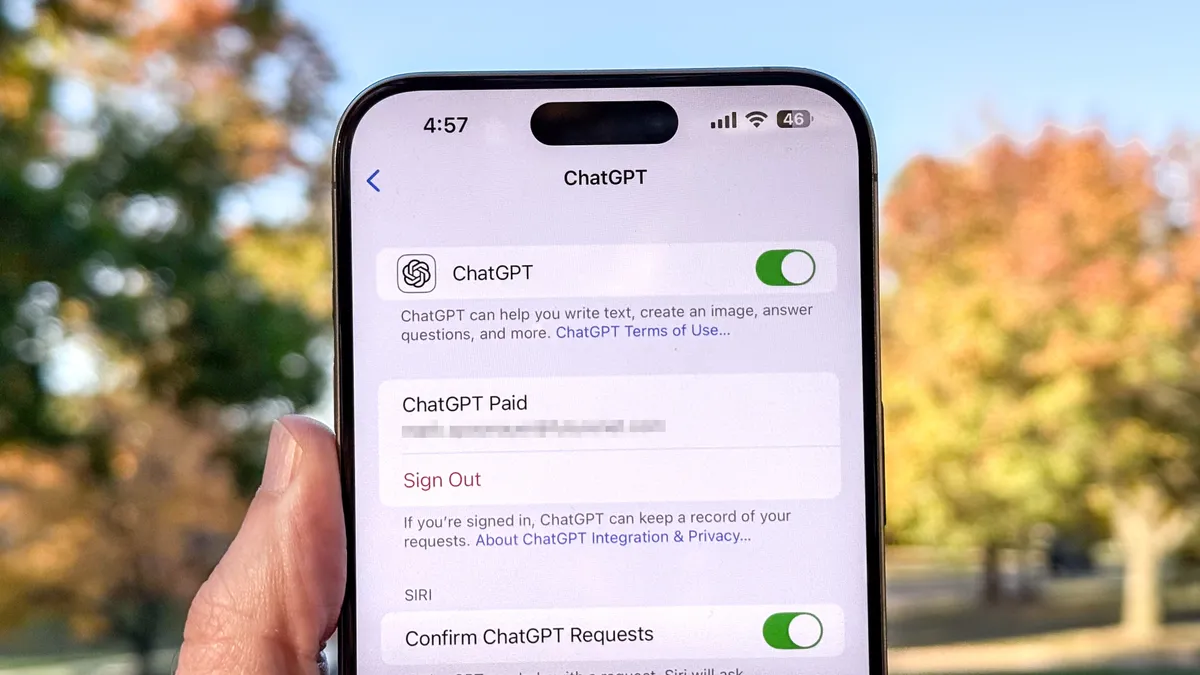
We know Apple is going to lean on Gemini to power Siri, but that's not the only concession the company seems to be making to AI rivals. Certain Apple Intelligence features, like Writing Tools or Image Playground, support ChatGPT, but Apple seems set to go even further by opening iOS 27 to other third-party chatbots.
A new feature called Extensions will let you install other AI chatbots from the App Store and link them to Siri and iOS 27's various tools and apps. So if you want to specifically use Google's Nano Banana to generate images, you can do so.
According to Bloomberg's Mark Gurman, once you've set up your Extensions, you'll need to specify which AI tool you want to use when prompting Siri. My hope is that, through your iPhone, Siri can effectively become a funnel through which you can manage all your AI requests. So while I may use Gemini in a professional context because the office runs on Google Docs, when I'm dealing with family matters that necessitate using Office 365, I can also prompt Copilot via Siri to deal with that.
It feels a bit like what Apple tries to do with Apple TV by putting the best streaming services, including its own, under one umbrella. If you take the time to do the initial setup and calibration, it can be a much simpler and easier existence.
Bottom line

This WWDC is likely to be about one thing above all else: AI. That should hardly come as a surprise, especially after the AI onslaughts of Google I/O and Microsoft Build we've already experienced. But Apple has a lot of ground to make up here. It seems like (in a very un-Apple way) the company is going to rely on the likes of ChatGPT and Gemini to help it get where it needs to go.
But, as with any technology, it needs to work for and ultimately benefit the user. It's no good to just include AI for AI's sake. I hope that, as Tim Cook walks off the stage for perhaps the last time, he leaves us with a positive sense of how AI will make our devices more useful. As opposed to empty features we'll never really want or need.

Follow Tom's Guide on Google News and add us as a preferred source to get our up-to-date news, analysis, and reviews in your feeds. Alternatively, you can read our content on the Tom's Guide app available now for iOS and Android. Subscribe to Tom's Guide on YouTube and follow us on TikTok. Finally, you can visit our dedicated Tom's Guide Savings Squad hub for expert help on getting the best products for less.
More from Tom's Guide
- I lived in the Viture Beast for 10,000 miles, and it just ruined other AR glasses for me
- I flew over 10,000 miles with Asus ROG Xreal R1 smart glasses — here are 2 things I love about them (and 3 I don’t)
- I tested Google’s “Intelligent Eyewear,” and found the smart glasses that will defeat Ray-Ban Meta