





Tom's Guide Verdict
Simply put, the Viture Beast are the best AR glasses that money can buy right now — bringing a seriously sharp, vivid picture quality with a buttery smooth refresh rate, a ton of versatility, and a comfortable, premium design. Xreal is way to go for productivity, but for the right balance of gaming, streaming and everything else, these are your new all-rounders.
Pros
- +
Bright, sharp Micro-OLEDs with a vivid color science
- +
120Hz refresh rate
- +
Effective Electrochromic film
- +
Massive field of view
- +
Subtle stylings to not stand out
Cons
- -
Some slight chromatic aberration around the edges
- -
Limited settings compared to Xreal
- -
Not as color-accurate for work as Xreal
Why you can trust Tom's Guide Our writers and editors spend hours analyzing and reviewing products, services, and apps to help find what's best for you. Find out more about how we test, analyze, and rate.
It’s been a bumpy ride for the Viture Beast since I started testing them a few months ago. But after some firmware updates, they are now the best AR glasses that money can buy. Yes, there’s a premium cost compared to the cheaper likes of the RayNeo Air 4 Pro, but for $549, you’re getting the cream of the crop.
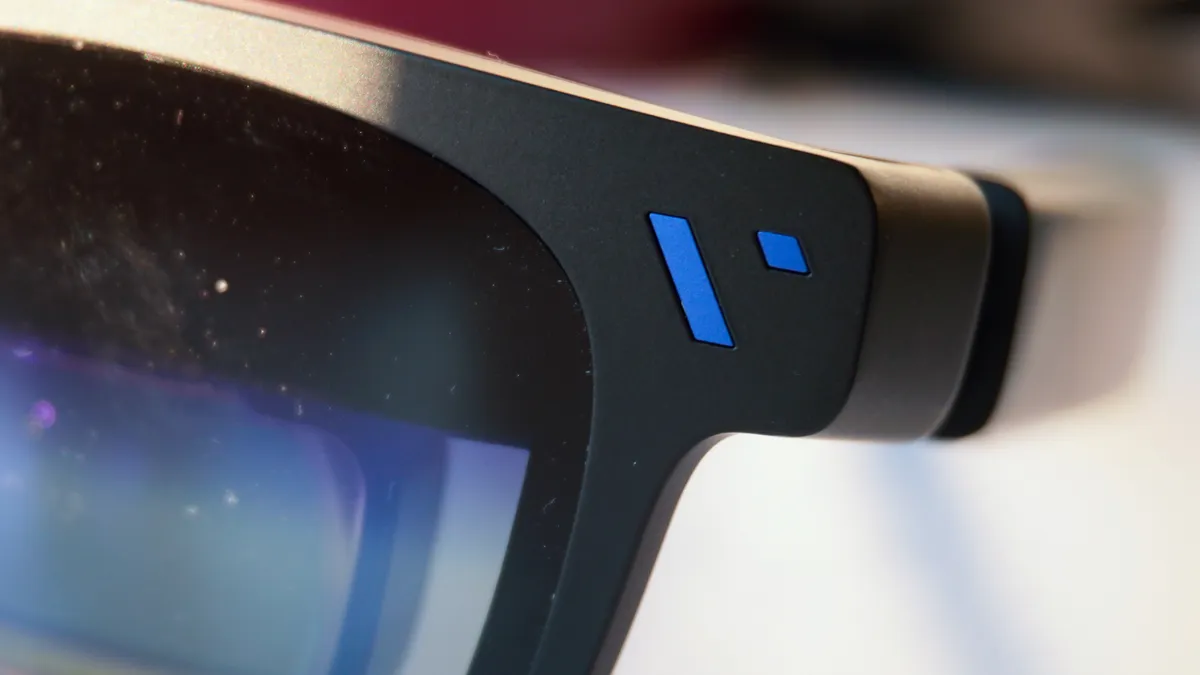
It all starts with a solid, premium build quality with weight distributed evenly to feel comfortable on your face for hours on end. But it’s what’s happening inside that matters — an impressively sharp 1200p picture per eye via Sony’s latest Micro OLED tech, tuned with Viture’s color science (that you have the versatility to tweak to your liking), a 120Hz refresh rate, rigid head tracking and the widest field of view in the market right now at 58 degrees.
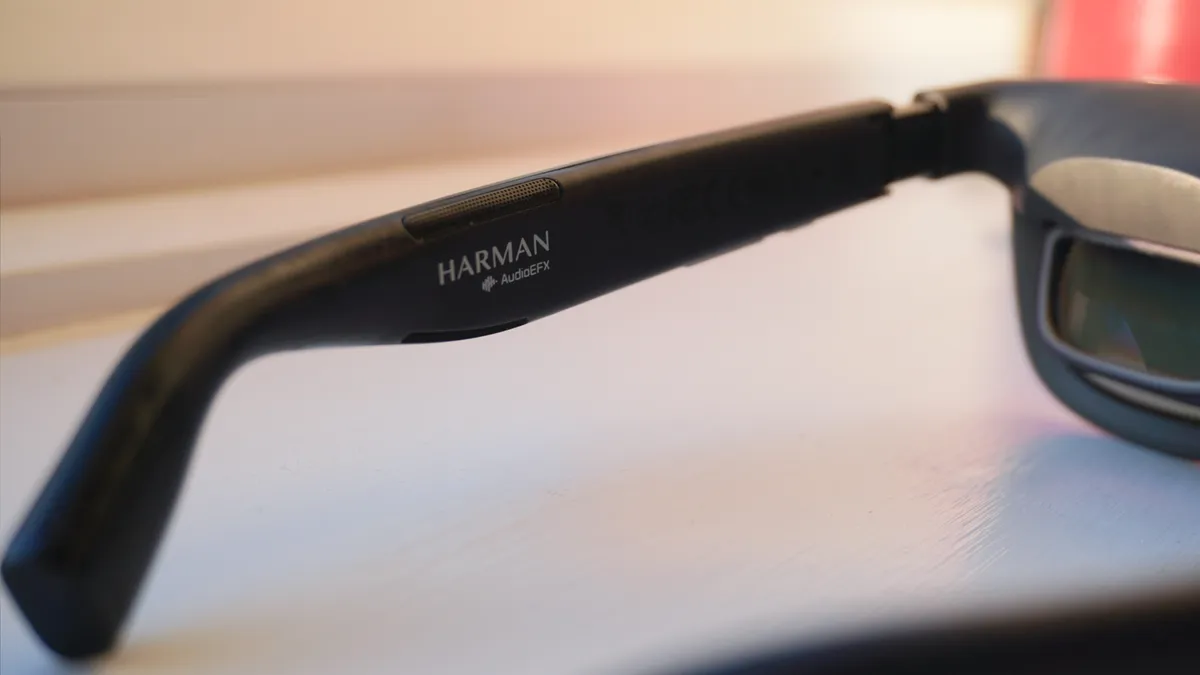
The Harman-tuned speakers produce decent spatial audio for the tiny speakers (though headphones are a must on transport), and the on-device settings and features have expanded too, with an ultra-wide monitor option, color options and nine levels of electrochromic tinting of the lenses.
When the SpaceWalker app is involved, things get very interesting with multiple monitor layouts on a laptop, 6DoF tracking and a spatial UI when using your phone, alongside real-time 2D to 3D conversion. Granted, this doesn’t happen on-device like you get with the Xreal 1S and One Pro, and it does throw up some proprietary hoops for you — like having to use the SpaceWalker browser on your iPhone for the 3D content.
But from the out-the-box experience with no apps giving you the best picture quality I’ve seen and on-device tweaks aplenty, to the software suite providing much more on top, there’s a new pair on the throne. Just make sure you update the firmware before you use them.
Viture Beast: Cheat Sheet
- What is it? These are a pair of AR glasses. Viture refers to them as XR glasses — a capability largely enabled through software. But think of them as a portable monitor directly in front of your eyes.
- Who is it for? Perfect for people who travel a lot, but also for those who want a big screen experience wherever they are.
- How much does it cost? You can pick up a pair for $549.
- What is it like to use them? That 1200p picture is a colorful stunner with a fast refresh rate, the glasses are really comfortable to wear, and they’re impressively feature-packed too.
- Any problems? Some of these features require additional software to get, and there is a small amount of edge-fringing of the picture (given its massive field of view).
Viture Beast: Specs
Display |
Sony Micro-OLED, 174-inch virtual screen with 1200p resolution, up to 1250 nits of perceived brightness, up to 120Hz refresh rate, 58-degree field of view |
Audio |
Dual speakers tuned by Harman |
Price |
$549 |
Dimensions (when open) |
5.8 x 6.8 x 1.8 inches |
Weight |
3 ounces |
Viture Beast: The ups
From creating a personal workstation on long haul flights to being the best cinema screen in my bed, I’ve put these through a whole lot of intense tests, and they nailed it.
Comfortable, subtle design
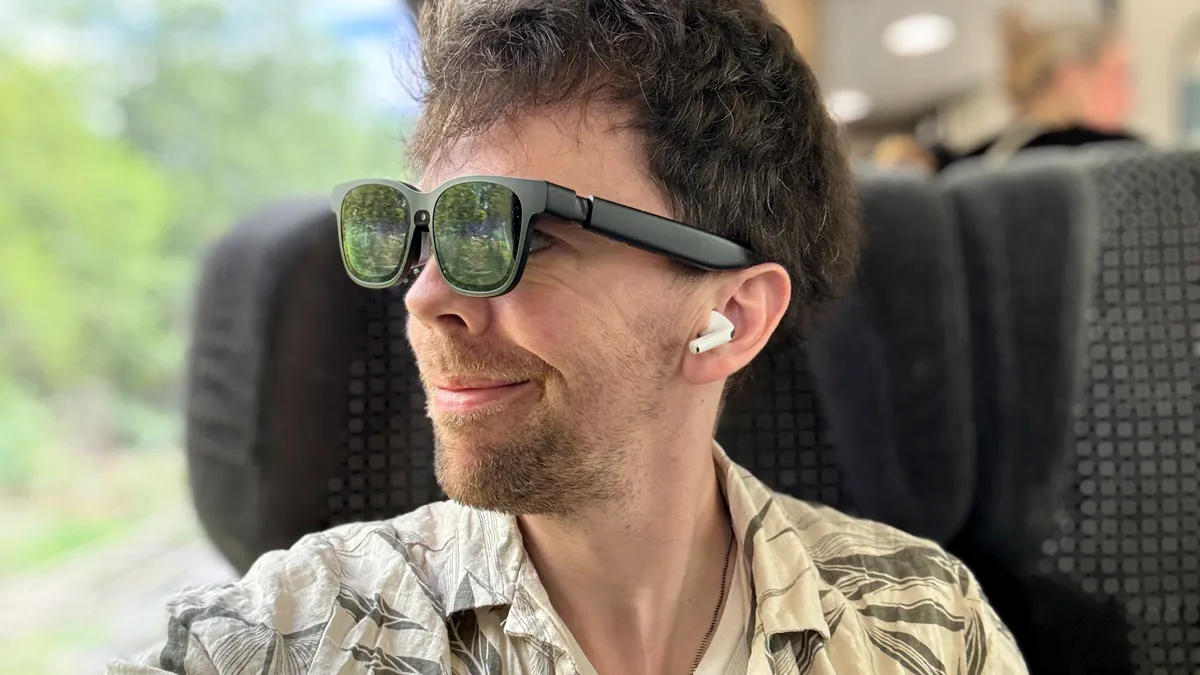
There’s a significant amount of tech in here, and two chunky pieces of glass on the lenses, but still, Viture’s made the Beast nicely subtle in design and impressively comfortable to wear. To clarify, I don’t mean “subtle” as in you can go walking around in public wearing them — that’s never what I mean! But the Wayfarer-esque aesthetic does mean people don’t give you a double-take on public transport.
The weight of those optics are nicely offset by some comfortable, rounded stems that sit nicely on the bridge of your ears, and the picture coming through the screens is sensibly shown slightly lower than other glasses I’ve tried, which means you’re wearing them at a far better spot on your nose.
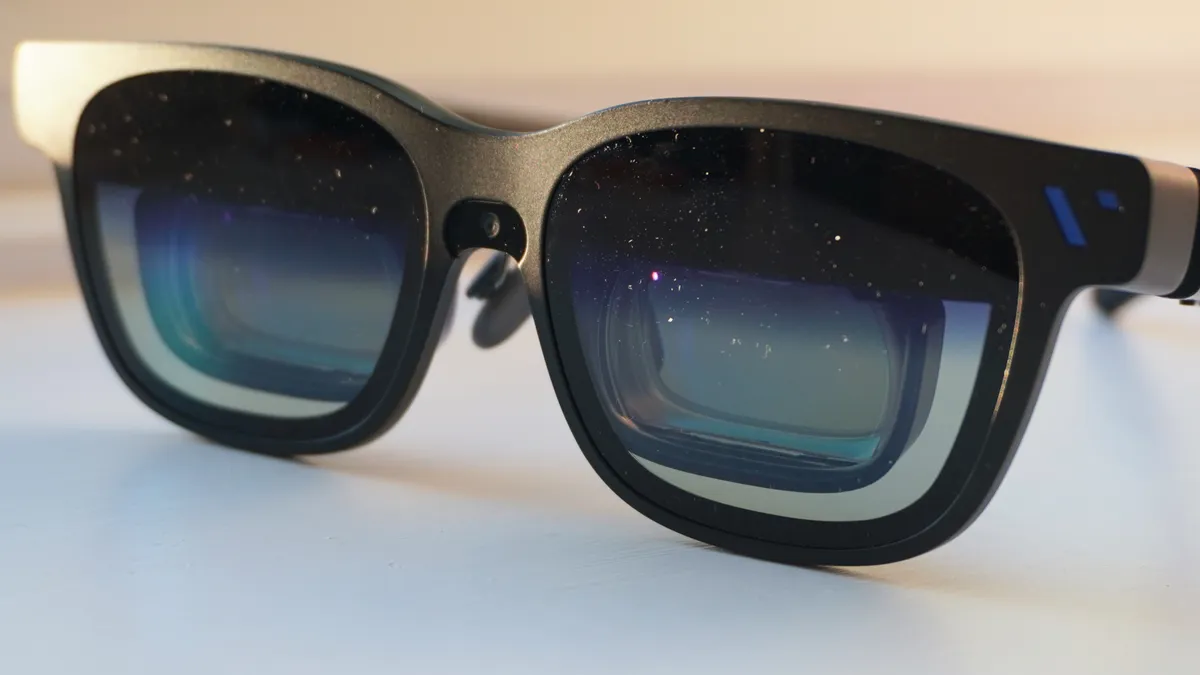
Frustratingly for some of you reading this, the upgraded display tech does come with a removal of those myopia dials — leading to a prescription lens replacement for them, and a greater requirement to get the right size for you, based on interpupillary distance (IPD). Word to the wise: download EyeMeasure to make sure you get the right size for you.
Amazing visuals
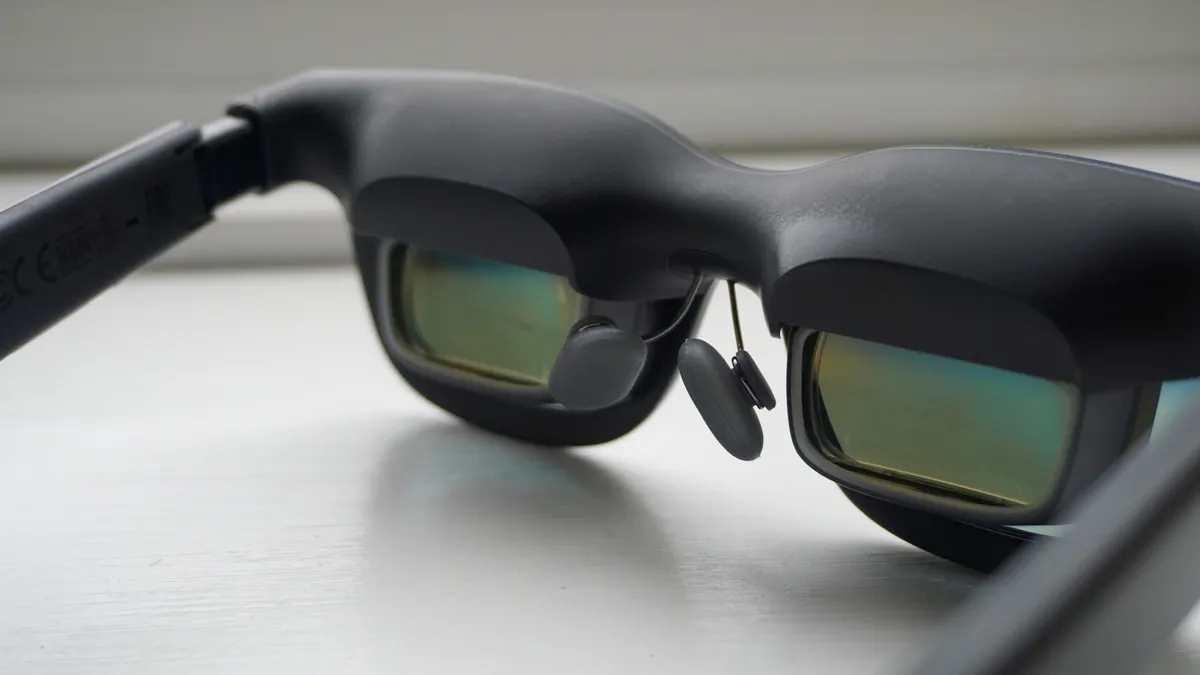
Viture has always been the picture quality specialist with birdbath optics (take a look at the Luma Pro for example), but the switch to the flatter prism has elevated their approach to clarity and color to a different level.
A 1200p picture provides a little more verticality than its competition (a 16:10 aspect ratio), and finer details are super sharp in your vision. Viture calls this “4K like,” which I think is a little bit of a weird marketing term, but ultimately, you won’t find anything quite as crispy as this — without any significant glare or reflections crushing that deep contrast ratio.
But it goes deeper, with a higher 1,250 nits peak brightness for easy visibility in even direct light, and (as has been the case in the Viture vs Xreal debate) supreme color science for your entertainment needs. Throw in a 120Hz refresh rate, and whether I’m gaming on my Steam Deck, binging on my iPhone or locking in on my MacBook, these are stellar across the board.
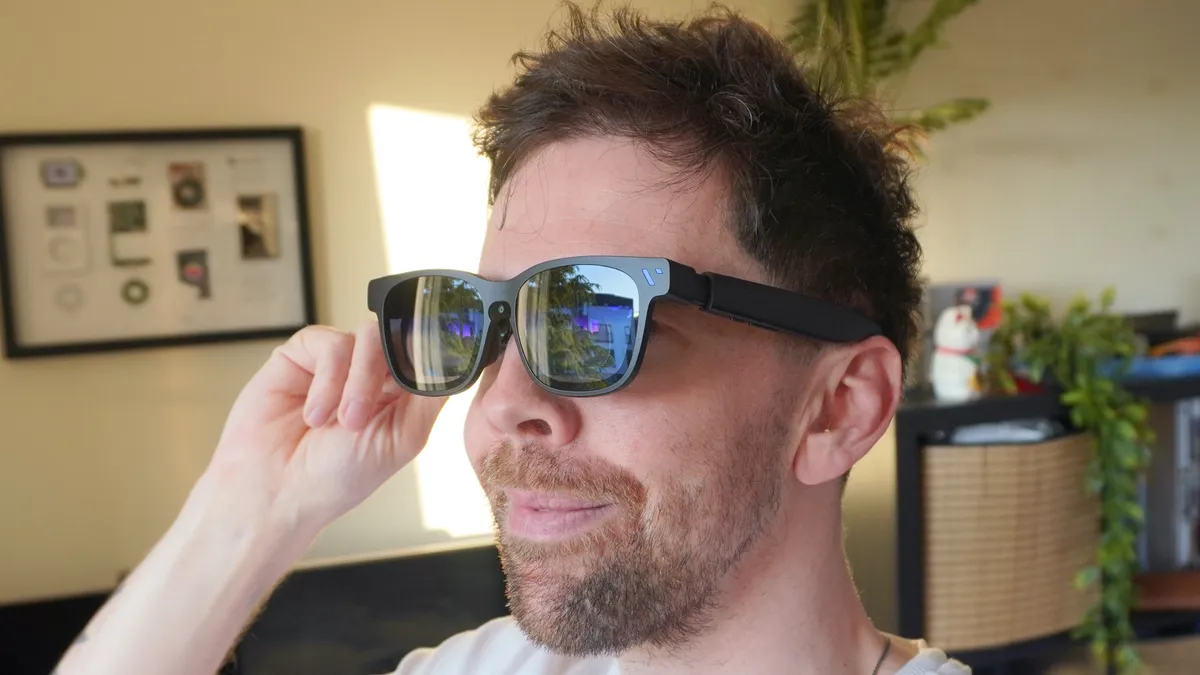
Plus, that wider field of view presents a good, wide array of your on-screen content. In comparison to the One Pro’s 57-degrees, the difference of going up to 58 is barely noticeable, but still a good step in the right direction.
However, the underrated wins here are the VisionPair 3DoF (and 6DoF with the SpaceWalker app), keeping the frame locked in front of me even in my toughest test of airplane travel, and the SGS A+ Eye Care Certification for low visual fatigue.
The latter assured I could comfortably wear these without any real fatigue for an entire 8-hour flight. For what is a giant screen right in front of your eyeballs, that’s significant.
Plenty of versatility and customization
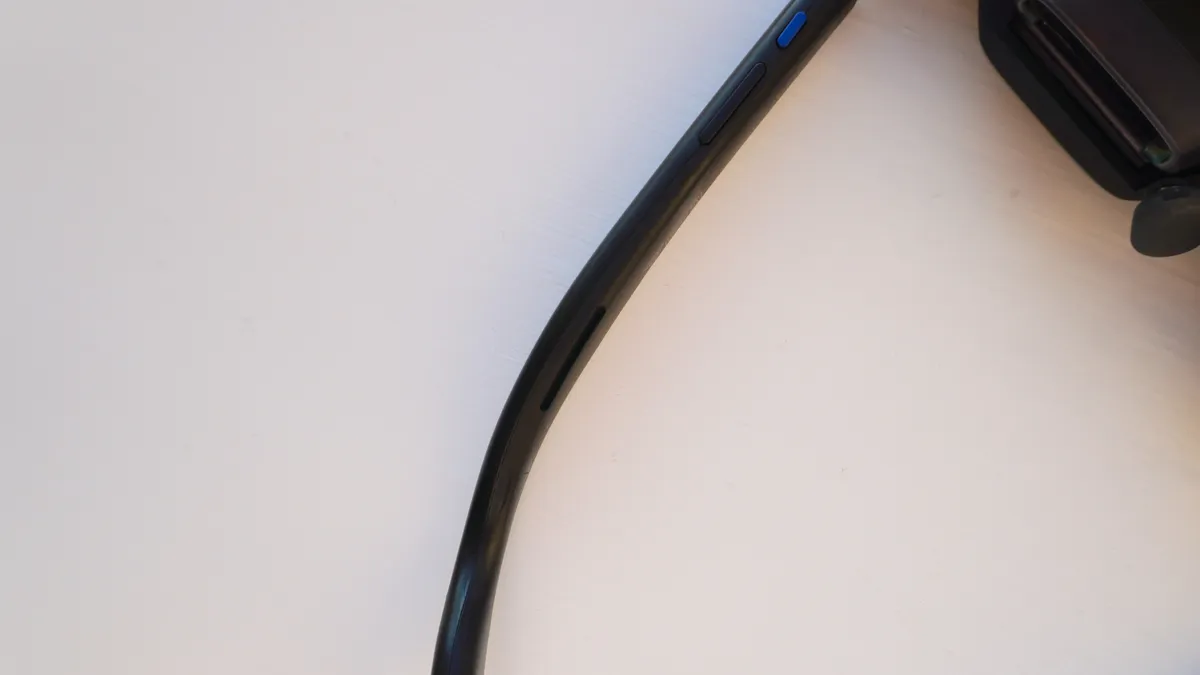
There’s a lot of buttons on here, so there is a bit of a learning curve as you understand the settings available to tweak with the variety of presses, double presses and holds. But once you figure it out, you can tune these to be just right for just about every use case.
You can either use certain shortcuts to turn on the 32:9 ultrawide monitor, the SBS 3D mode (specific to 3D-formatted films and TV shows), alter the screen distance, size and color. Or you can do all this through the OSD settings too.
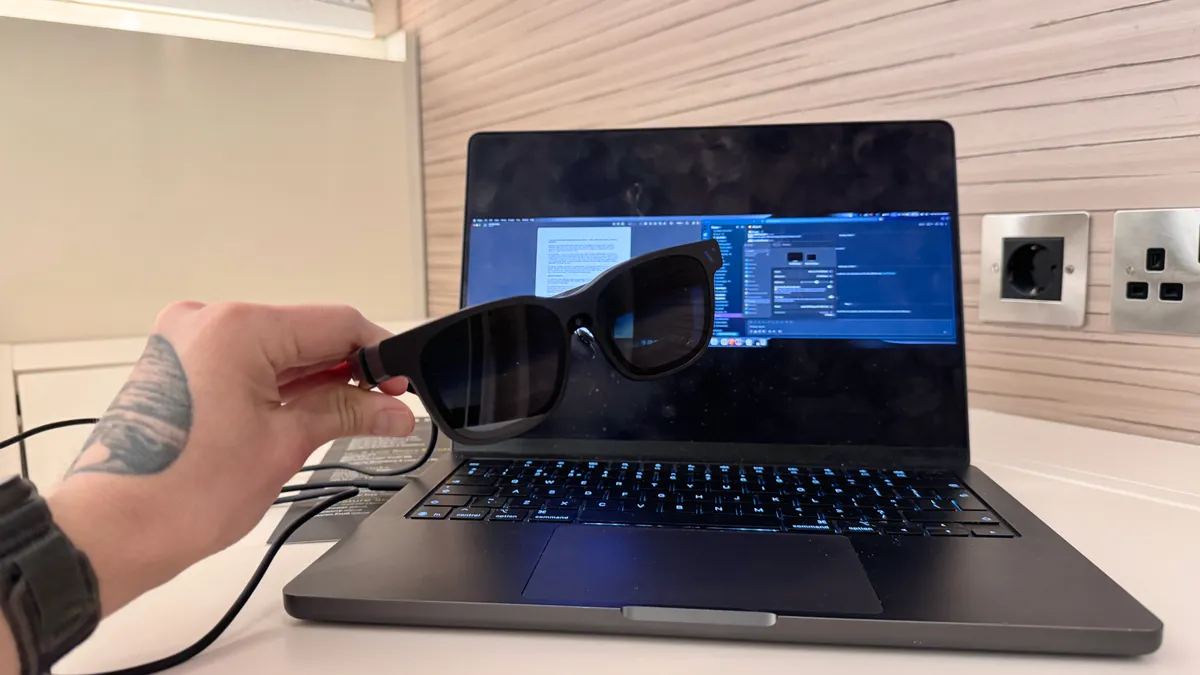
Then there’s the SpaceWalker app which fills in the rest of the gaps through software with no noticeable latency — such as giving you a range of multi-screen setups, real-time 2D to 3D content conversion, and an XR-based spatial experience when using it with your phone.
Oh, and shoutout to some of the real nice user-friendly features like adjusting the electrochromic tint as you move your head, and the spatial audio. Don’t get me wrong, it’s still too quiet for anywhere outside of a quiet room, but sound is nicely detailed with minimal distortion. Stick to earbuds, though, for the best experience.
Viture Beast: The downs
But that’s not to say they’re completely perfect. There are a couple of frustrations here worth pointing out, which being honest, will fade into the background as you use them.
Some edge fringes
How wide is too wide for a field of view? It’s a question that the AR glasses with its developing optics is finding the answer to. And it’s looking like in these current flatter prisms, we’re starting to see the limits as there is some blurring and chromatic aberrations around the far edges.
These are also present in the One Pros, but with the increased color of the Beasts, it’s a little more present here, and I find myself either reducing the screen size or increasing the virtual distance of the panel to workaround it.
It’s something that you get used to over time, just like in the Xreals, but something worth noting if complete clarity even in your slight peripheral vision is a requirement.
The Xreal differences
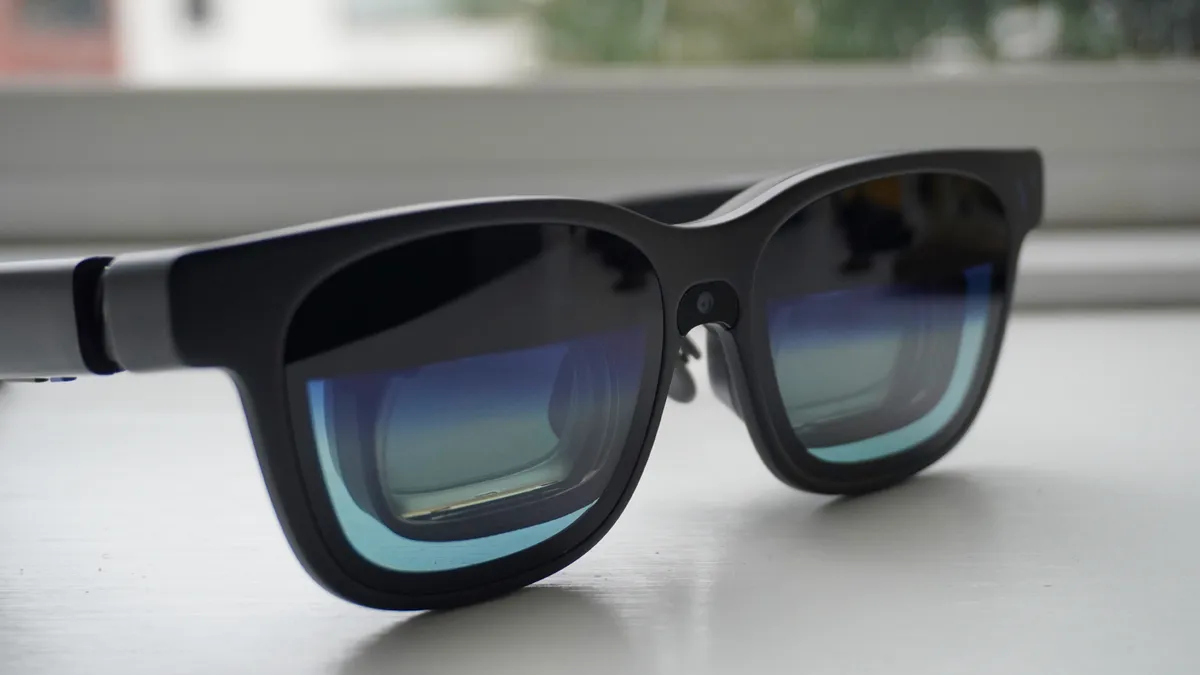
I already went into this in my face-off between the Xreal One Pro and Viture Beast, but just to summarize quickly the things that would move you towards Xreal glasses:
- Better color accuracy: Don’t get me wrong, I love the vividity of the Viture Beast, and there are levels of color customization to cool the shades to become more accurate. But the flatter tones that Xreal chooses does make them more true-to-life for any creative work you’re doing. So if productivity is your sole purpose, Xreal’s the way to go, but I think most of you will want to do more.
- The X1 chip: There is silicon inside the Viture Beast, but the X1 chip in Xreal glasses are able to do a little more on-device compared to Viture’s specs. For example, for the real-time 2D to 3D conversion, you need an app for the Beast whereas the chip does it all on the One pros. Not a massive dealbreaker, but worth noting if 3D is more than a gimmick for you.
What matters to you between these two is going to come down a lot to individual taste. Personally, after using both for months, I think the Viture Beast offers a similar (and in some situations, better) experience for $50 less. But if either of the above are crucial to you, then you’ll see things differently.
Viture Beast: Verdict
I had a review of these originally written back in January, but opted to simply say the Viture Beast were not ready for primetime. Oh what a few extra months in the oven have done for these — the best AR specs you can buy right now.
The fidelity is better, the anchoring is better, the color is better, and the feature set is better than anything else you can buy right now. It does fall victim to the same physics as the Xreal One Pro with some slight edge blurriness, but being sharper, smoother and more vivid does overcome this.
I hope this is a teachable moment for Viture to only unleash beasts when they’re ready for the spotlight.

