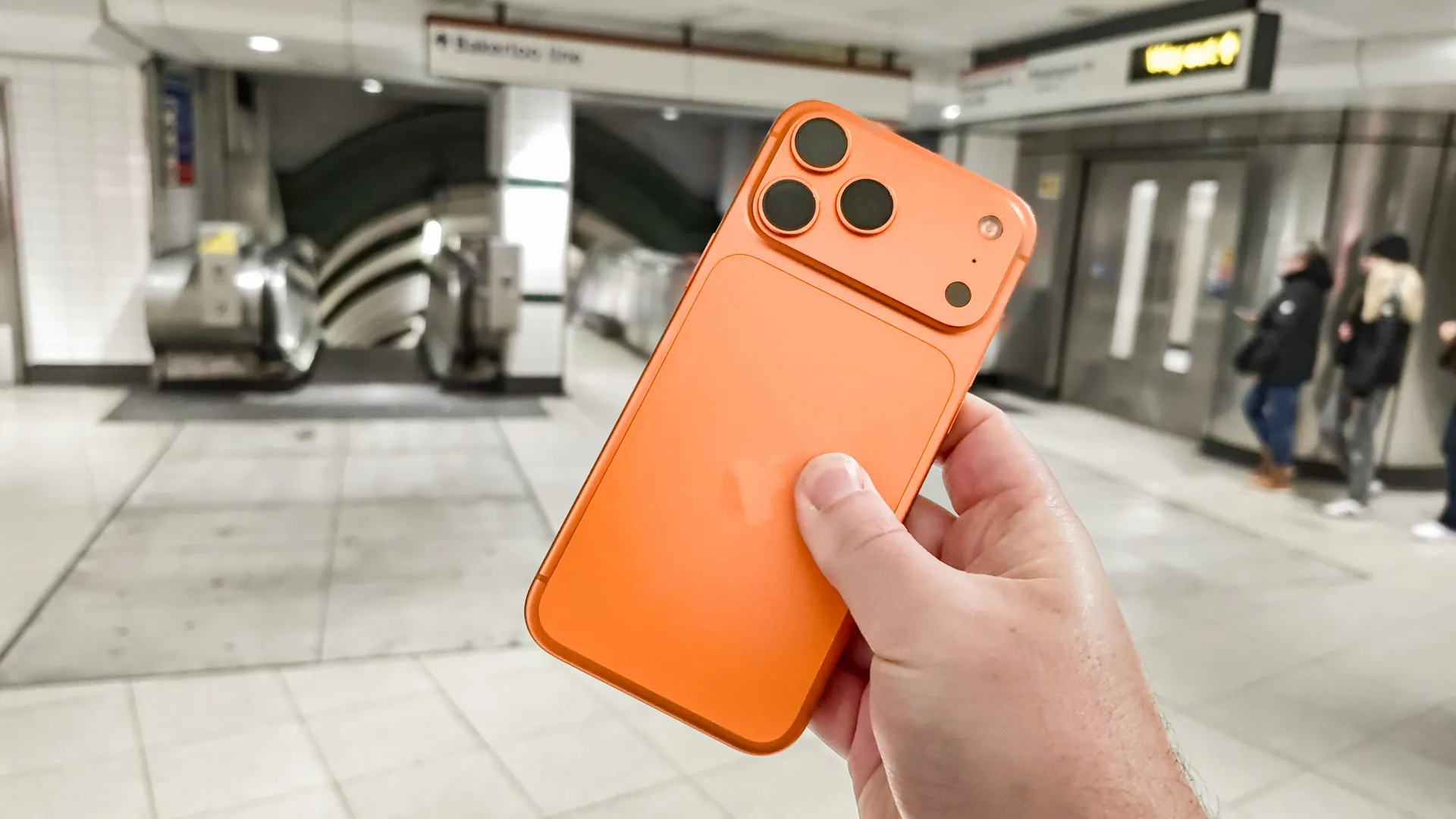
Buying a new iPhone 17 Pro Max is only part of the equation. The shiny new device can do a lot once it's finally out of the box and in your hands, but it doesn't change the fact that your experience can still be improved with a few add-ons.
There are countless accessories out there that you can buy to enhance the entire iPhone experience — whether you're picking up an iPhone 17, the larger 17 Pro Max or waiting for the foldable iPhone Ultra. The prospect of spending even more money after dropping at least $1,200 on a brand new phone may not sounds appealing, but trust me, you will be much happier than without — and you don't need to spend a fortune on them either.
Here are 5 accessories that helped improve my iPhone 17 Pro Max that all cost less than $50.
Easy-application screen protector

I used to hate applying screen protectors to my phone, because the whole process was so finicky and I'd inevitably get something wrong. I'd always end up with dust or bubbles under the screen, or screw up the alignment so much that I needed a fresh protector.
And these were the days when screens weren't nearly as durable as they are today. But even with the stronger display glass of the modern day smartphone, screens are still vulnerable to scratches and more serious kinds of damage. The good news is that screen protectors have adapted, and the process of applying them is easier than ever and almost completely pain-free.
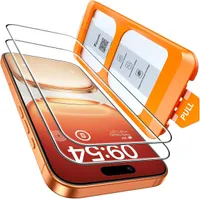
Most screen protectors now come with some kind of application tool, but my personal favorites employ a pull-tab. Not only does this ensure perfect alignment with your phone, the fact that the sticky underside of the protector is only exposed to the air for a split-second minimizes the risk of foreign particles getting between it and the screen.
Just remember to clean the screen correctly first. Nothing can account for the fact you left smudges and dust all over your screen before applying the protective layer
While you're at it, make sure to pick up a case for your phone. The iPhone 17 Pro Max is notorious for taking taking damage, as I found out first hand not too long ago.
MagSafe PopSocket

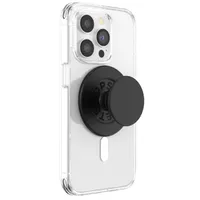
The PopSocket is easily my favorite phone accessory, especially since the modern designs are compatible with Apple's MagSafe.
PopSocket grips make it so much easier to keep hold of your phone and access all corners of the screen one-handed — which is essential for a phone as big as the 17 Pro Max. I've always felt that they ensure a much sturdier grip of my phone too. This stops the phone taking as many unnecessary tumbles and potentially makes it harder for thieves to snatch it out of my hands.
A PopSocket also functions as a handy stand in certain situations, while the magnetic connection ensures the mount has a strong grip on your phone — all without compromising your ability to take it off later.
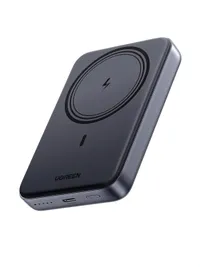
UGREEN 10,000 mAh Magnetic Power Bank

Apple's MagSafe connection has opened the door for a whole new range of iPhone accessories, all of which take advantage of the magnetic ring hidden in the back of every modern iPhone.
It also means that portable battery packs now include wireless charging. The magnets ensure the battery securely snaps onto the back of your iPhone, and ensures the charging session continues regardless of how much your phone might move.
There are a lot of possible options to choose from, but my personal favorite is the Ugreen Magnetic Power Bank, which offers 10,000 mAh of power and 20W charging speeds. It's not quite enough to recharge your iPhone 17 Pro Max twice, but it'll get you pretty close — and quickly. All without any wires getting in your way.
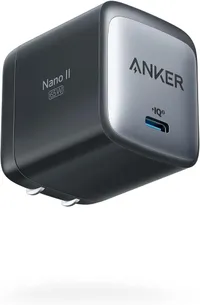
Anker Nano II GaN 65W charger

Apple doesn't sell phones with charging bricks anymore, which means you need to go out and buy one for yourself. But the good news is that there are affordable options that are far better than anything Apple would freely give away, like this compact 67W charger from Anker.
The Anker Nano II compact charger measures just 1.65 x 1.65 x 1.42 inches and weighs 5.28 ounces. Which is pretty darn small, and is aided by the fact the connection pins fold away for easy storage. In fact I'm pretty envious of this particular design, because electric plugs here in the U.K. have to be way bigger than those across the Atlantic.
Despite the small size, the charger packs a lot of power, thanks to the Gallium Nitride (GaN) semiconductor inside. GaN chargers can handle higher voltages and produce less heat — allowing chargers to be smaller and lighter than they used to be.
Plus, not only is the 65W charging limit enough to charge your iPhone 17 Pro Max at the fastest possible speeds, it's also enough to power other devices — including iPads and MacBooks.
Belkin 2-in-1 Qi2 Foldable Stand

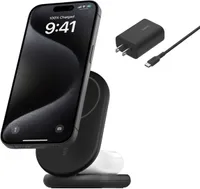
If you need a stand that does more than simply prop up your phone, then I can personally recommend Belkin's foldable 2-in-1 Qi2 wireless charging stand. This stand is compatible with MagSafe and offers up to 15W charging speeds for your iPhone. The magnetic connection also means you can secure your phone in any position you like, including the horizontal view that activates StandBy Mode.
This particular Belkin stand only charges at 15W, which is lower than the 25W speeds the iPhone 17 Pro Max can handle. However it also comes with a charging pad for compatible AirPods, which enables you to charge both devices at the same time.
Plus, since this is Qi2, rather than MagSafe, it's compatible with even more devices — including Pixel 10 and Samsung Galaxy S26 (with a case).

Follow Tom's Guide on Google News and add us as a preferred source to get our up-to-date news, analysis, and reviews in your feeds.
More from Tom's Guide