With iOS 26, Apple not only jumped forward eight digits but made some of the biggest changes to the operating system in the iPhone’s history. It was a controversial update with the new Liquid Glass look dividing opinion, even after several updates
iOS 27 is expected to be smaller in scope, focussing on bug fixes and quality-of-life improvements, but there will still be some new goodies. Here’s everything we’ve heard about the next version of iOS.
iOS 27 release date
Unlike with Apple’s hardware, there’s essentially two release dates for its iPhone software: the developer preview stage and the final release where the majority of users will see it for the first time.
The latter is typically alongside a new iPhone. And as Apple has released nearly every one of its numbered iPhones in September for over a decade, it seems likely that iOS 27 will officially launch in September 2026 with the iPhone 18 Pro. (The iPhone 18 is rumored for release in early 2027.)
The developer preview is arguably more interesting though, because while only a fraction of iPhone users will try it, it’s when we’ll get our first proof of what Apple is working on. It’s typically released to developers at WWDC, and this year it will take place between June 8 and June 12.
iOS 27 rumored features
Foldable features
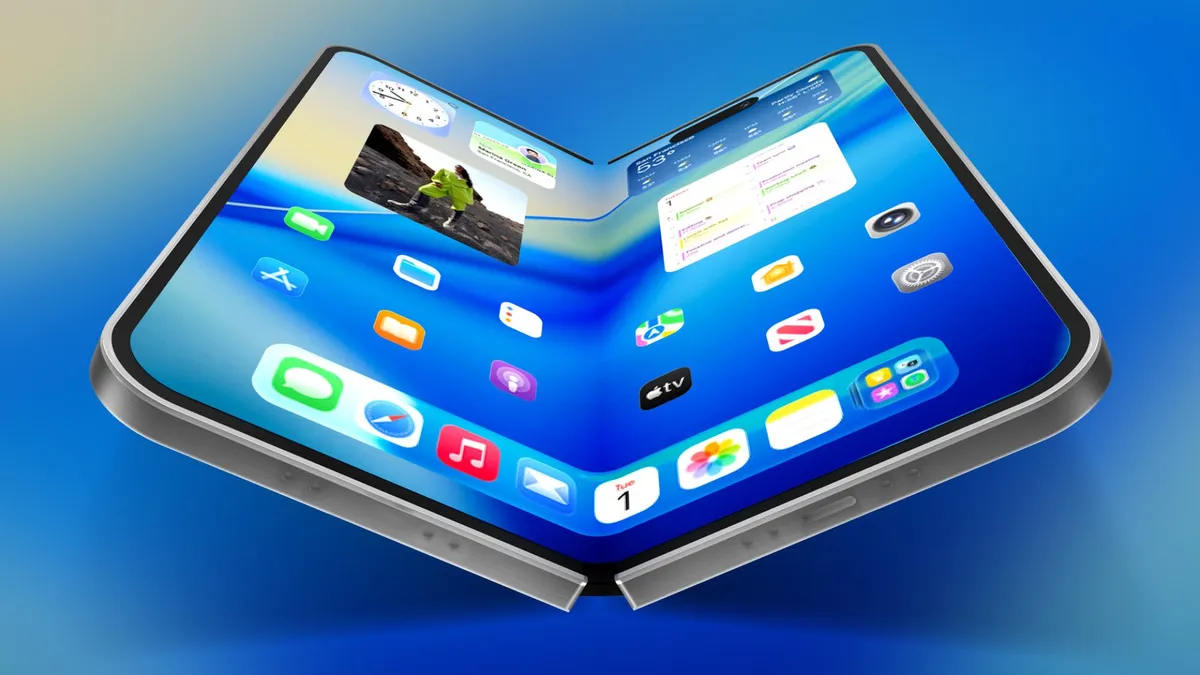
While this isn’t something that will impact the majority of users, the biggest material change for iOS 27 is that it will be compatible with the upcoming iPhone Fold, which will reportedly open like a book to reveal a larger 7.8-inch display.
“Apple will prioritize software features tailored specifically to this new form factor,” claimed Bloomberg’s Mark Gurman in a report last year.
What that means in practice remains to be seen, but Gurman suggests that it will add windowing features to allow two apps to run in tandem with each other, as well as significant updates to Apple’s own iOS apps to make them compatible with the larger internal display.
Major Siri overhaul (finally)

A smarter version of Siri — Apple’s longstanding virtual assistant — was promised a couple of years ago in iOS 18. But a major Siri delay has caused several features to be pushed back.
We’re expecting a more AI “chatbot-like experience” with Siri 2.0, paired with a “fresh look”. This new look is still to be confirmed, but Apple is reportedly testing the glowing borders introduced in iOS 18, possibly with a Dynamic Island-style pill-shaped indicator which expands into a Liquid Glass panel when results are ready.
Siri 2.0 is also set to become more aware with personalized context, awareness of what’s on screen and better app integration.
The first of these means that Siri will keep track of messages and files while learning about you to provide personalized context. For example, you’d be able to ask “what book did Sam recommend to me last week?” or “what’s my passport number?”
This potentially ties in with onscreen awareness. Siri will see what you’re looking at, and figure out the contextual clues based on it. If you’re looking at a photo, you’d be able to send it directly to someone via Siri, for example, or if someone messages you an address, you could ask Siri to add it to a contact.
App integration, meanwhile, will allow Siri to do more within and across apps. Think moving files between apps, getting map directions and sending an ETA to a contact, or editing a photo and then sending it to someone.
Currently, Siri works with ChatGPT thanks to an exclusive partnership with Open AI, but Apple will reportedly allow more choice with iOS 27. An ‘Extension’ tool will allow you to install different chatbot services from the App Store, opening the door to integration with the likes of Gemini and Claude.
Health Plus (in some form) and a “revamped Calendar app”
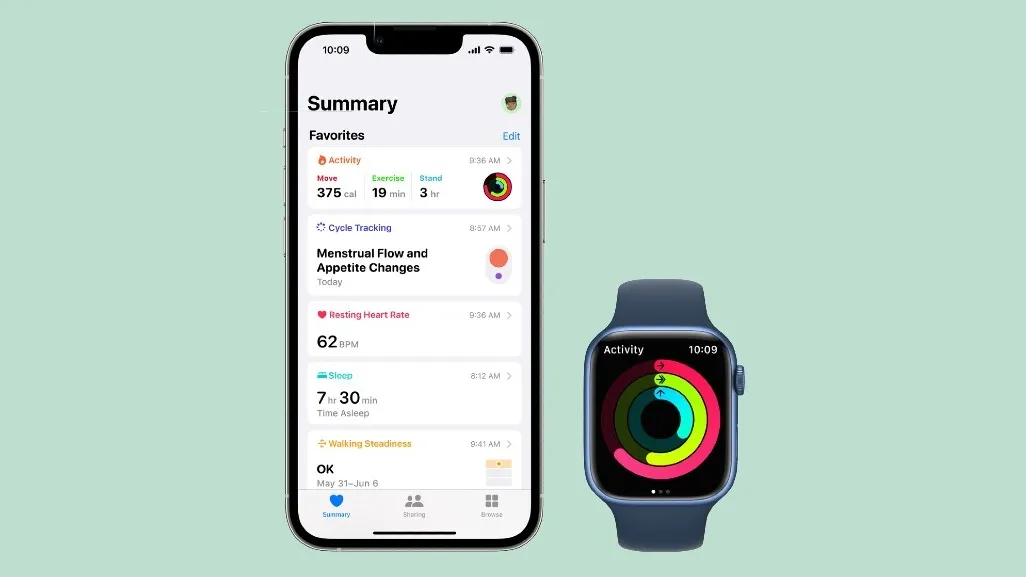
The original vision for Health Plus was a system that could generate detailed health reports for users, establishing a holistic picture through surveys, health assessments and Apple Watch data. It would then provide personalized recommendations to improve health with a little help from Apple Intelligence, and videos about medical conditions, wellness routines and training plan guides shot in Oakland.
Sadly, this has been pared back, but Bloomberg’s Mark Gurman says that certain elements could still be “repurposed and introduced” in 2026, and that presumably means as part of iOS 27. It may not be as all encompassing as the original idea, but it sounds like there will be some suggestions based on existing Health app data coming this year.
Elsewhere, Gurman claims that Apple is working on a “revamped Calendar app” across its platforms. Details are sparse, but it’s due for inclusion in iOS 27, Gurman says.

Improved Shortcuts

Shortcuts is a very flexible bit of software, allowing you to create clever automated routines — but even after eight years, it’s not exactly user friendly. With iOS 27, the Shortcuts app will be able to create routines based on a description of what you want, with Apple Intelligence doing the heavy lifting on your behalf.
Easing up on Liquid Glass

While Liquid Glass has proved a controversial design choice for iOS, Apple won’t be abandoning it any time soon. “Liquid Glass took a lot of time to design, so it won't get overhauled overnight,” wrote Bloomberg’s Mark Gurman.
Nonetheless, Apple is continuing to tweak it based on user feedback. iOS 26.1 introduced the ability to reduce its transparency, and 26.4 let users disable Liquid Glass highlights. In iOS 27, according to Gurman, we can expect a slider to fine tune the Liquid Glass effect across the whole operating system. That means everything from app folders to navigation bars, which should make a big difference.
iOS 27: What I’d like to see
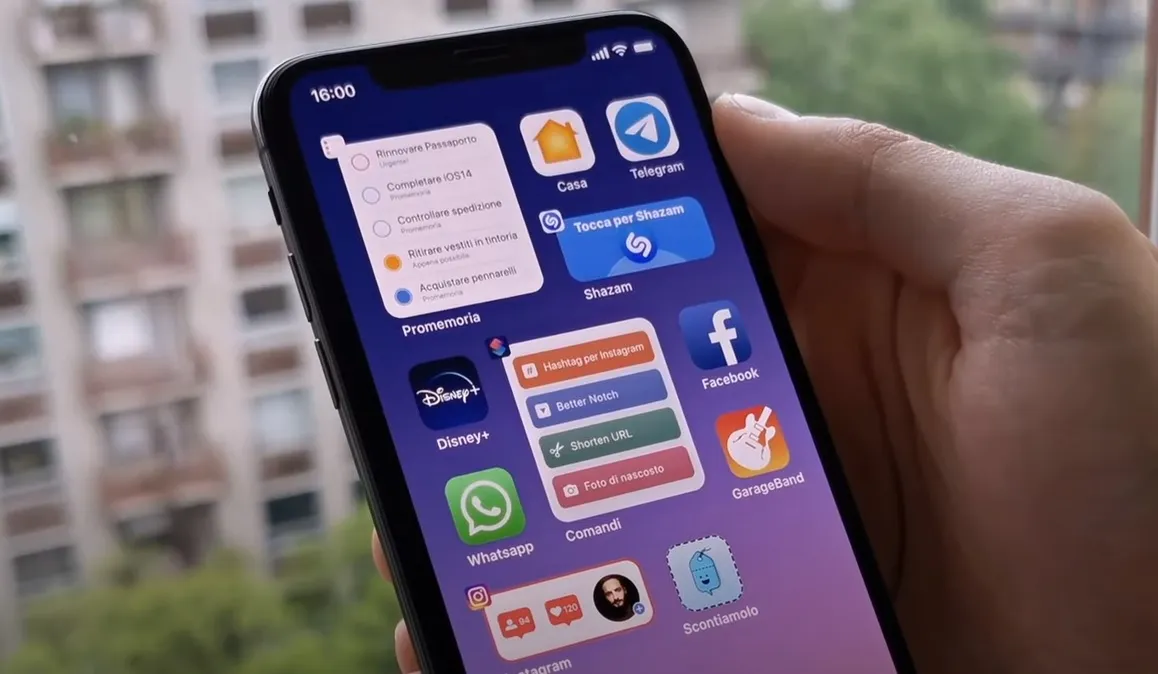
This all sounds quite promising, but beyond that, I have some wishes that I’d love to see granted with iOS 27.
More customization options
Being able to tweak Liquid Glass is nice, but I’d like to see Apple go further on the customization options.
As someone who tries to organize their homescreen icons with a gradual color shift (yes — I arguably have too much free time on my hands), it would be nice to be able to easily change individual app icons to fit, for example. The bright green Messages app really breaks the pattern.
Don’t forget us AI refuseniks
A lot of iOS 27’s promised features seem to lean heavily on AI. That’s fine by me if it remains in the background, but as somebody who deliberately avoids using AI chatbots and resents when companies try to push generative AI into everything, it makes me a little nervous. I hope that Apple Intelligence features remain optional for the most part and can be easily hidden away for those of us who don’t like the general direction of travel for AI.
A less buggy launch
Above all, I’d just like iOS 27 to land on my iPhone without drama. With iOS 26, I suffered from all manner of problems with the launch, from broken widgets and misbehaving apps to missing notifications and an unwanted change to mobile downloads that saw my iPhone chew through its entire data allowance in two days.
So above all, what I really want is an update that doesn’t require troubleshooting, please Apple.