




Thanks to RAMageddon driving up the cost of consoles and PC components — not to mention $80 games potentially becoming the standard — gaming is now more expensive than it has been in ages. If you already own a (functional) gaming console or PC, then you’re largely unaffected. But for those looking to get into the hobby or who just want lower-cost options, it’s not as simple as it used to be.
One alternative is cloud gaming. Instead of shelling out for expensive hardware, you can stream games from powerful remote servers loaded with high-end GPUs. So long as you have a stable internet connection (50 Mbps+ and wired, if possible) and the appropriate peripherals (a controller or a mouse and keyboard), you can play games on your laptop, phone, tablet, or smart TV. No giant installs eating your SSD either!
Don’t get me wrong, this isn’t the first option I would think of either. Like you, I prefer to play games locally on a device. And cloud gaming isn’t perfect, as latency and compression depend on your connection. But playing games online has become more reliable over the years. With a stable internet connection and the wealth of games in digital libraries, it’s not a bad way to play.
If you’re willing to give cloud gaming a shot, there are several services to choose from. To that end, I’ve selected three of the best cloud gaming services for most players. I’ve tested and played on each one, so I can vouch for their strengths and weaknesses. No matter which one you opt for, you won’t go wrong — it just depends on your needs.
Nvidia GeForce Now
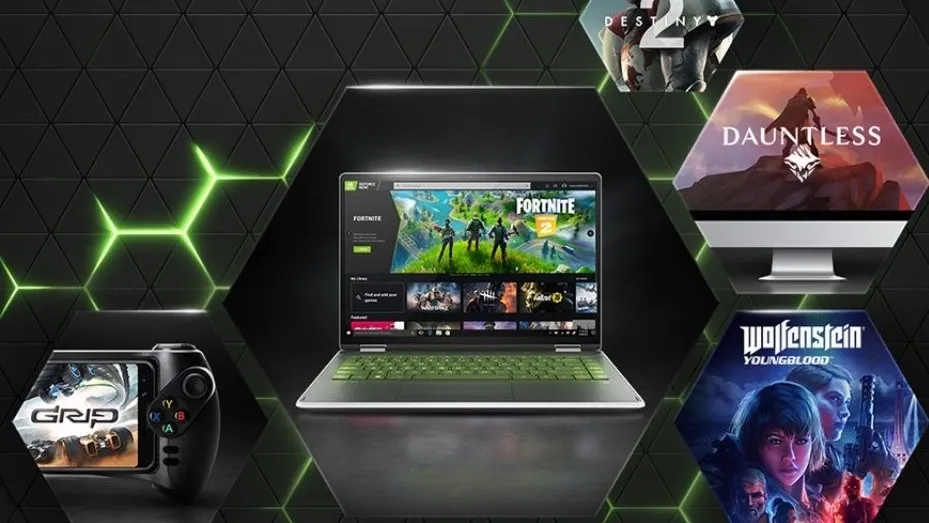
Nvidia GeForce Now is the cloud gaming service I recommend to most folks and the one I’ve enjoyed using the most over the years. It allows you to play games that you already own on Steam, Epic, Ubisoft, and other PC accounts, streamed right from Nvidia’s servers. If you already have an extensive library of PC games, GeForce Now is hard to top.
There is a free tier with limitations, plus paid Performance ($10 a month / $100 a year) and Ultimate tiers ($20 a month / $200 a year) that unlock better rigs, priority queuing, higher resolutions/frame rates, and extras like ray tracing and DLSS 4 at the top end. Ultimate taps into RTX 50-series-level performance. On a good connection, you might think that you’re playing a game locally instead of streaming it. If your existing laptop or older desktop struggles with newer, graphically demanding games, GeForce Now lets you play your existing library without dropping a ton of cash on new hardware.
As great as GeForce Now is, it has some notable setbacks beyond the usual issues associated with cloud gaming. You’ll need to own the games (or stick with the supported free-to-play titles), and not every game from your library will be available since publishers have to opt in. If you game regularly, the free tier isn’t ideal as you’ll have to endure queues during peak times and shorter or lower-priority sessions.
Drawbacks aside, Nvidia GeForce Now is an excellent cloud gaming service that has only gotten better over time. For those with sizeable Steam/Epic backlogs who want a way to play their games on whatever device they own, this is the closest thing to a high-end local experience that you can get.

Xbox Cloud Gaming (via Game Pass Ultimate)
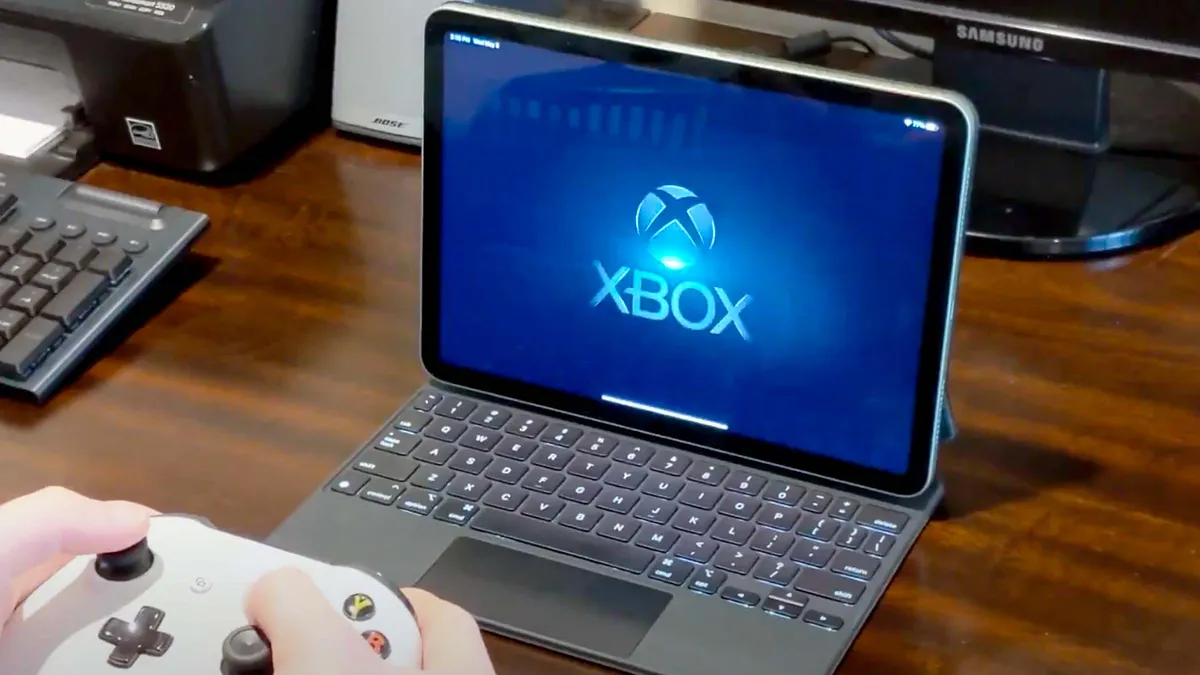
The next-best cloud gaming service is Xbox Cloud Gaming. Don’t let its name fool you, as you don’t need to own an Xbox to use it.
This service allows you to stream a huge library of titles (over 500 at the time of writing) directly from Microsoft’s servers as part of Game Pass Ultimate ($23 a month). This includes day-one releases for many big Xbox and Bethesda games, plus EA Play integration. Xbox Cloud Gaming is available on phones, tablets, PCs, browsers, and smart TVs. You don’t need to own any of the rotating list of titles as they’re included while your subscription is active.
That last point is both good and bad, as the library isn’t static. Games regularly rotate in and out, so a game you’ve fallen in love with might disappear next month. Streaming quality is generally solid but can show compression or slightly higher latency than GeForce Now, which I’ve experienced myself. And since you don’t own the games, canceling your subscription means you lose access to everything.
If you’re an Xbox fan or like the games on offer, Xbox Cloud Gaming is an affordable way to access hundreds of games without an Xbox or an expensive PC.
Amazon Luna

I know what you’re thinking, and yes, Amazon Luna is still around! This is easily one of the least talked-about cloud gaming services, but it’s actually a pretty decent service for casual gamers. If you have an Amazon Prime subscription, you already have Luna Standard… even if you didn’t know it.
A $10 Luna+ subscription gives you access to a curated mix of indies, party games, and older favorites. Luna doesn’t have the deepest AAA catalog, but for an extra cost, you can add channels like Ubisoft+ for higher-end games. Naturally, Luna integrates well with Prime (monthly rotating Prime Gaming titles) and works smoothly on Fire TV devices, with good controller support, including Amazon’s own Luna controller. Yes, that’s still around too!
Where Luna falls short is in its game depth. The core library is much smaller than on Game Pass or what GeForce Now can access through your collection. If you want to play the latest blockbuster titles or want a variety of day-one releases, Luna is decidedly limited. Extras via channels can get expensive if you want a broader range of games. And though the experience is generally solid, it doesn’t quite match the visual fidelity or raw performance of GeForce Now’s Ultimate tier.
Amazon Luna might not razzle-dazzle, but it’s an easy entry point or supplement. If you’re more of a casual gamer who wants an affordable way to mess around with some titles and already have an Amazon Prime subscription, it’s certainly worth a look.

Give cloud gaming a shot
Cloud gaming cannot fully replace a local high-end rig or console if you prioritize zero latency, max settings, offline play, or permanent ownership. But with RAMageddon making upgrades painful, cloud gaming services let you keep playing (or start fresh) without dropping a fortune on components that are only getting more expensive.
The cloud gaming services I’ve listed in this piece should give you a clear picture of which one is best for you. Again, I understand that the idea of cloud gaming might sound alien, but it’s not a bad option for keeping you gaming until you can spring for new hardware. At the very least, you’ll save money now that you can spend later if and when prices settle (or you find a good deal). Your wallet will thank you.

Follow Tom's Guide on Google News and add us as a preferred source to get our up-to-date news, analysis, and reviews in your feeds.
More from Tom's Guide

